1. Function description
According to the active safety alarm generated by the vehicle as the basis, the GPS point of the alarm will be connected on the map to form a track playback.
2. operating instructions
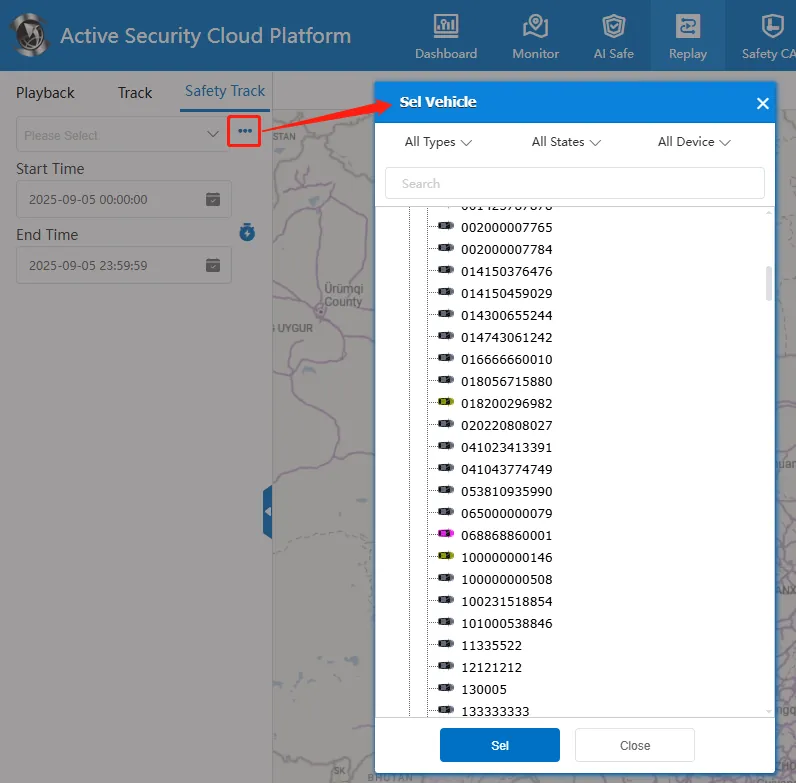
2.1 select vehicle
Enter the license plate number in the input box or click button to select a vehicle to be queried.
2.2 select date
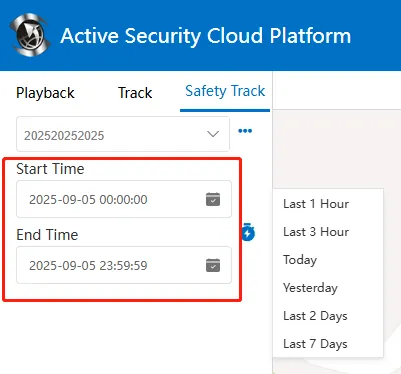
Select the start time and end time, support cross day query, click! The button can quickly select the most recent time.
2.3 search playback
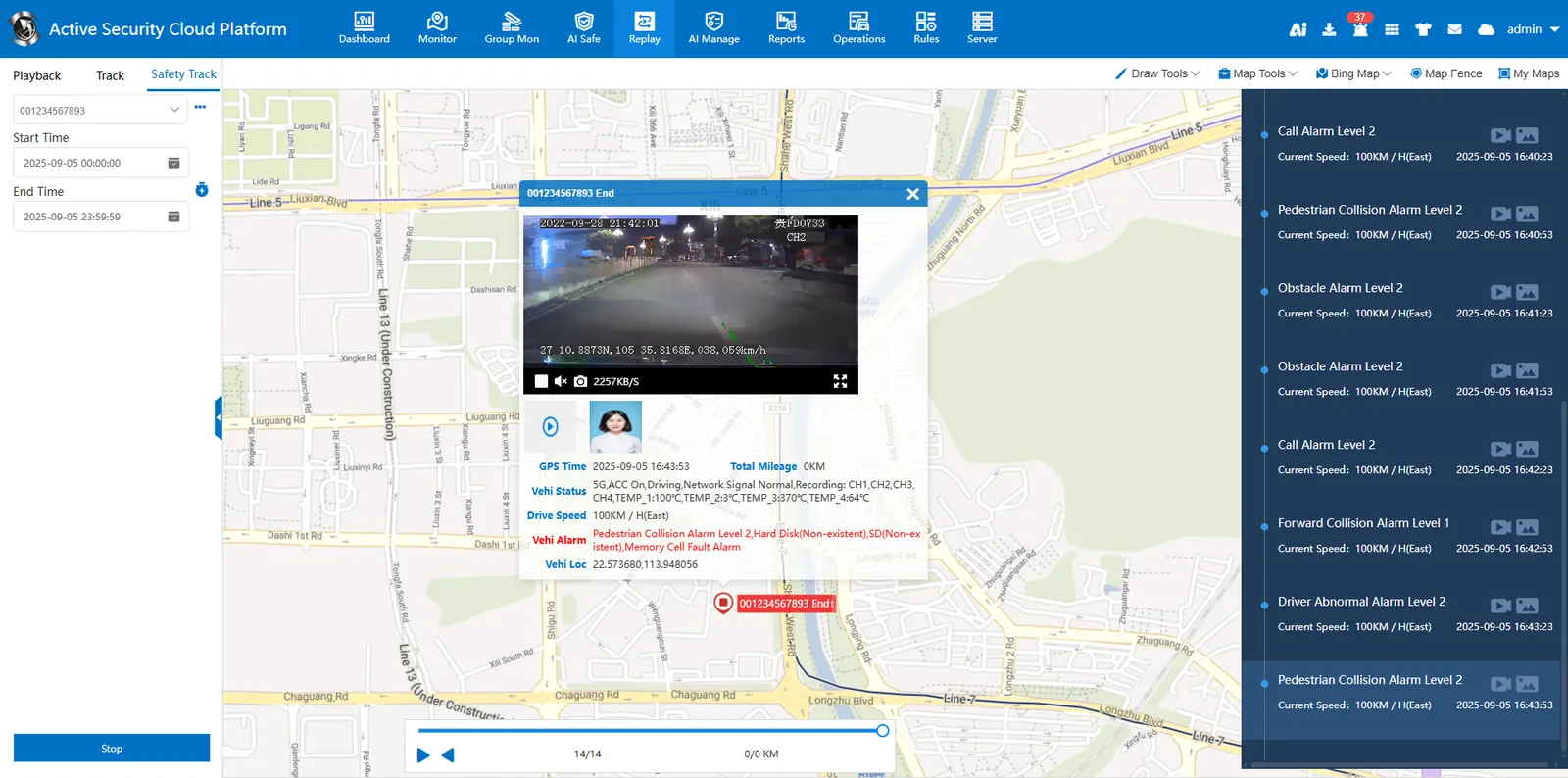
Click "Search Now" to display the alarm line on the map, which is displayed in blue with arrow lines and supports forward or backward playback.
The active safety alarm list on the right side displays alarm information, including alarm time and alarm speed. If there are alarm videos and alarm pictures, they can be displayed on the map after clicking the alarm information.
2.4 security event export
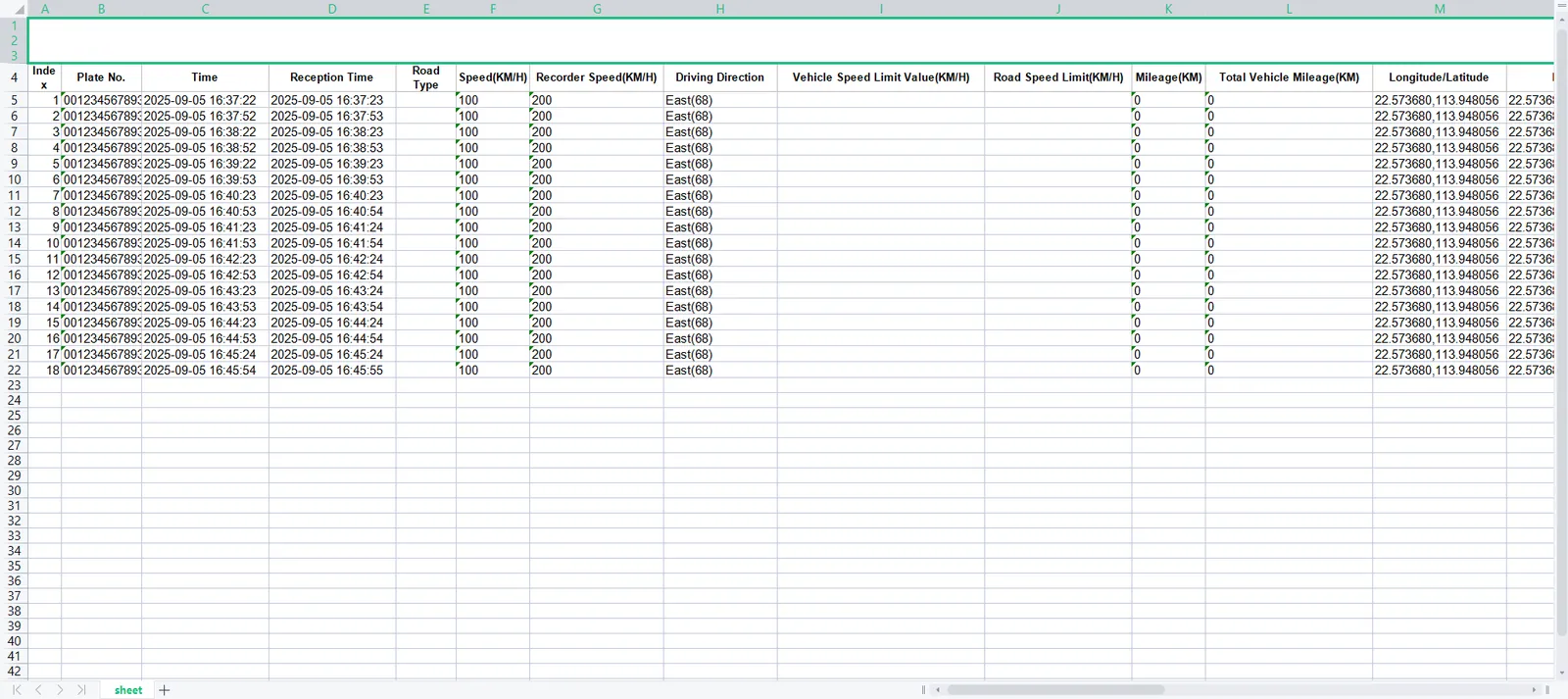
There is an "Export" button in the alarm list at the top right of the page.
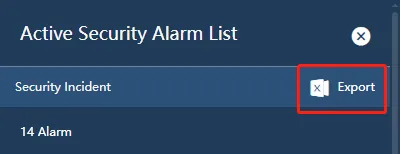
Support for exporting security events to an Excel document.