1. Functional Description
WEB video docking instructions, TTX packaged h5 plug- in supports 264/265 video playback, PC h5 browser, mobile phone browser, QQ/WeChat web page
2. Operating Instructions
2.1.PC browser video docking
Scheme 1 h5 flash plug- in (recommended)
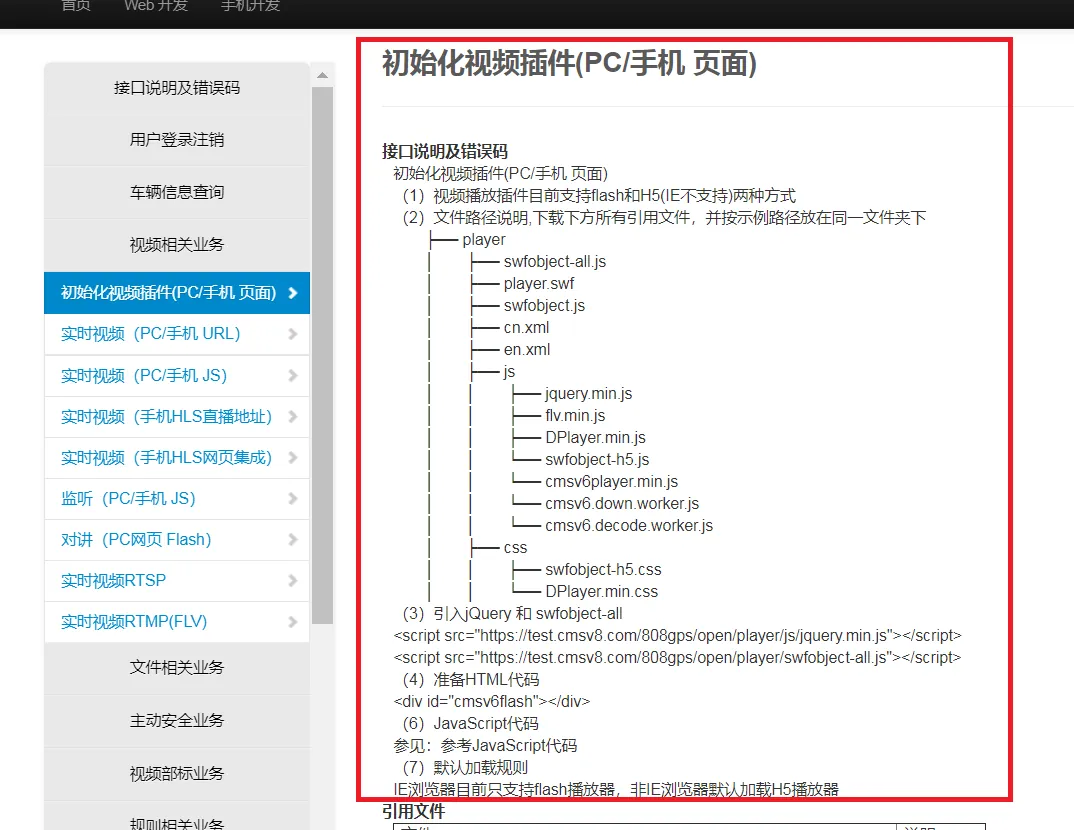
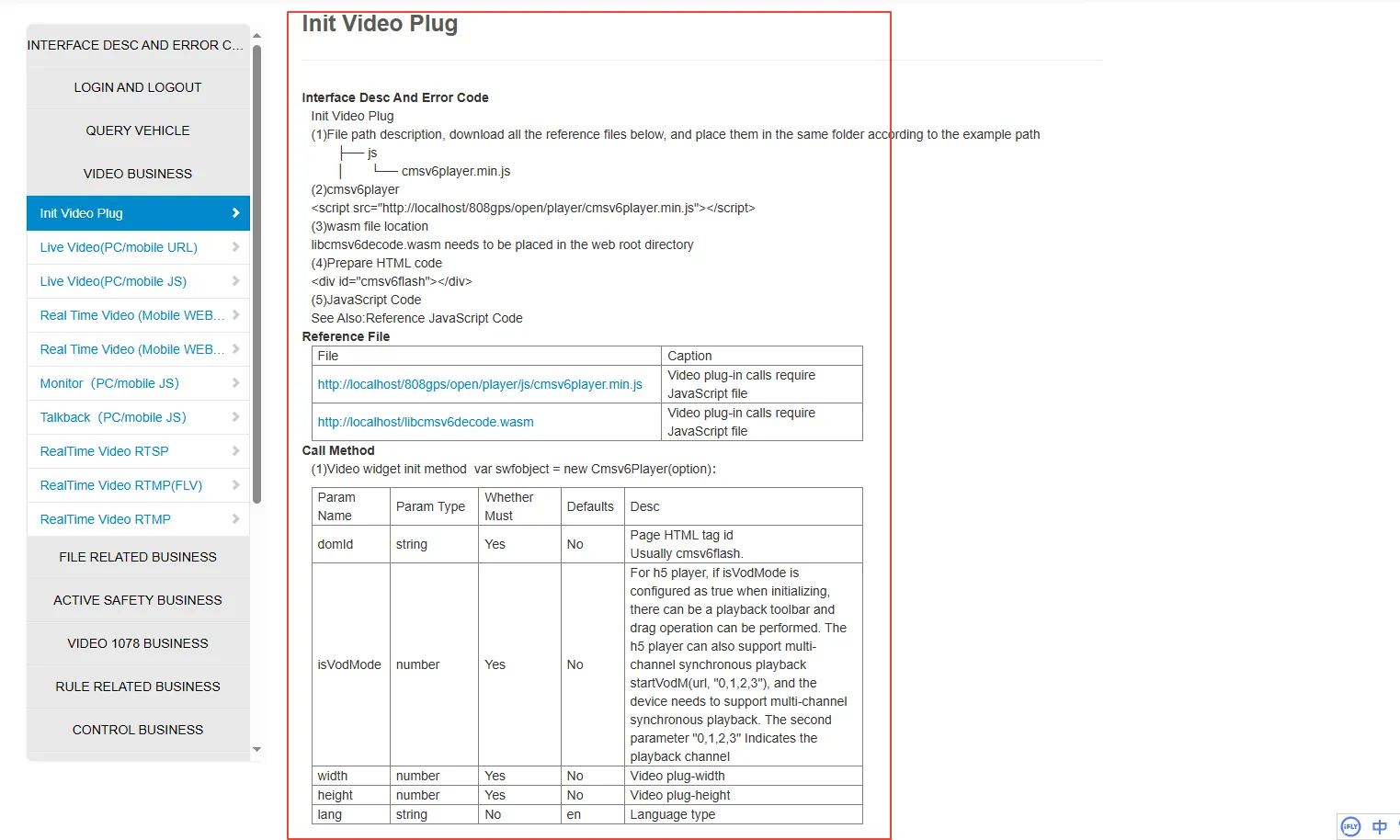
A. corresponding API interface, refer to the following figure
(1) The video playback plug- in currently supports H5 and Flash
(2) Non- IE browsers load H5 players by default. IE browsers currently only support Flash players
B. Compatibility Notes
| Browser | Using plug- ins | Instructions |
|---|---|---|
| Chrome | H5 | Direct use |
| Firefox | H5 | Direct use |
| Edge | H5 | Direct use |
| IE11,10,9 | Flash | Flash needs to be installed and can be used directly |
c. Advantages
It can be used directly on mainstream browsers without the need to enable plug- ins and other operations (for example, if chrome uses flash plug- ins, it must be enabled every time it is opened for use. When using this solution, chrome will use h5 plug- ins by default, and it does not need to be installed or enabled. It can be used directly)
Good real- time video
d. Weaknesses
At present, two- way intercom is not supported. If you want to use two- way intercom, you need to use flash.
hls(HTTP Live Streaming)(not recommended)
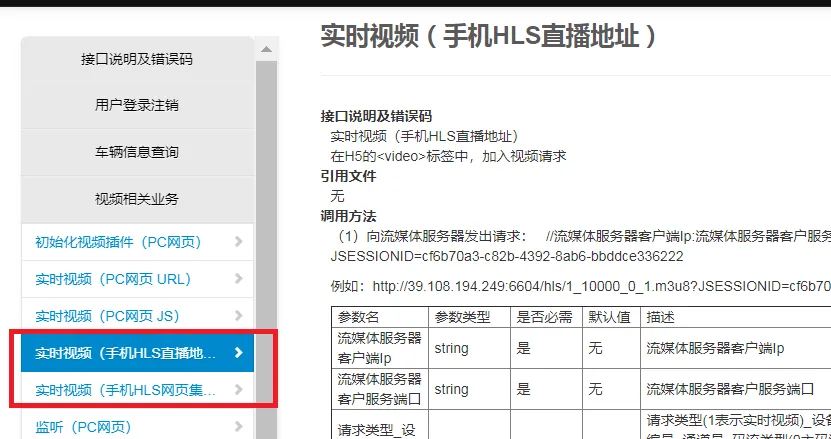
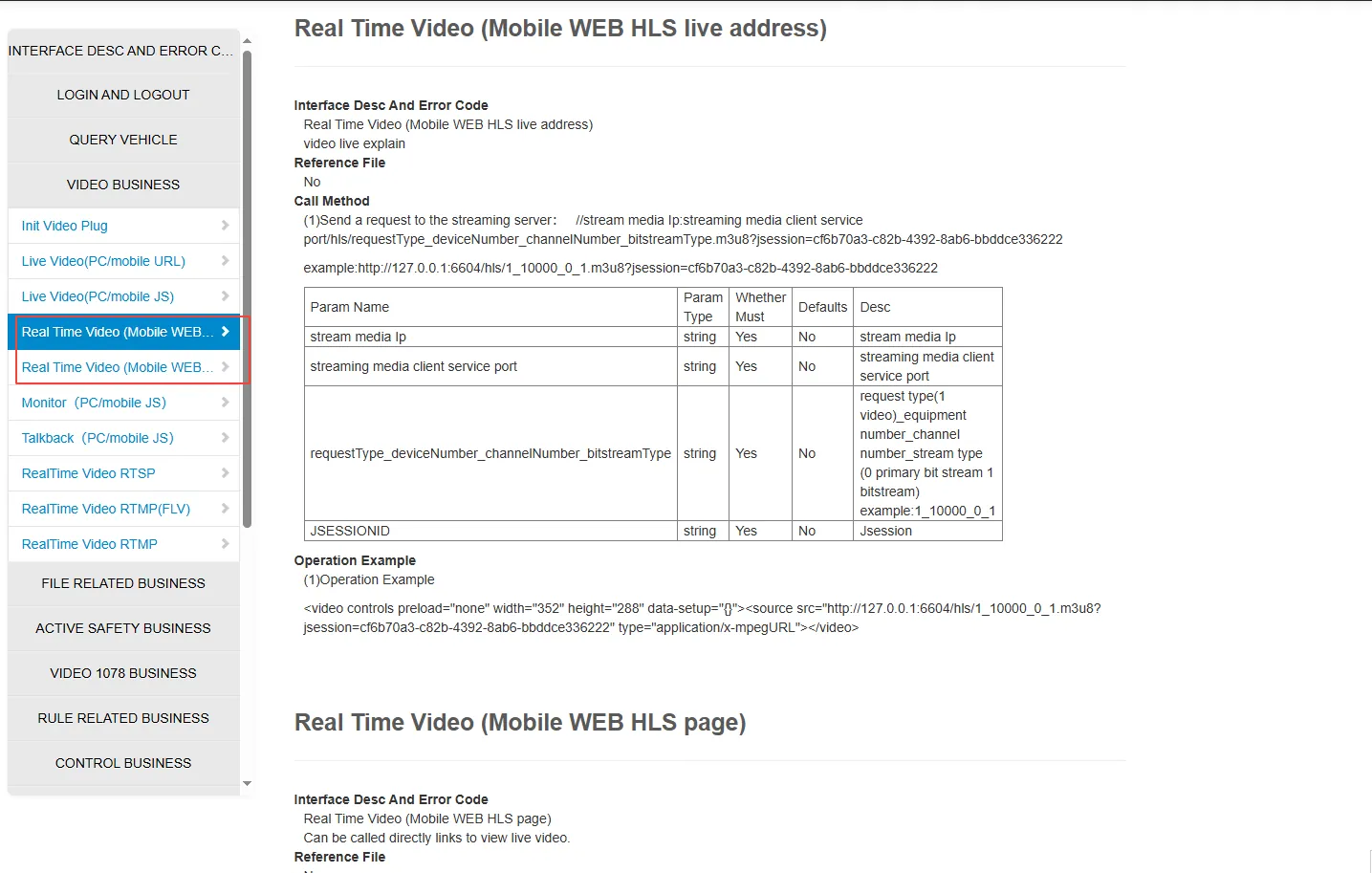
A. corresponding API interface, refer to the following figure
B. Compatibility Notes
| Browser | Compatible | Description |
|---|---|---|
| Chrome | Yes | videojs plugins are recommended for integration |
| Firefox | Yes | videojs plug- ins are recommended for integration |
| Edge | Yes | videojs plug- ins are recommended for integration |
| IE11,10,9 | No | None |
c. Weaknesses
when the hls client plays a video, it needs to buffer the data for a period of time (10- 20 seconds) before it starts to play, so the video will have a certain delay.
2.2 mobile browser video docking
Scheme 1 h5 plug- in (recommended)
Please refer to 2.1 Scheme 1
hls(HTTP Live Streaming)(not recommended)
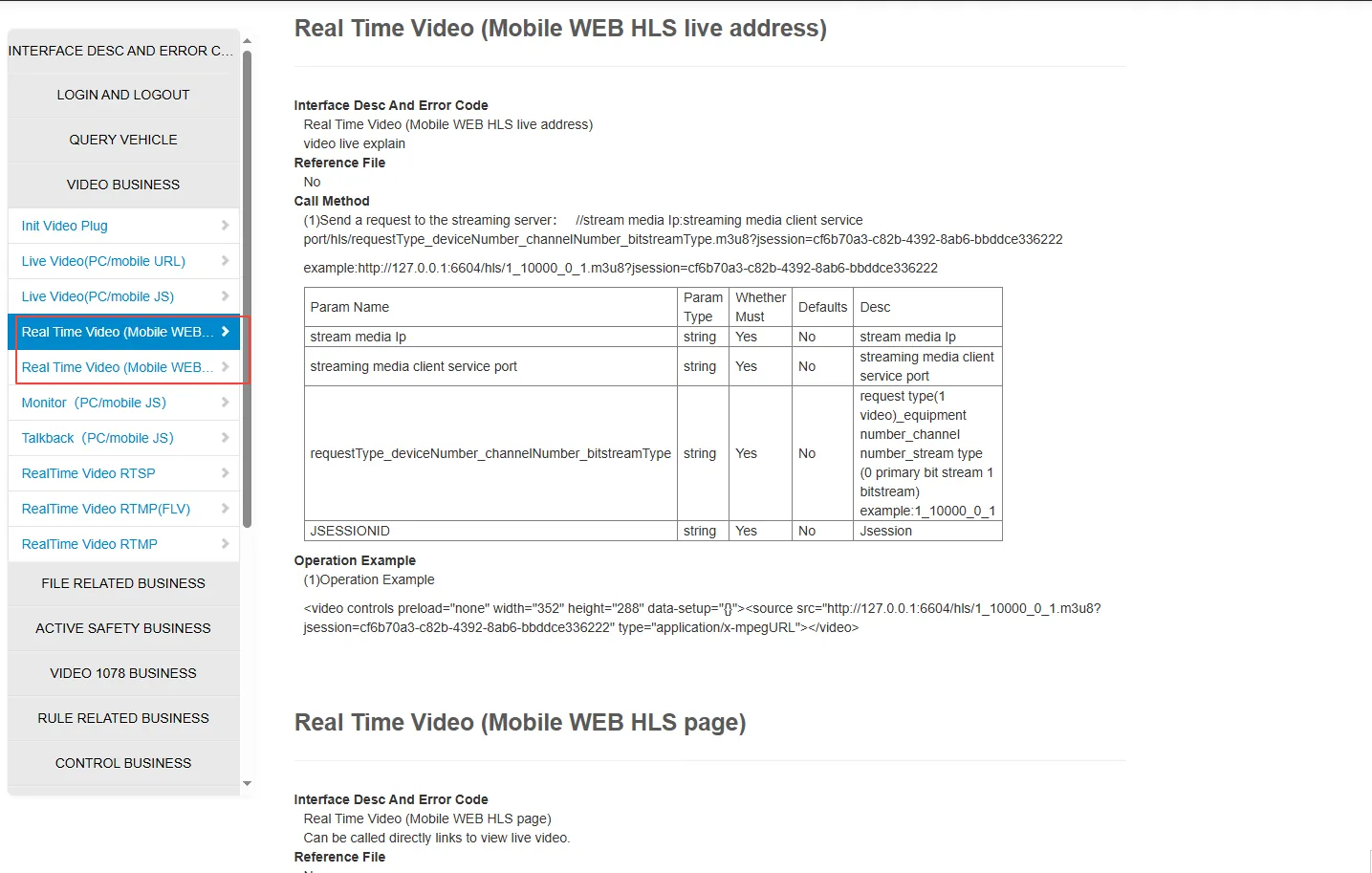
mobile browsers are subject to certain restrictions. currently, it is recommended to use the hls solution for integration.
Current problem: there will be a certain delay in the video, and the experience of watching the video is not very good.
