1. function description
nginx log configuration
2. operating instructions
2.1 Enter nginx.conf under CMSServerV6\nginx\conf, change the access_log off to access_log on, and add the log storage path access_log logs/access.log on the next line;
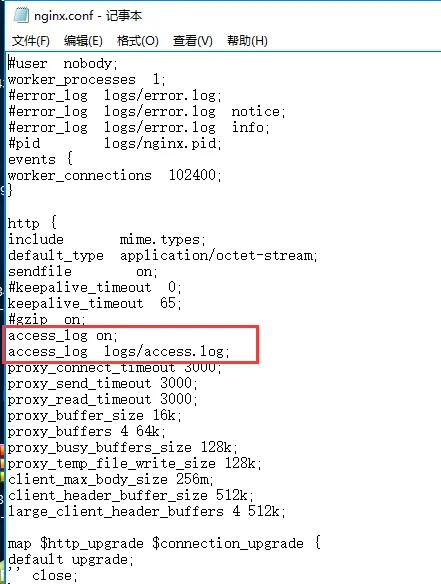
2.2 is saved, restart the nginx service (instead of canceling and re- enabling nginx, restart the service directly)
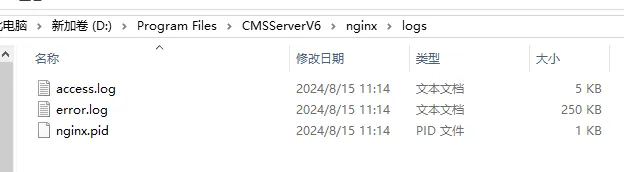
Error log path: CMSServerV6 error.log under \nginx\logs
2.3 log location