1、Function description
will customize the operation report to only generate alarm type data for the settings
2、operating instructions
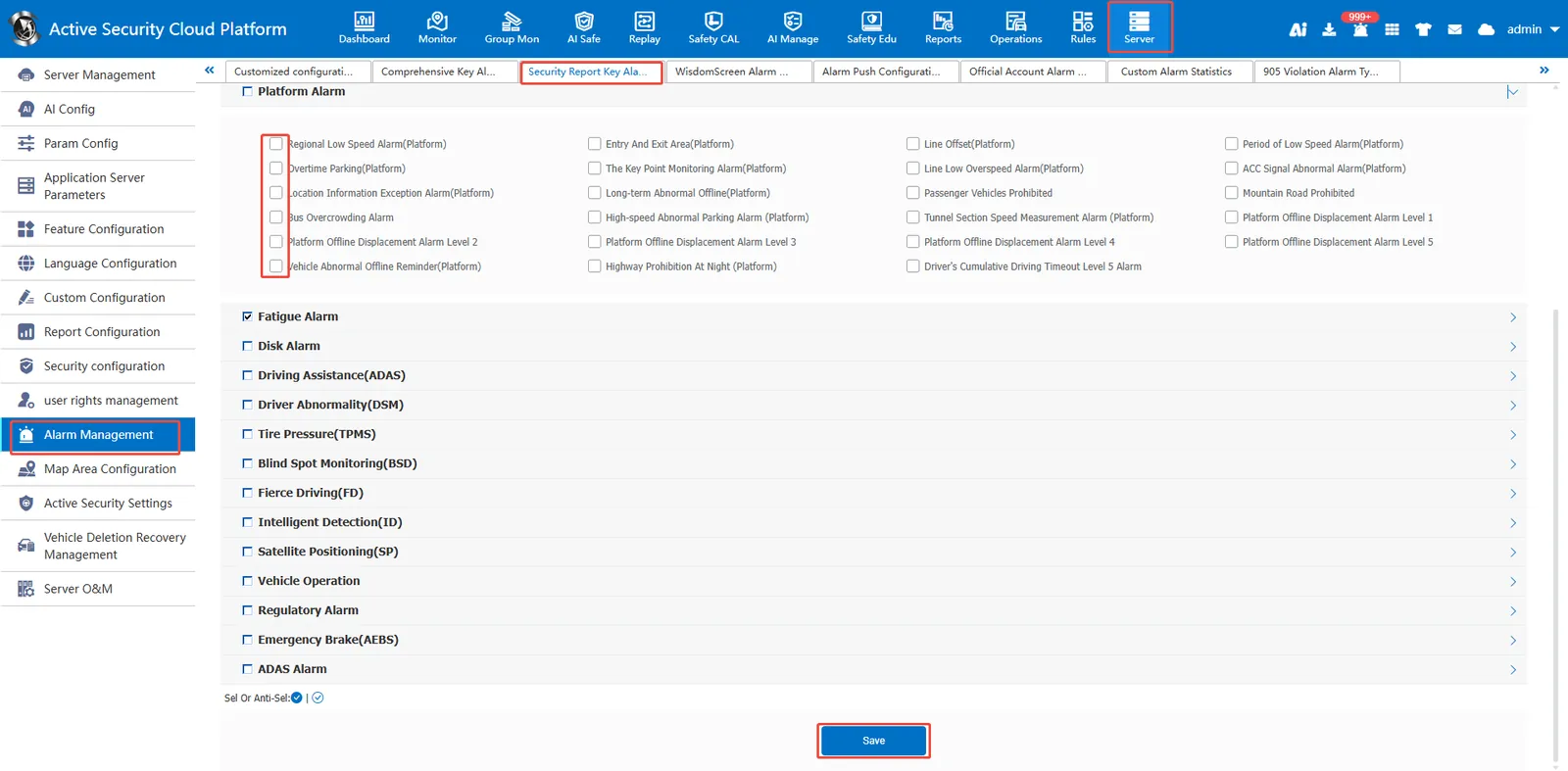
2.1、operation report alarm type custom configuration
Log in to the platform administrator user, then go to [Server Management]> [Alarm Configuration]> [Key Alarm Custom Configuration of Security Management/Security Report], check the required alarm type, and then save it.