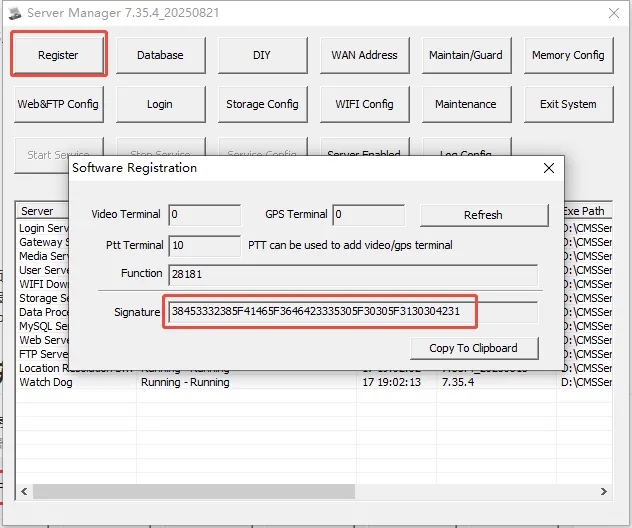
1. Obtain authorized IP address
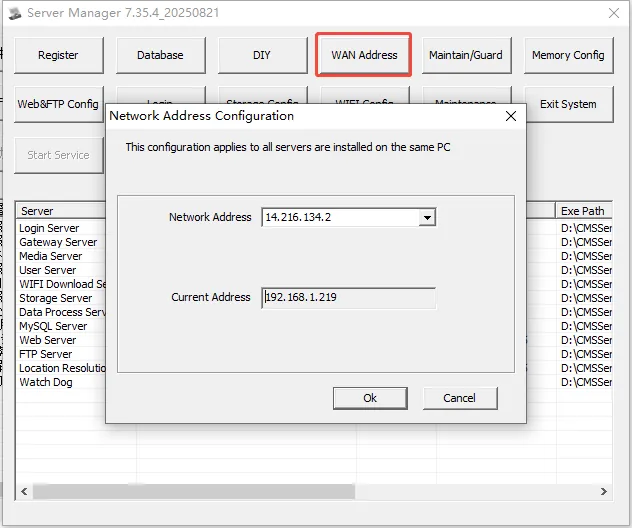
1.1. enter ** server management console> network address configuration **, the "public network" address bar displays the current server public network IP, and the "current configuration address" is the IP address currently configured by the server software
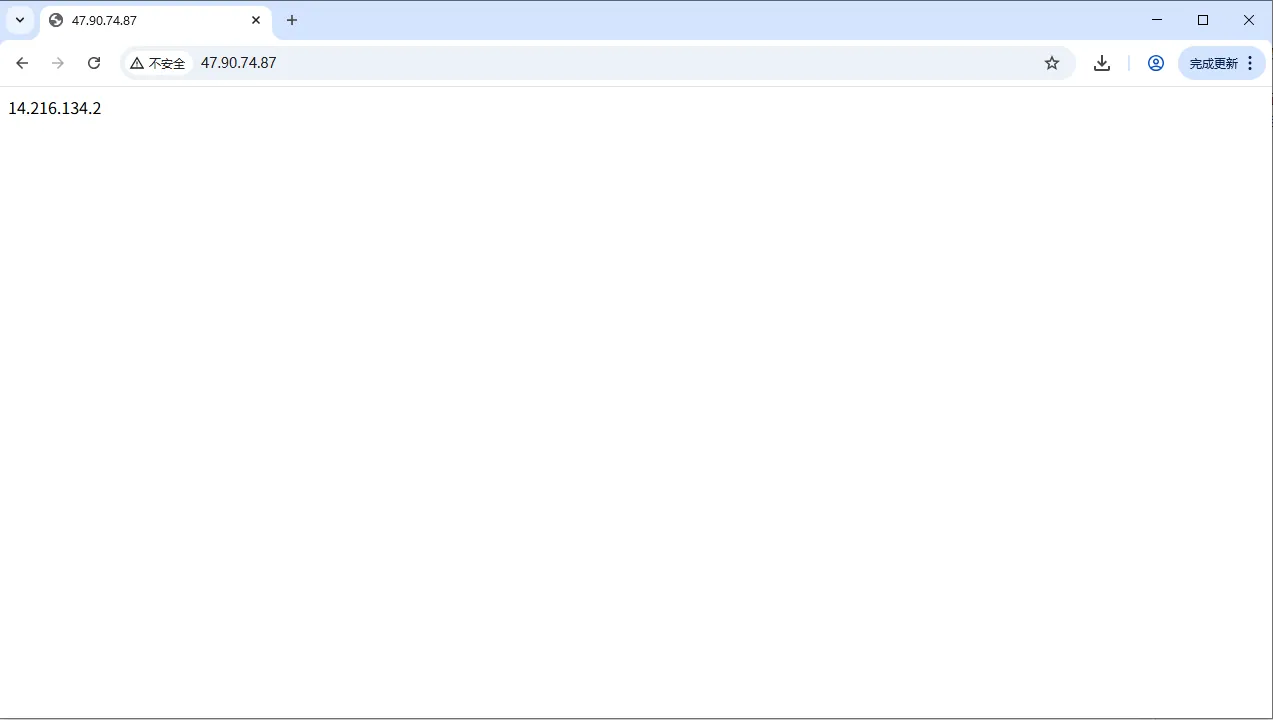
1.2. Enter 47.90.74.87 in the address bar of the browser. The address returned by the browser is the server authorized IP
Note:
A. some servers have inconsistent IP access to the network, so try to operate both 1.1 and 60.00g steps to confirm whether the IP is consistent. in case of inconsistency, the 1.2 return result shall prevail.
B. Floating IP cannot be authorized. Please refer to this document after fixing the IP.
2, get the signature
Go to Server Management Console> Software Registration. The returned feature code is the authorized feature code.