1. Function description
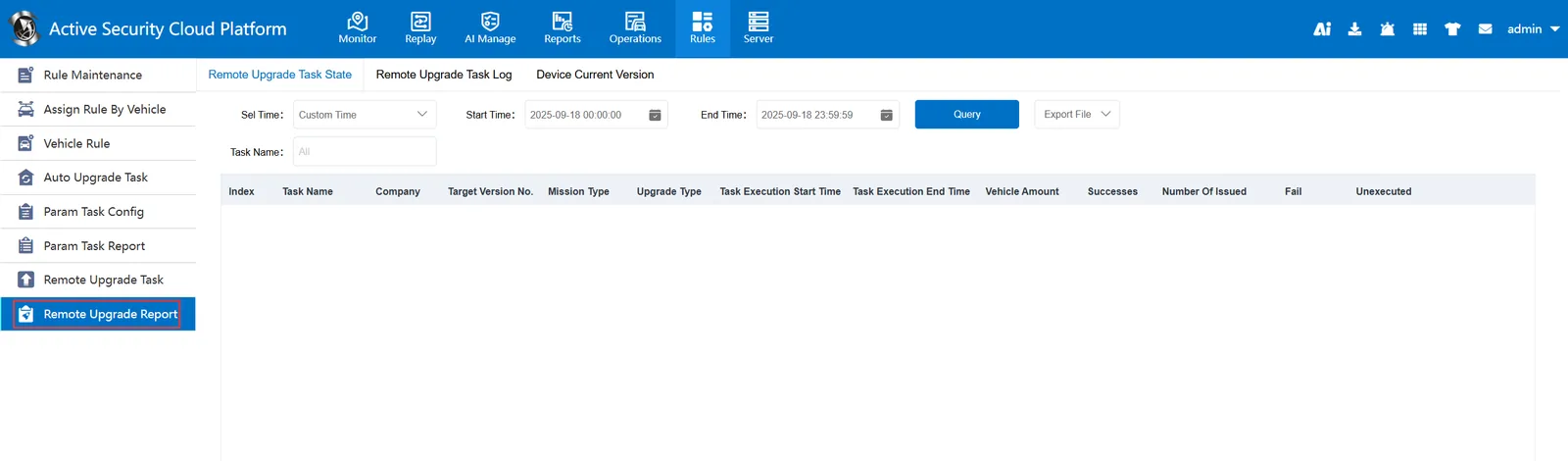
The remote upgrade report is used to query the upgrade tasks of the user's current company and sub- departments, mainly for query and display. It needs to have a remote upgrade task before it can query the relevant upgrade task information normally.
This report mainly consists of three reports: remote upgrade task status table, remote upgrade task log table, and current version of equipment.
2. operating instructions
2.1 remote upgrade task status table
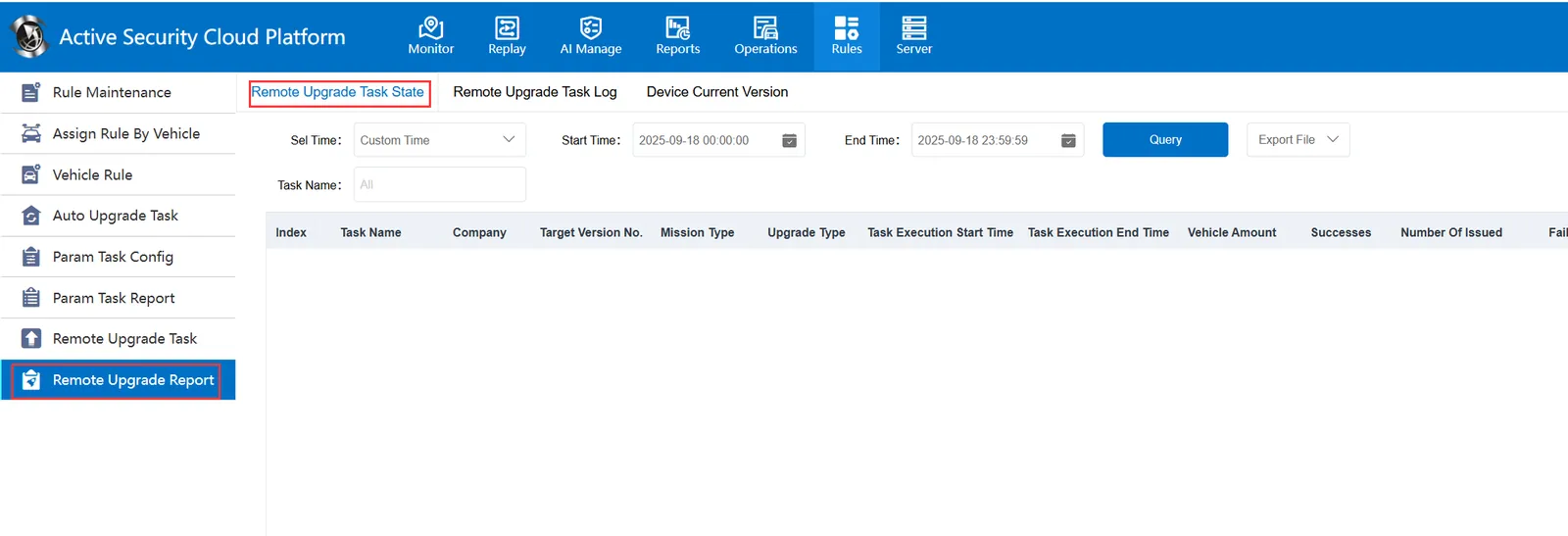
The task status table is mainly used to query the upgrade tasks of the user's current department and sub- department.
2.1.1 Select Time
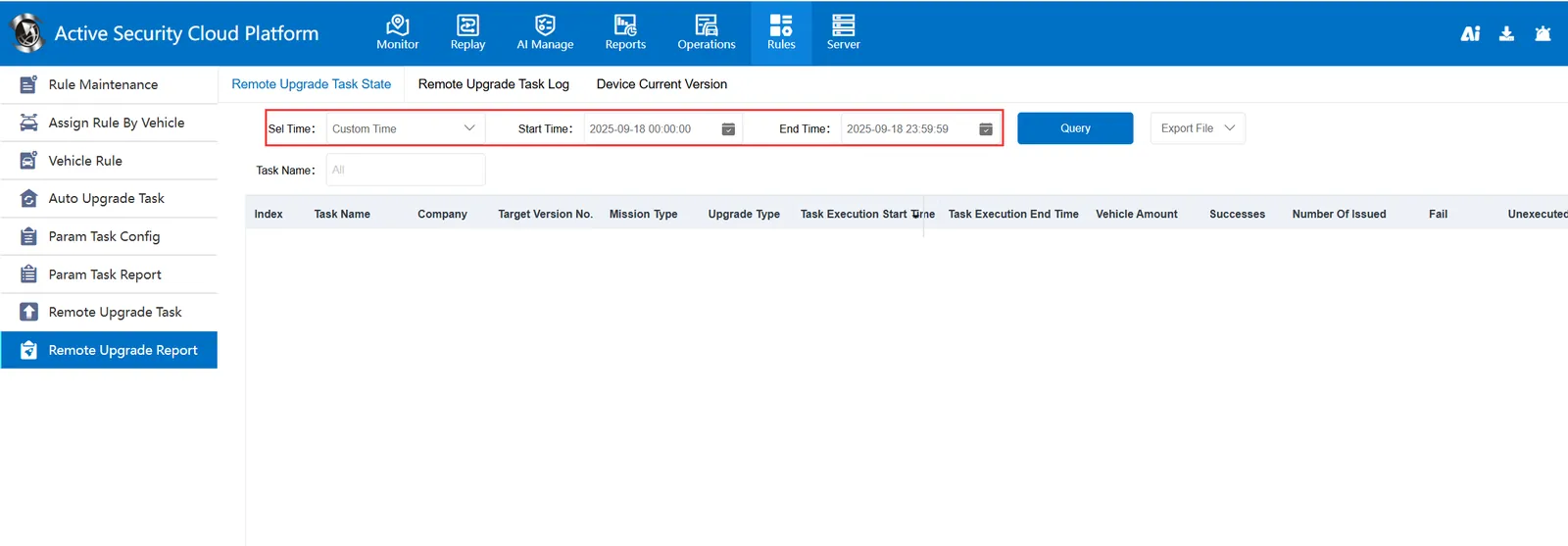
According to the selected time range, query the task status records in this time period. If you select a self- defined time, pay attention to when selecting a time. It only queries all task statuses after the specified start time and before the end time. Not displayed if the time range is not in this time range.
2.1.2 Task Name
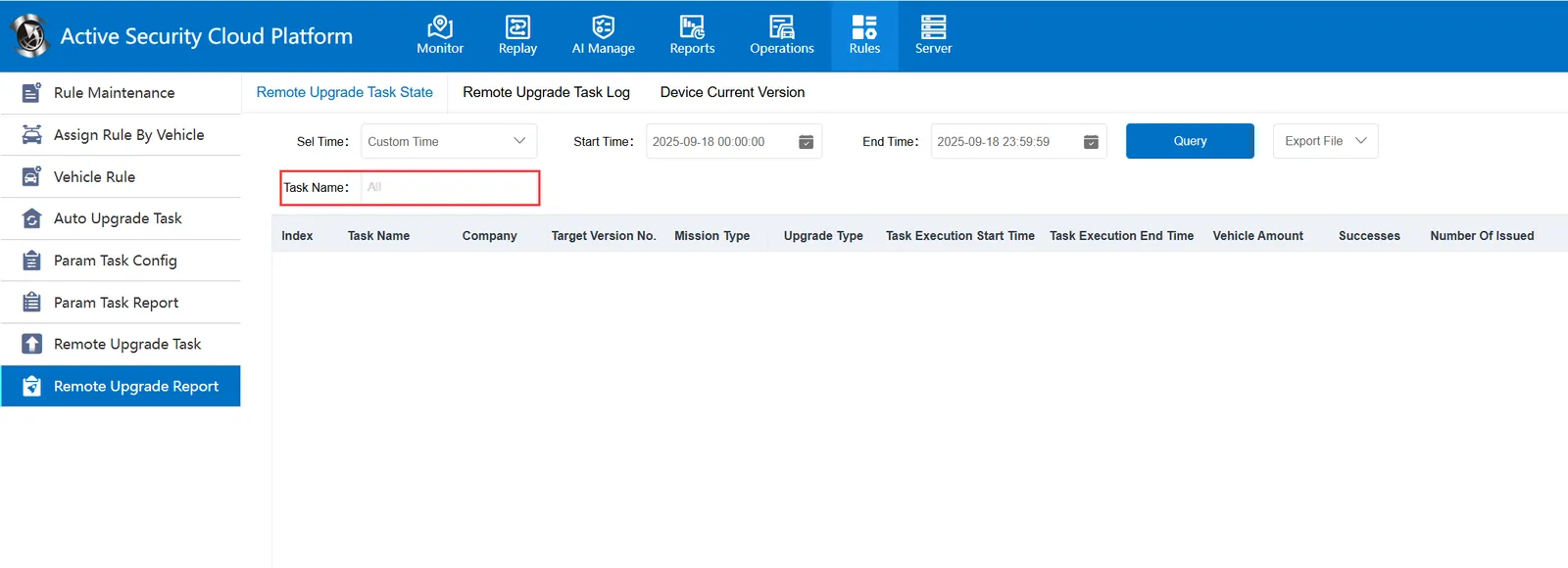
It displays the task status corresponding to the task name according to the selected task name. After clicking the box, the "Select Task" window will pop up.
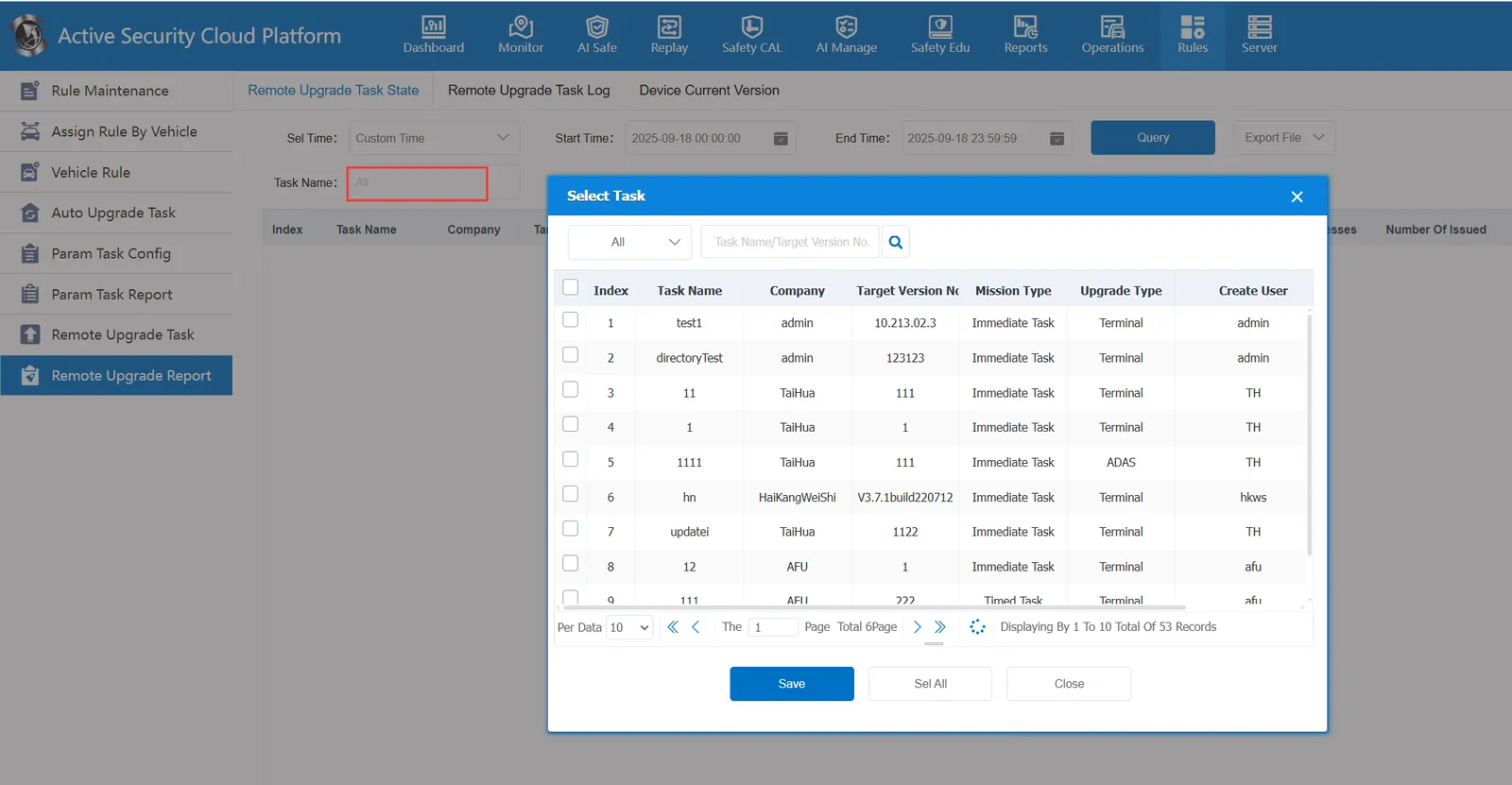
At this time, one or more tasks are selected, and then "save" or "select all" directly"
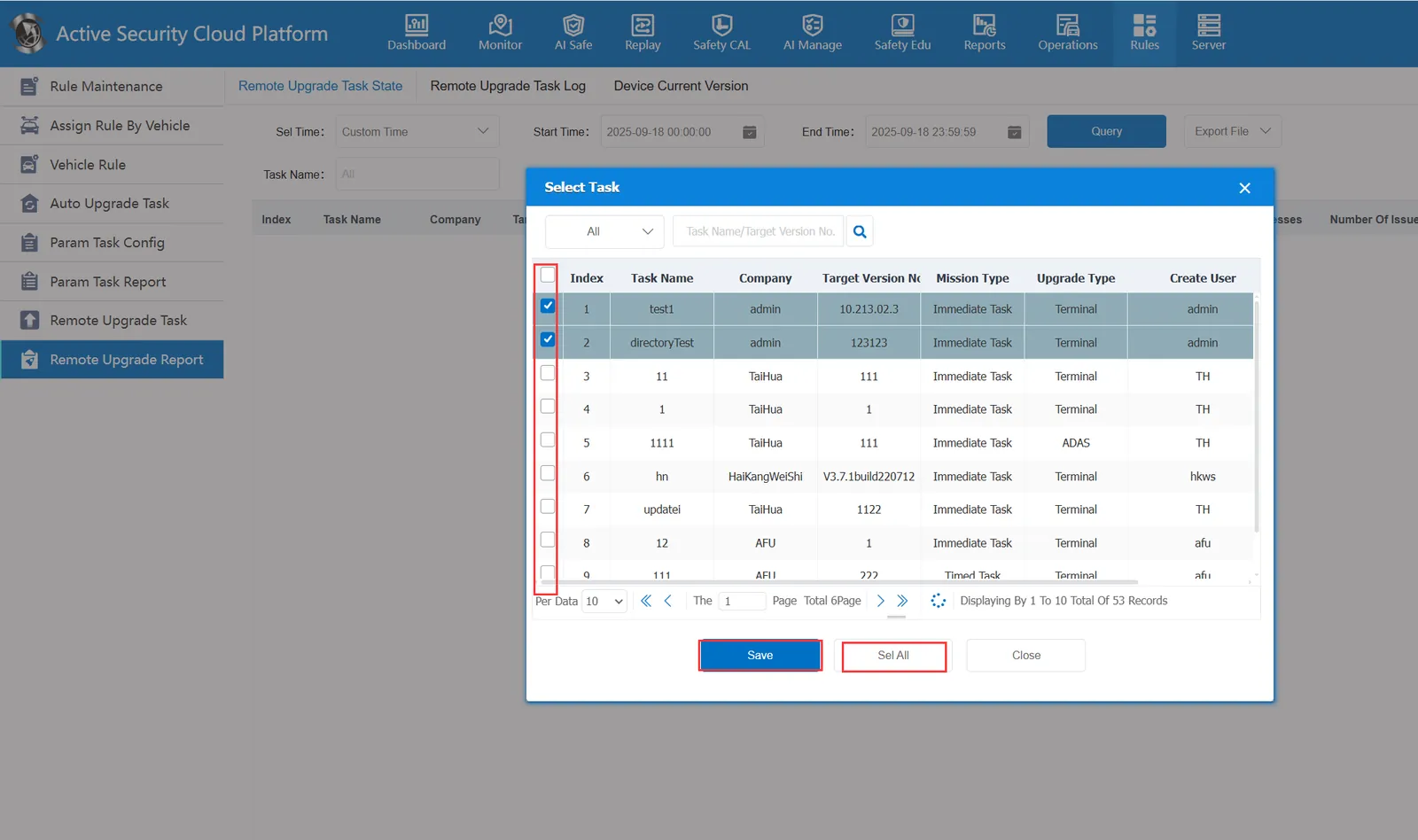
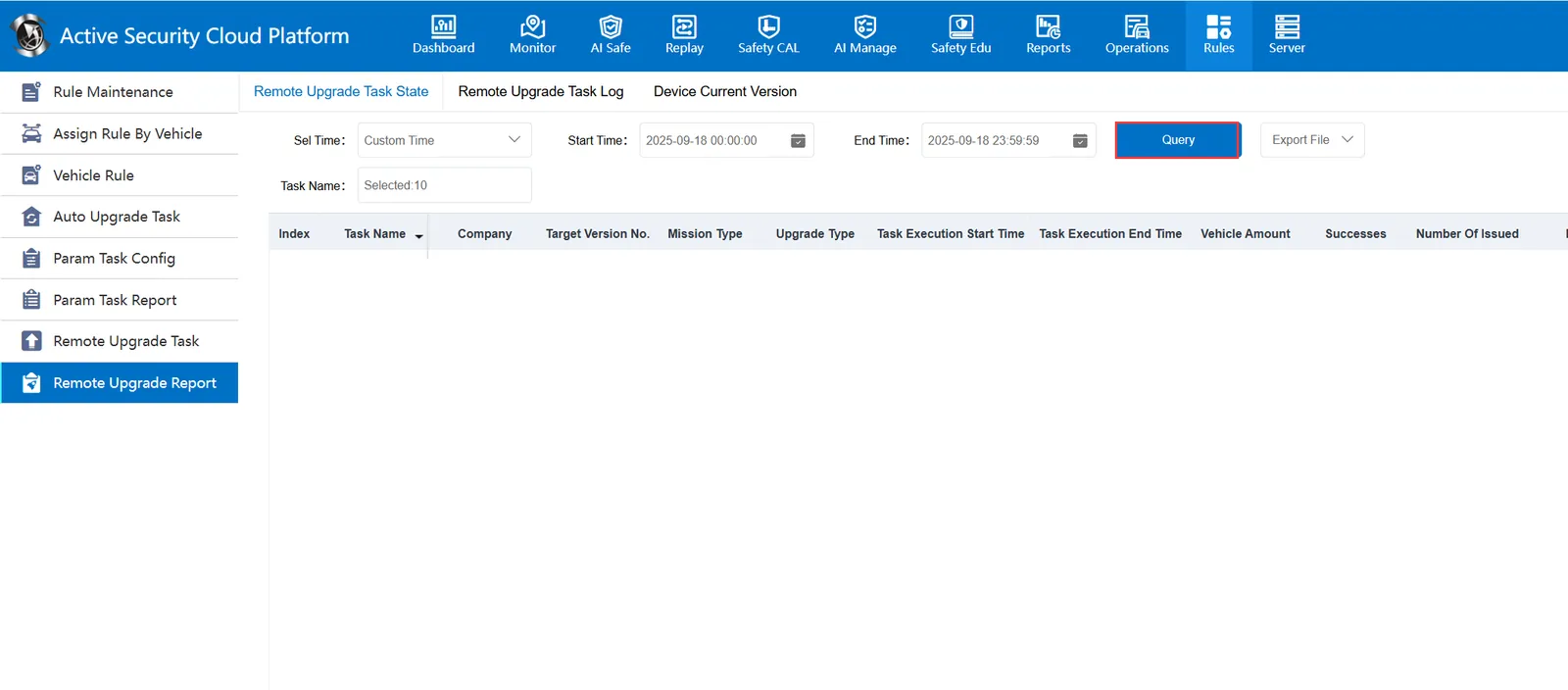
After the selection is made, the window will automatically close. At this time, click "Query" again to display the records of the specified task.
2.2 remote upgrade task log table
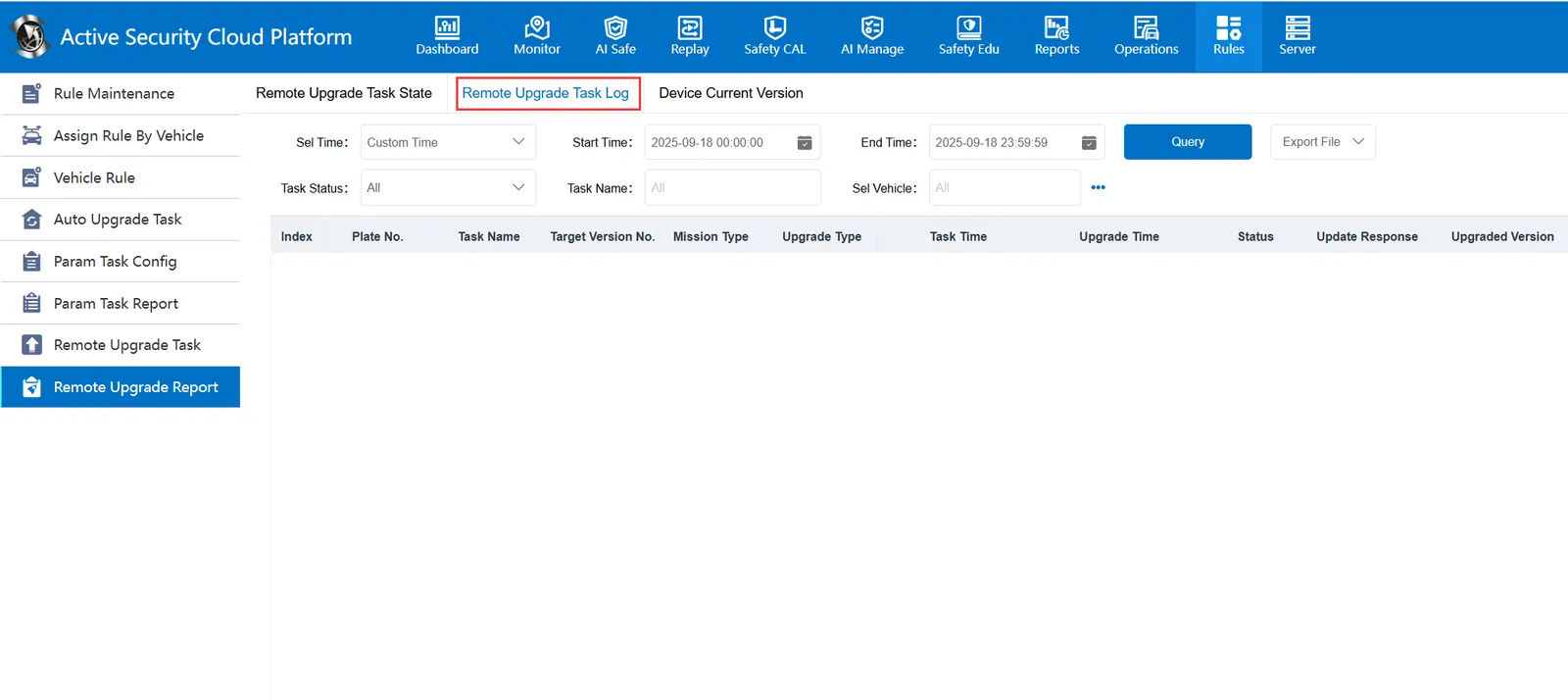
Each task associated with the vehicle will form a log record, which will reflect its task type, upgrade type, task time, upgrade time, status, result and upgraded version.
It is also mainly a query, display the role, the operation is relatively simple
2.2.1 Select Time
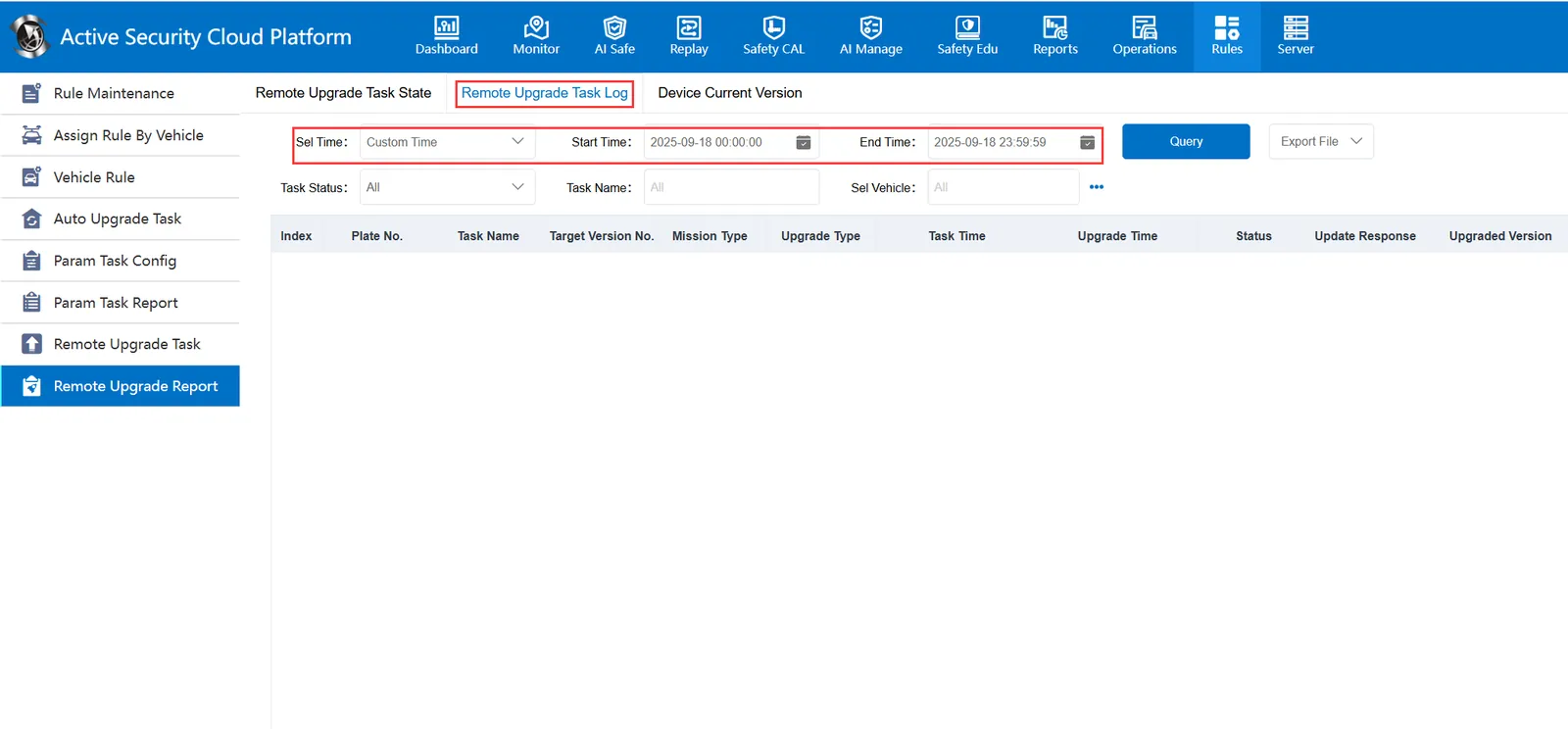
It queries the task status within the selected time range based on the selected start time and end time.
2.2.2 Task Status
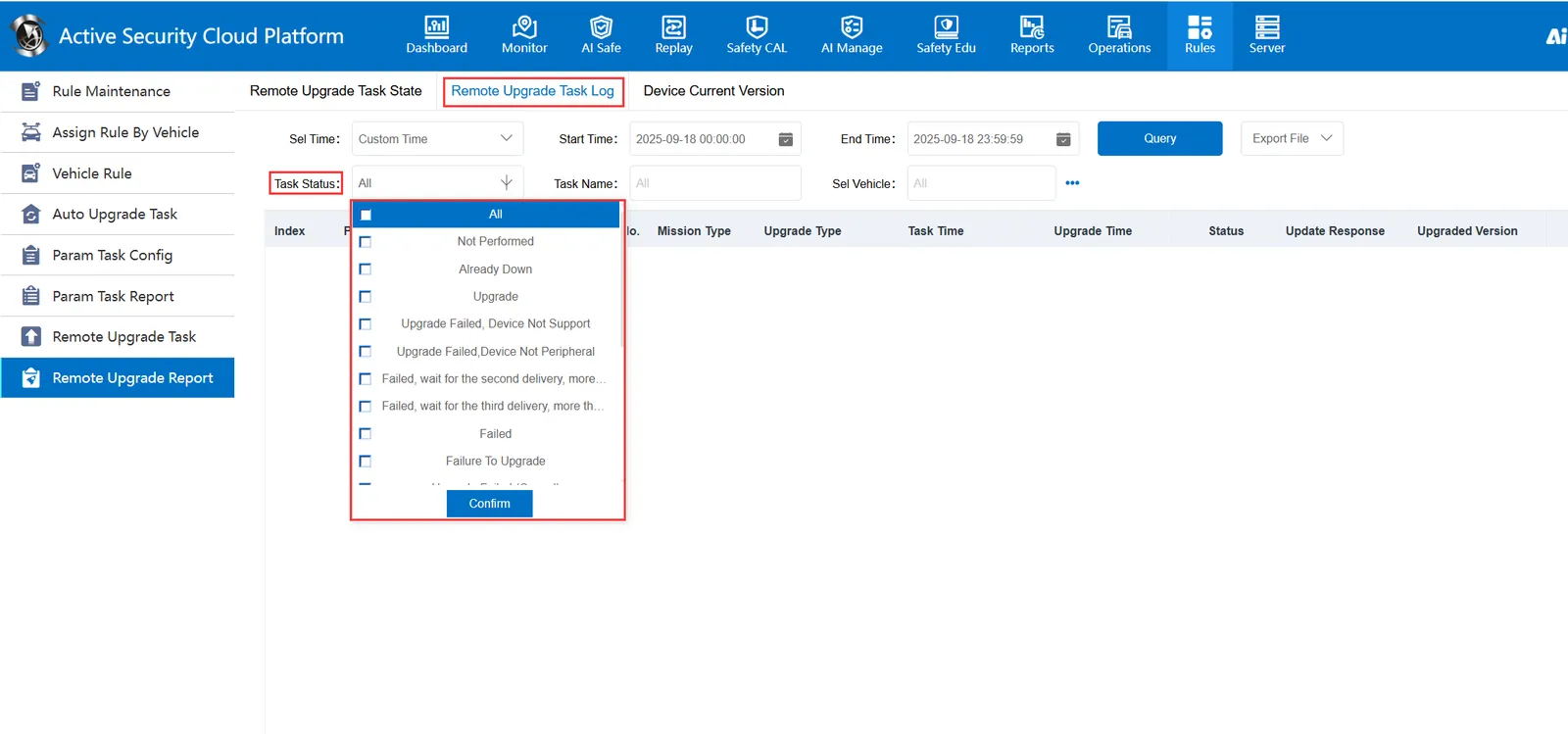
It displays the task status of the specified status according to the selected status
2.2.3 Task Name
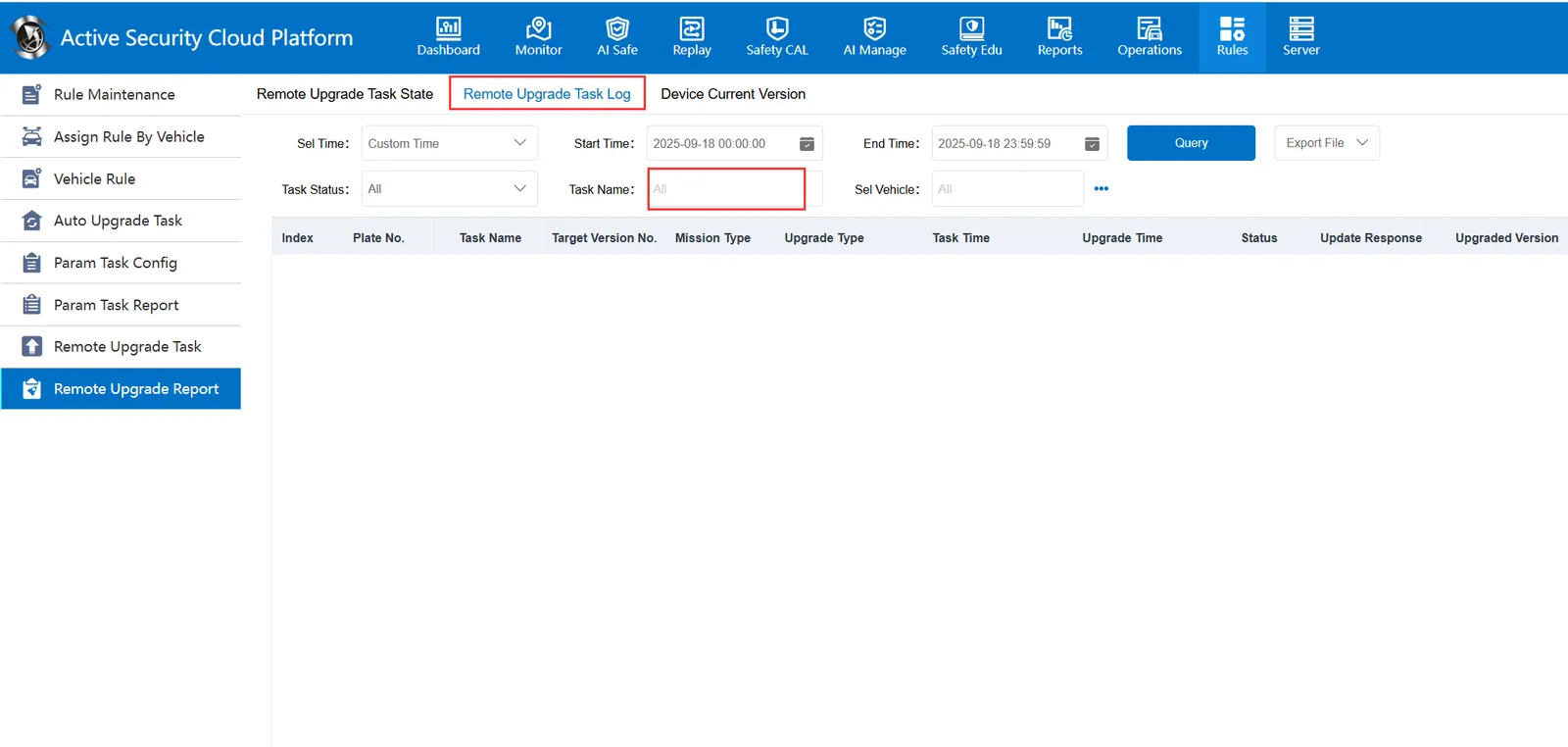
It displays the task status of the specified name according to the selected task name
2.2.4 Select Vehicle
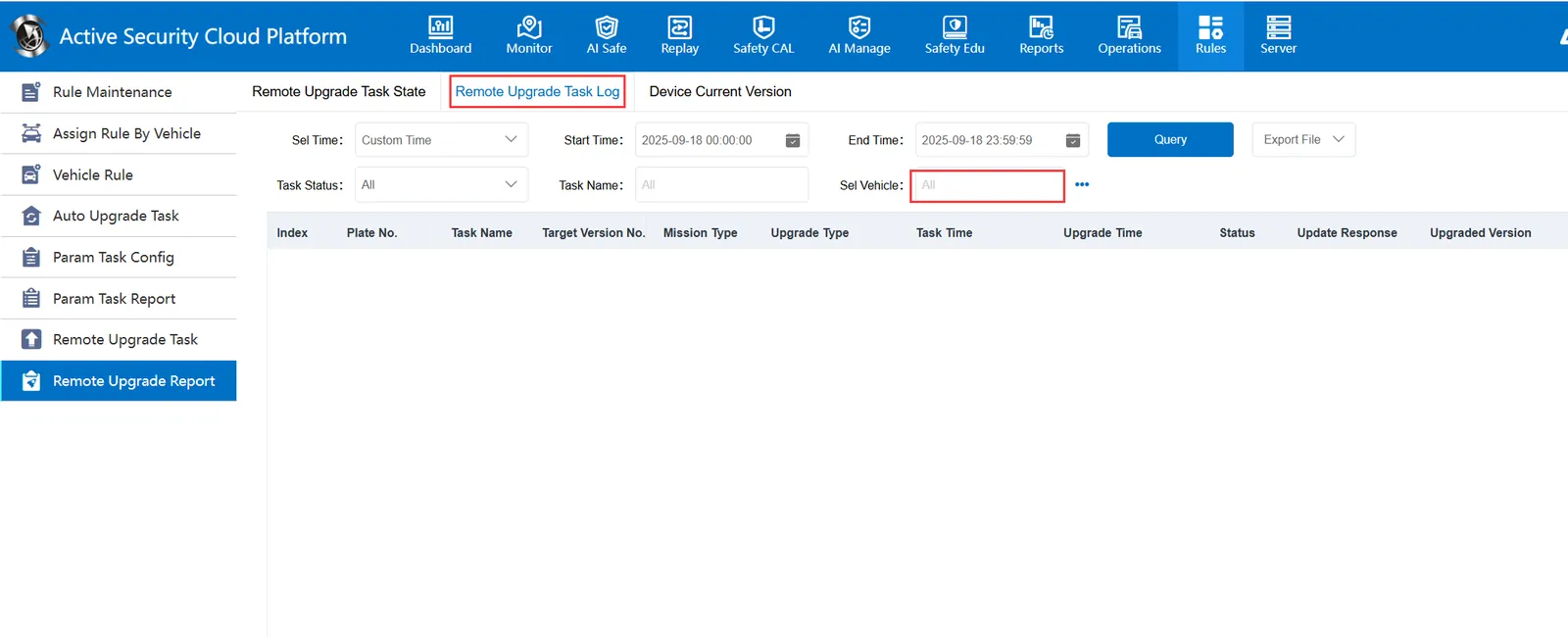
It displays the task status related to the selected vehicle according to the vehicle
2.3 the current version of the device
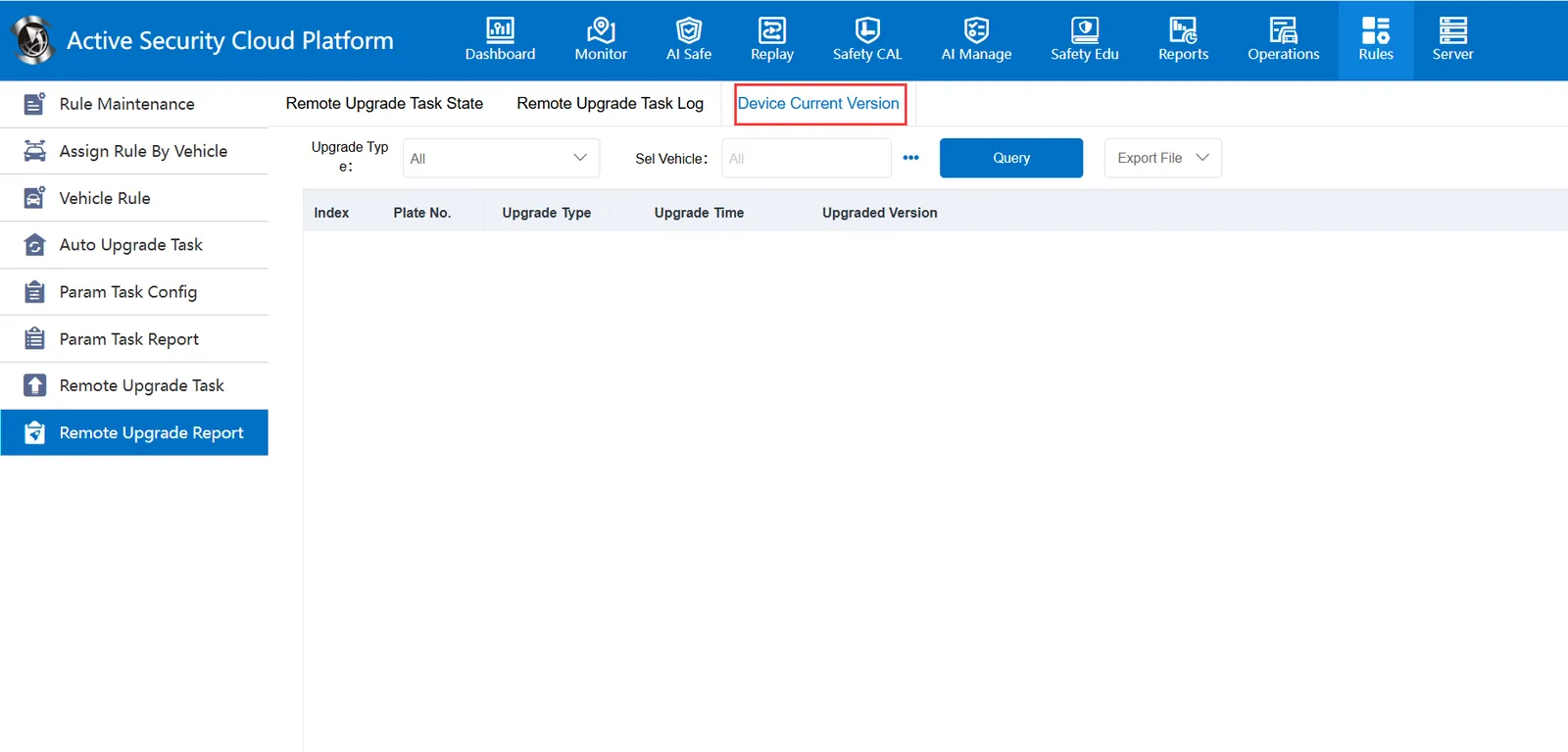
The content displayed in this table is relatively simple. It only shows the equipment successfully upgraded remotely and the version number after upgrading.
It is also possible to screen vehicles according to the upgrade type