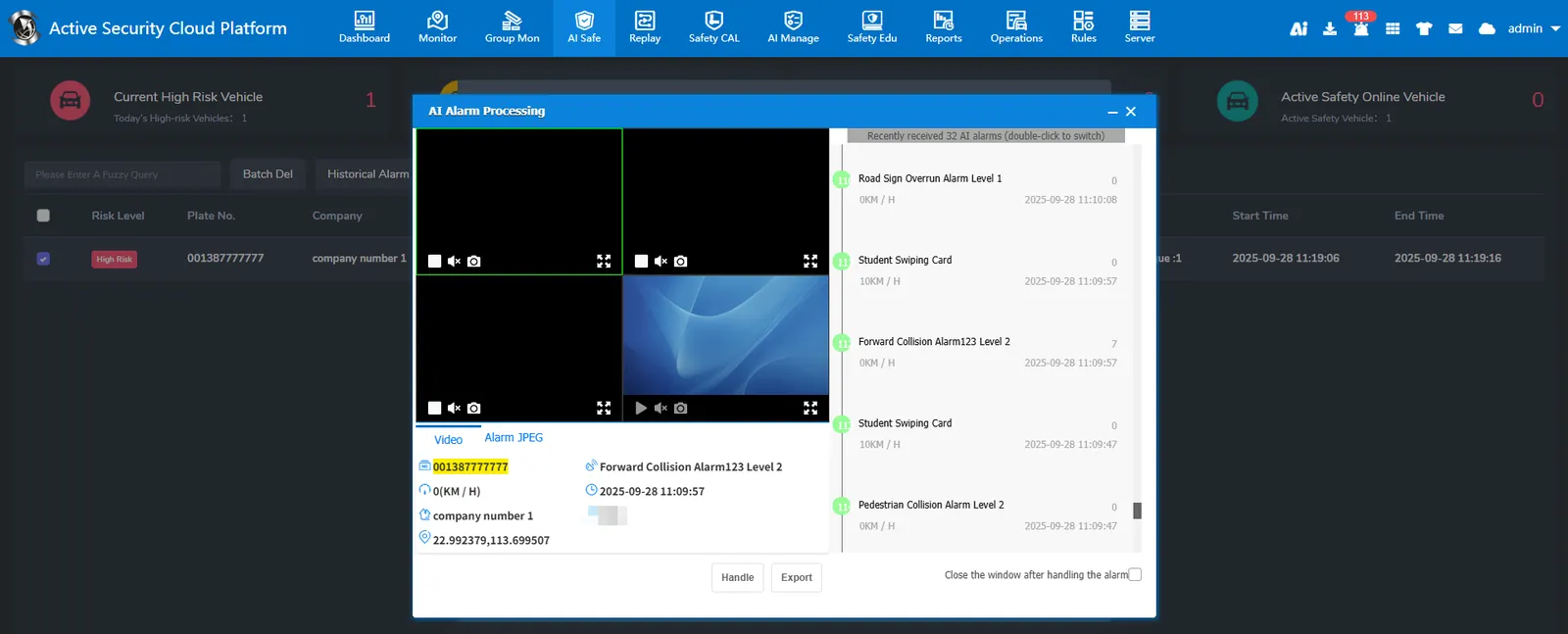
1、Function description
The alarm pop- up window setting function, as the name implies, is to generate the alarm platform to automatically pop up the pop- up window. The first is to configure whether the pop- up window function is enabled.
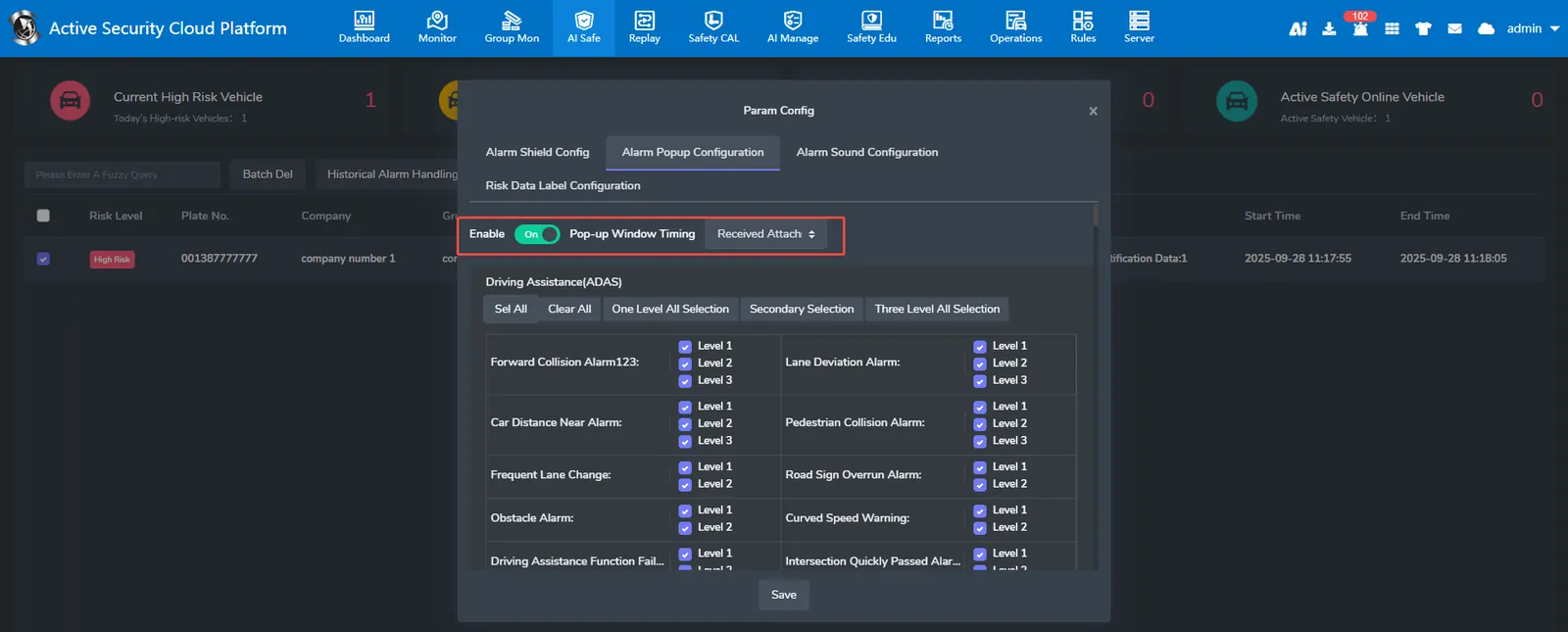
Pop- up window timing: Pop- up window timing is divided into two types:
1、The platform will automatically pop up the window after receiving the active safety alarm of the vehicle
2、After receiving the alarm generated by the vehicle, the platform needs the vehicle to upload the active safety accessories to the platform successfully before popping up the window.
The following alarm selection is which alarm needs to open the pop- up window.
Note: Active safety alarm without accessories will receive an alarm and pop up the window directly
2、operating instructions
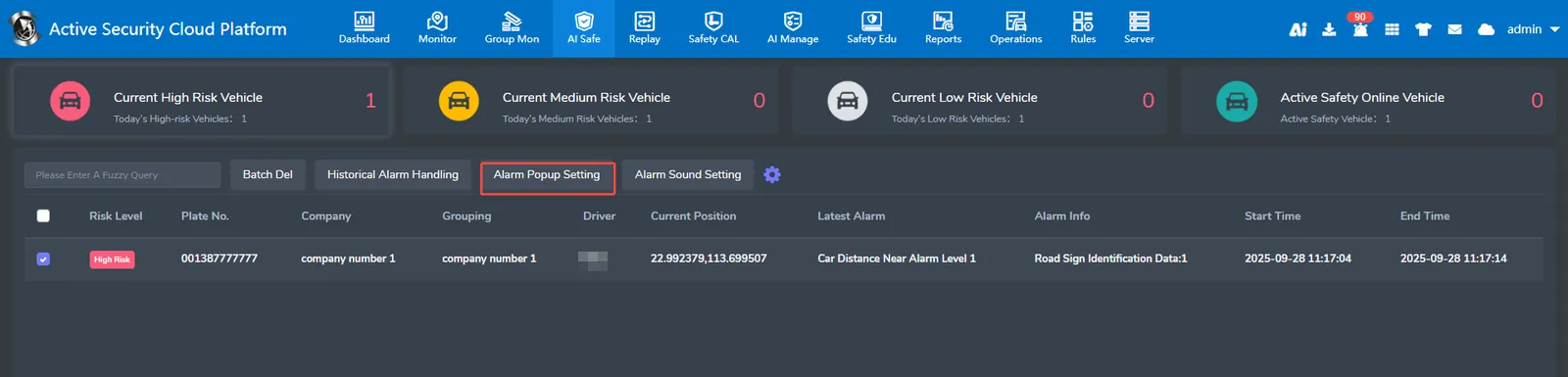
2.1、security monitoring ** page click ** alarm pop- up window settings
2.2、The alarm pop- up window is set as shown in the following figure. Click Enable pop- up window, check the alarm type that needs pop- up window, and then save
2.3、alarm pop- up window effect as shown below