1、Function description
Handling a single active security alarm
2、operating instructions
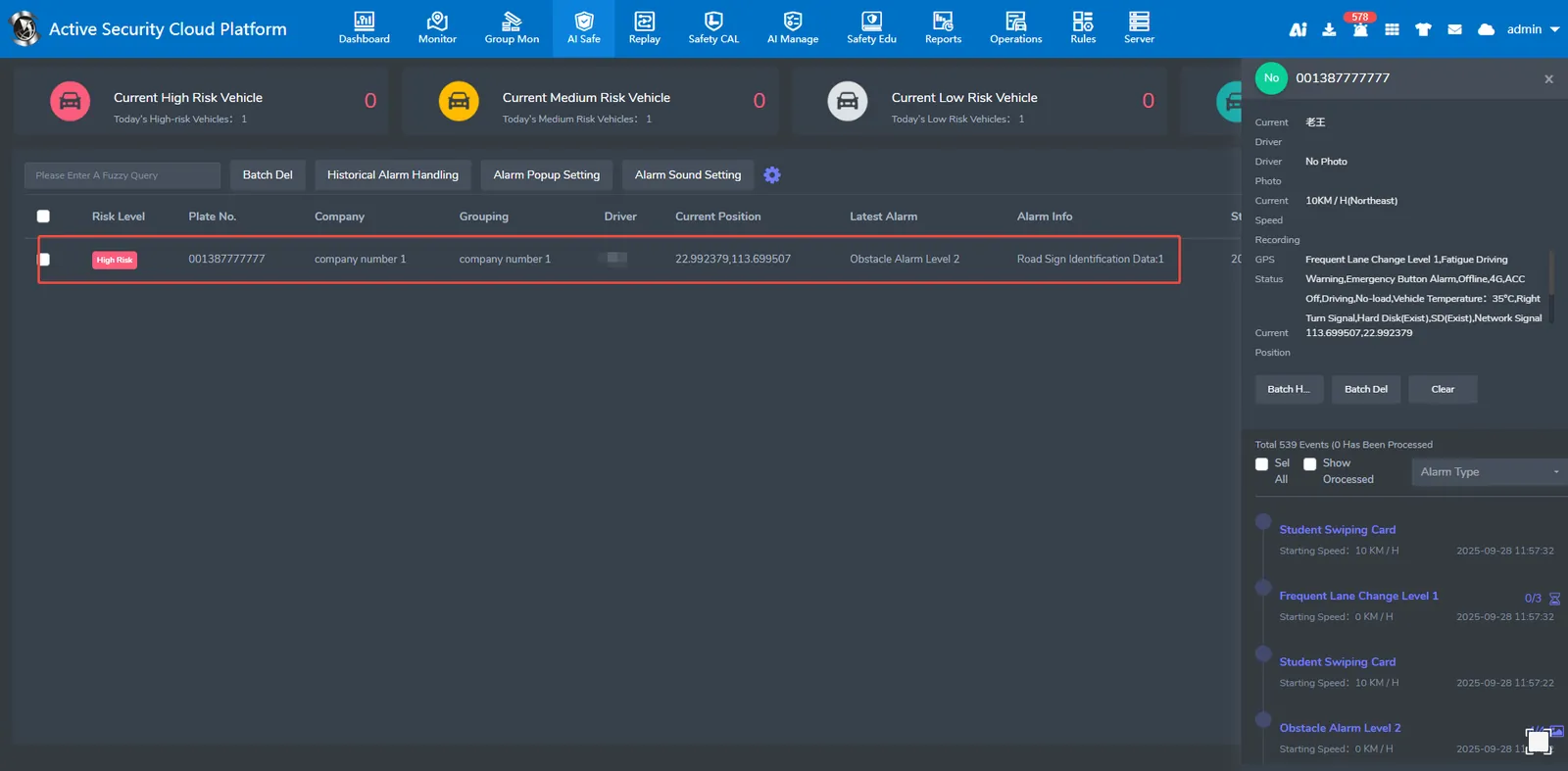
2.1、Select the vehicle that needs to process the alarm, and all the alarms generated by the device will appear on the right.
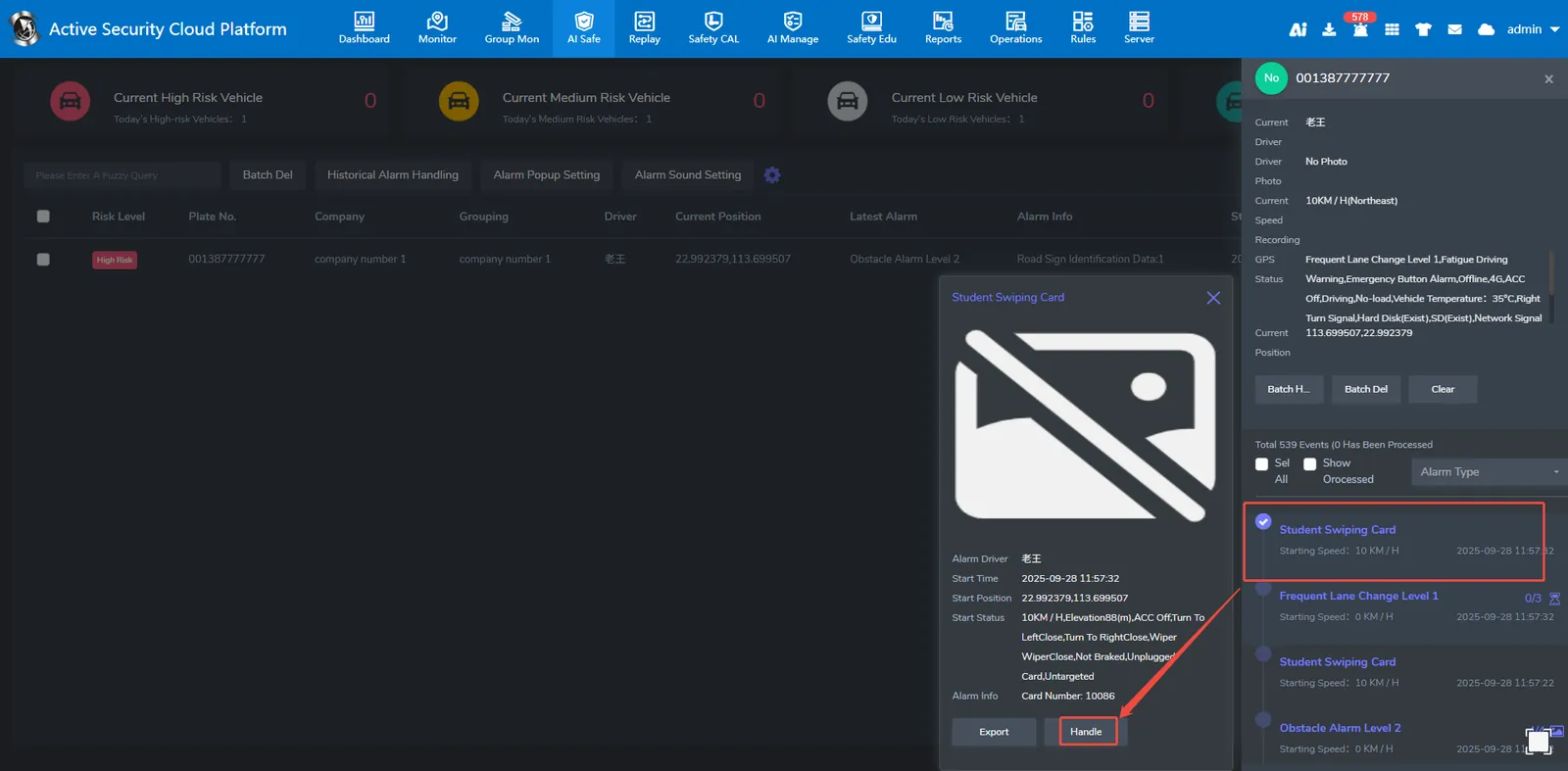
2.2、select the alarm to be processed, the alarm details window will appear, click the alarm processing
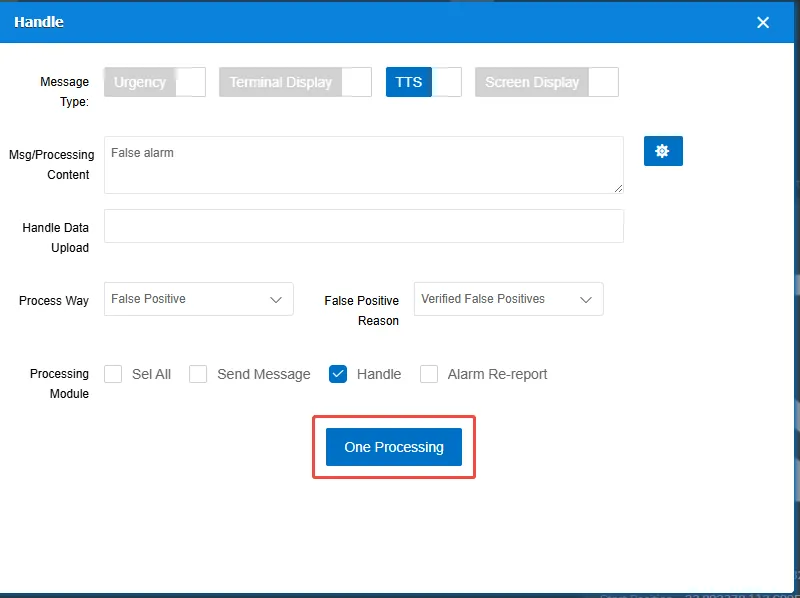
2.3、alarm processing according to the situation verified with the driver