Function description
For real- time monitoring of active safety vehicle alarms
2、Operation instructions
2.1、alarm vehicle search
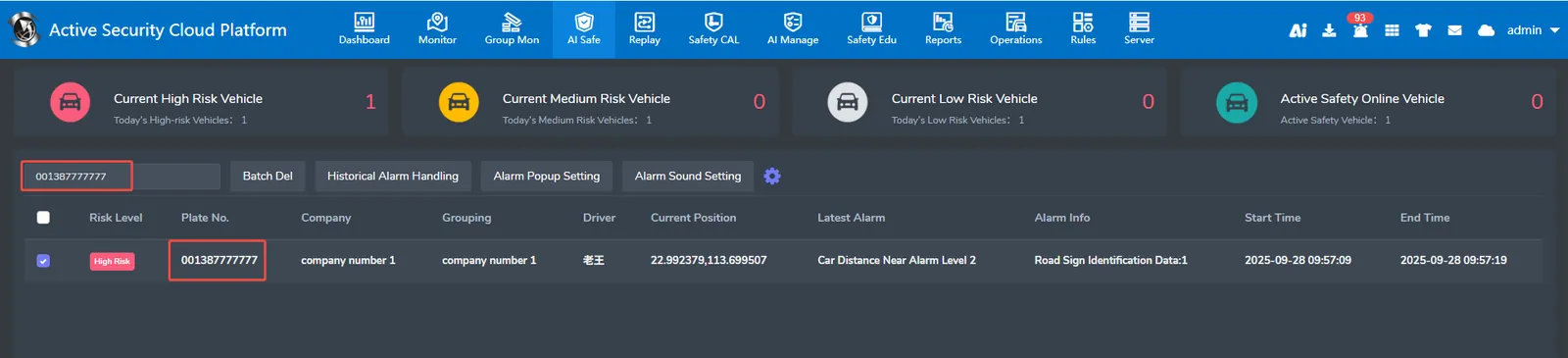
Enter license plate number in the search box to filter the alarm information of the vehicle from multiple alarms.
2.2、batch delete
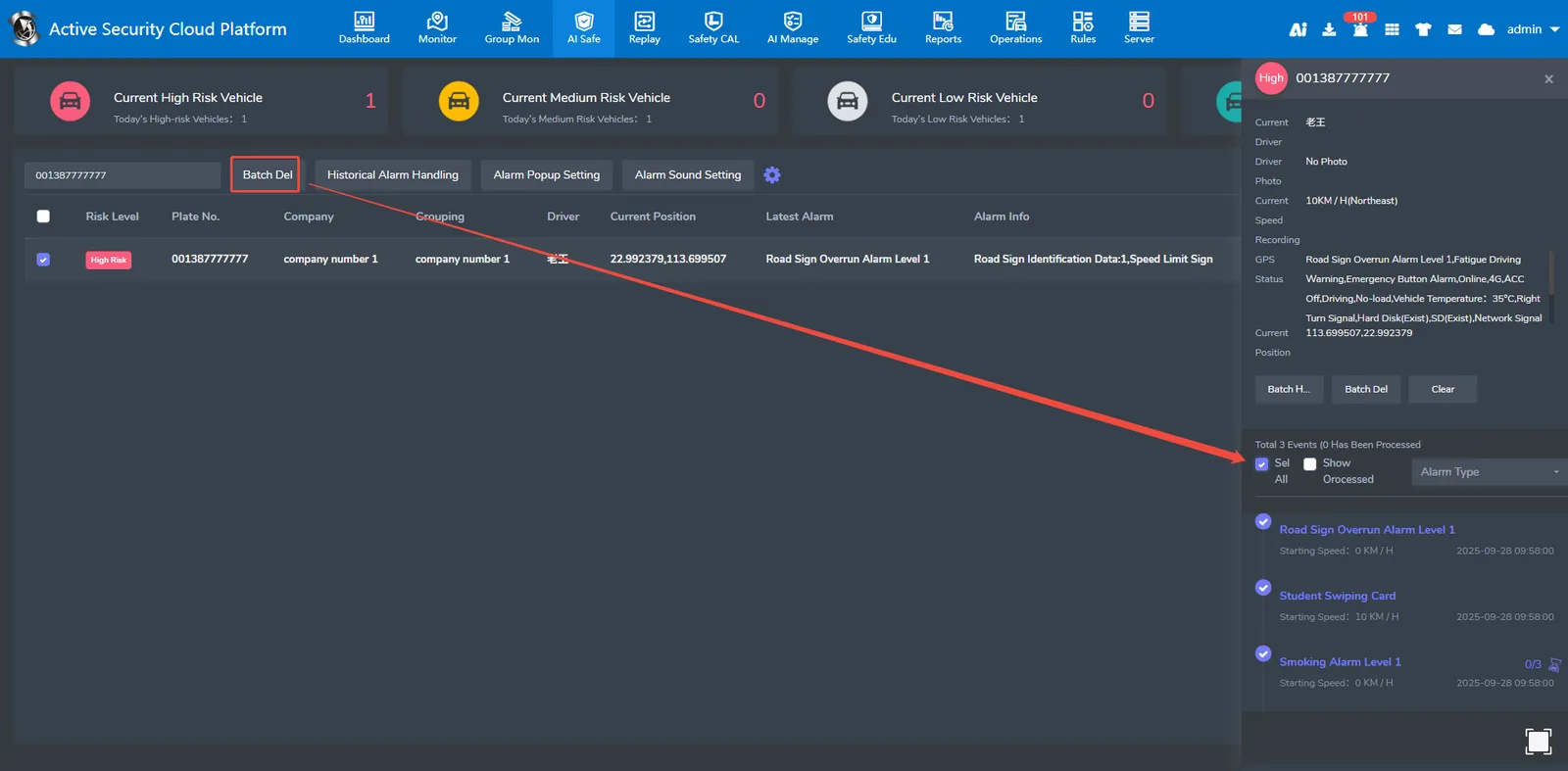
The security monitoring page will only display the latest alarm of one vehicle. You need to click the latest alarm to view the historical alarms. You can delete the alarms that can be displayed in the security monitoring of vehicles in batches.
**Note: After the deletion function is deleted, only the alarm is not displayed on the security monitoring page, and the alarm data can still be queried in the active security report. **
2.3、alarm processing
2.3.1、view alarm attachments
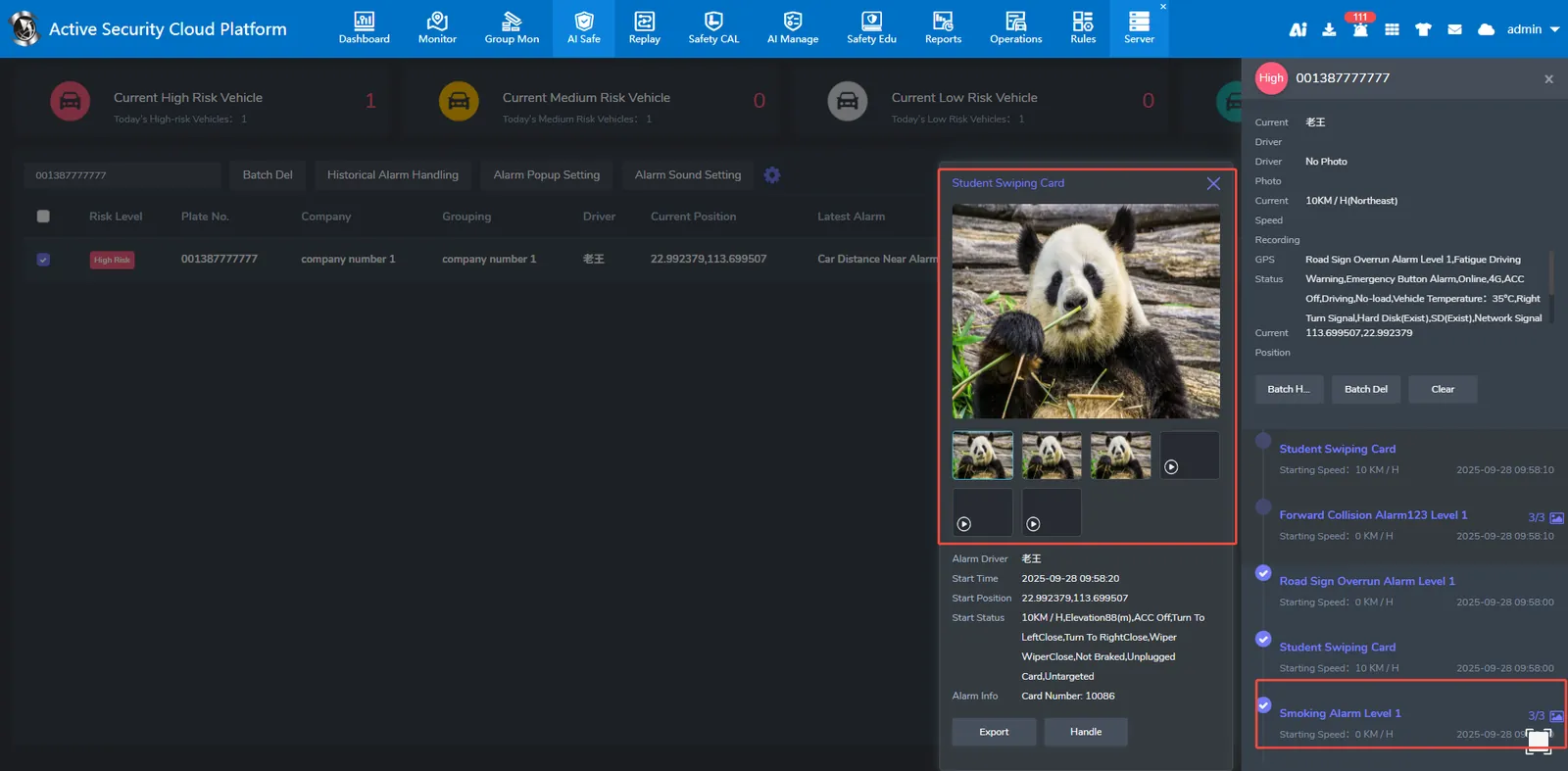
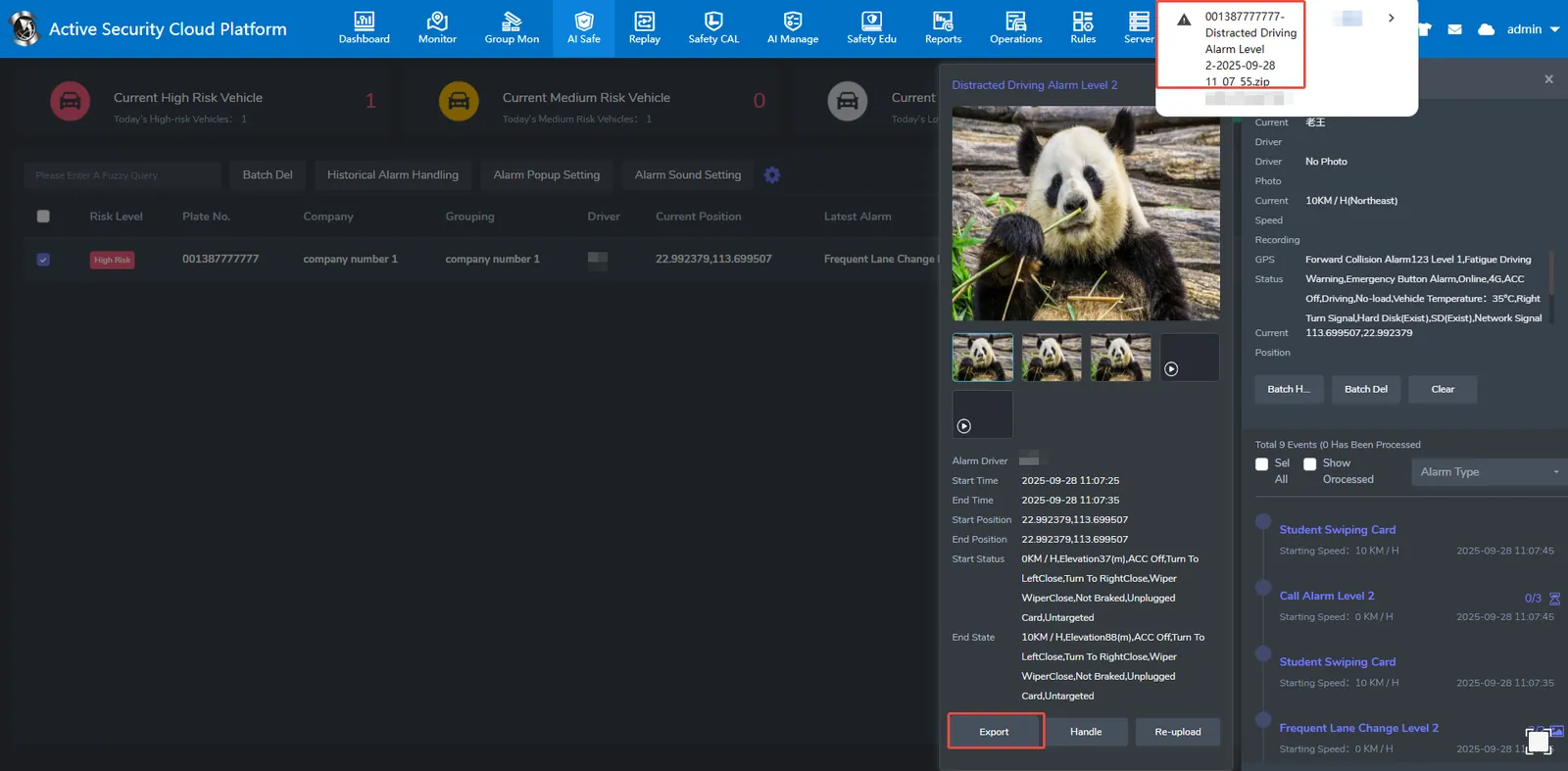
First select the vehicle that needs to view the alarm attachment, then select the alarm that needs to view the attachment on the right, and click to see the attachment.
2.3.2、accessory retransmission
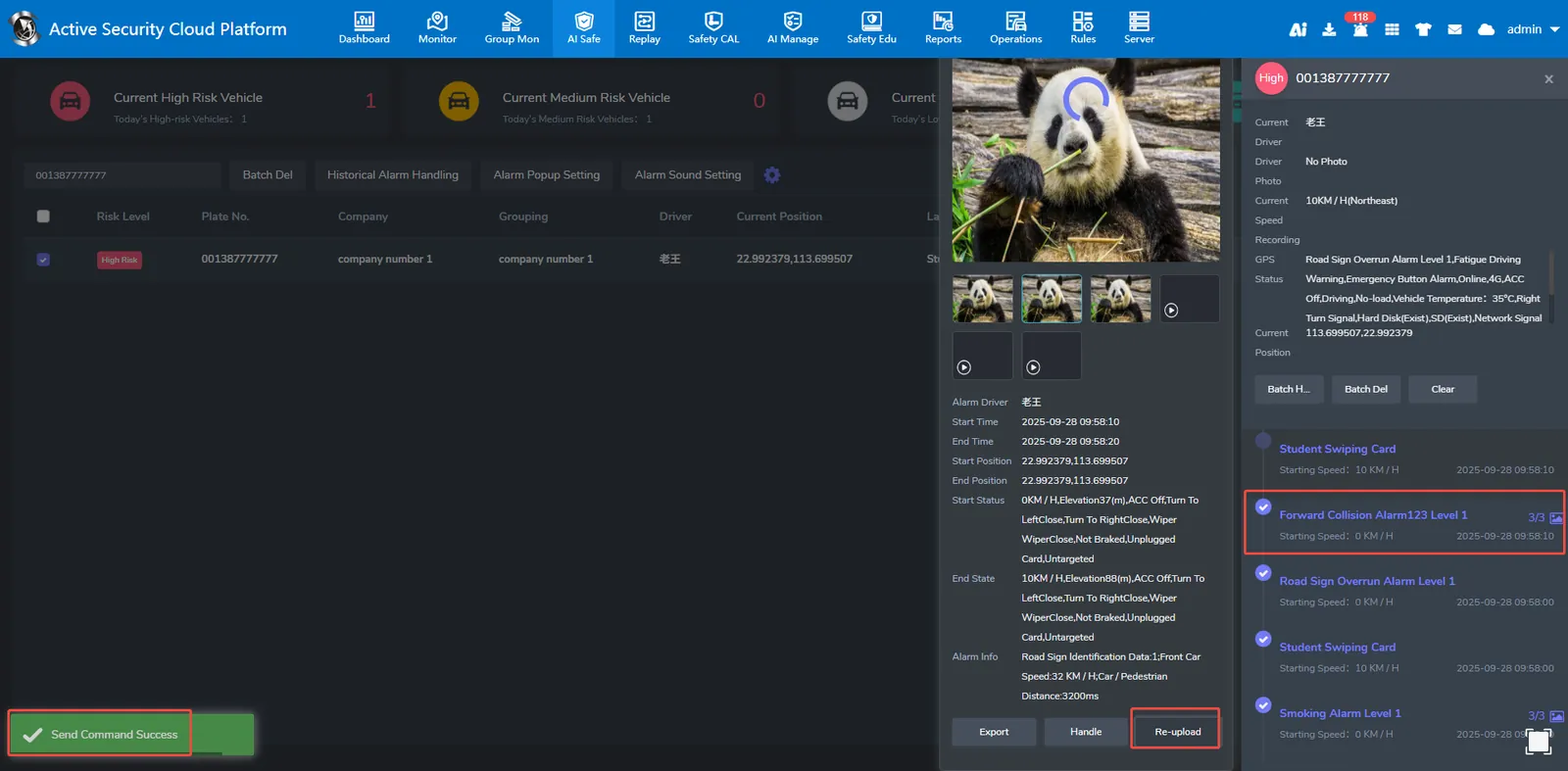
Select the alarm that requires attachment retransmission, and then click Upload again, and then Send command successfully appears in the lower left corner.
2.3.3、evidence export
Select the vehicle whose attachment needs to be exported, click the alarm whose attachment needs to be exported, and click Evidence Export to successfully export the evidence.
2.4、Parameter configuration
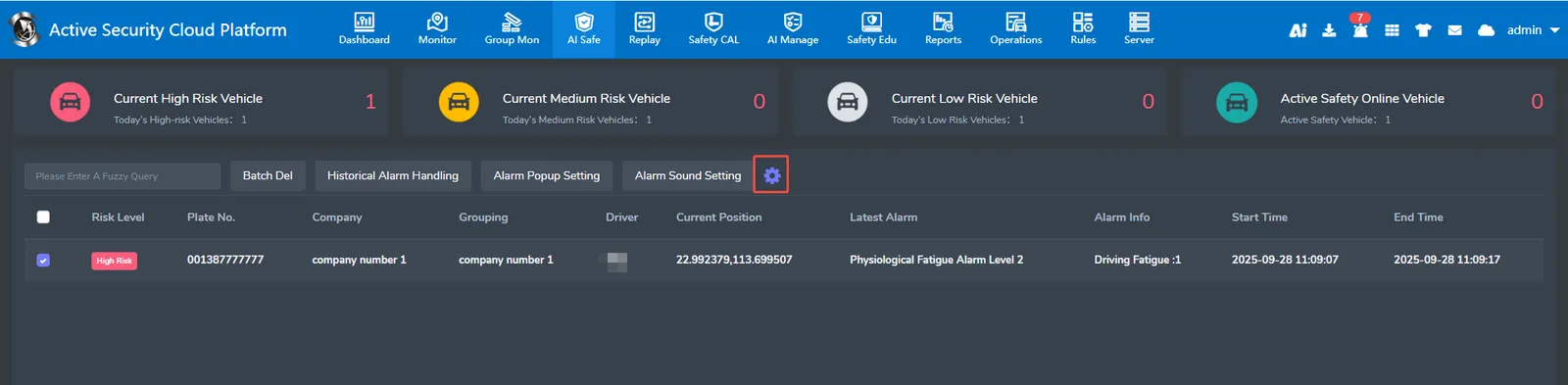
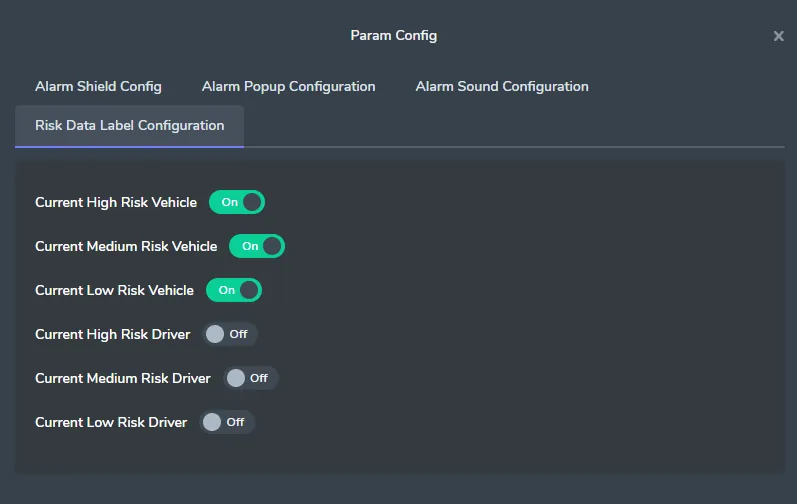
2.4.1、Risk Data Label Configuration
This function monitors risky vehicle data by default
Number of currently monitored risk vehicles
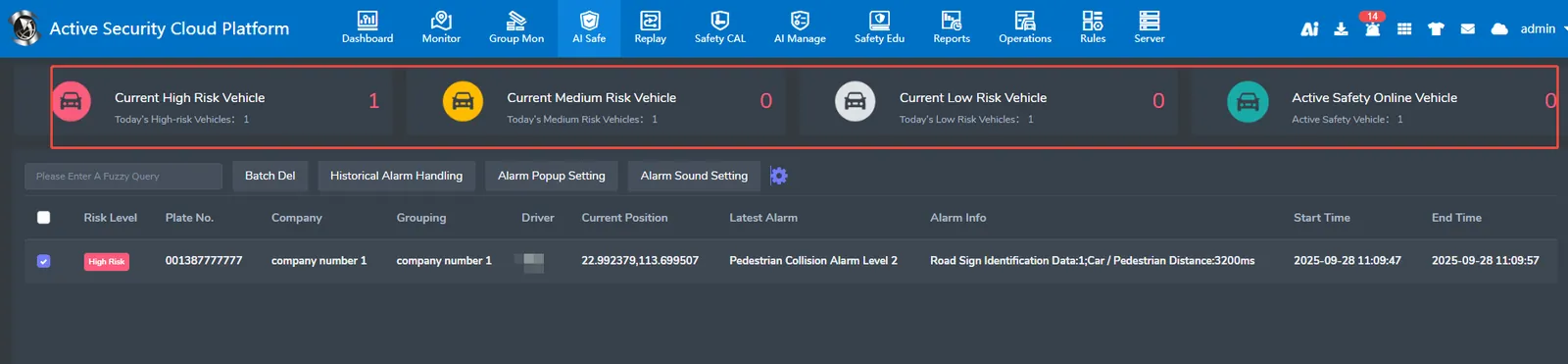
When the risk vehicle monitoring is turned on, the safety monitoring will display the risk driver of the current user.
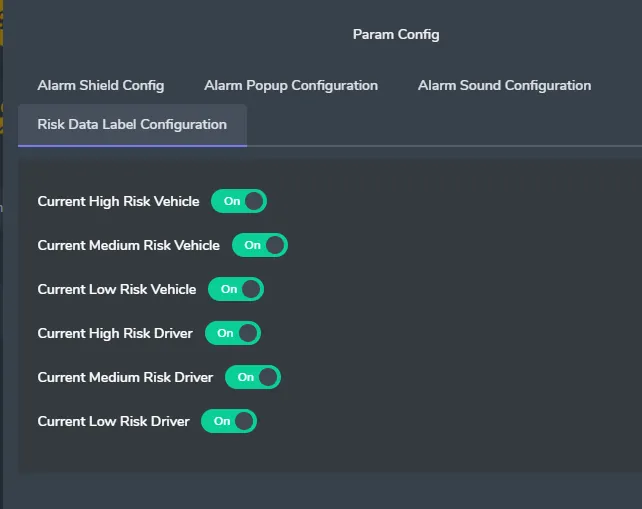
Number of currently monitored risk drivers
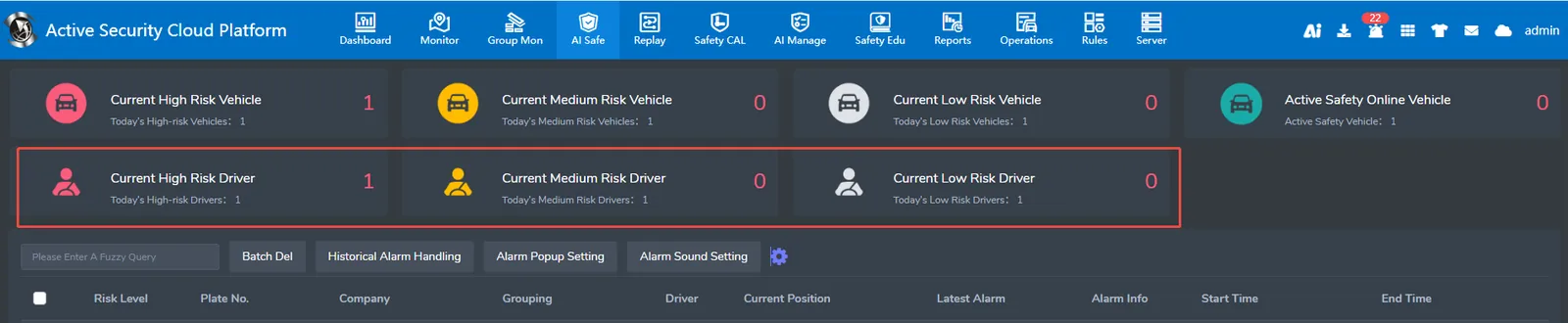
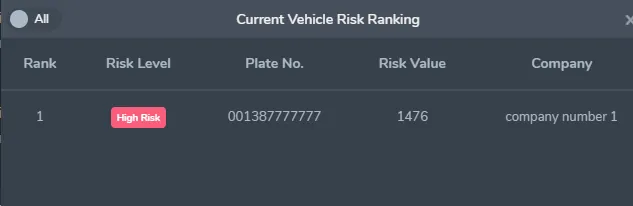
Click "Current High/Medium/Low Risk Vehicles" to view the risk vehicle ranking

The ranking is ordered by risk value.
Frequently Asked Questions
Ask One:
Why are there so many active security alarms but no alarm popup?
Answer: Click "Alarm Pop- up Window Settings" to view the timing of the pop- up window. If it is "Received Attachment", the alarm pop- up window will not be available until the alarm is generated and the equipment transmits the attachment to the platform.
