1、Function description
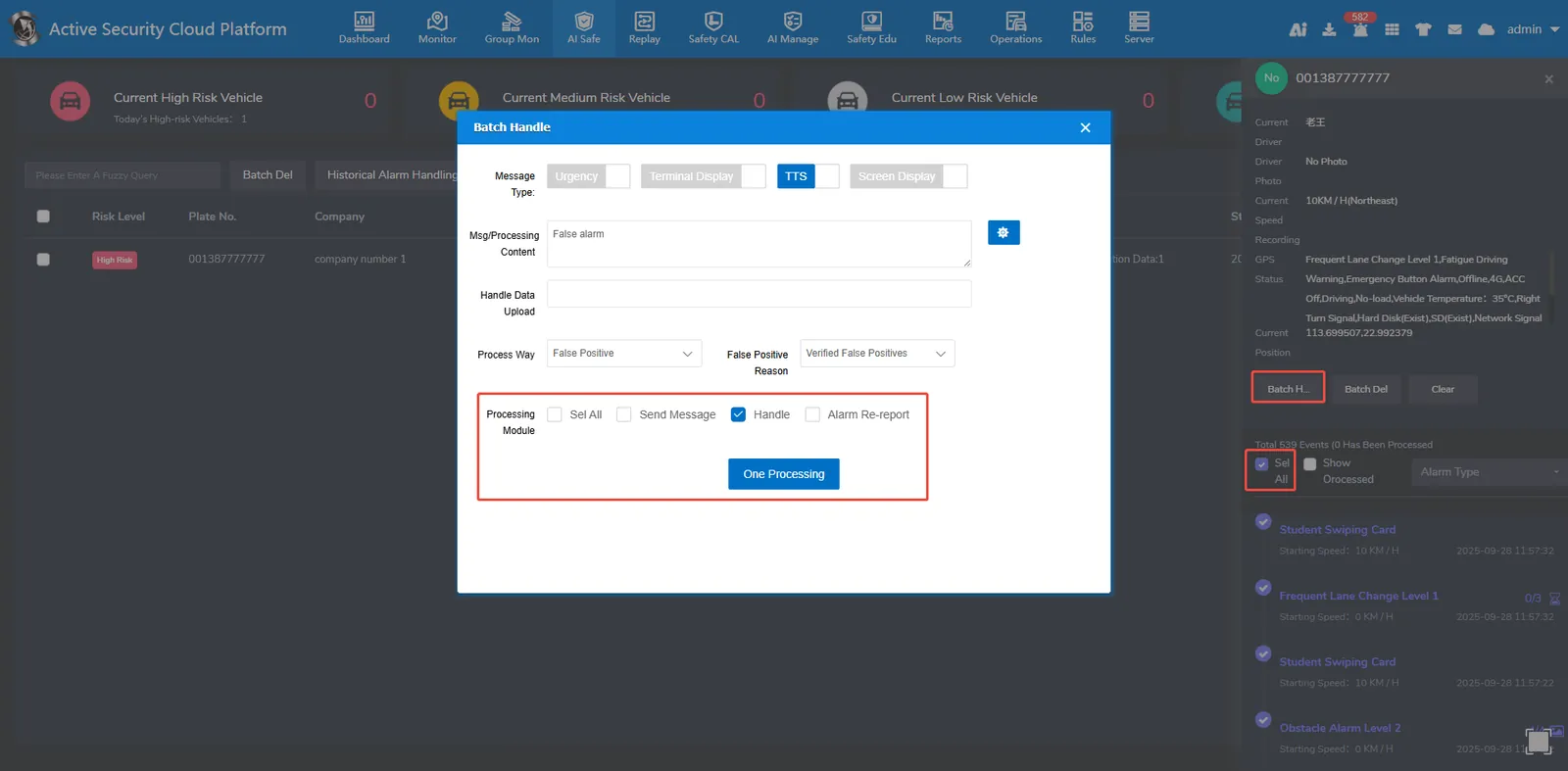
Batch processing of active safety alarm data
2、operating instructions
2.1、batch alarm processing
First, select the vehicles that need to batch process alarms, check Select All on the right, then click Batch Processing, and then click One- click Processing to batch process alarms.