1. Enabling Methods
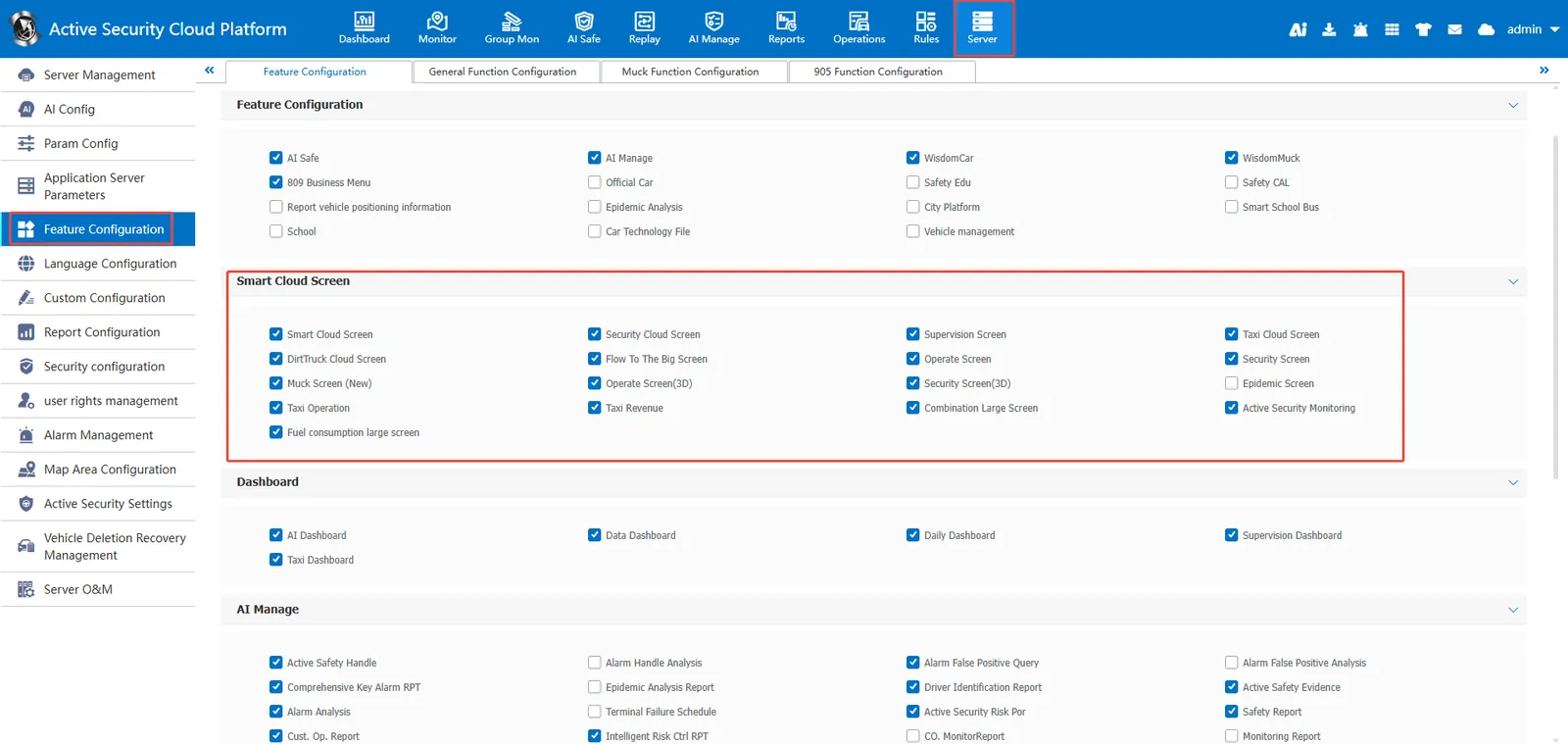
Log in to the platform with the admin account, enter [Server Management]> [Function Configuration]> [Function Configuration], check the corresponding cloud screen and save it.
2. Page Entry
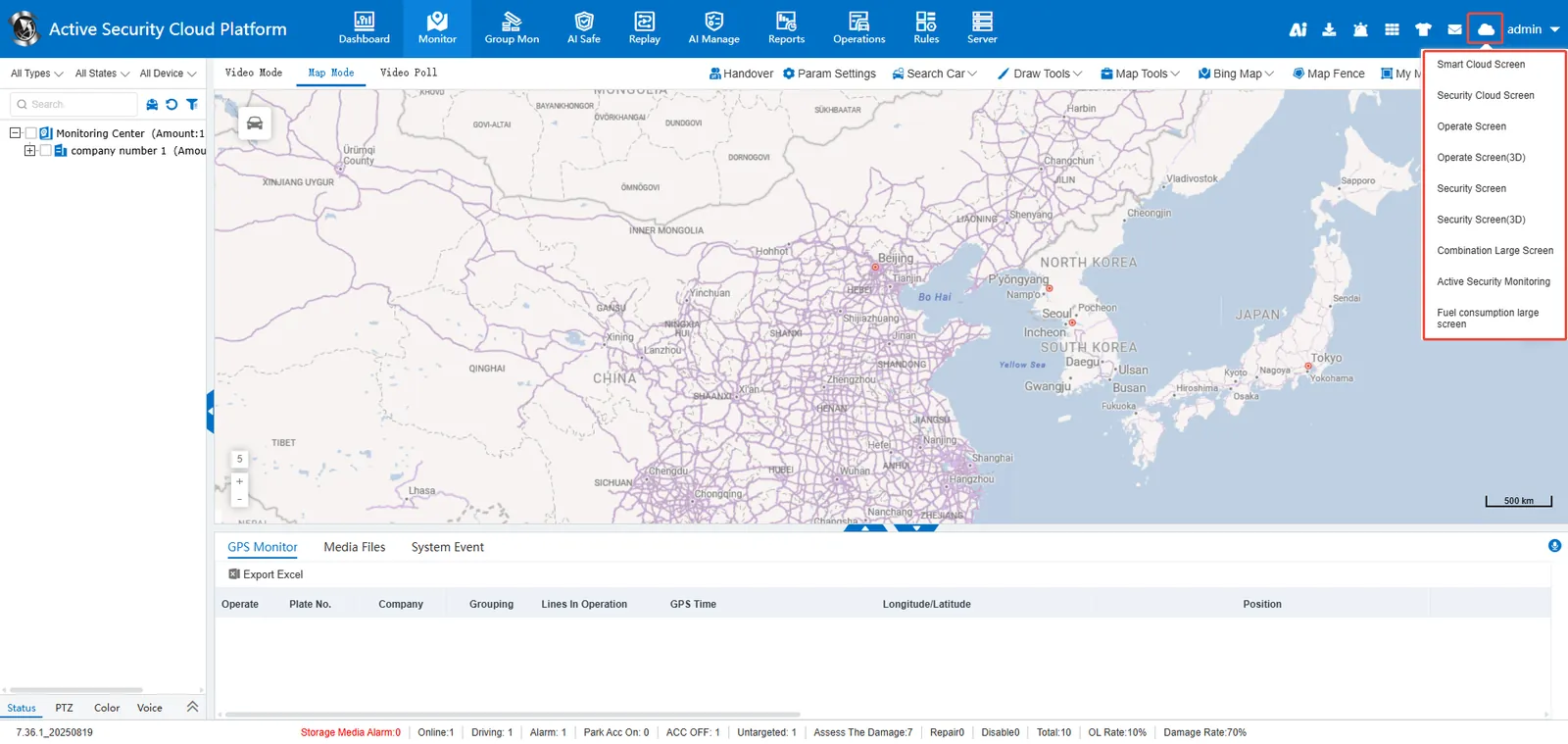
Login to the web side of the platform, there is a cloud screen entrance in the upper right corner of the page, and you can choose to enter the corresponding cloud screen page.