1. Function description
Used for remote playback and download of historical surveillance video, pictures, audio and other multimedia resources and download of terminal logs (only supported by TTX private protocol devices)
2. operating instructions
2.1 to find resources
2.1.1 Find by Equipment
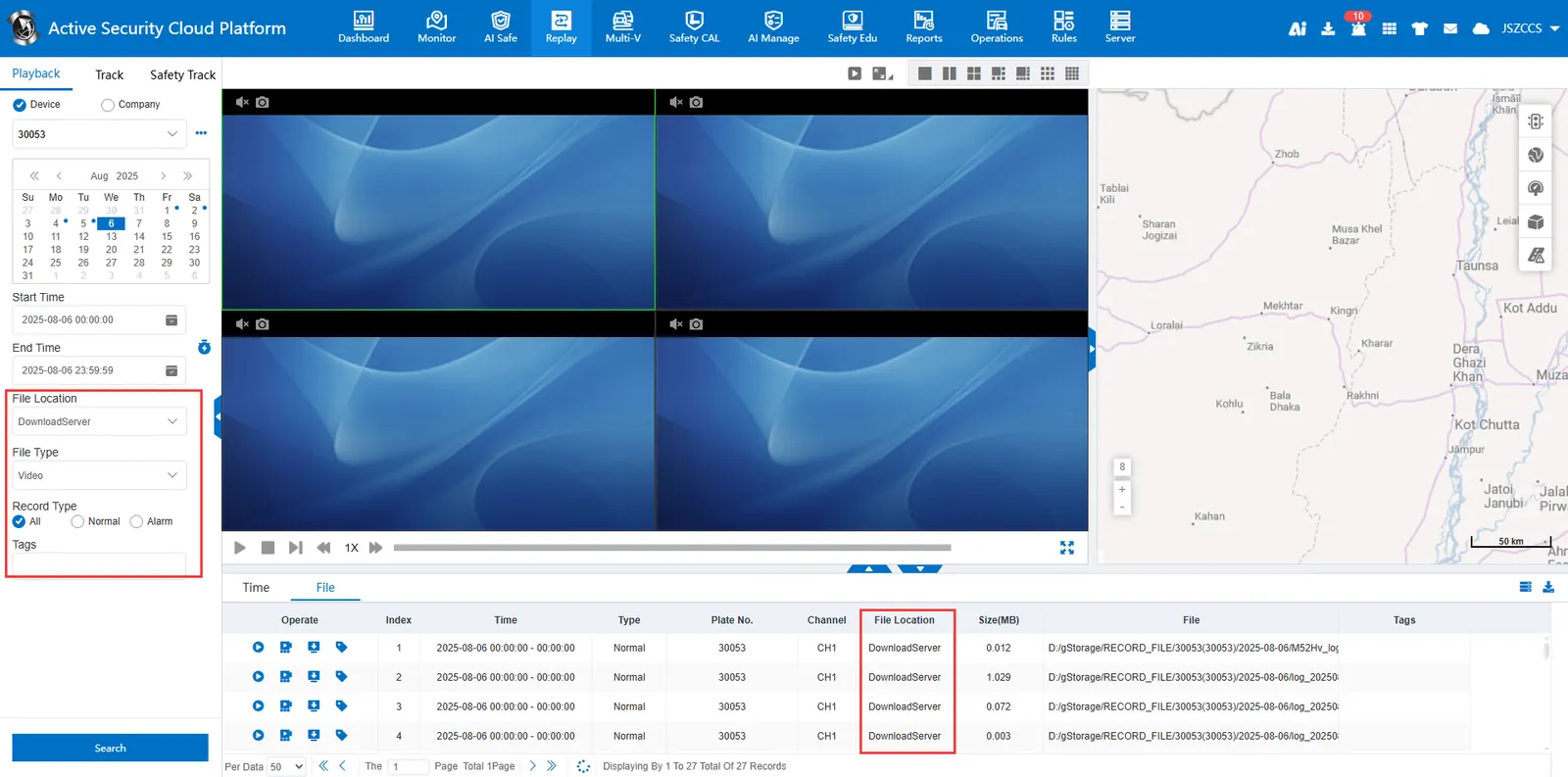
Select a vehicle to search for multimedia resources, and select "terminal equipment", "storage server" and "download server" for the file location ".

2.1.1 Find by Company
Select all vehicles in a company or fleet organization to search, and only "storage server" and "download server" can be selected for the file location ".

2.2 Differences in file locations
2.2.1 Terminal Equipment
The vehicle is required to maintain an online state on the platform, and the login user issues instructions to the vehicle terminal through the platform to implement resource invocation.
The department logo equipment can query audio and video resources, online remote playback of surveillance video and download video.
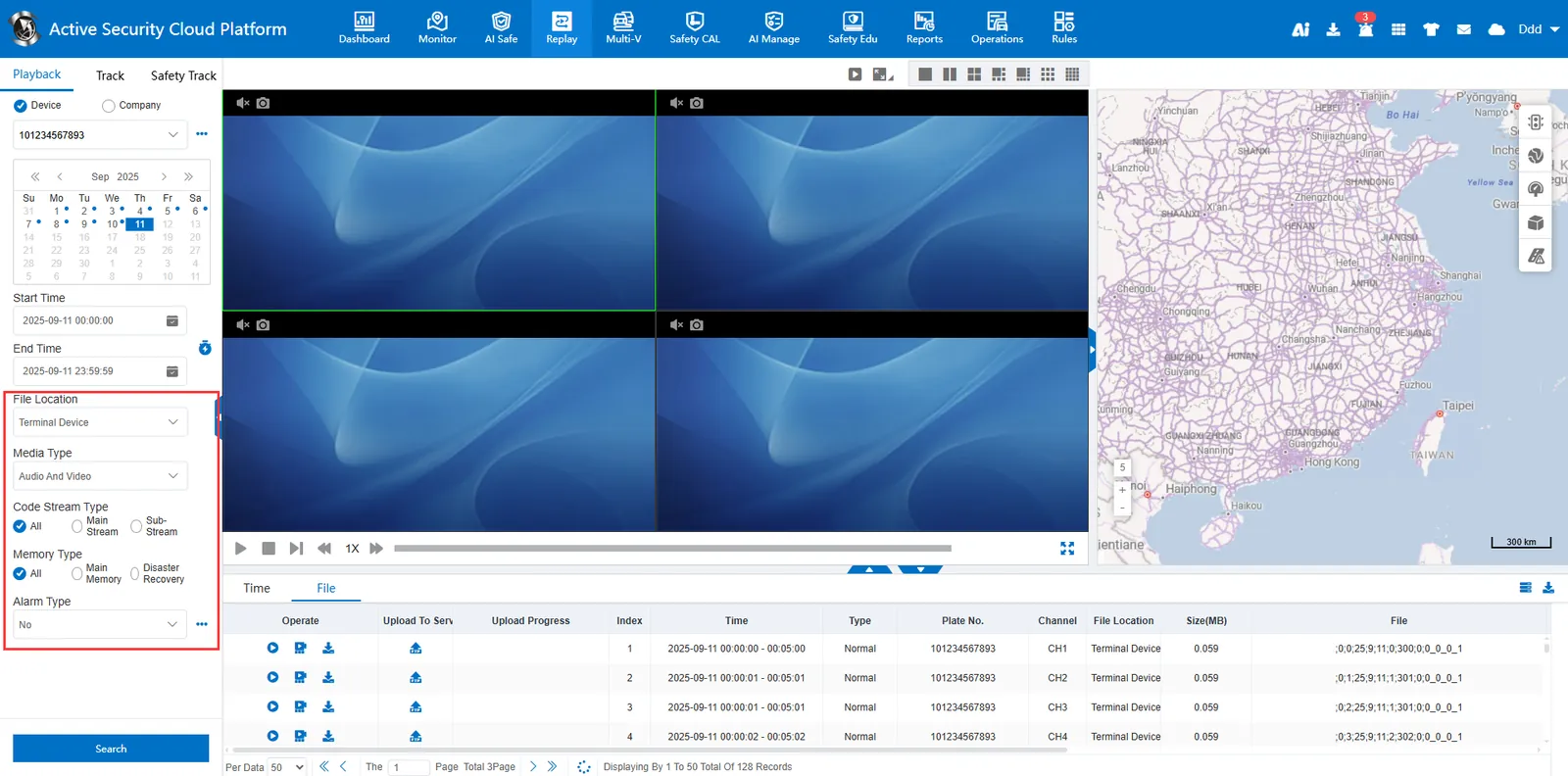
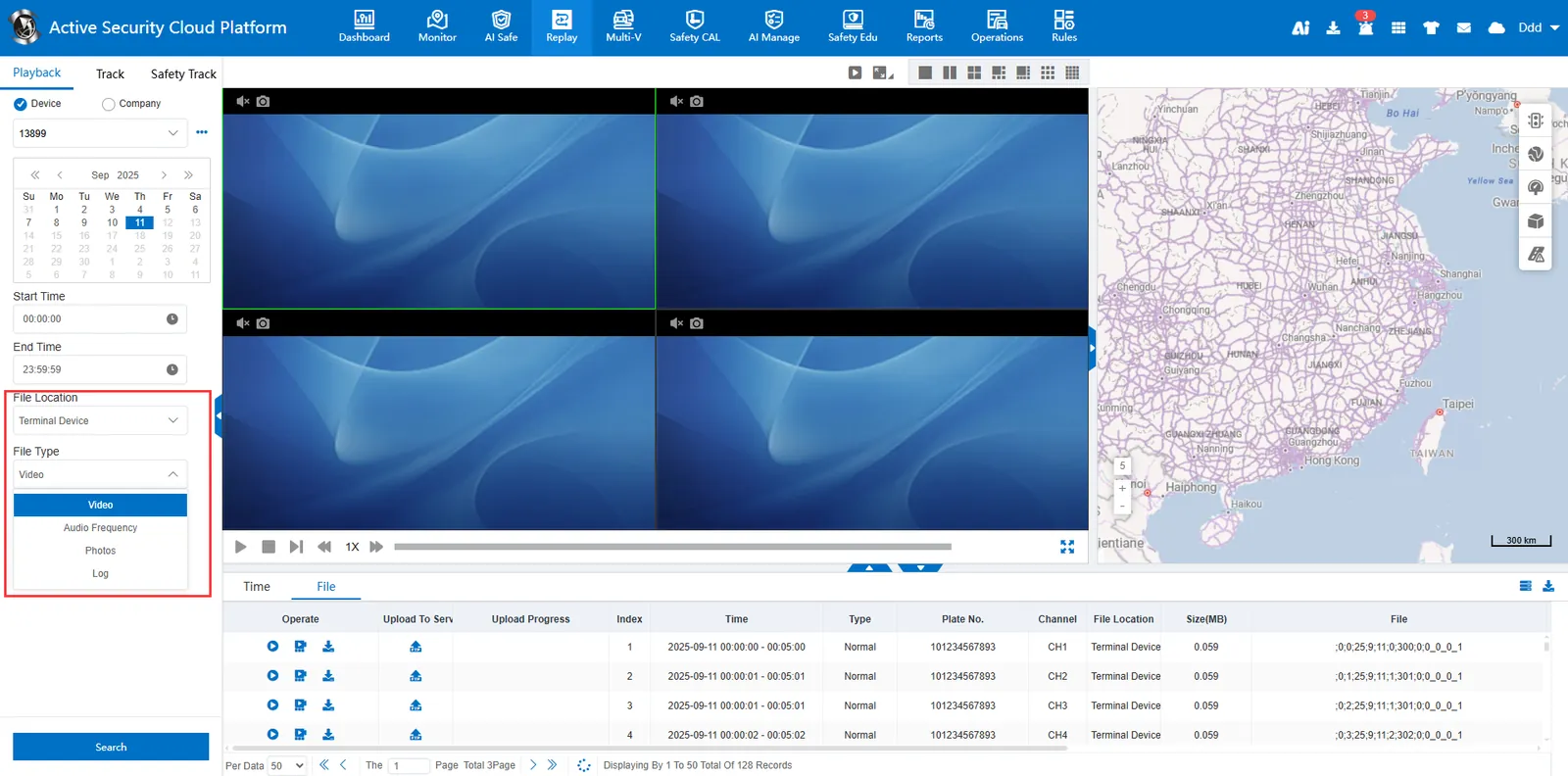
The TTX private protocol device can query and download multimedia resources such as video/audio/picture/log.
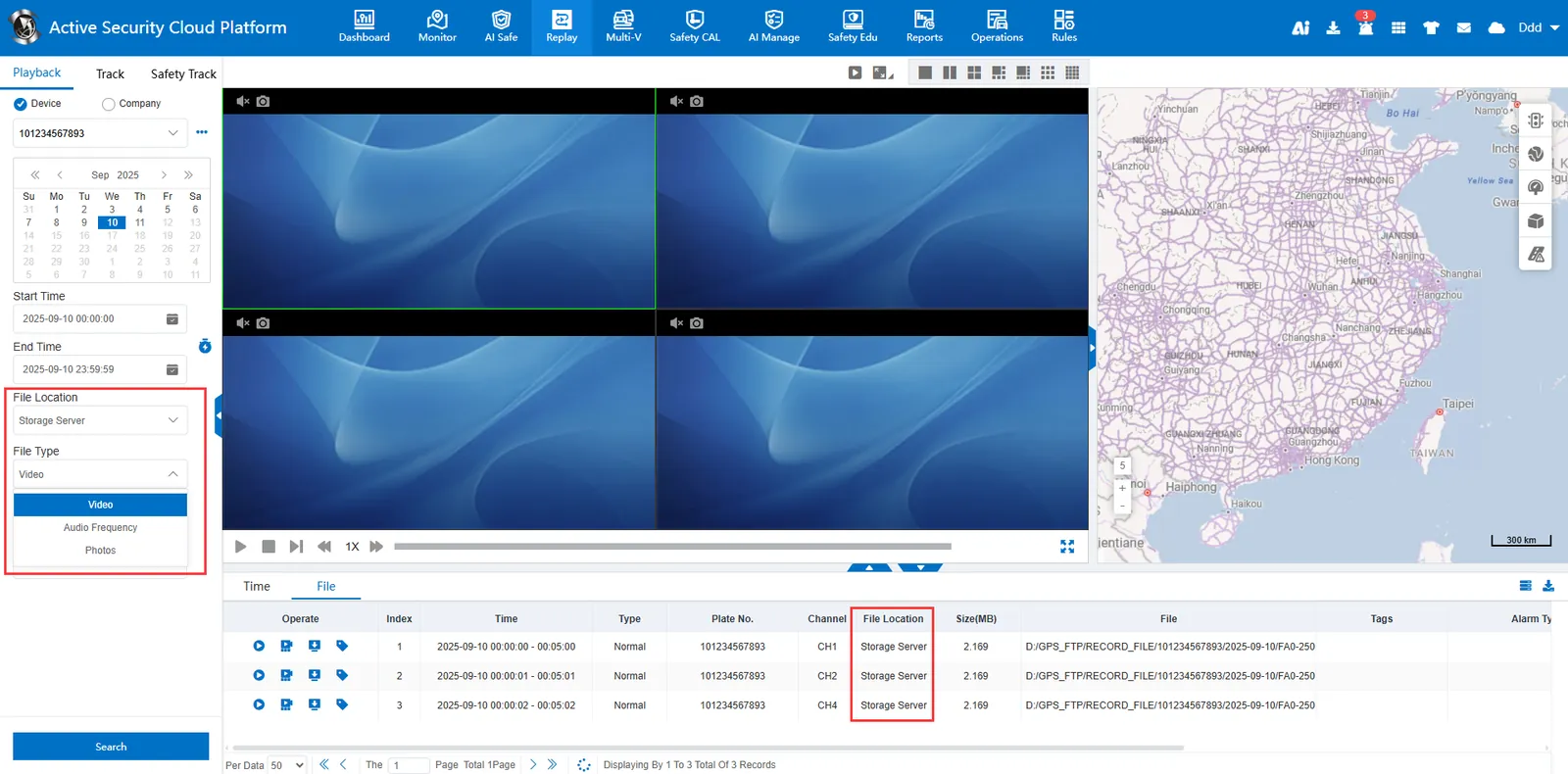
2.2.2 Storage Server
Without the vehicle online, you can directly search and download the multimedia resources stored in the server, such as: video and pictures generated by timing video/snapshot, active safety alarm video and pictures, etc.
2.2.3 Download Server
There is no need for the vehicle to be online, and the video files stored in the wifi download server can be directly searched and downloaded. Please refer to the document WiFi download server configuration for instructions on wifi download.
2.3 Difference between frame advance and fast playback
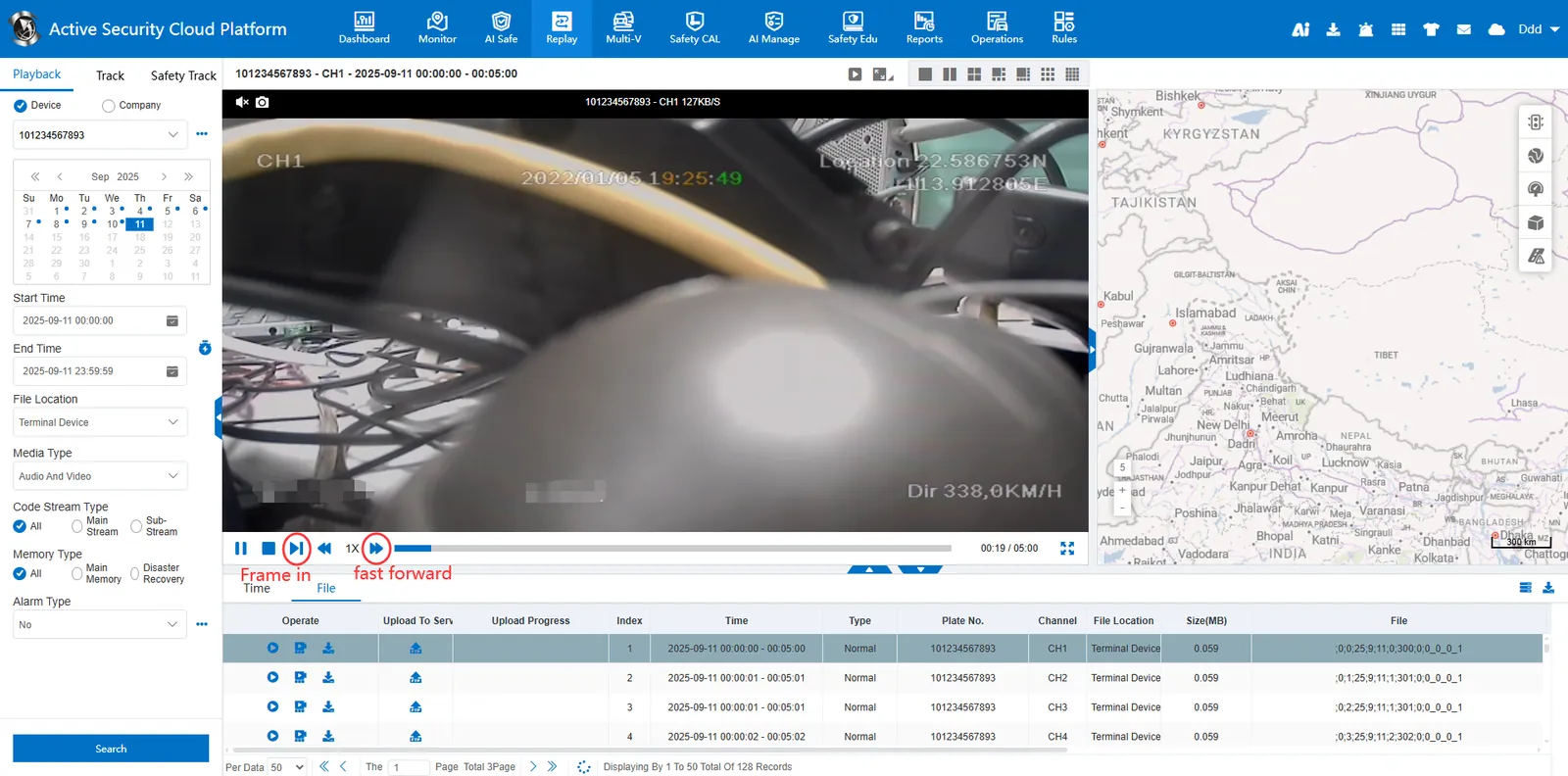
 : frame in (play frame by frame), manually switch the picture frame by frame, and play one frame with each click of the button, which is suitable for analyzing dynamic details.
 : fast playback (accelerated playback), continuous video playback at a higher speed than normal, up to X16x fast forward, suitable for fast browsing.