1. function description
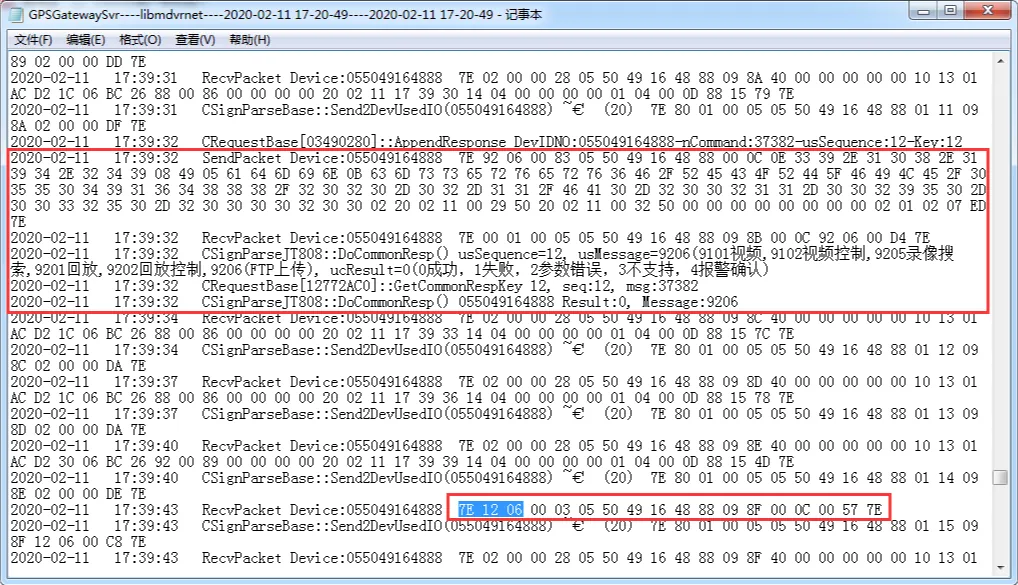
1078 device FTP upload video file process:
1. The user operates to add FTP tasks, and the server issues 9206 file upload instructions to the terminal;
2. After receiving the 9206 instruction, the terminal will reply to 0001 general response and start uploading files;
3. After the file upload is completed, the terminal reports the 1206 file upload completion notification;
Correct process log:
2. operating instructions
2.1 History Playback- Video Playback Select File Location to Search for Terminal Equipment
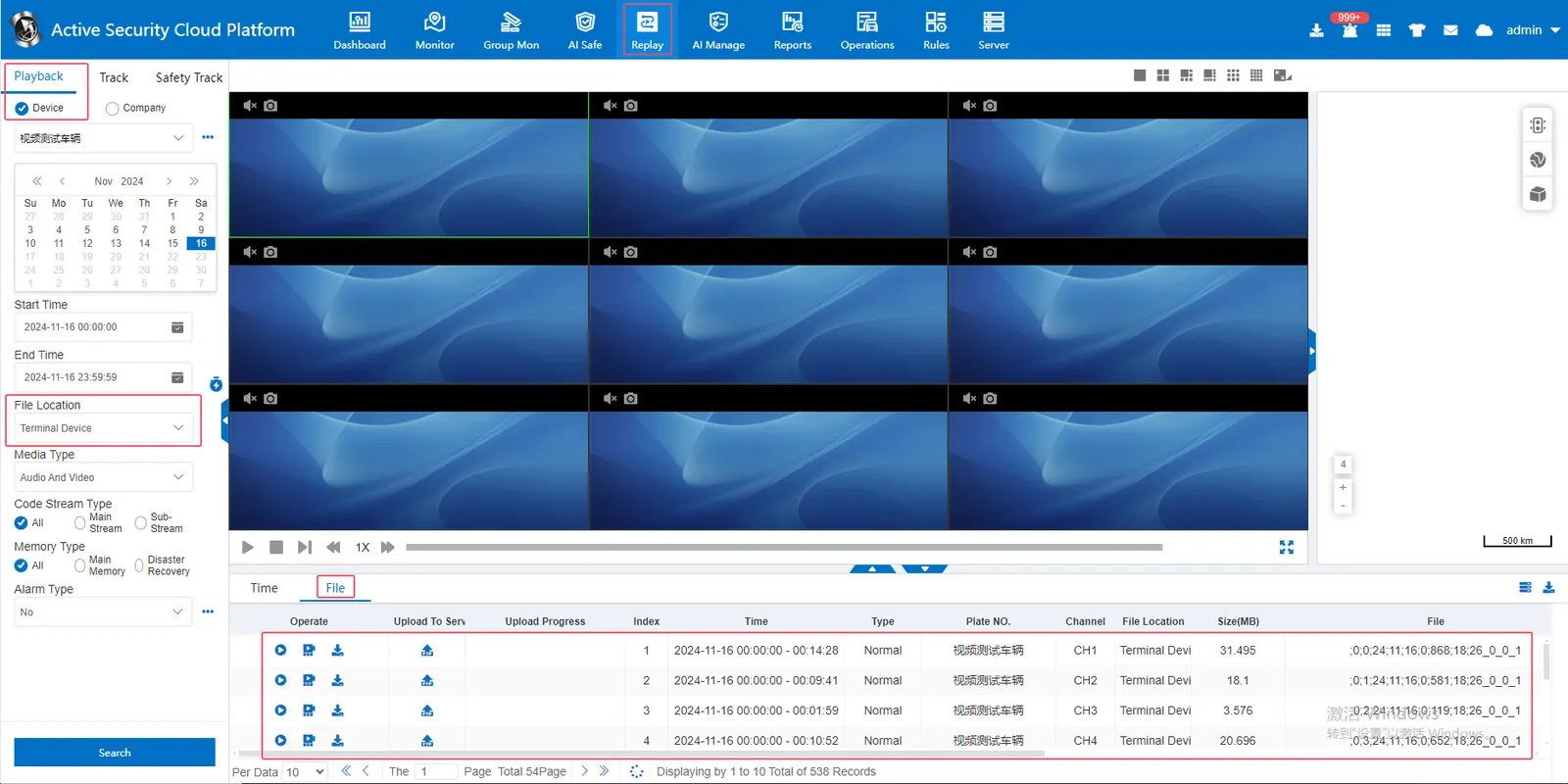
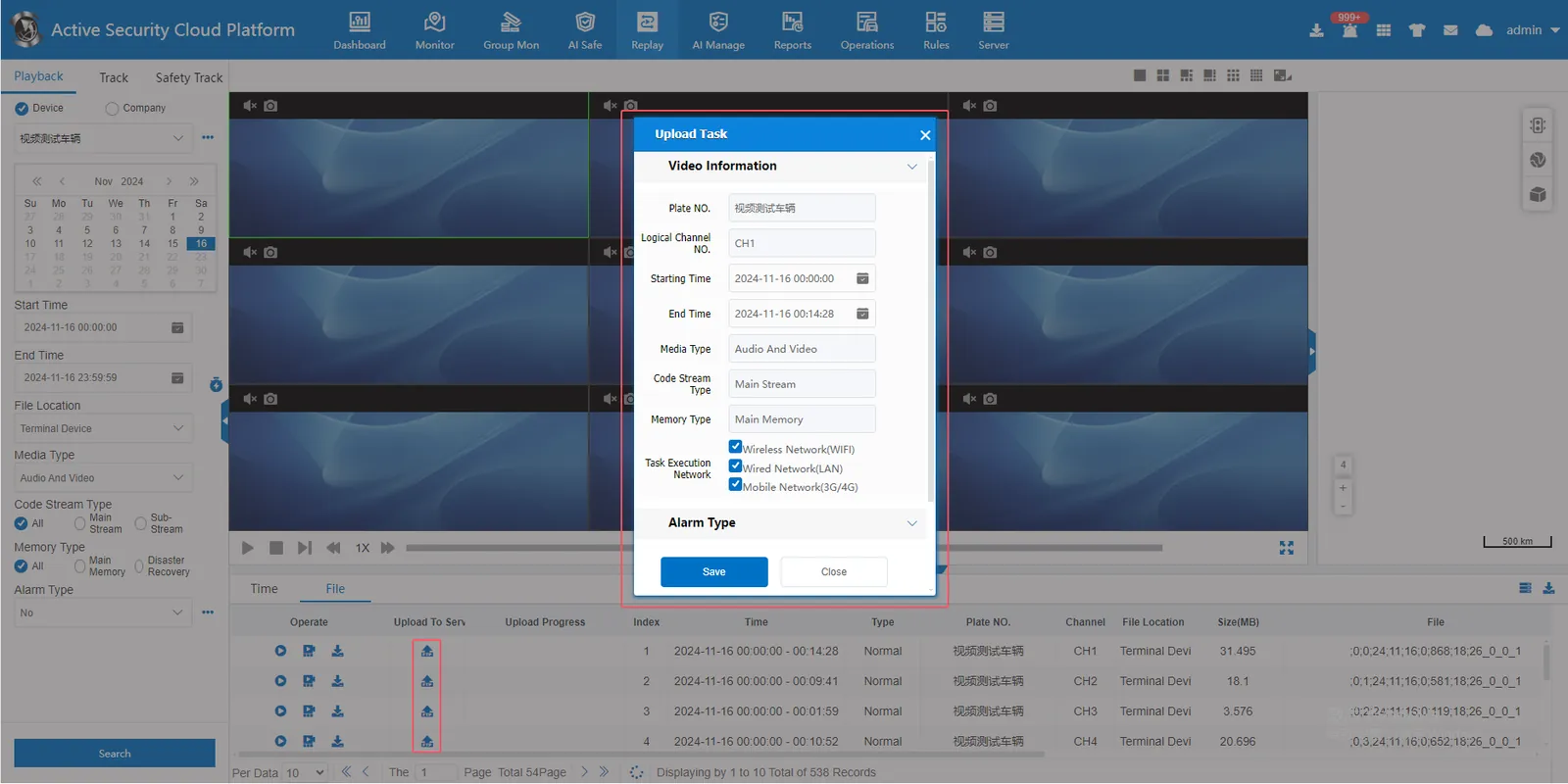
2.2 the searched file, click ftp to upload, then select the time period, and click Save
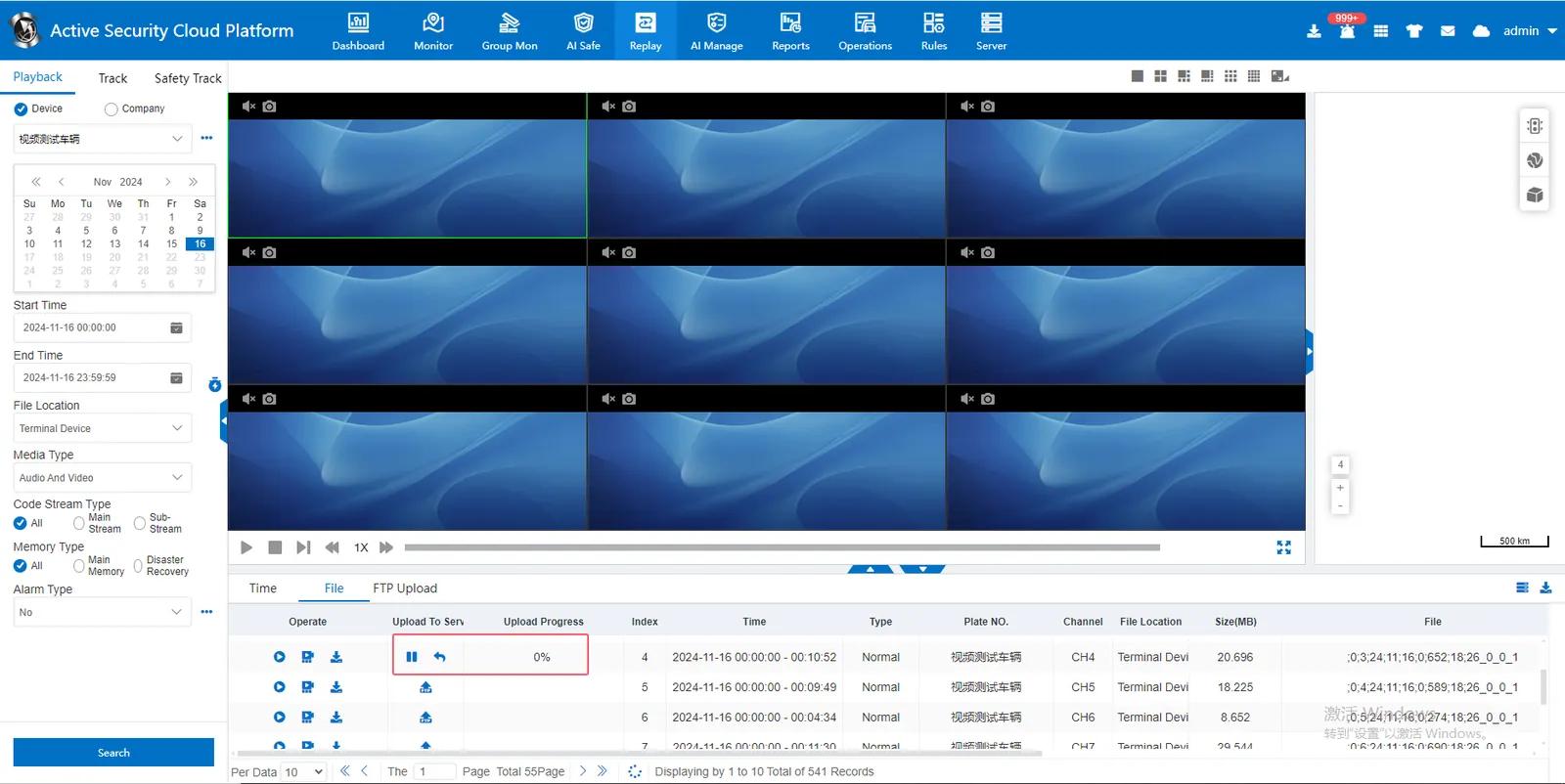
2.3 ftp upload progress display, upload process can be suspended, can be canceled
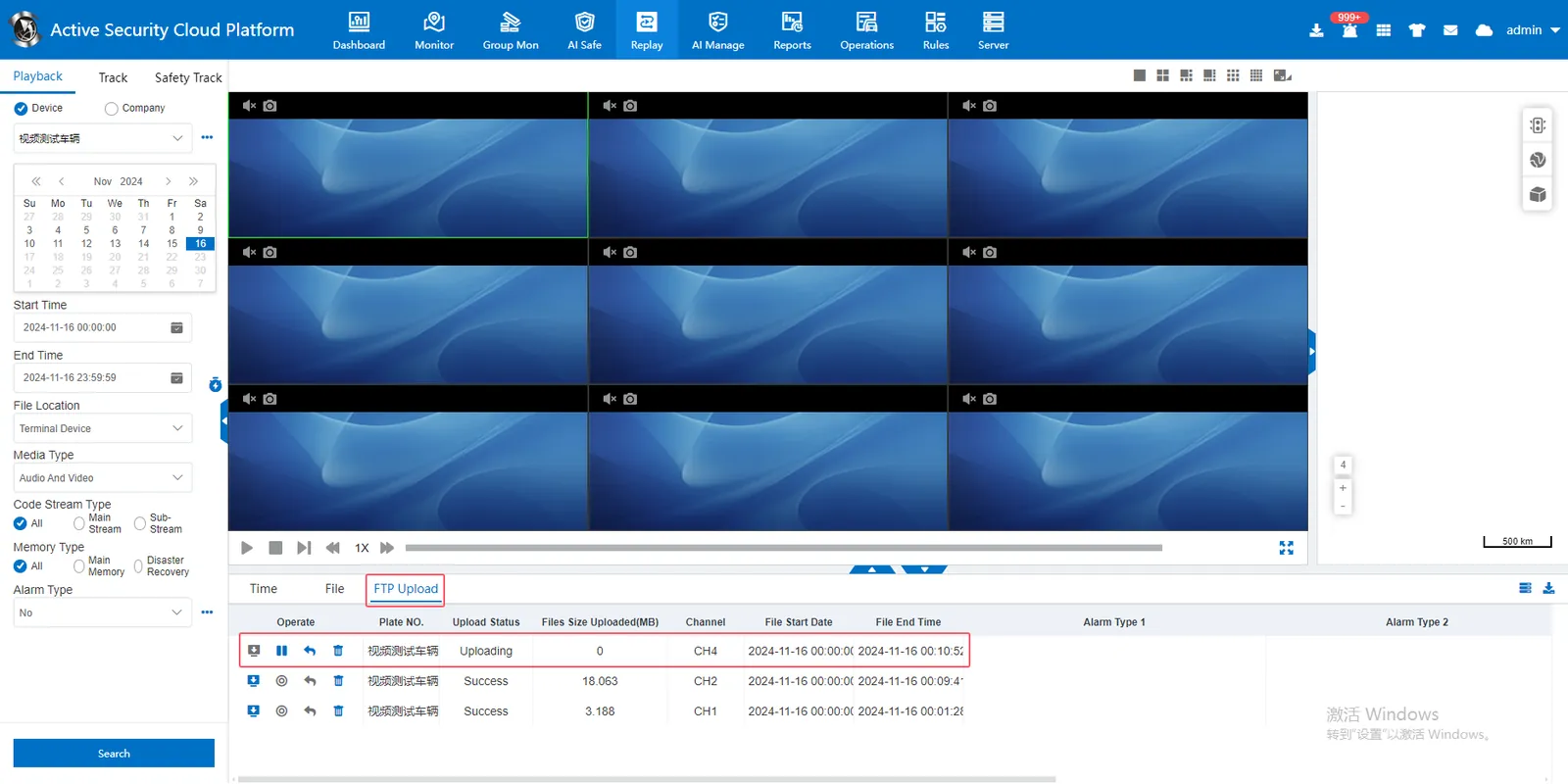
2.4 ftp upload completed
After the ftp upload is completed, you can click Download to download the server- side video file to the local
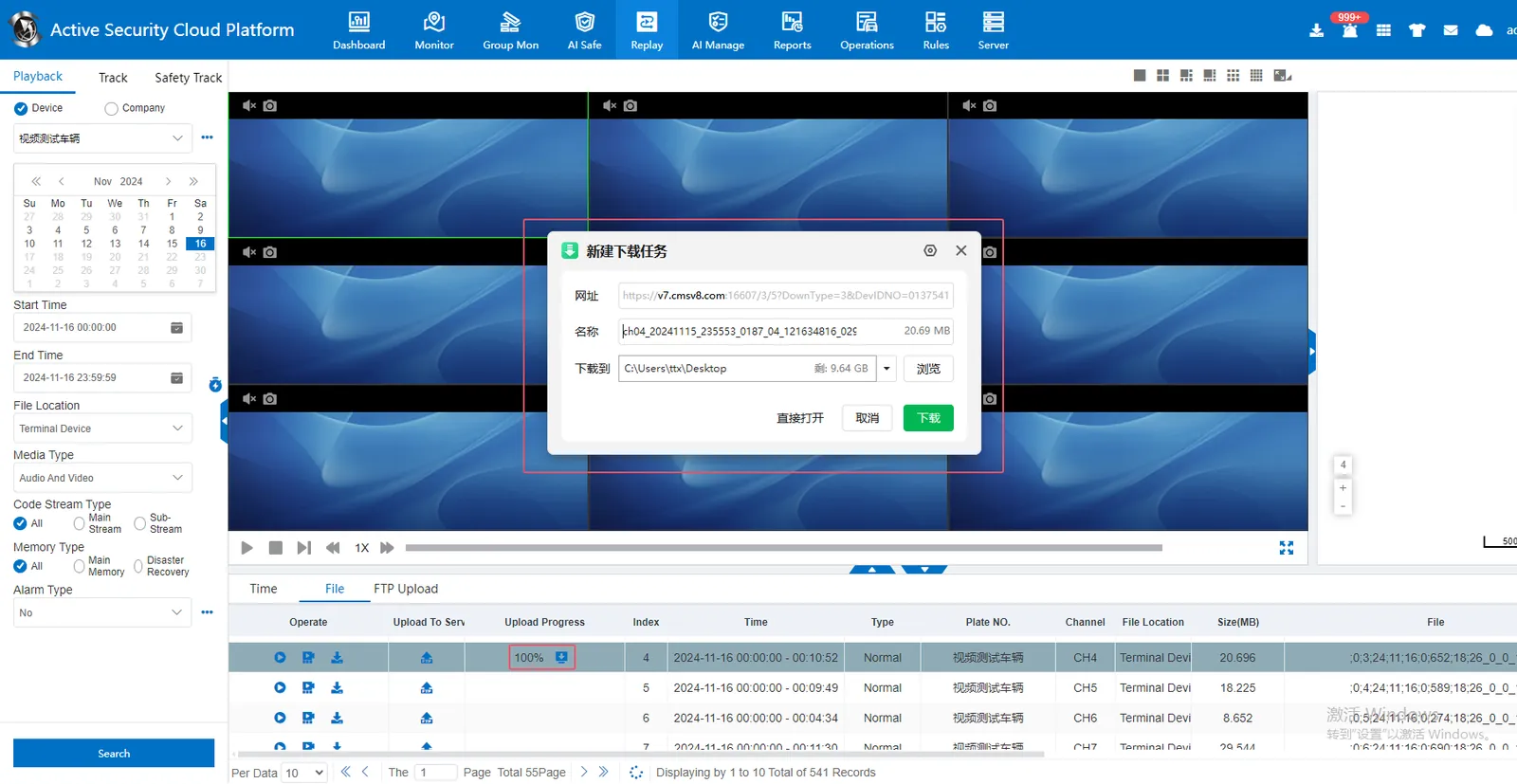
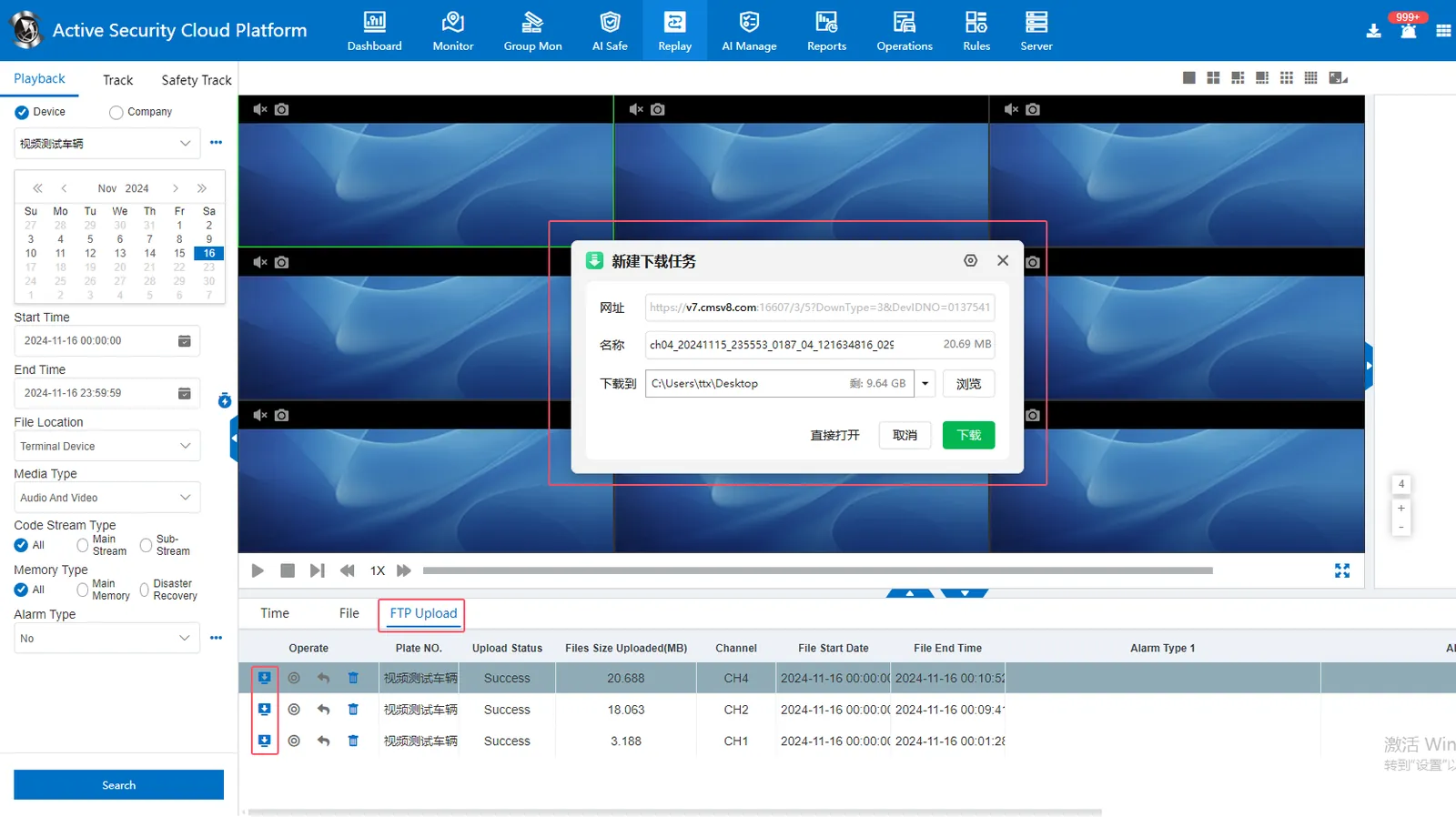
3. Precautions
3.1 ftp upload only for 1078 devices
3.2 ftp upload is to upload the video file from the device side to the server side
3.3 If you want to download the video file from the device side to the local, upload it to the server side through ftp first, and then go to the historical playback- the video playback selects the file location to search for the storage server, and the searched video file is downloaded to the local side.
3.4 must ensure that the ftp server can be accessed remotely
Enter ftp:// server access ip:2121/on the external web page. if it is accessible, it indicates that the ftp server can access remotely.
If you can't access it, solution reference: https://help.cmsv8.com/helpCenter/doc/index.html?isStudy=1&docType=1&docId=445&type=1