1 Function Description
centos8 Server Deployment Software
2 Operating Instructions
2.1 upload V6 installation package
Use XFtp to connect to the server and upload the installation package
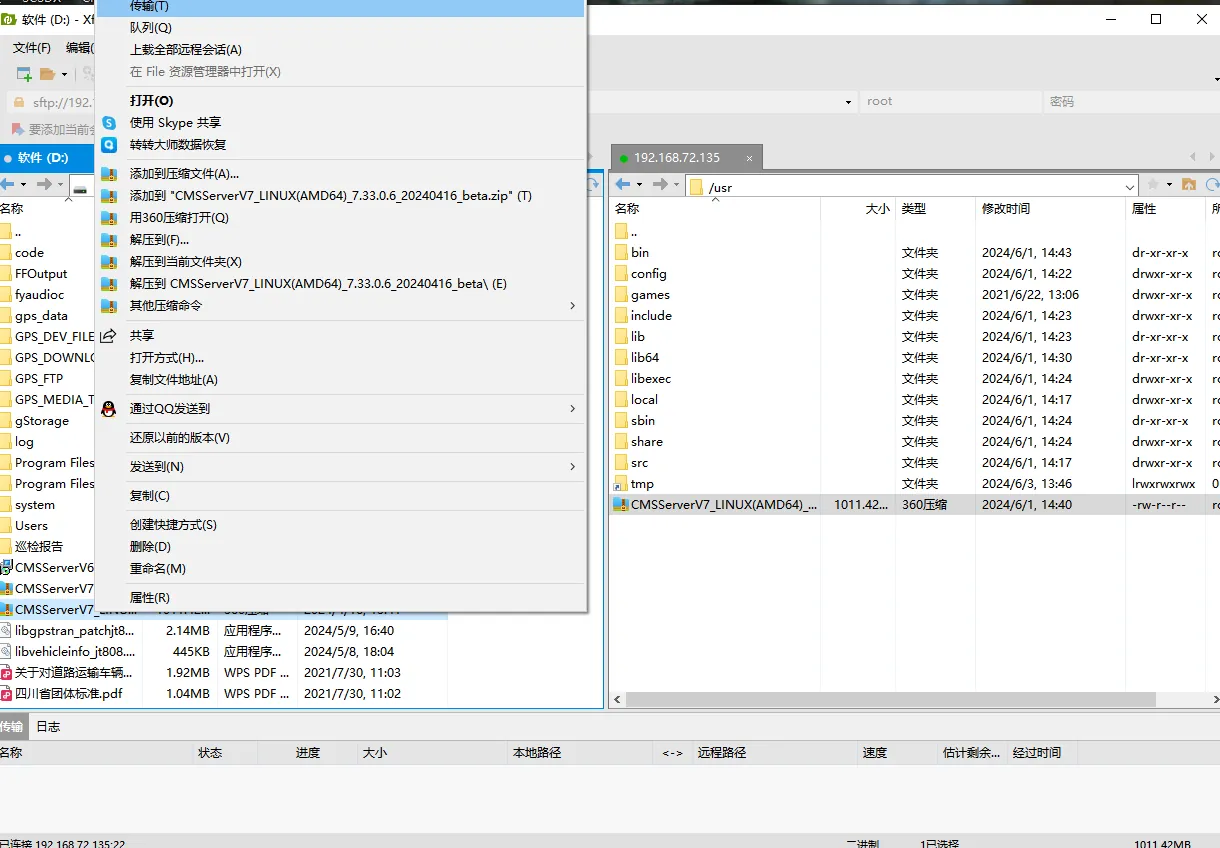
2.2 installation/cover installation v6 installation package
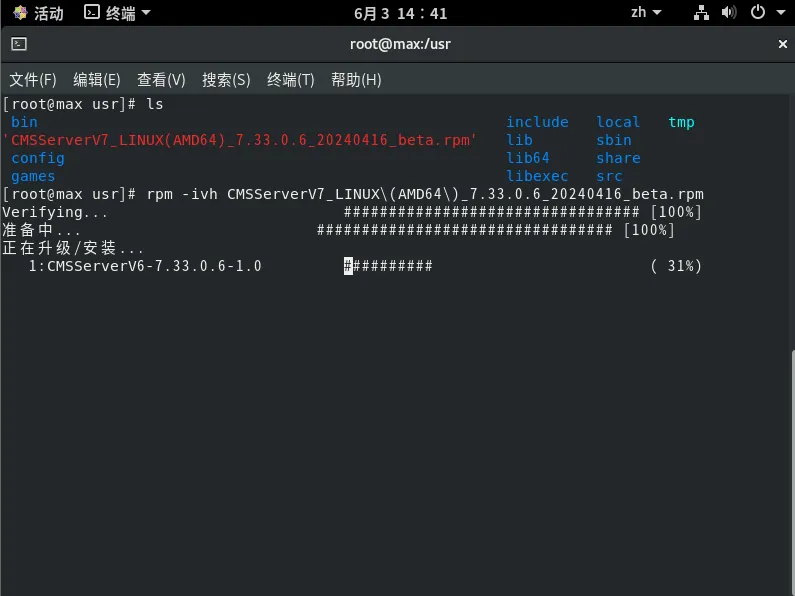
Open the terminal and enter the directory where the installation package is located.
command cd /usr
Execute the installation command
rpm - ivh - [package name]
Example
'rpm - ivh CMSServerV7_LINUX(AMD64)_7.33.0.6_20240416_beta.rpm'
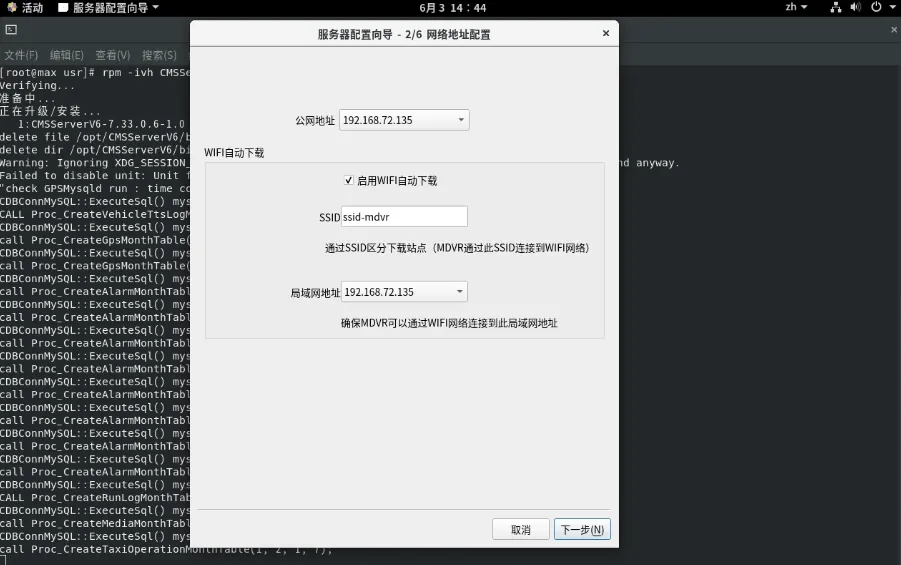
The server configuration wizard pops up after the installation is complete
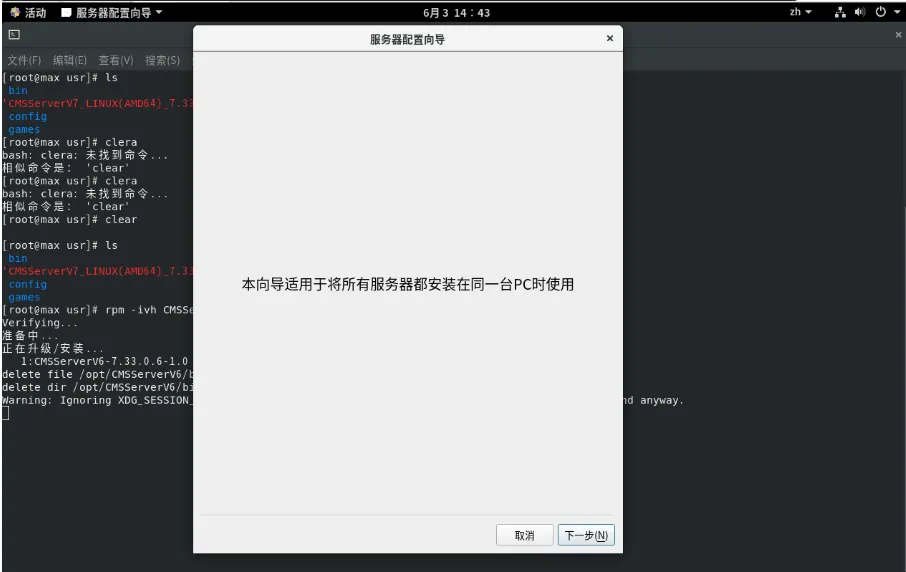
Next step
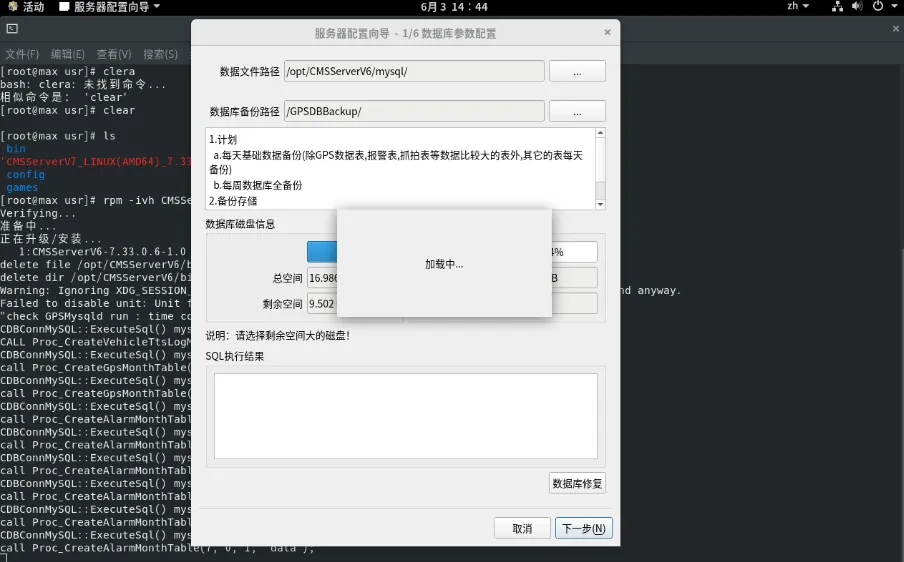
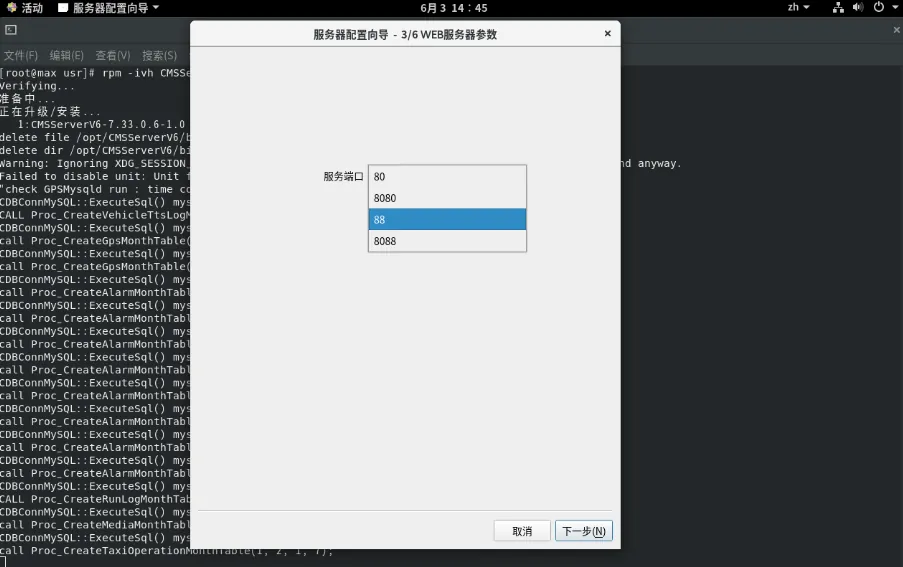
select web service port and click next
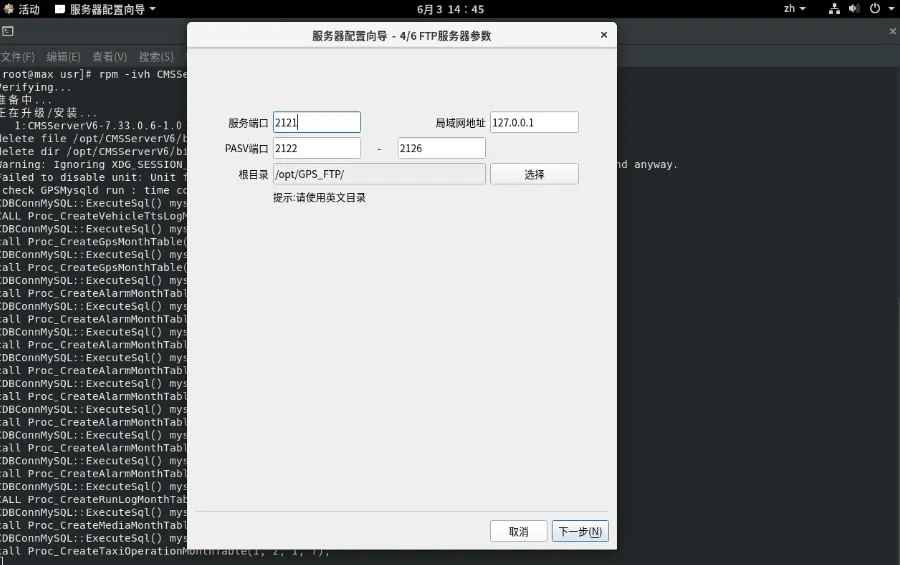
Next step
Complete
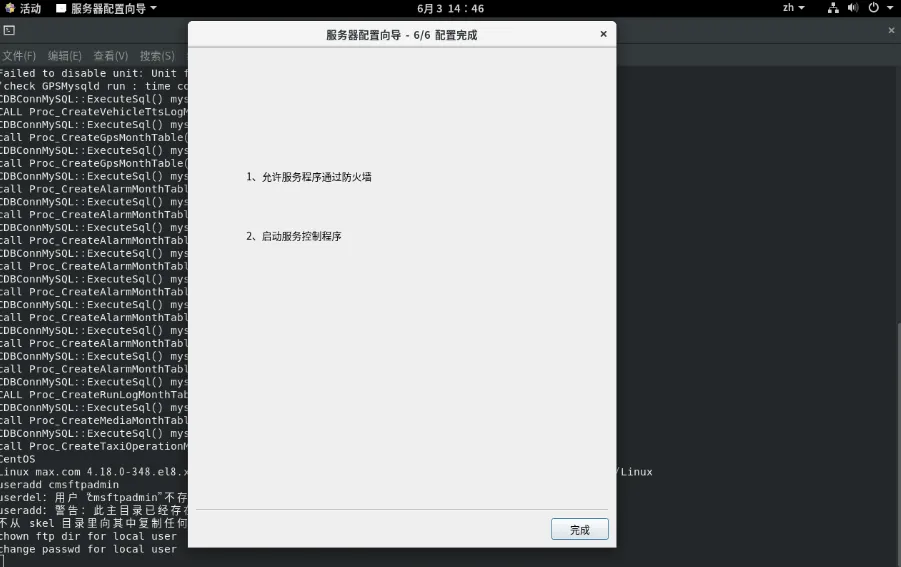
Pop- up server management window
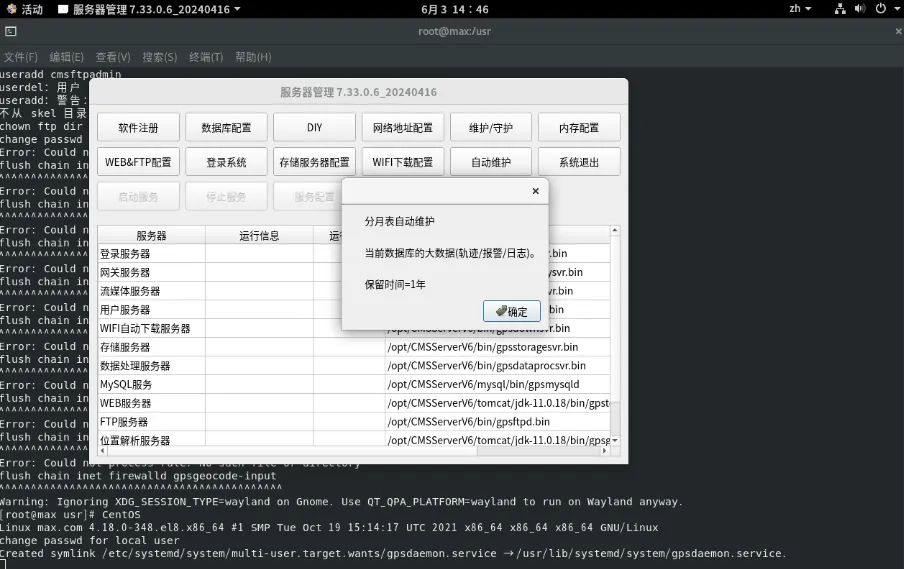
Restart the server controller (write a shell script and put it on the desktop, double- click it)
vim cmsv6.sh
#! /bin/bash
cd "/opt/CMSServerV6/bin"
./gpssvrctrl.bin
Give execute permission chmod x cmsv6.sh
2.3 uninstall v6 installation package
Enter the command: rpm - e CMSServerV6