1. Functional Description
Apple computer because of its unique operation method and security settings, often lead to the installation of CMSV7 client side failure, the document details the installation method.
2, operating instructions
2.1 Conformation System Architecture
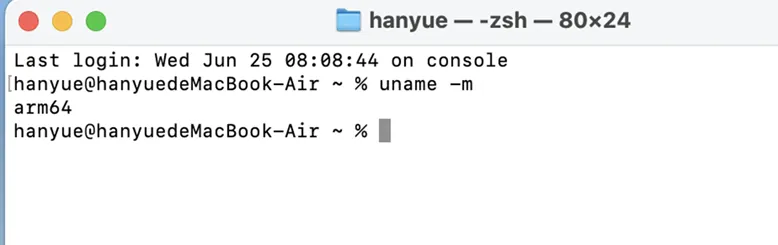
Open in the terminal and enter uname - m to return the system architecture.
2.2 Download the corresponding architecture installation package
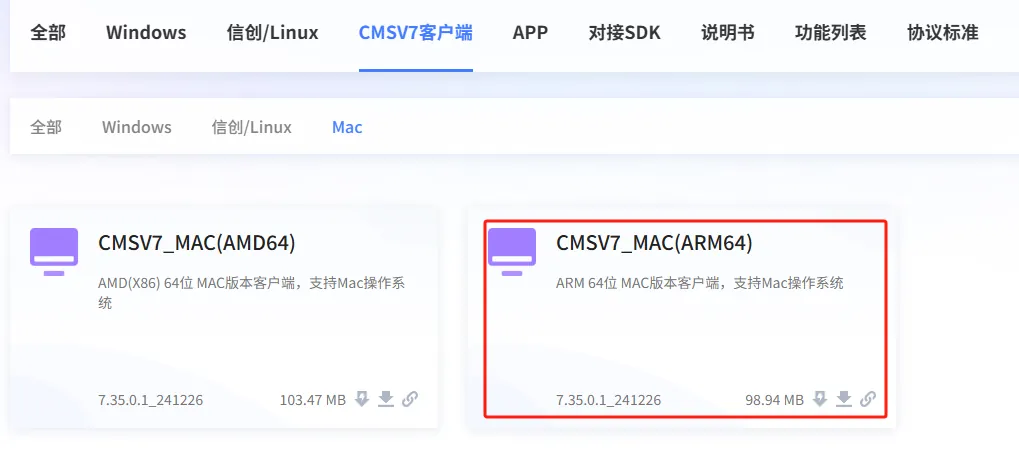
Take the arm64 architecture in 2.1 as an example to download the arm64 installation package.
2.3 Install the client
After the installation package is downloaded, double- click or right- click to install the package and select "Open"
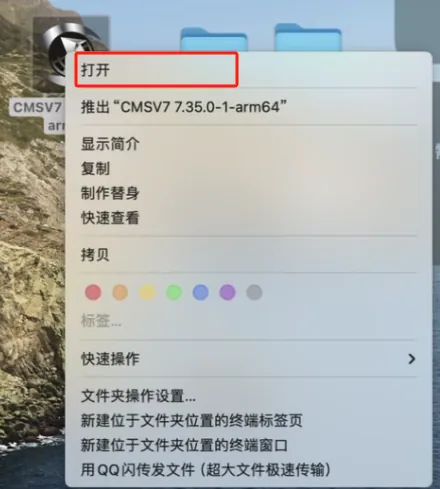
The MAC system will pop up a window prompt, drag the left CMSV7 beacon to the right Applications, and install it silently on the back desk of the system.
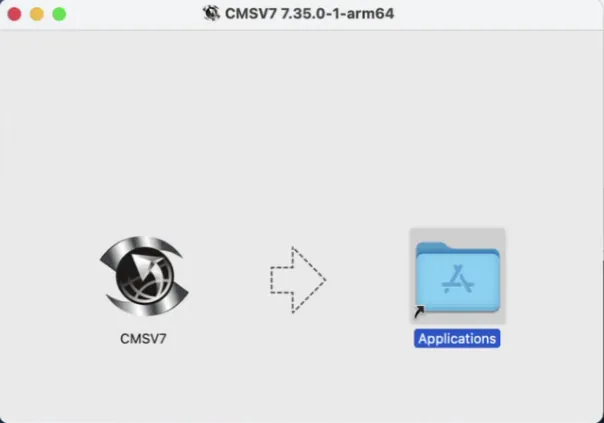
2.4 Enter the "Launch Desk", start and use the client.

3, installation of common problems
3.1 The installation is complete, but the prompt file is damaged when it is opened.
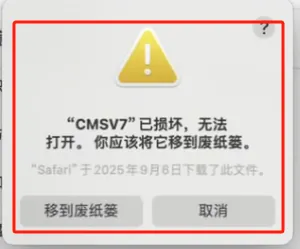
Cause of the problem:
Solution:
1. Open the terminal, enter the following instructions, and then enter the system password
'sudo xattr - d com.apple.quarantine /Applications/CMSV7.app'
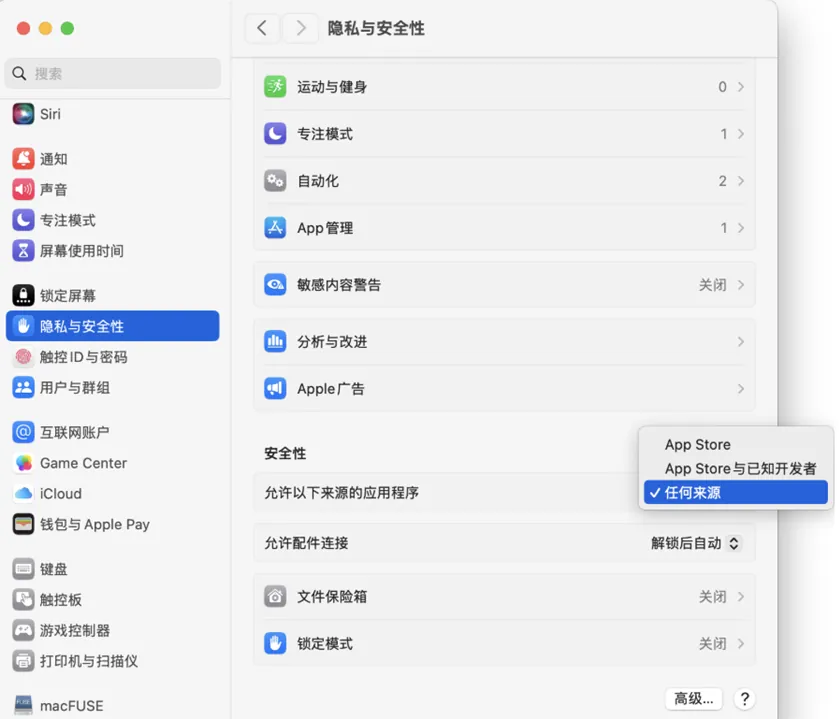
- You can also manually select "Allow all sources" in "Settings- > Privacy and Security- > Security".