1. Function description
- Customize the carousel diagram of the web login interface
- web login home page and app login home page can be changed
- Picture format and pixels cannot be changed
2. operating instructions
Method 1: Add three carousel charts to banner management
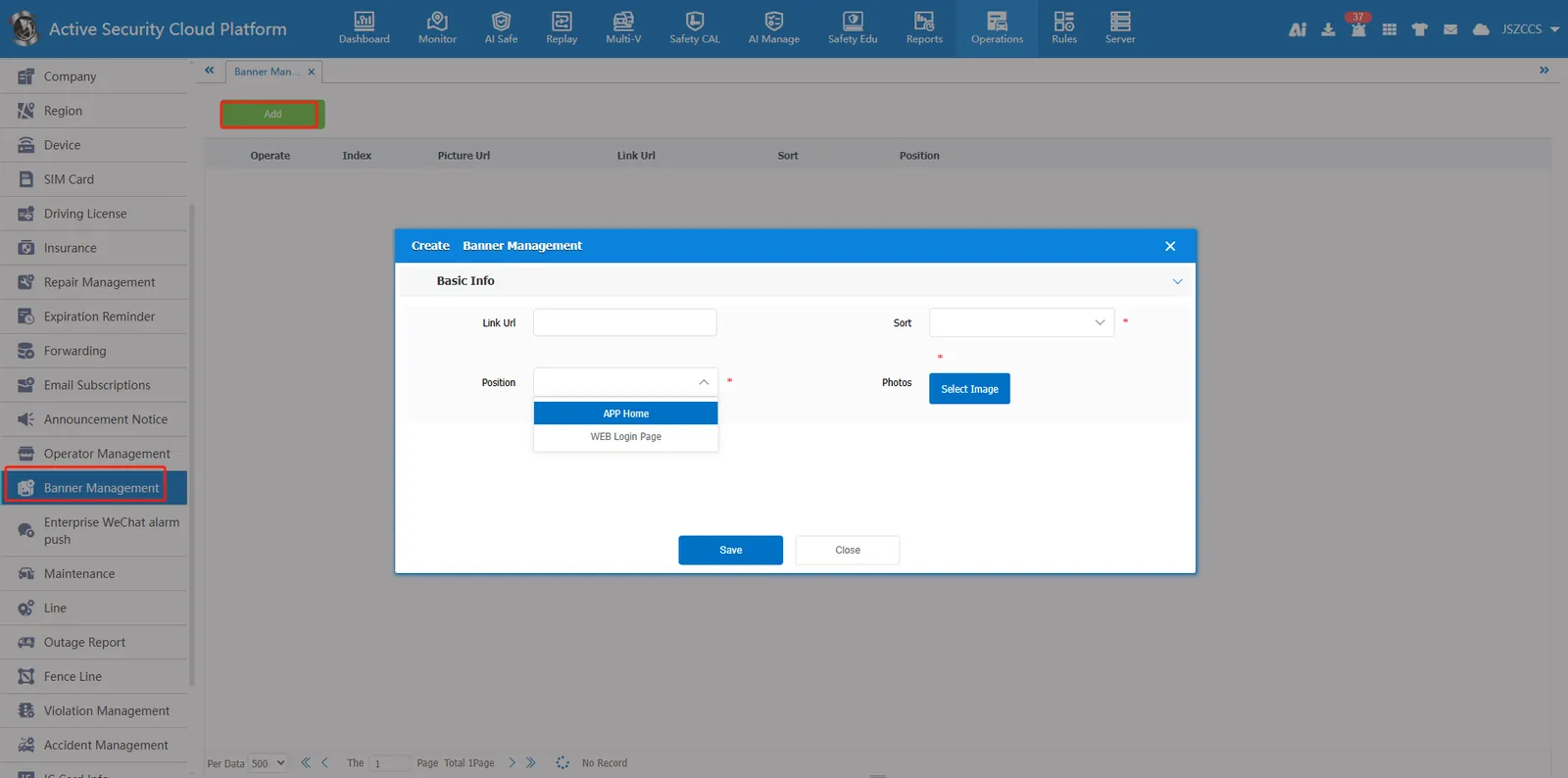
- Operation button
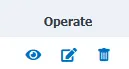
Detailed: View Banner management information
Edit: Modify Banner management information
Delete: Delete Banner Management
Method 2: Replace the picture file in the server
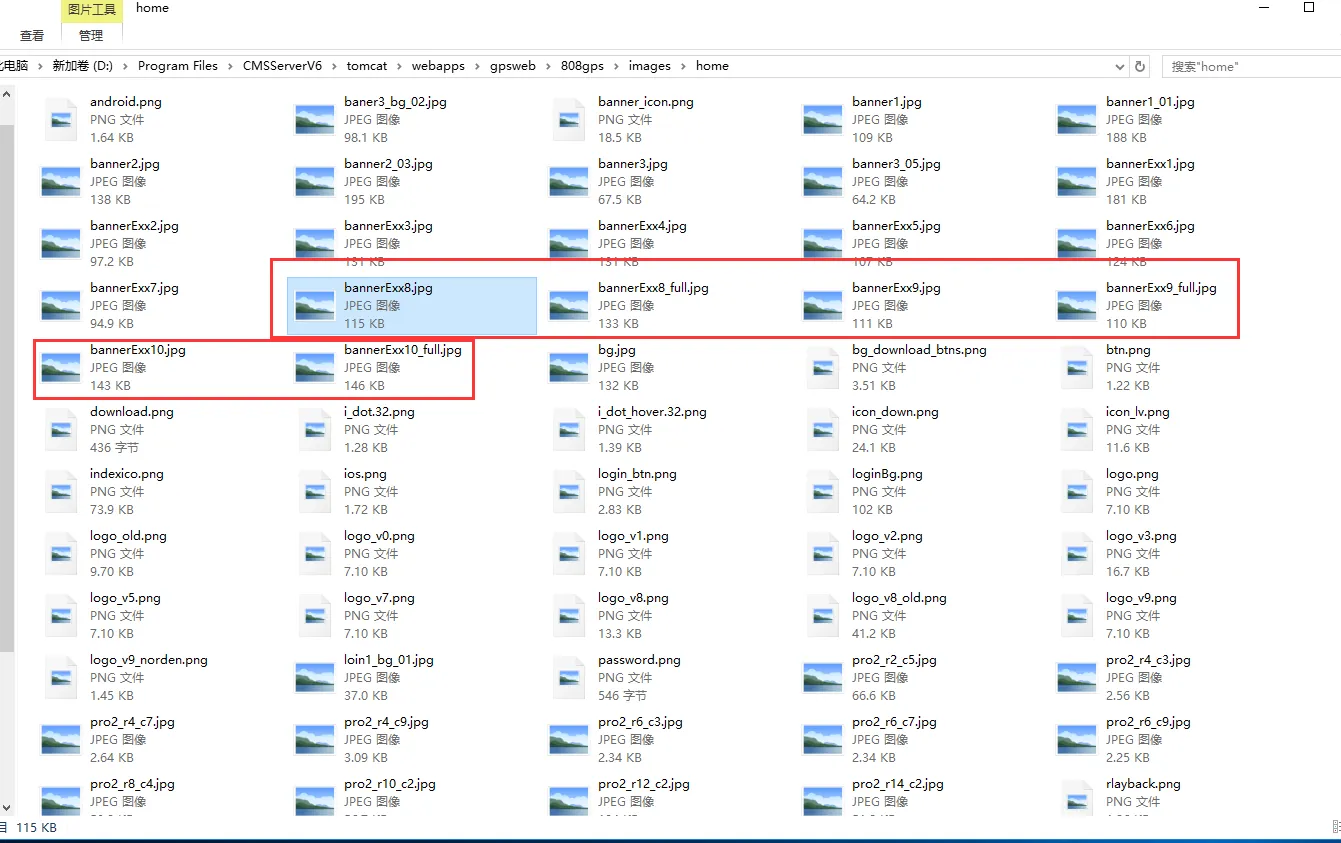
The six red boxes in the figure below should be replaced.
- Replace pictures in the CMSServerV6\tomcat\webapps\gpsweb\808gps\images\home directory
- Clean up the browser's cache and log back into the WEB page to view it.
