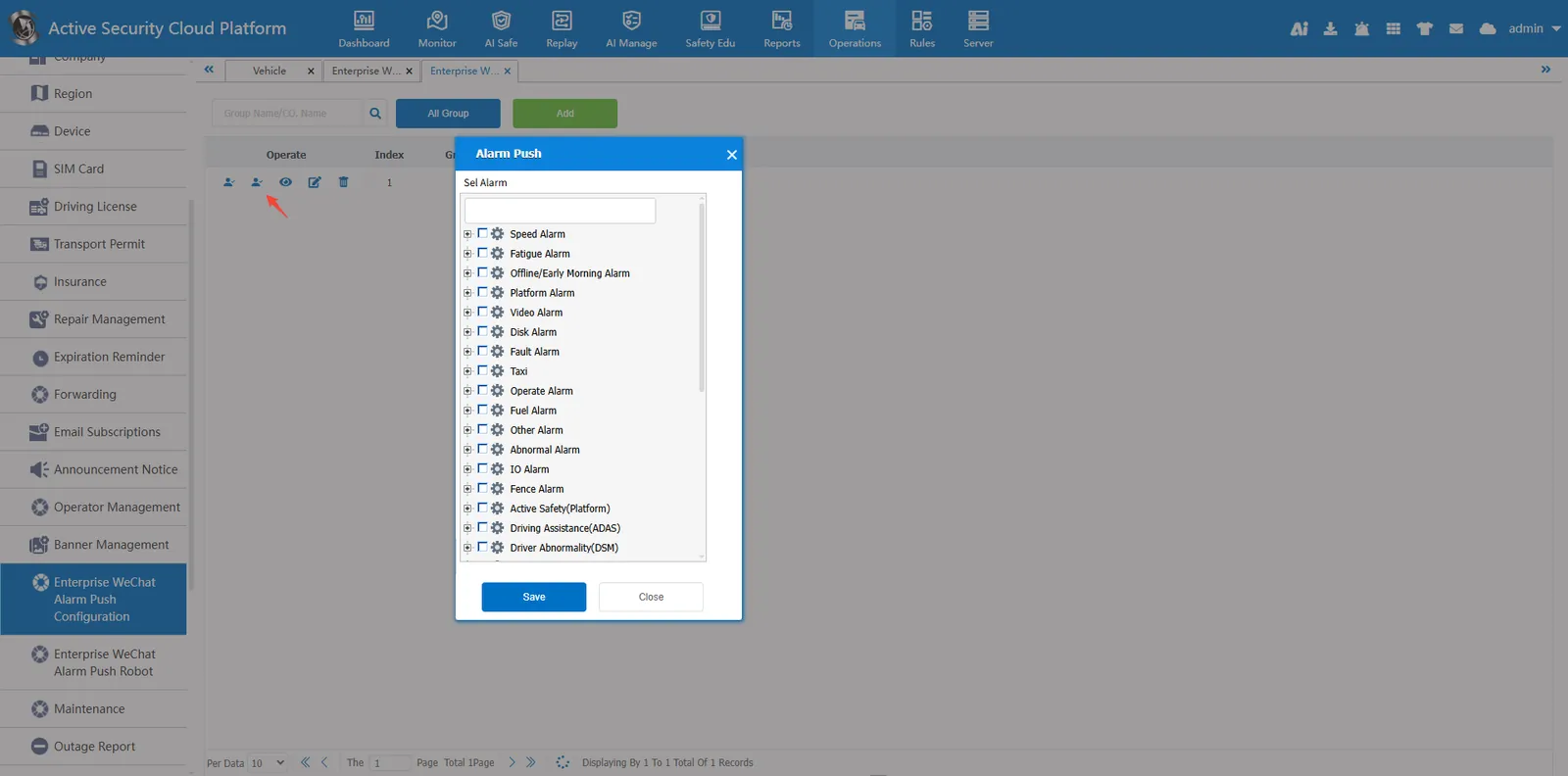
1. Function description
Use enterprise WeChat to push alarm information and attachments. To use this function, you need to contact the business activation service.
2. Operating Instructions
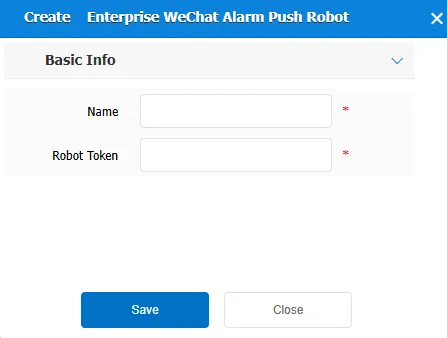
2.1 add enterprise WeChat alarm push robot
Add a robot under the enterprise WeChat alarm push robot with a custom name. The robot token needs to be obtained by contacting the business.
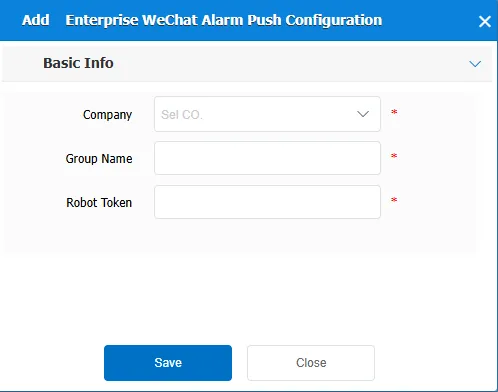
2.2 add enterprise WeChat alarm push group
Add a group chat under the enterprise WeChat alarm push group, select a company, the name of the group chat must be consistent with the name of the enterprise WeChat group, and the robot Token must be consistent with the second step.
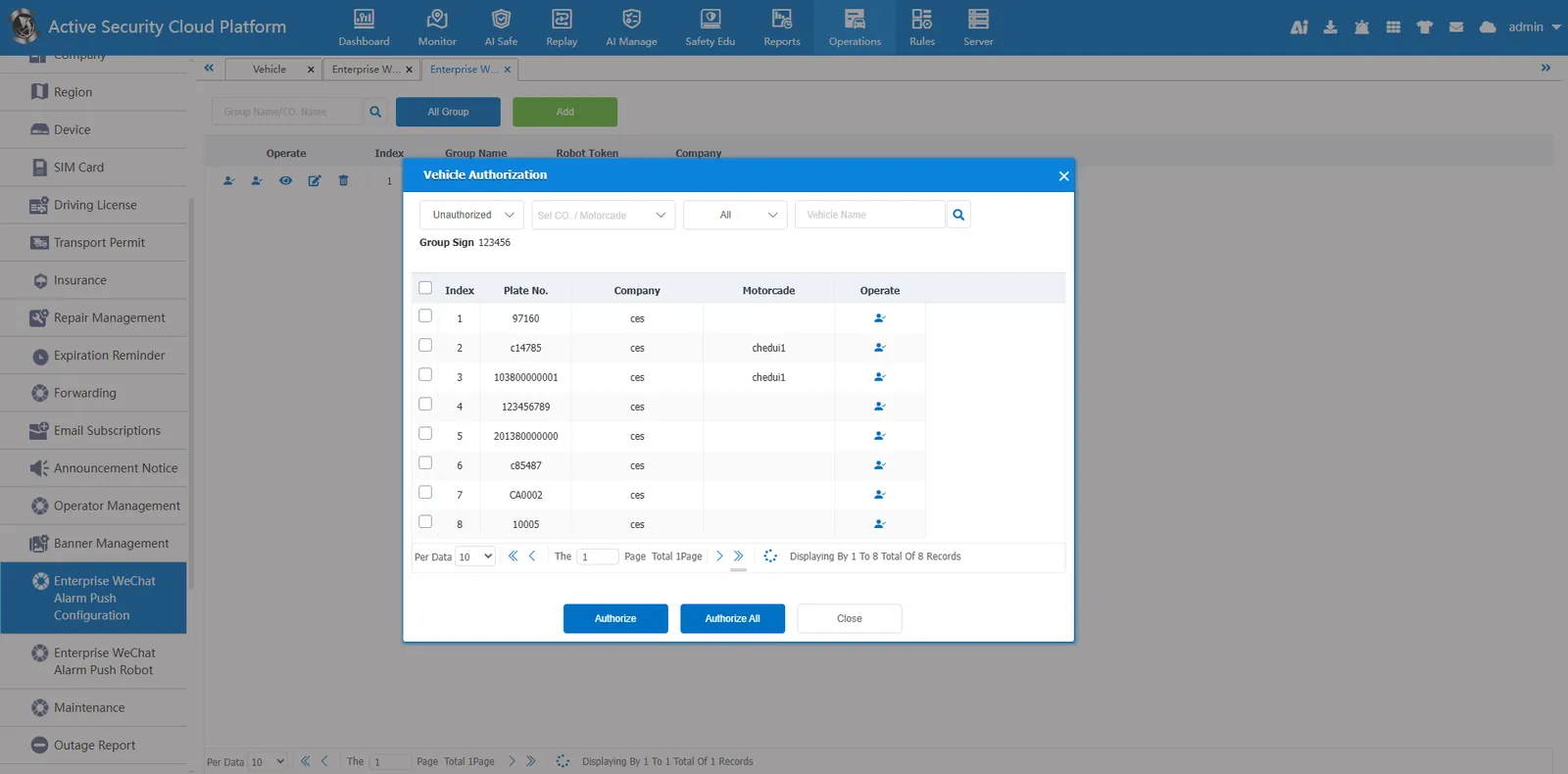
2.3 vehicle authorization
Vehicle authorization for alarm push will be required, and vehicles without authorization will not be pushed
2.4 alarm push type
Select the alarm type to be pushed. If you do not select the alarm type, the alarm will not be pushed.