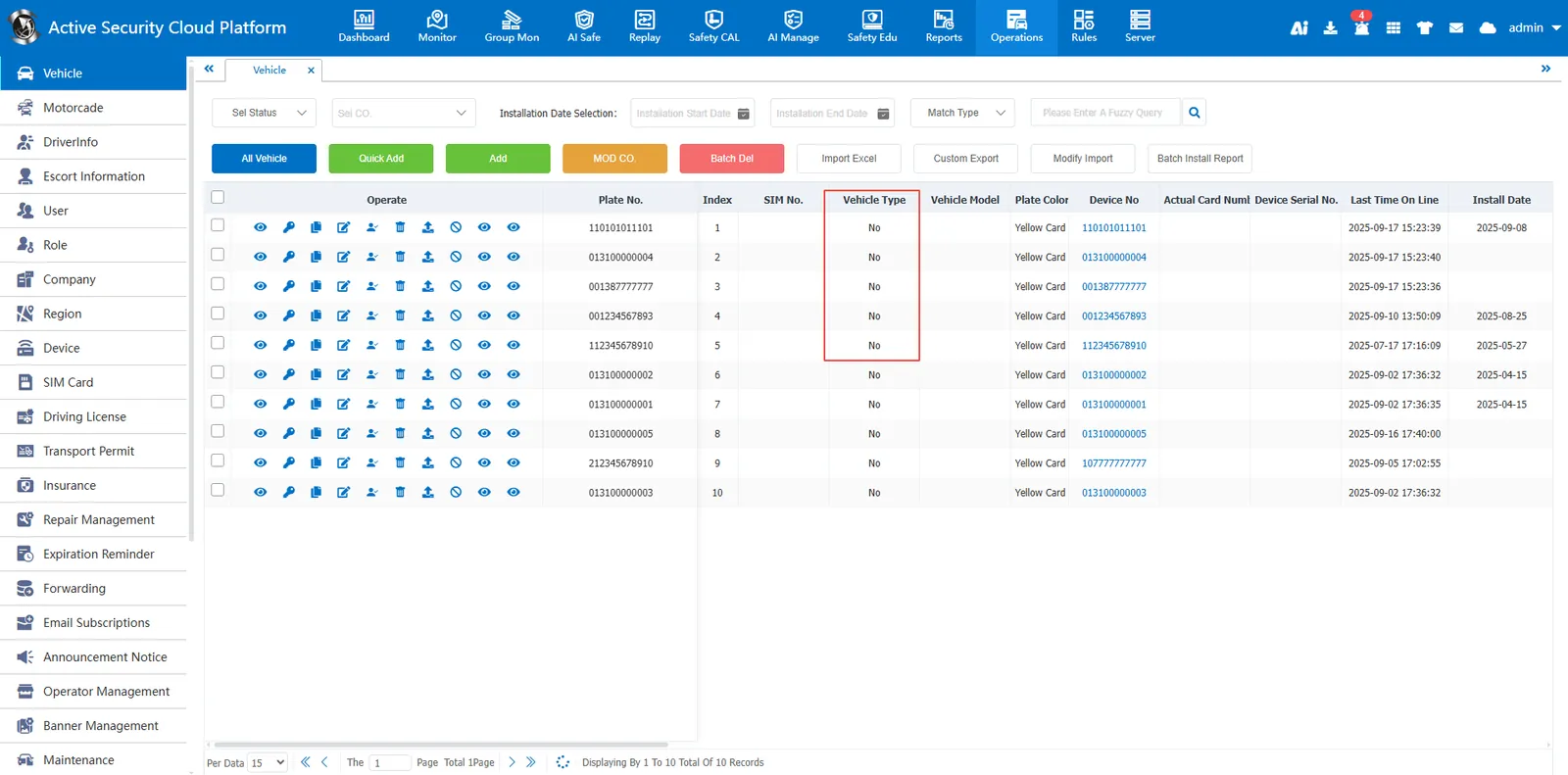
1 Preconditions
There needs to be a copy button, which is in Vehicle Information, Role Management, Device Management, and SIM Information.
2. operation steps
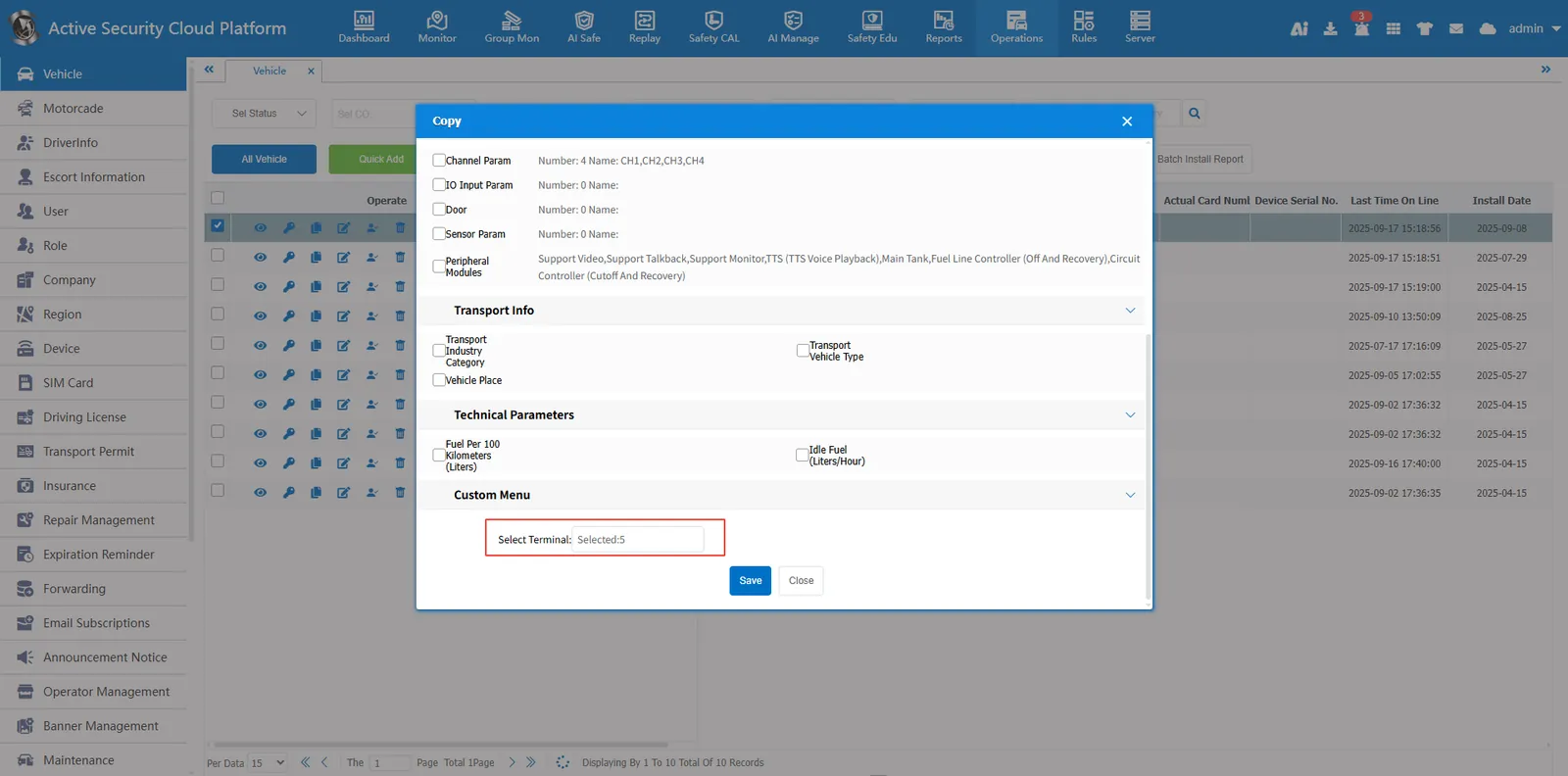
- Click on the operation management page to find the vehicle information option
- Click the Copy button in the vehicle that needs to be copied
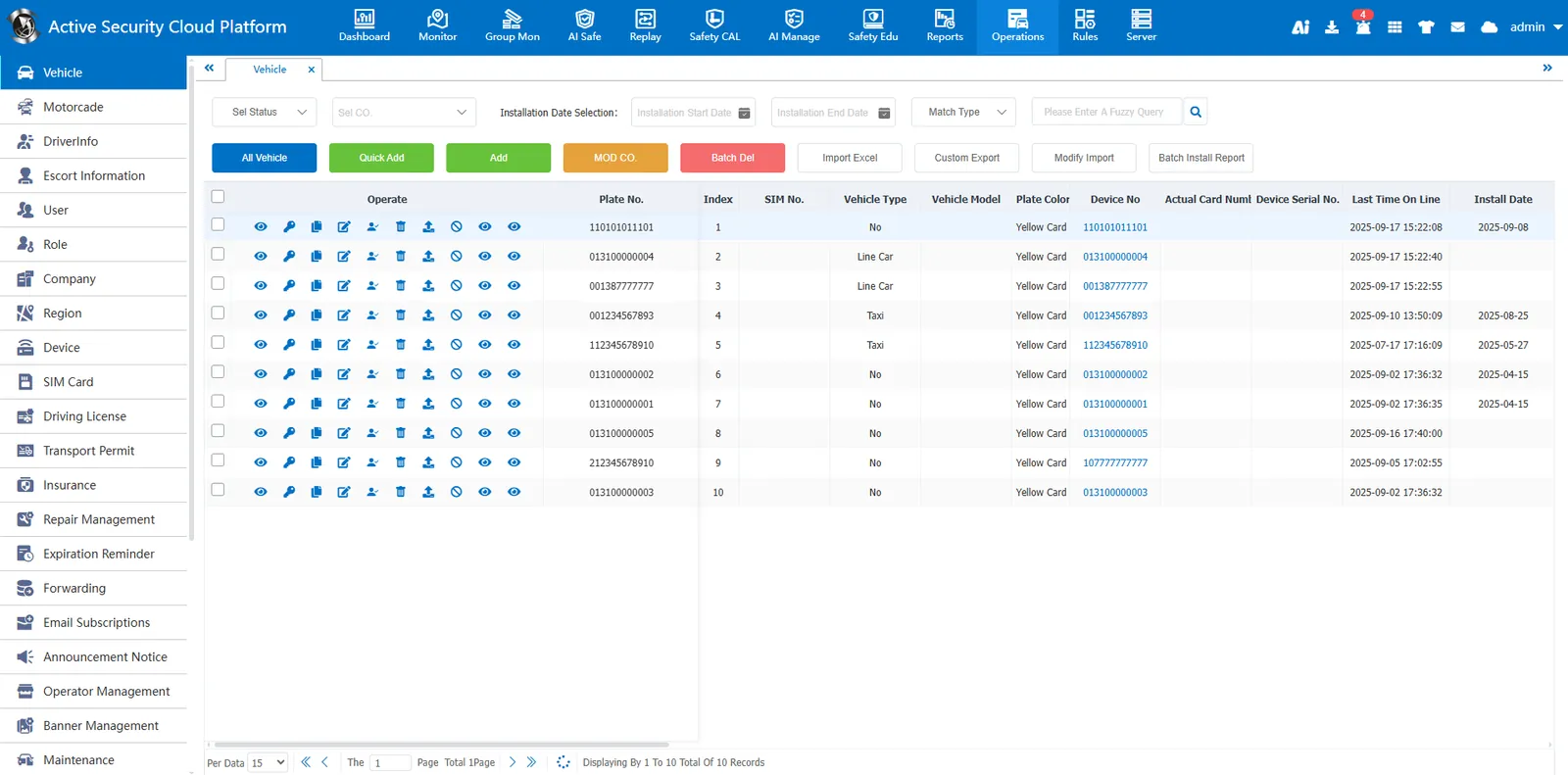
- Select the content that needs to be copied to other vehicles
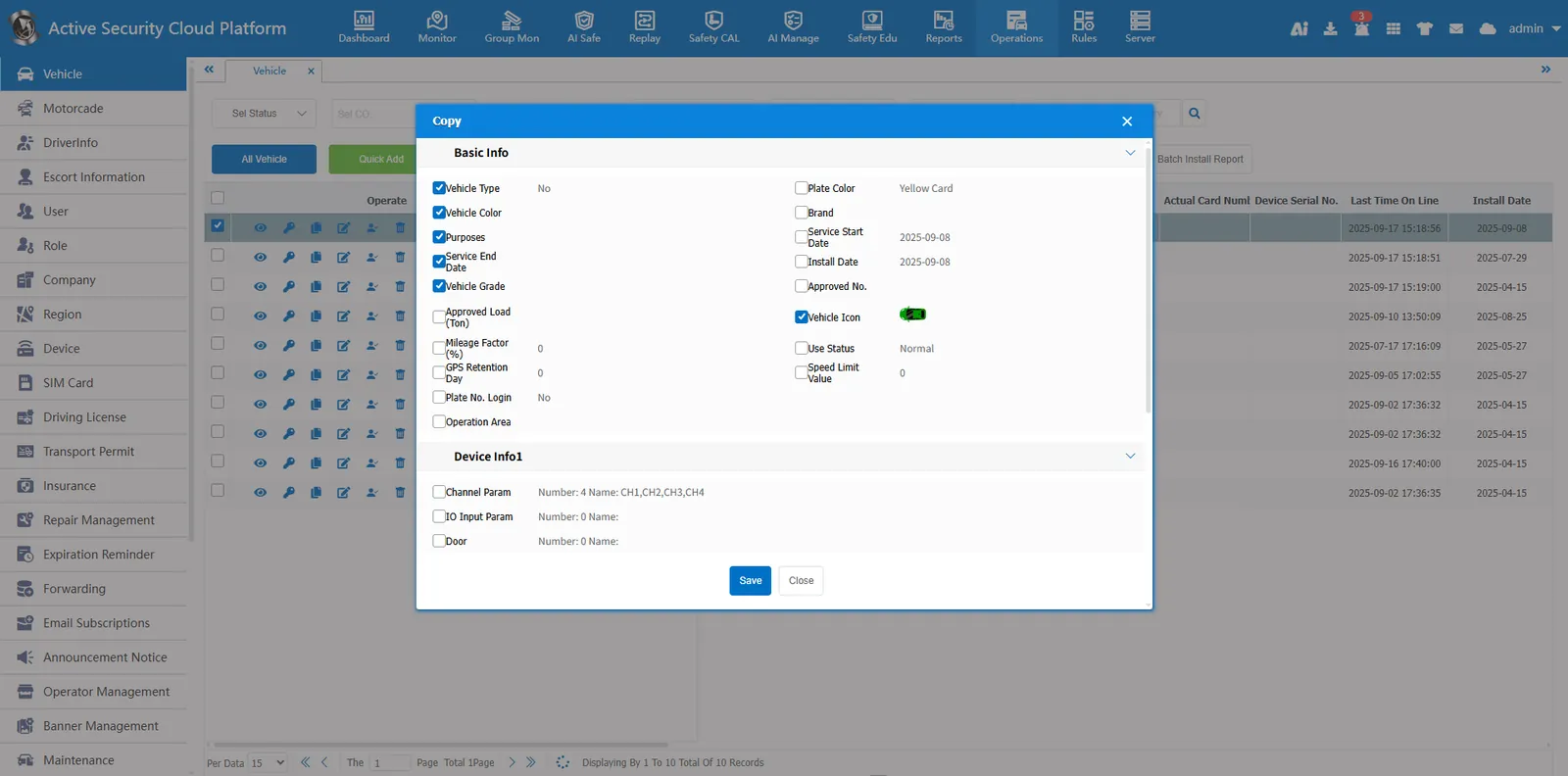
- Select Vehicle
- Click Save
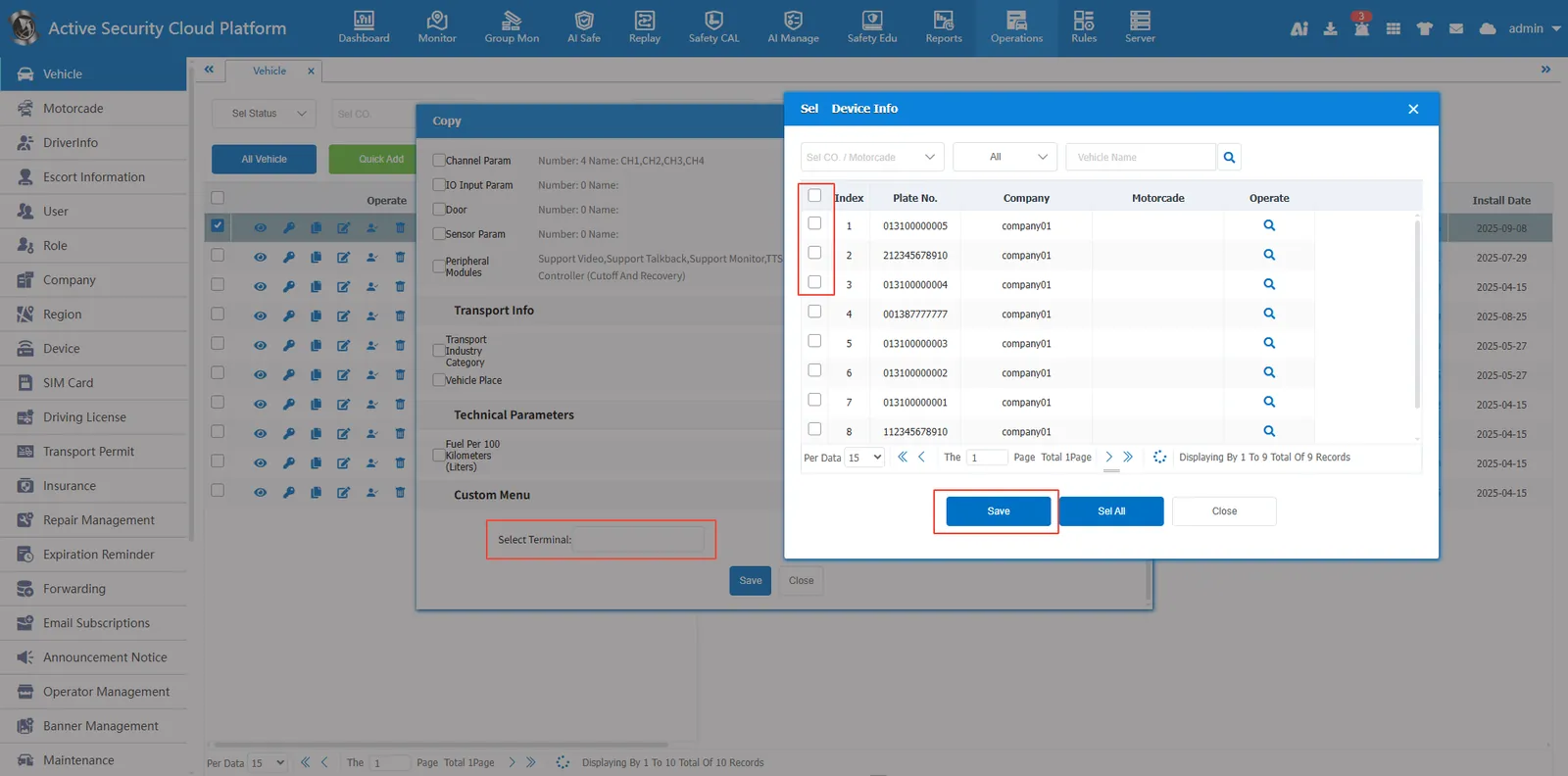
3. the effect of display
Vehicle type, product color is consistent with the copied vehicle