1. Function description
The company information module is the core function module for centralized management of enterprise subject data in the system, and realizes the efficient integration and accurate management of enterprise information through standardized input, query and maintenance operations. You can add, modify, and delete basic company information (such as company name, parent company, industry, road transport license, contact person/phone number, and region). Ensure the integrity and accuracy of enterprise core information and provide reliable data support for subsequent business processes (such as vehicle binding, permission allocation, and compliance management).
2. operating instructions
2.1 add company
2.1.1 Add button
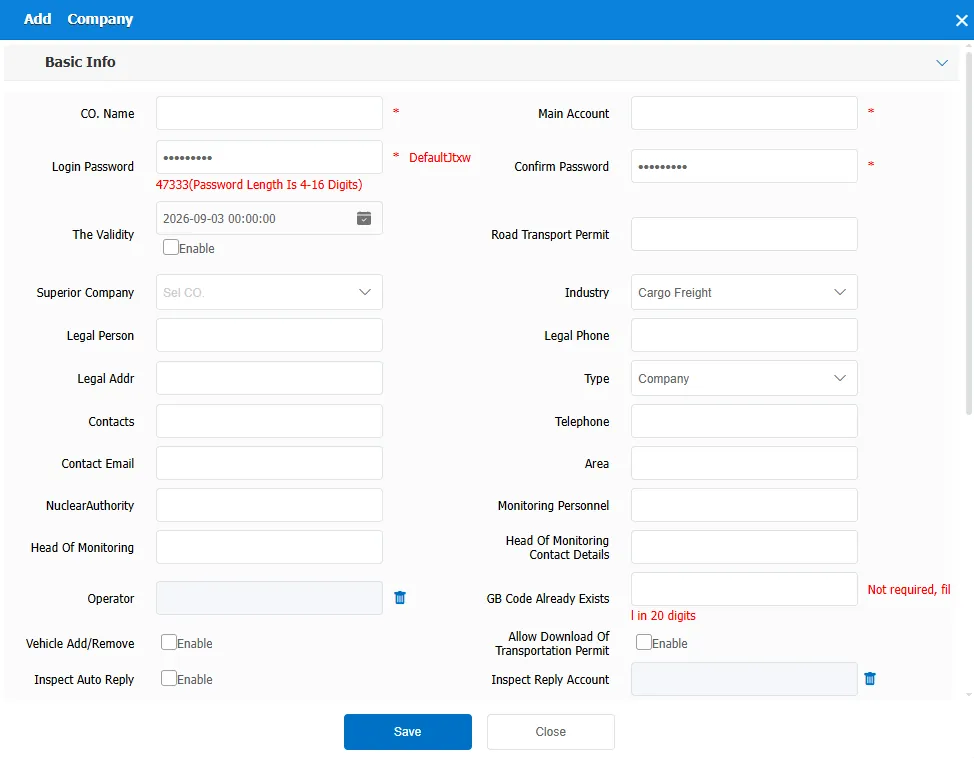
Click the Add button and enter the company name, master account, and login password in the Add Company Information dialog box. Red asterisks are required. Below is an explanation of the important fields
Master Account: generated by creating a company.
Login Password: Login password of the master account
Validity Period: After the expiration date, the user cannot log in.
** Road Transport Permit :809 Forwarding Used by Middle and Upper Level Platform for Post Inspection
Vehicle Add/Delete Permission**: After you select this option, the primary account has the permission to add and delete vehicles. You can limit the number of vehicles to be added.
2.1.2 Import from Excel
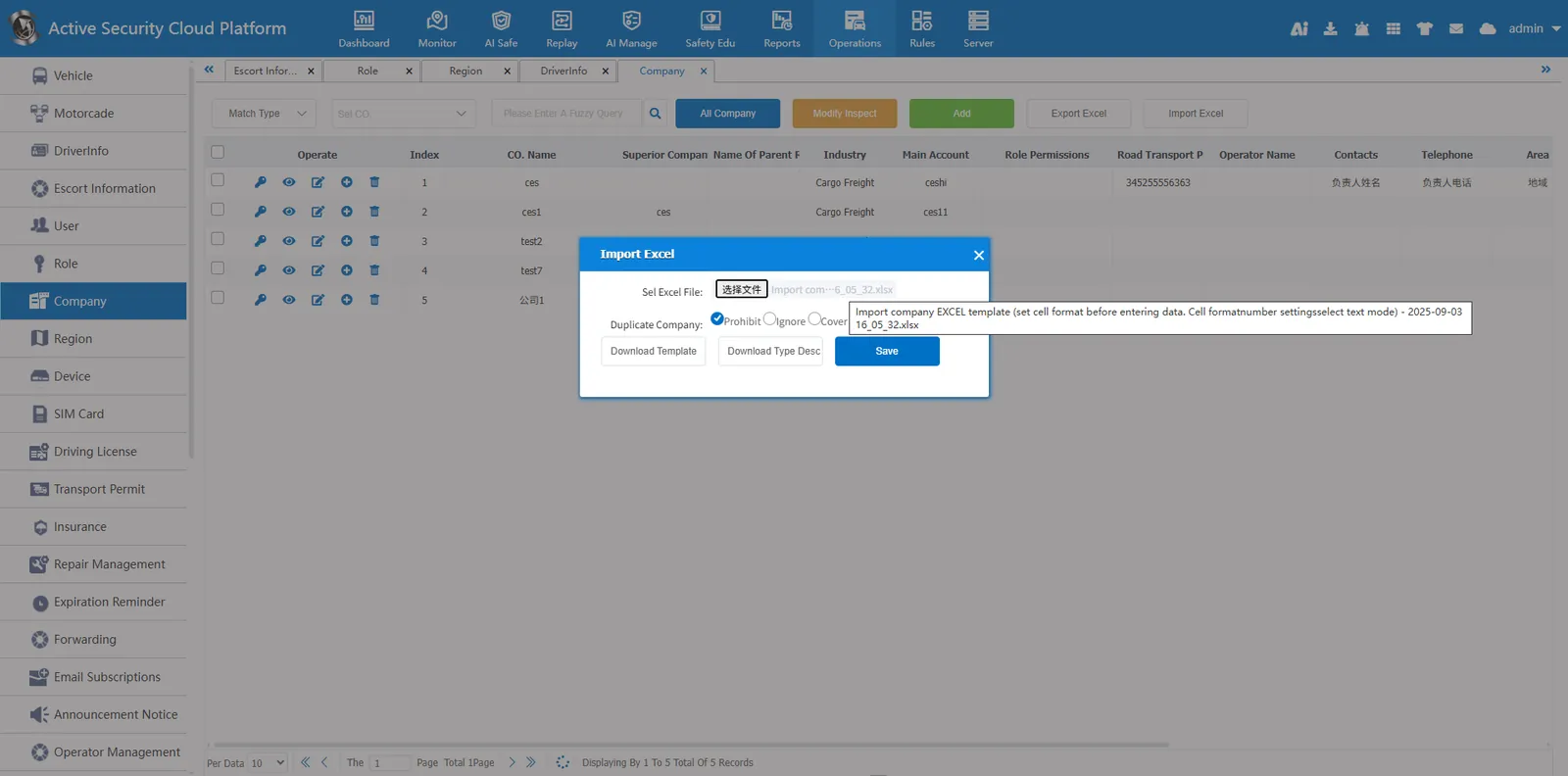
Click Import from Excel
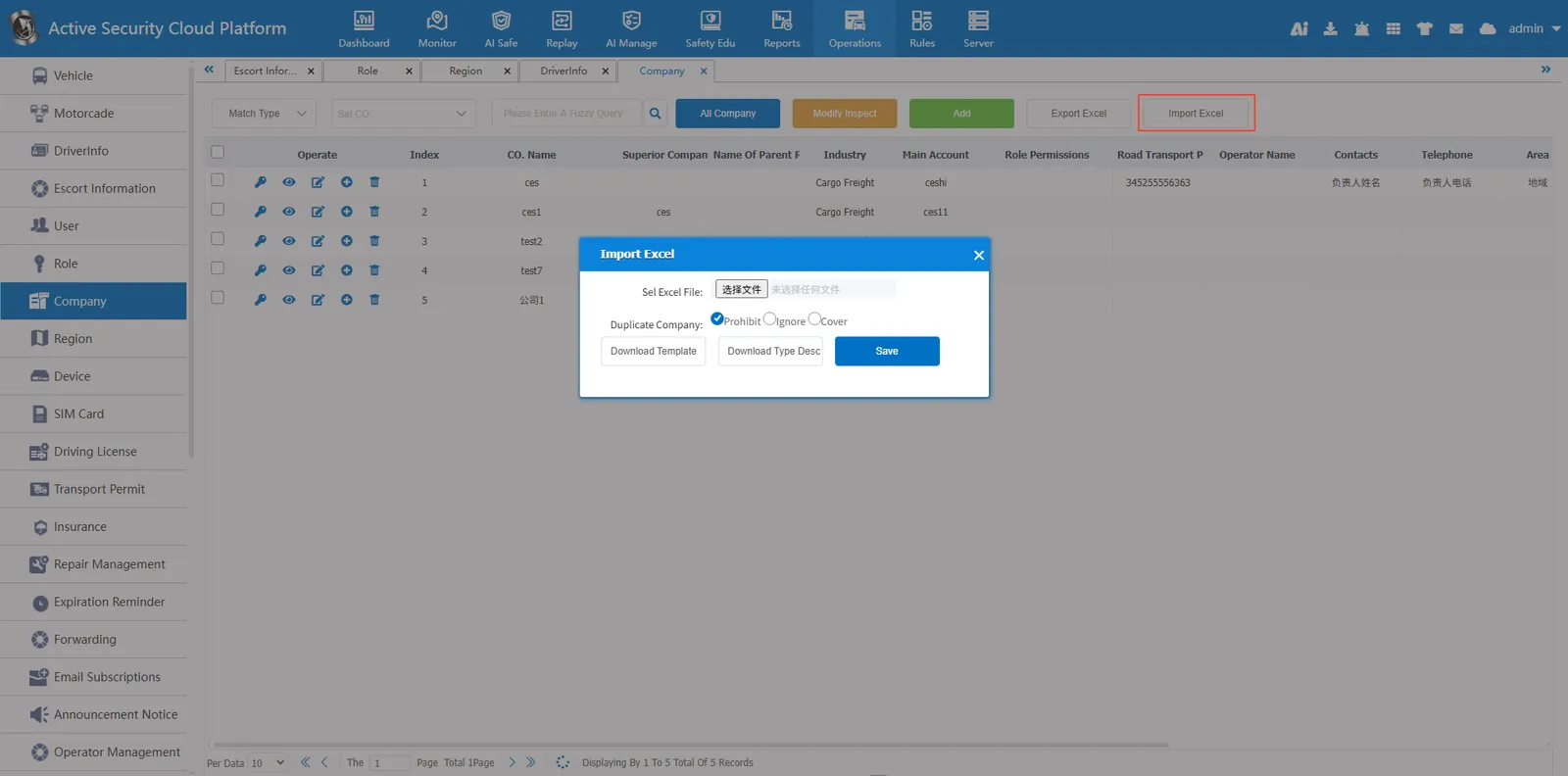
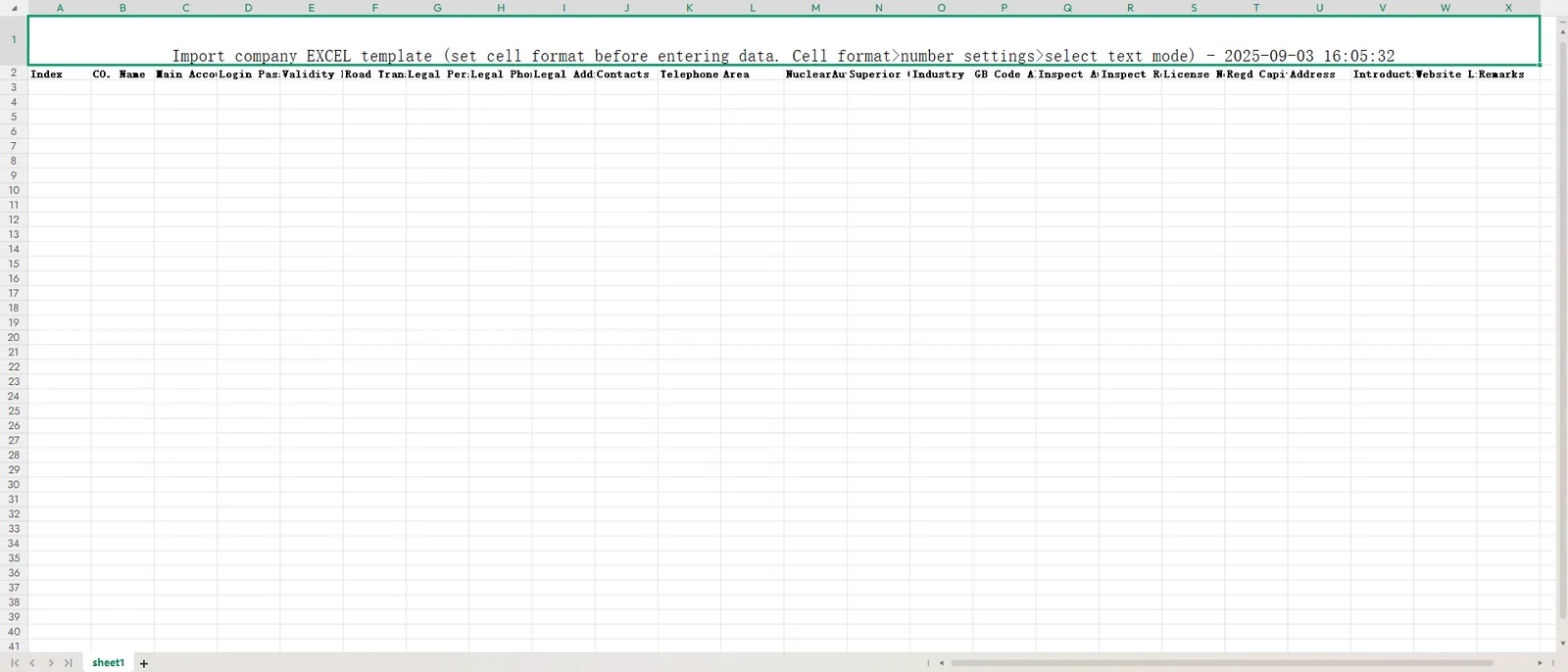
Download the template and open the template file
Set the cell format to text format and fill in the company information according to the template content.
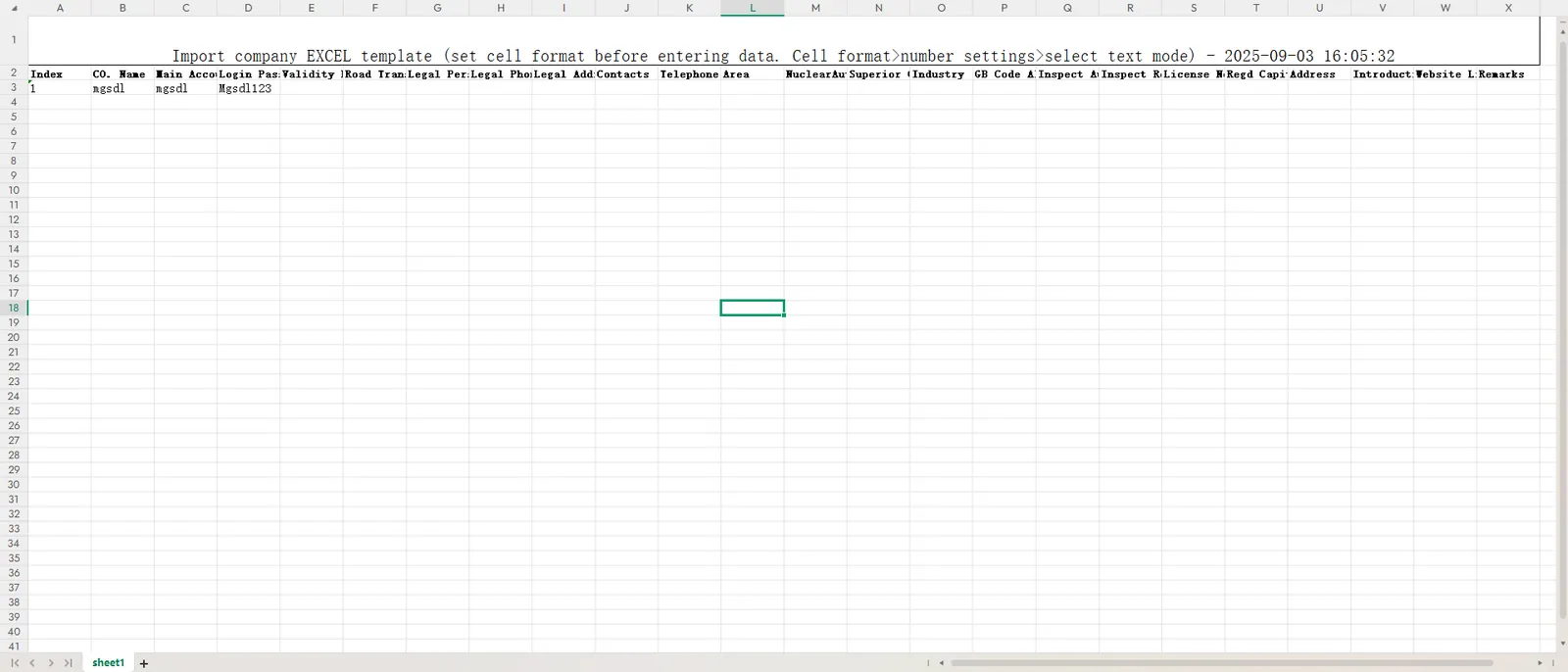
Then select the file to import and click on Save
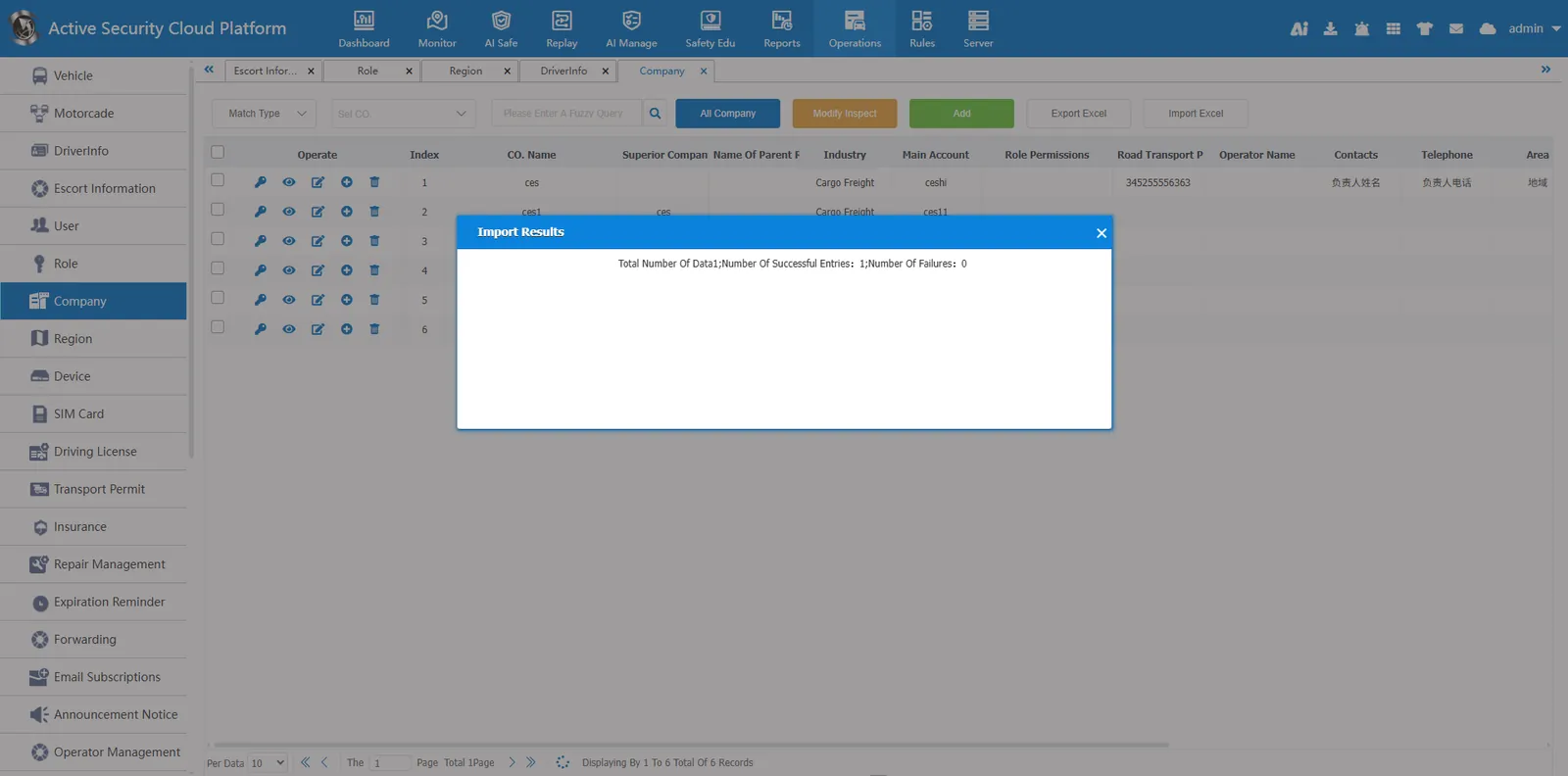
Import succeeded
2.2 search function
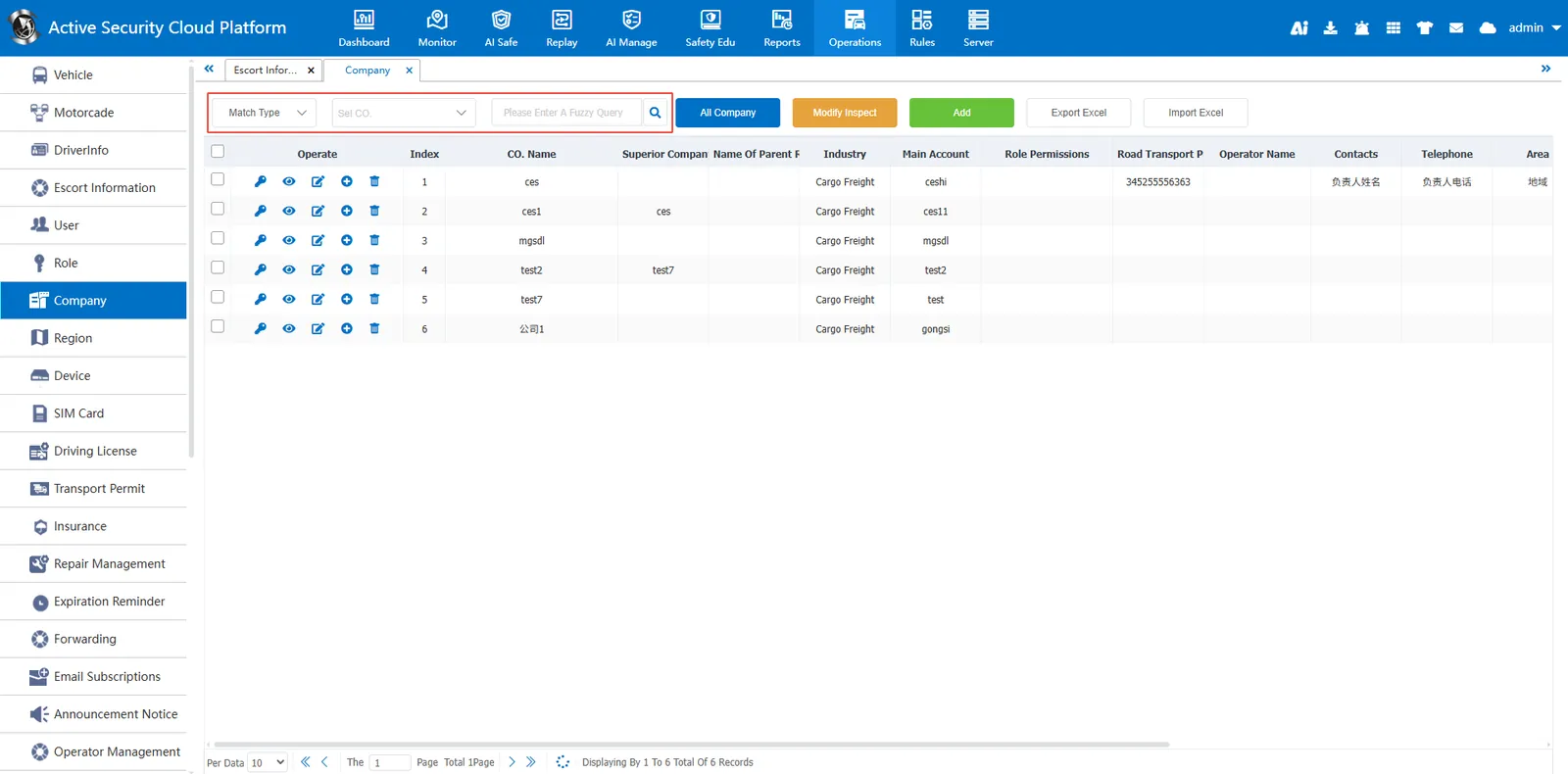
Fuzzy query can be made according to company name, contact person, contact number and operator.
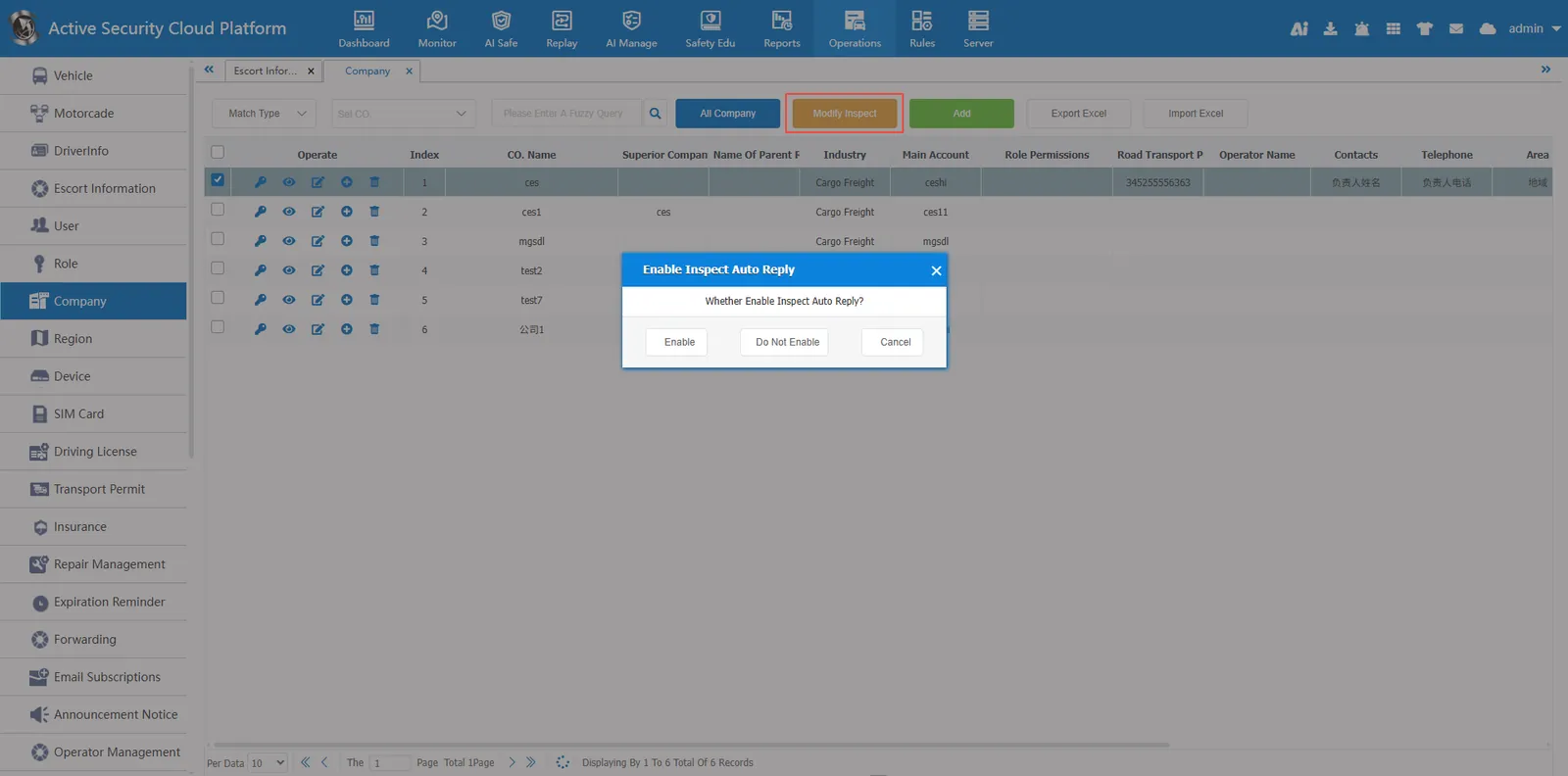
2.3 modify check the post
Select the company and click to enable or disable the automatic reply
2.4 Export to Excel
Export company information to an excel file.
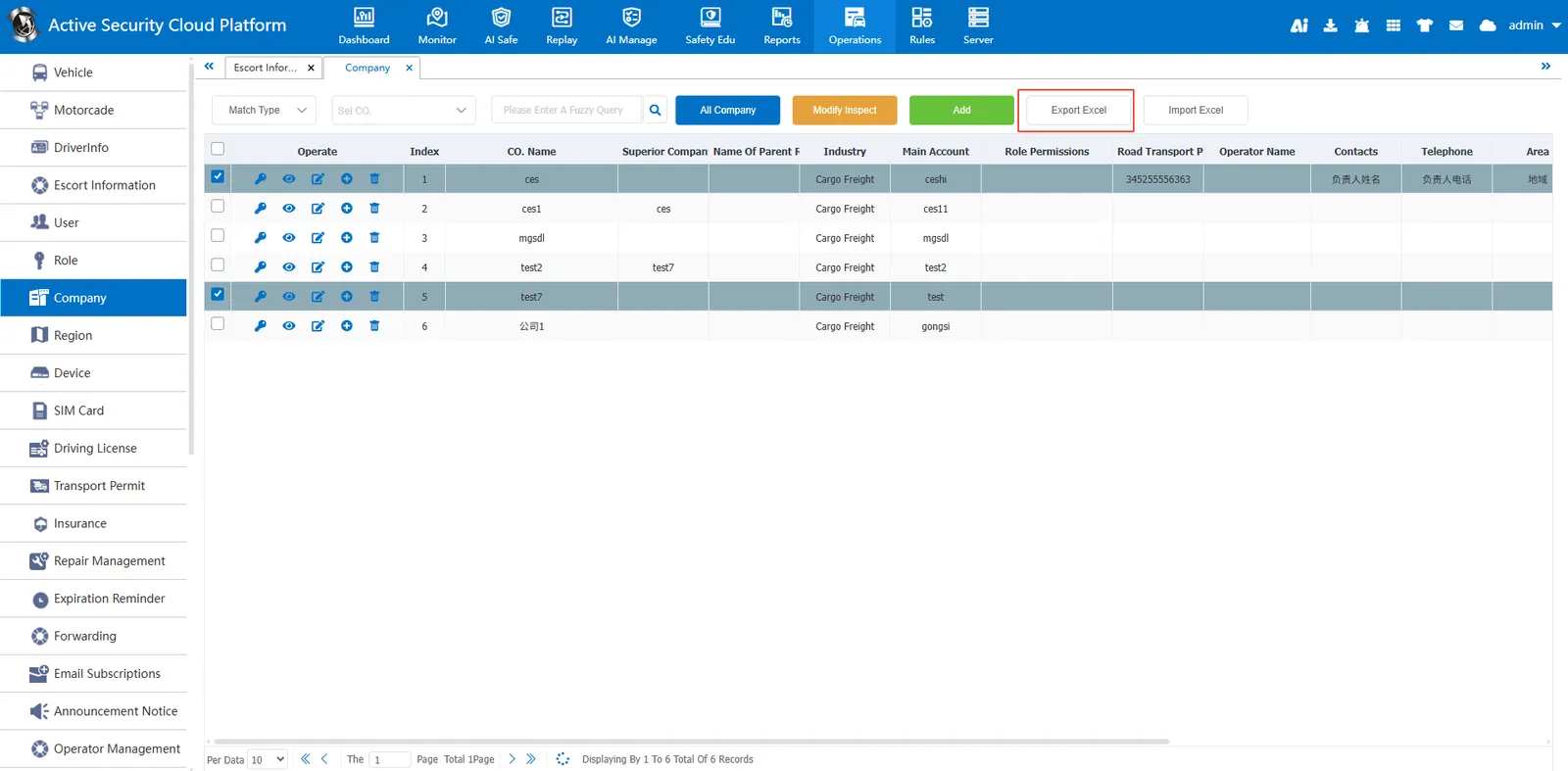
2.5 operation button

Change Password: Change the password of the master account of the company.
Details: View company details
Edit: Modify company information
** Title logo Setting : Set the company's logo. When users under the company log in, the logo in the upper left corner will display the logo.
Delete**: deletes company information.
3. Precautions
Please ensure the accuracy of data before operation to avoid accidental deletion or correction;
When importing data, ensure that the Excel format is consistent with the system requirements to prevent import failures.
