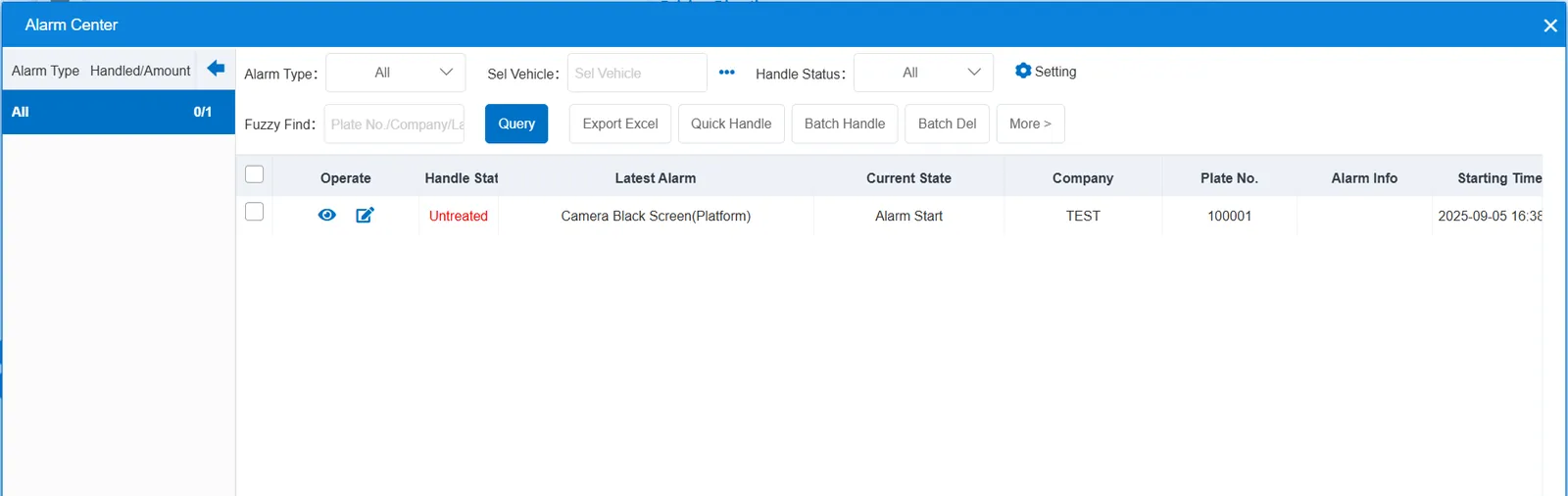
1. Function description
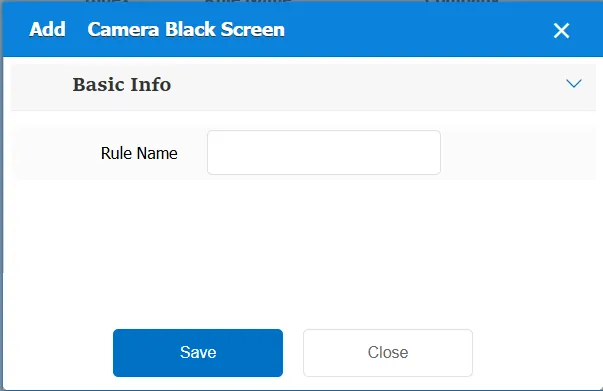
Take the pictures uploaded by the configured vehicles the next day, and randomly take one picture from each channel to judge whether it is a black screen. If the conditions are met, an alarm will be generated. You can query the alarm details in the fault alarm report;
The results will not be available until the next day after the configuration is configured today. After adding rules and allocating vehicles, the background will automatically take a random picture of the vehicle yesterday for identification in the early morning of each day to judge whether the video image is normal,
If the window is black, the camera black screen (platform) alarm is generated, and the alarm details are queried in the fault alarm report.
2. operating instructions
2.1 basic information
Rule Name: Customize, customize the name according to the actual situation
Match all vehicles:
No: Only valid for vehicles assigned by this rule
Yes: this rule is effective for all vehicles of the company.
Global Share:
No: Only visible to this company
Yes: visible to all companies on the platform
2.2 alarm information display
Vehicle bubble box alarm display:
The alarm is in the vehicle bubble box and is not displayed
alarm center alarm display: