1. Function description
Fleet management is a key link to ensure the operational efficiency of enterprises. The fleet management module of the active safety monitoring cloud platform helps enterprises manage vehicles and drivers efficiently and improve the operational efficiency and safety of the entire fleet through intelligent and information- based means.
2. operating instructions
2.1 add fleet
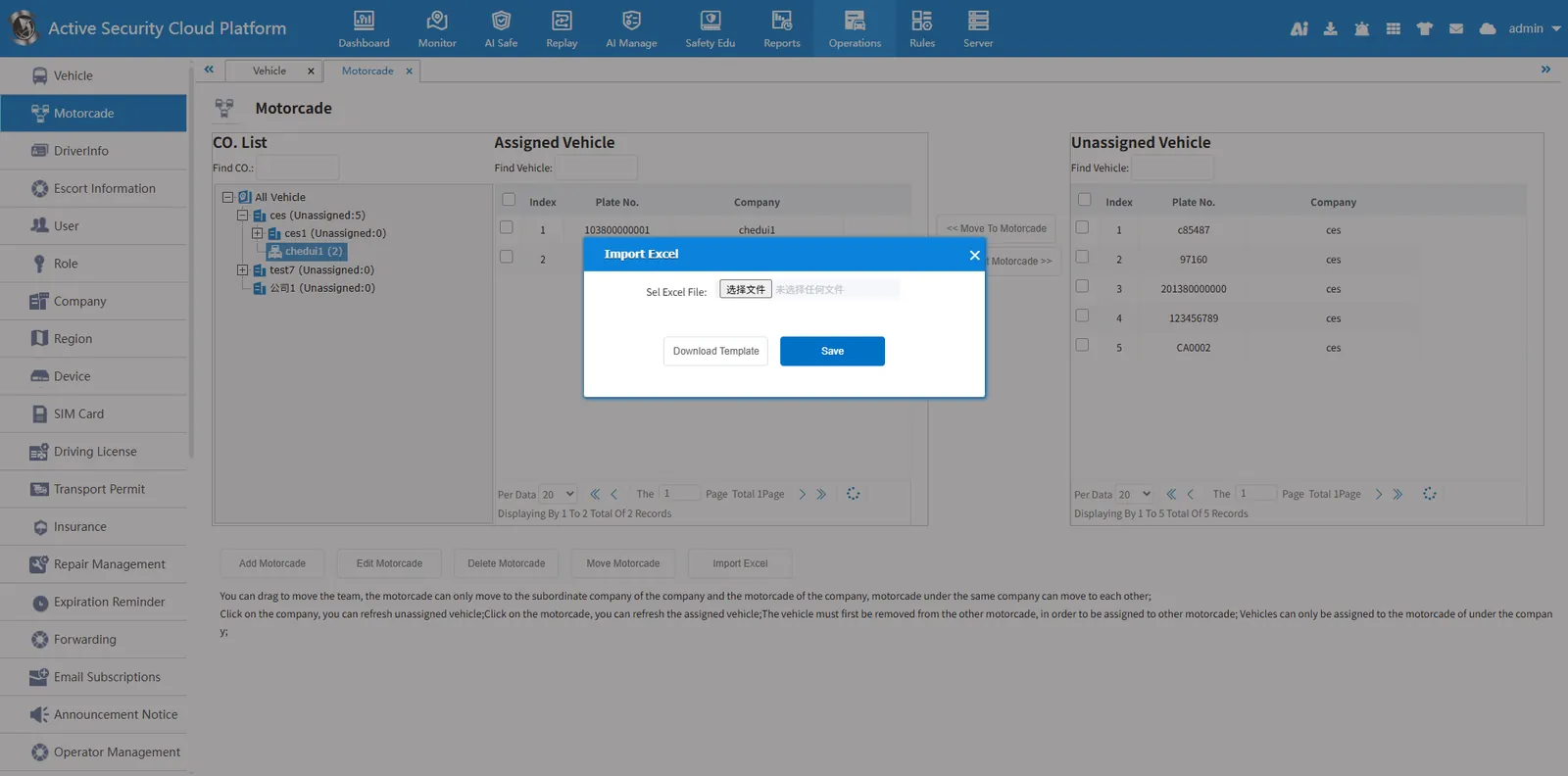
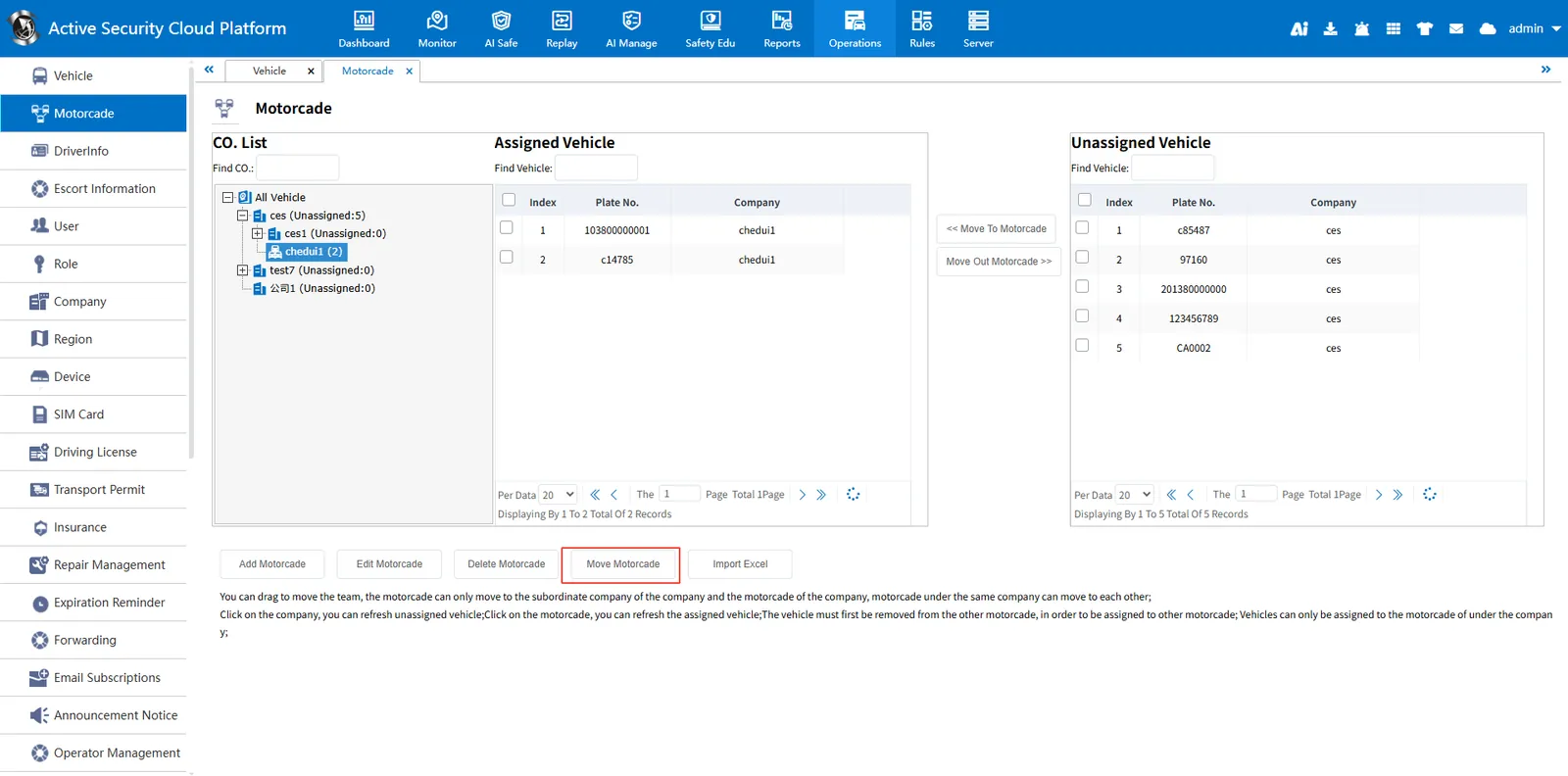
- Select the company node, click Add Fleet, and then enter the fleet name in the pop- up Add pop- up. After adding, it will be displayed in the company fleet list.
- After adding the fleet, select the fleet, and the vehicles under the company will appear in the unallocated vehicles.
- Select the unallocated vehicles and click Move to the fleet, and the fleet will allocate the vehicles.
- To cancel the vehicles already allocated in the fleet, select the vehicles in the allocated vehicles and click to move out of the fleet.
2.2 modify the fleet
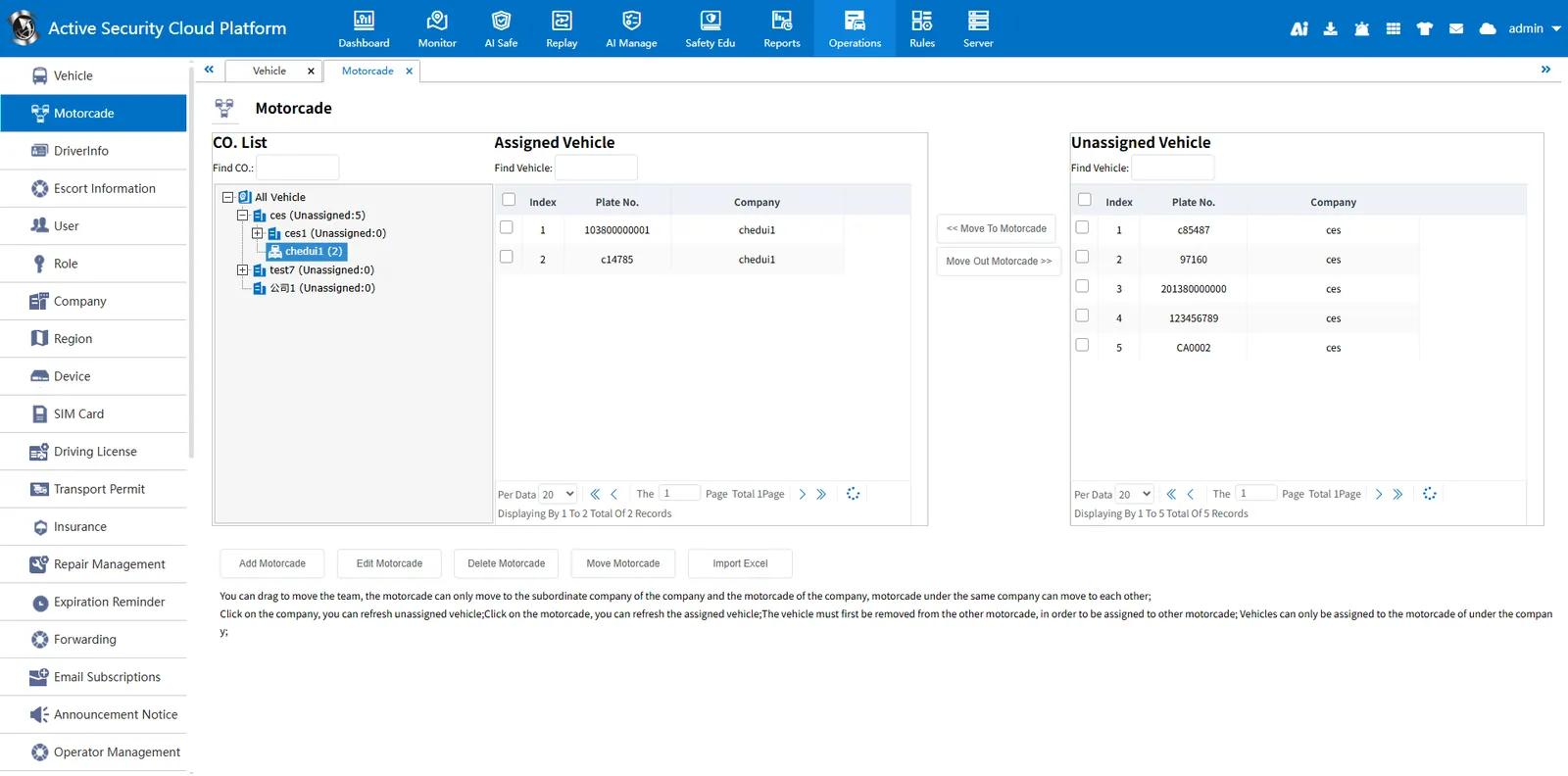
Select the fleet and click Modify Fleet to modify the fleet name.
2.3 delete fleet
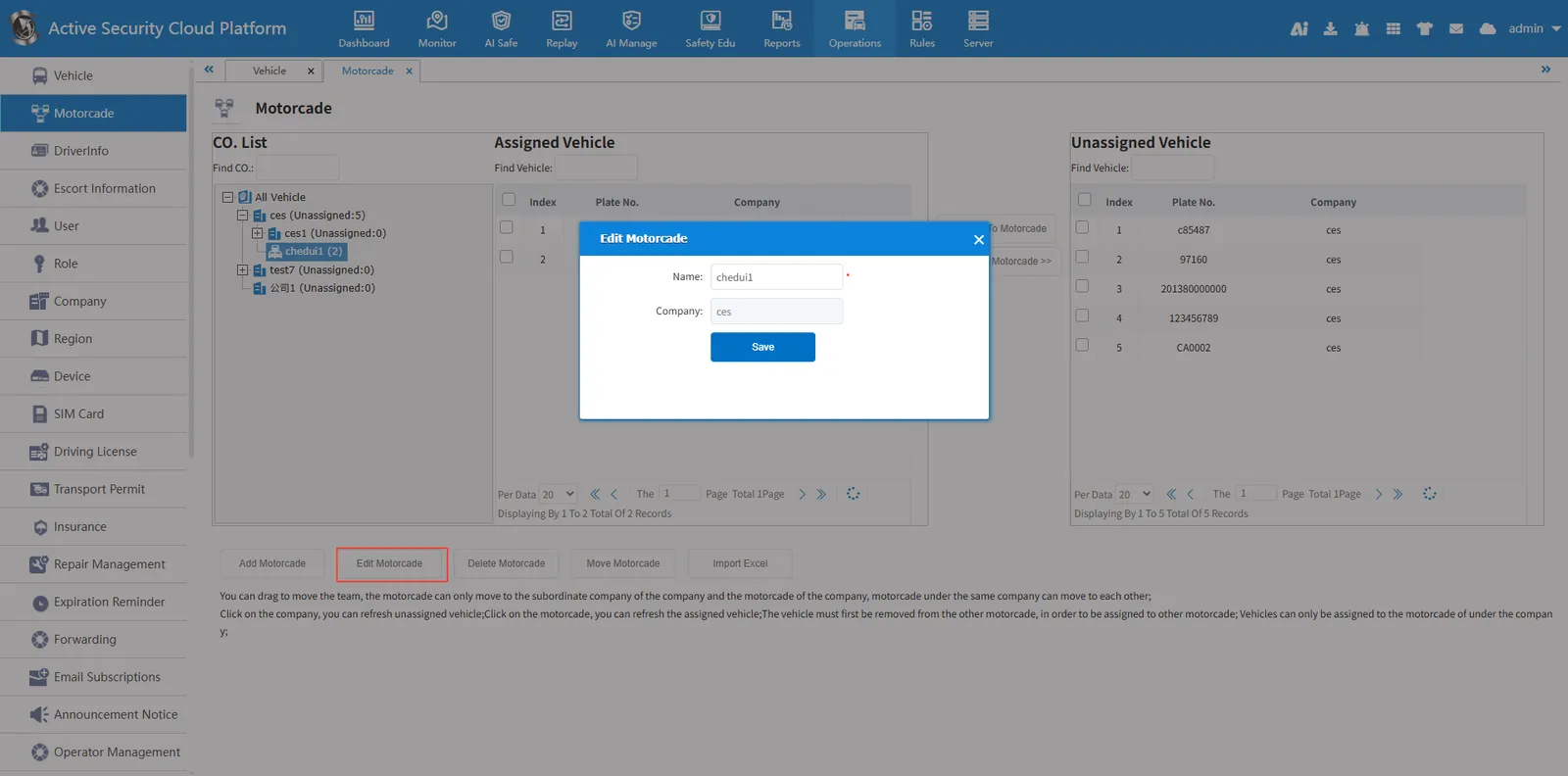
Select the fleet and click Delete fleet to remove the fleet from the list. When deleting a fleet, the fleet under the fleet needs to be deleted, and the vehicles under the fleet can be deleted only after they are removed.
2.4 Mobile Fleet
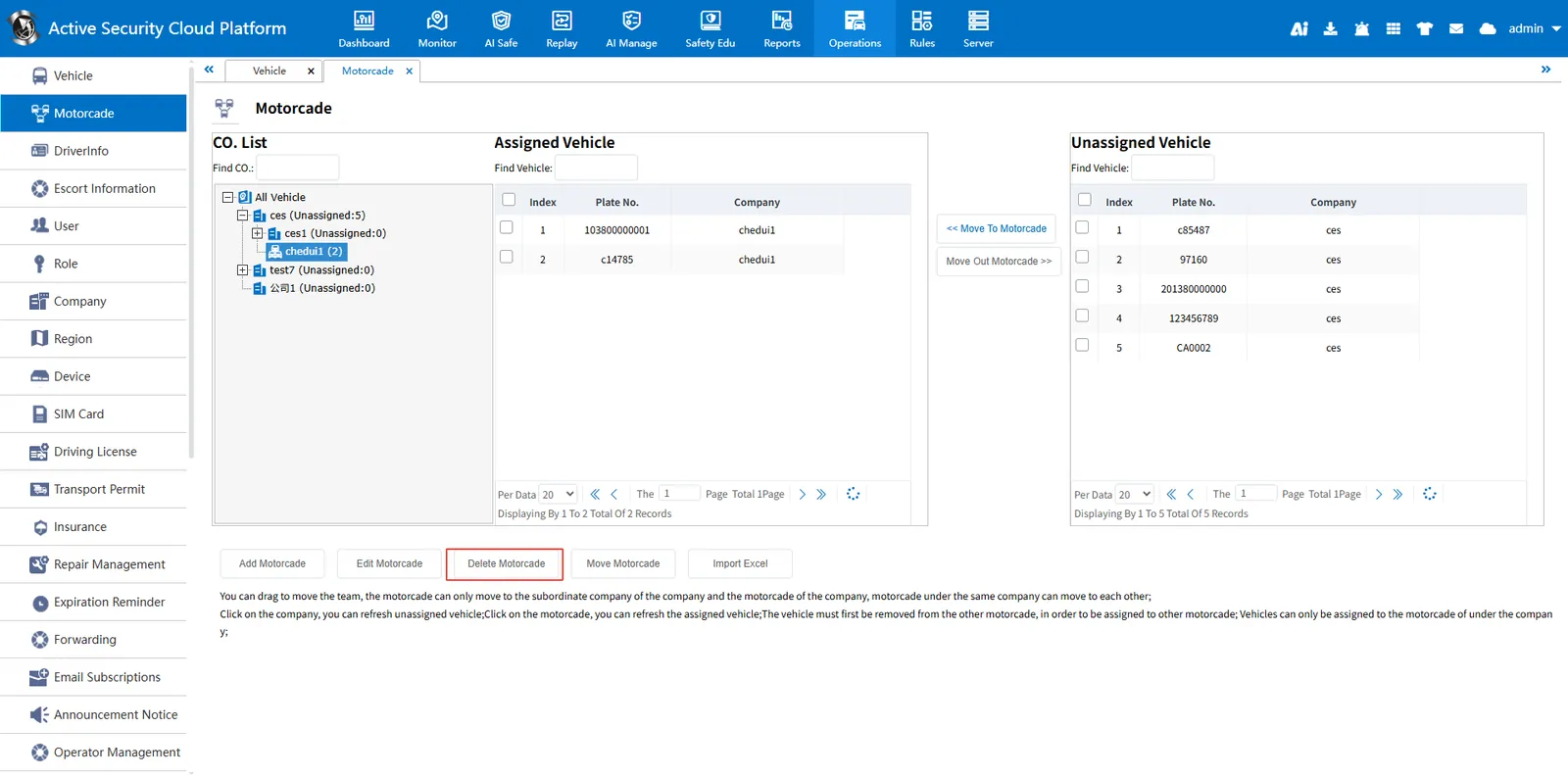
Select the fleet, click Mobile Fleet, select the target company or fleet in the pop- up dialog box, and click Save. You can also move the fleet by dragging. The fleet can only move to the subordinate company and its fleet.
2.5 import vehicle information from Excel
Click Import from Excel