1. Function description
Use with the login api interface to customize menu grouping.
For the specified menu and page of the background interface, see: http://localhost/808gps/index.html?userSession=cf6b70a3-c82b-4392-8ab6-bbddce336222&menuKey=key1
Input parameter description: userSession indicates the session number returned by user login; menuKey indicates the user- defined group access value, with the highest priority.
menuKey setting method: added in operation management- custom menu management, menuKey group access value
2, operating instructions
2.1, add custom menu information
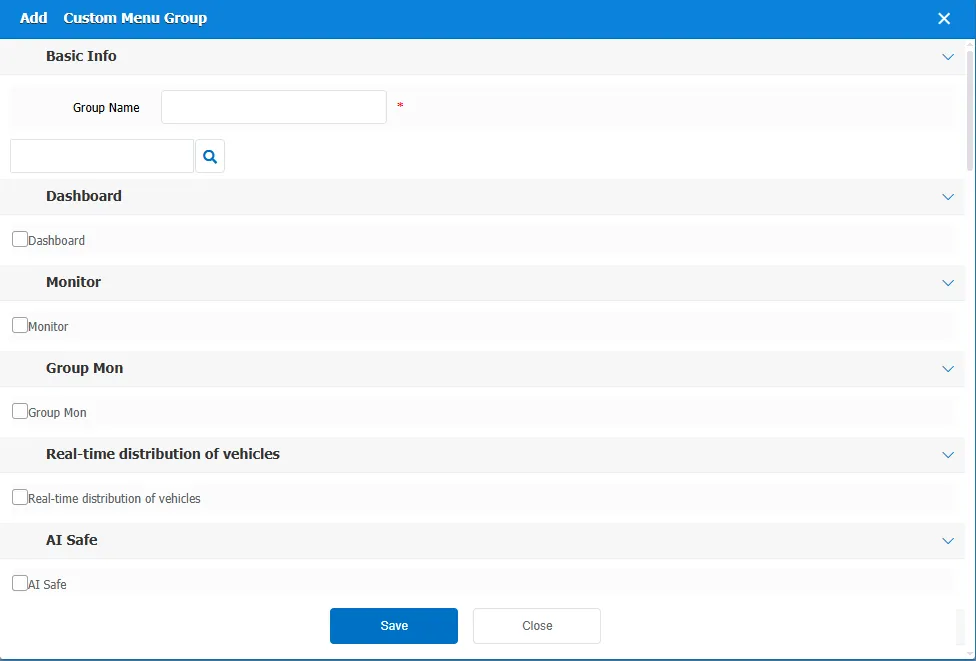
Click the "Add" button and fill in the group name in the pop- up add custom menu group window.
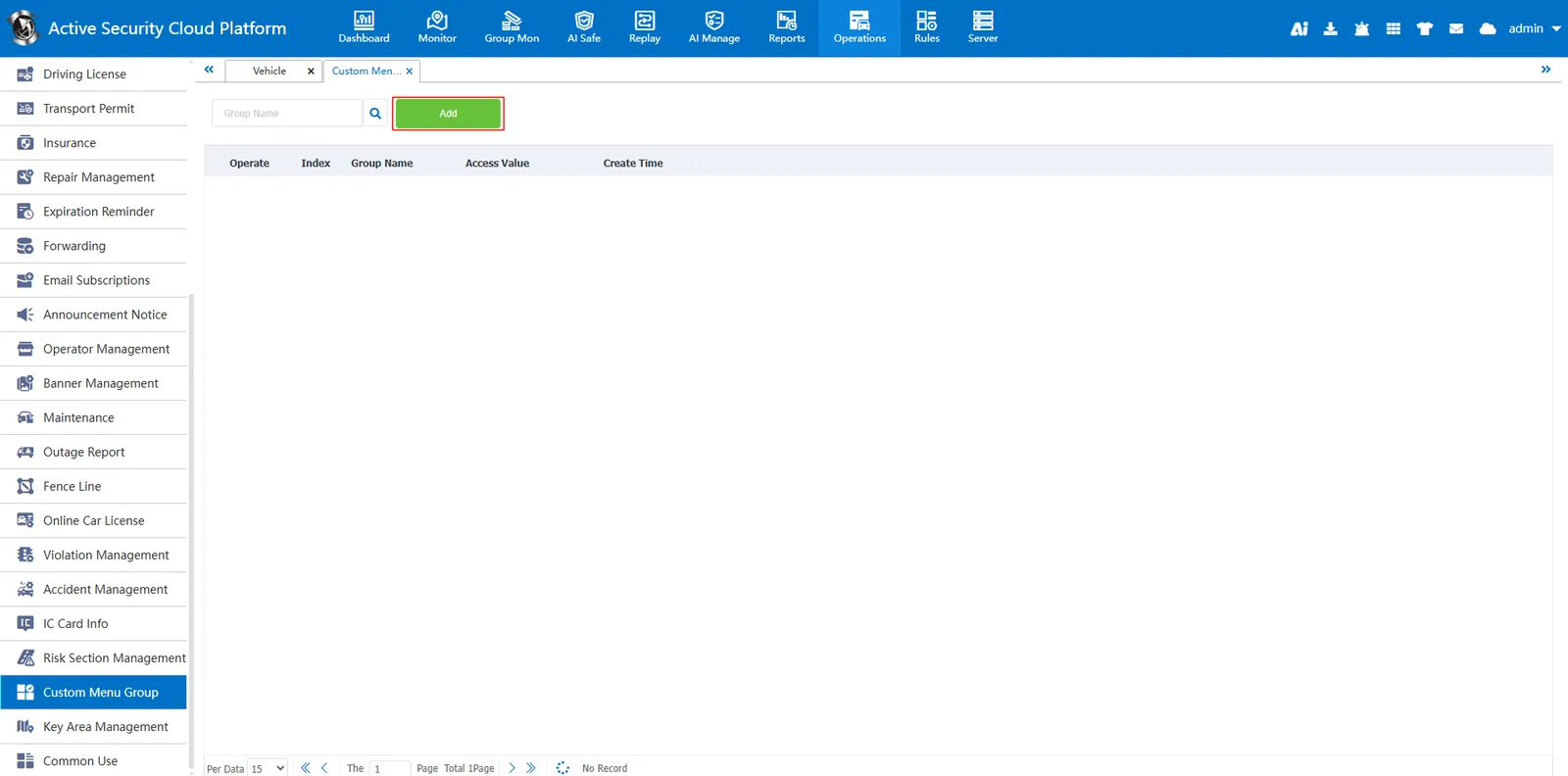
Select module to customize
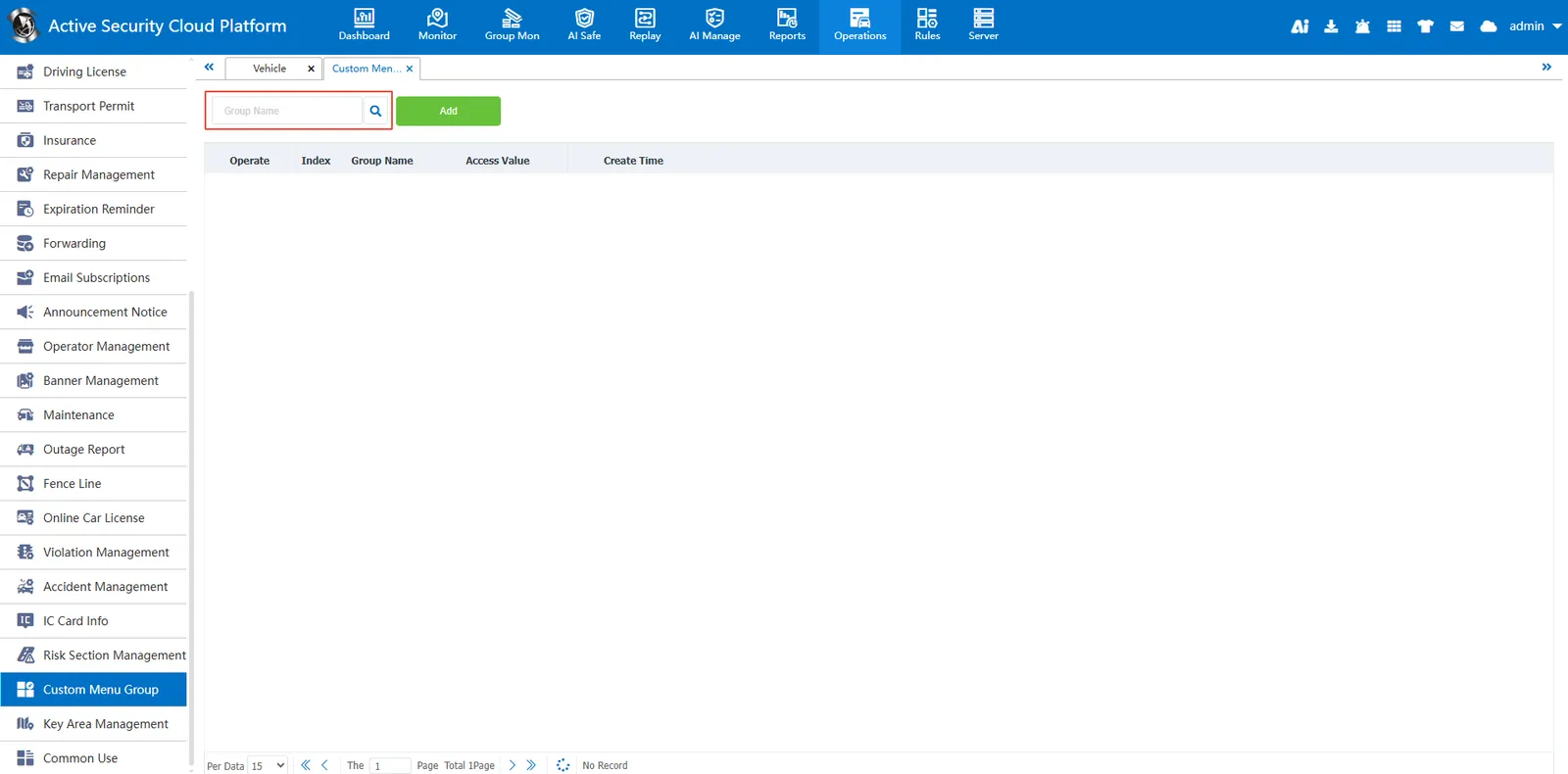
2.2, query custom menu information
Enter the group name in the search bar, click the search button, the system will display the custom menu information that matches the input criteria