1. Function description
Describes how to add and manage fence lines in the system. The fence line feature allows users to set and edit start and end fences and save this information for later use or export.
2. operating instructions
2.1 add fence line
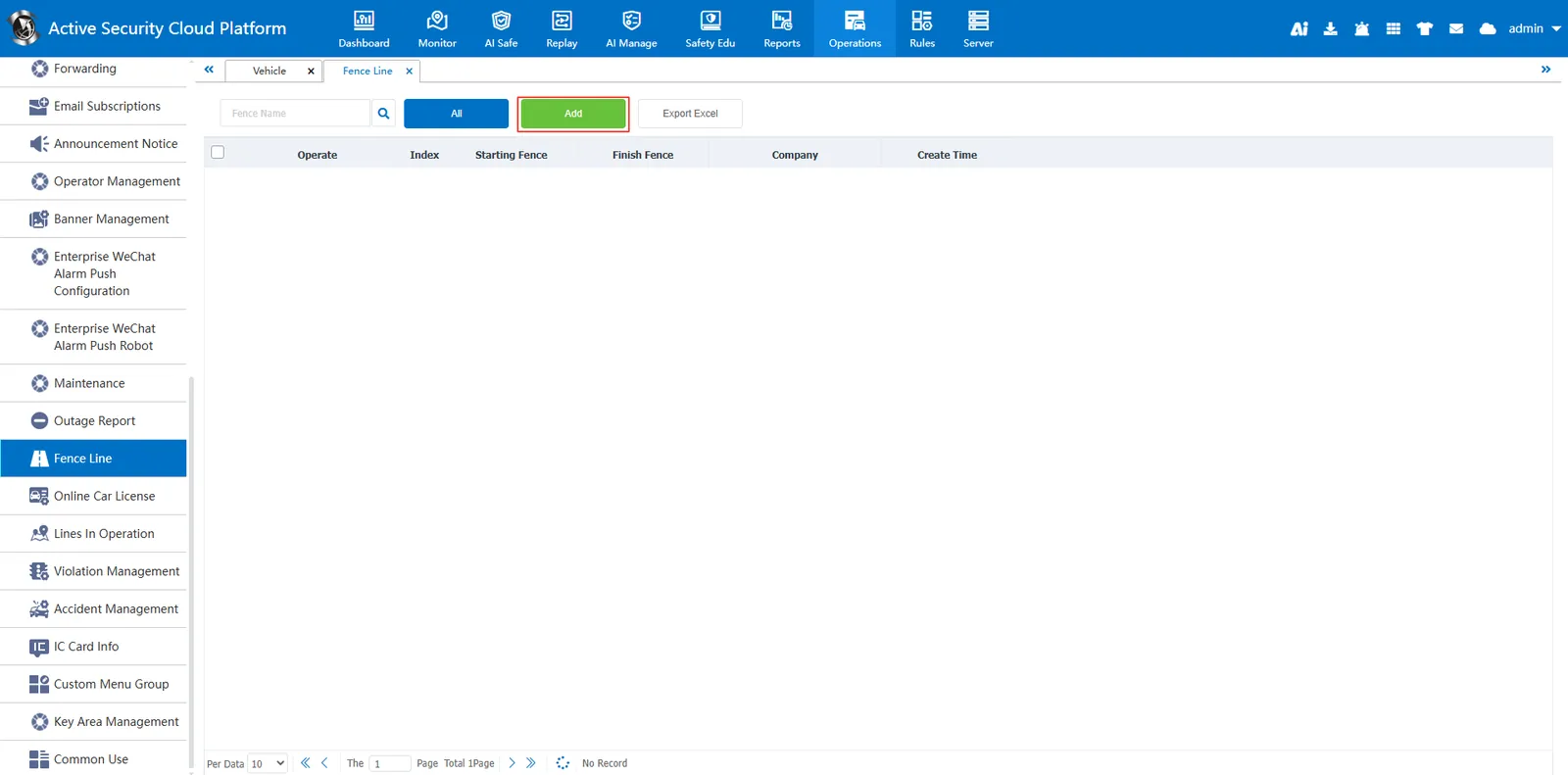
Click the "Add fence line" button in the management page to pop up the line adding window.
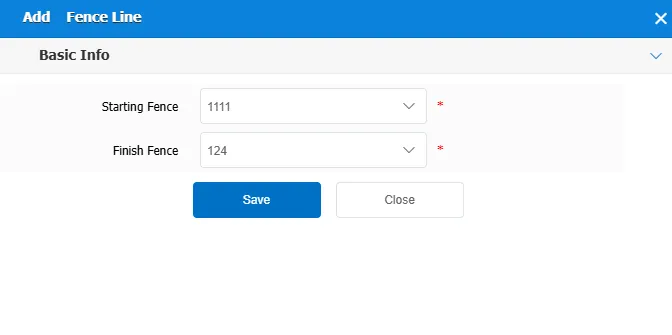
Fill in the basic information:
Start fence: Select the start fence from the drop- down menu
End fence: Select an end fence from the drop- down menu
The fence needs to be drawn well in the real- time monitoring page, draw a circle, rectangle or polygon in my map.
Save Line: Click the "Save" button to save the added fence line.
2.2 export fence line
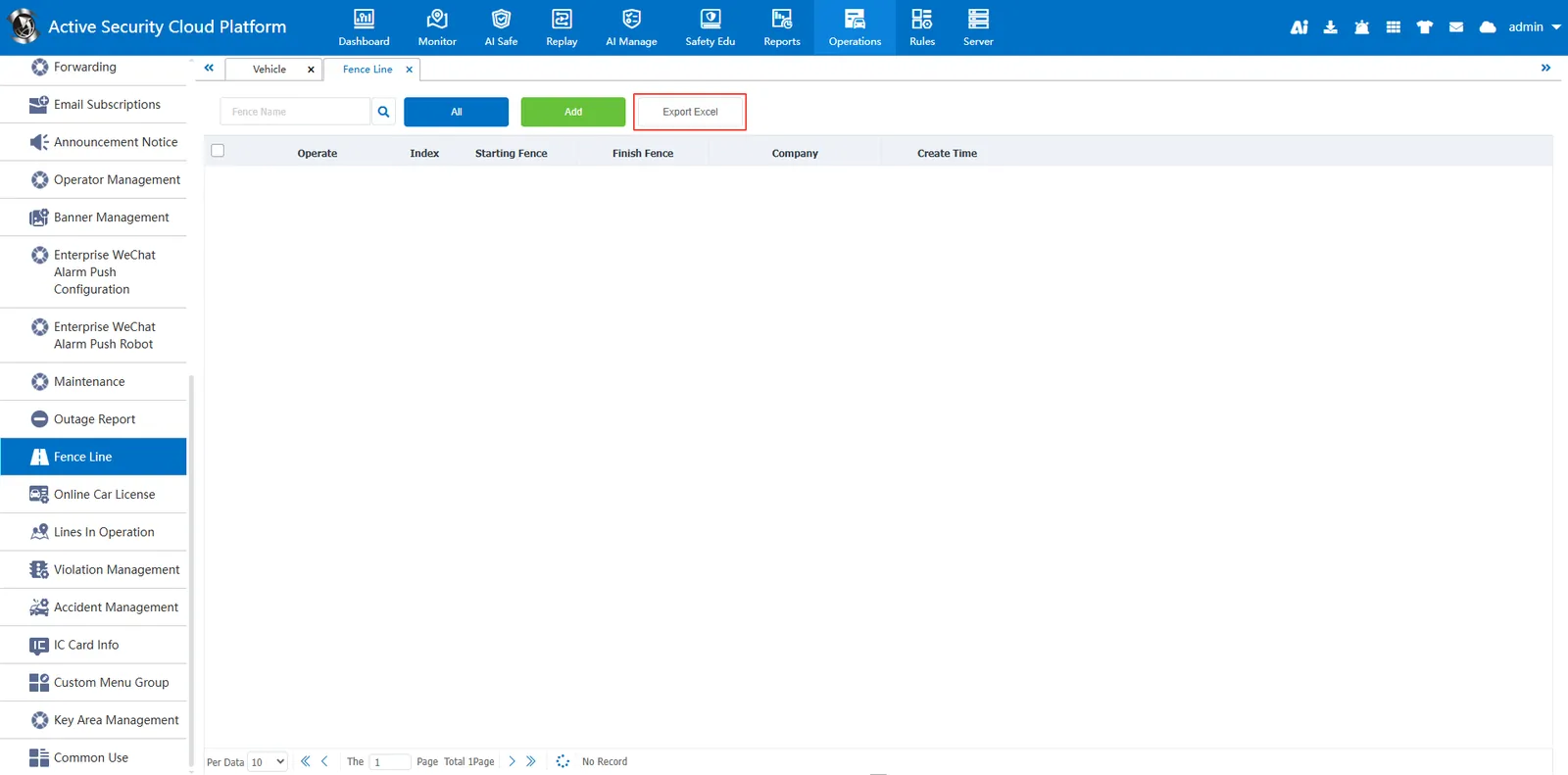
Click Export: In the management page, click the "Export to Excel" button, and the system will export the currently displayed fence line information to an Excel file.