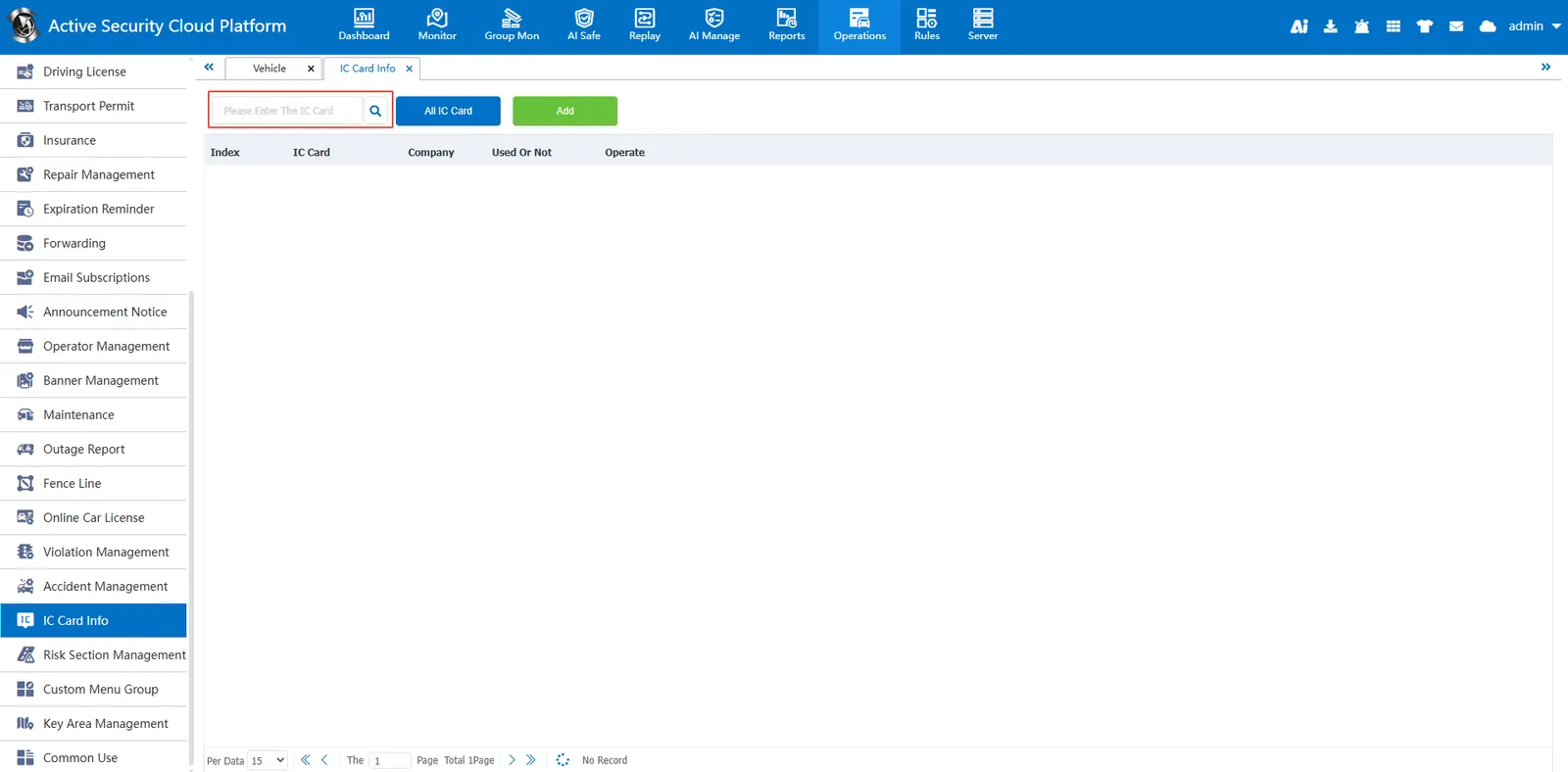
1. Function description
This paper introduces how to use IC card information management, including how to query, add, edit and delete IC card information. By reading this manual, you will be able to efficiently manage IC card information to ensure the accuracy and completeness of data
2. operating instructions
2.1 add IC card information
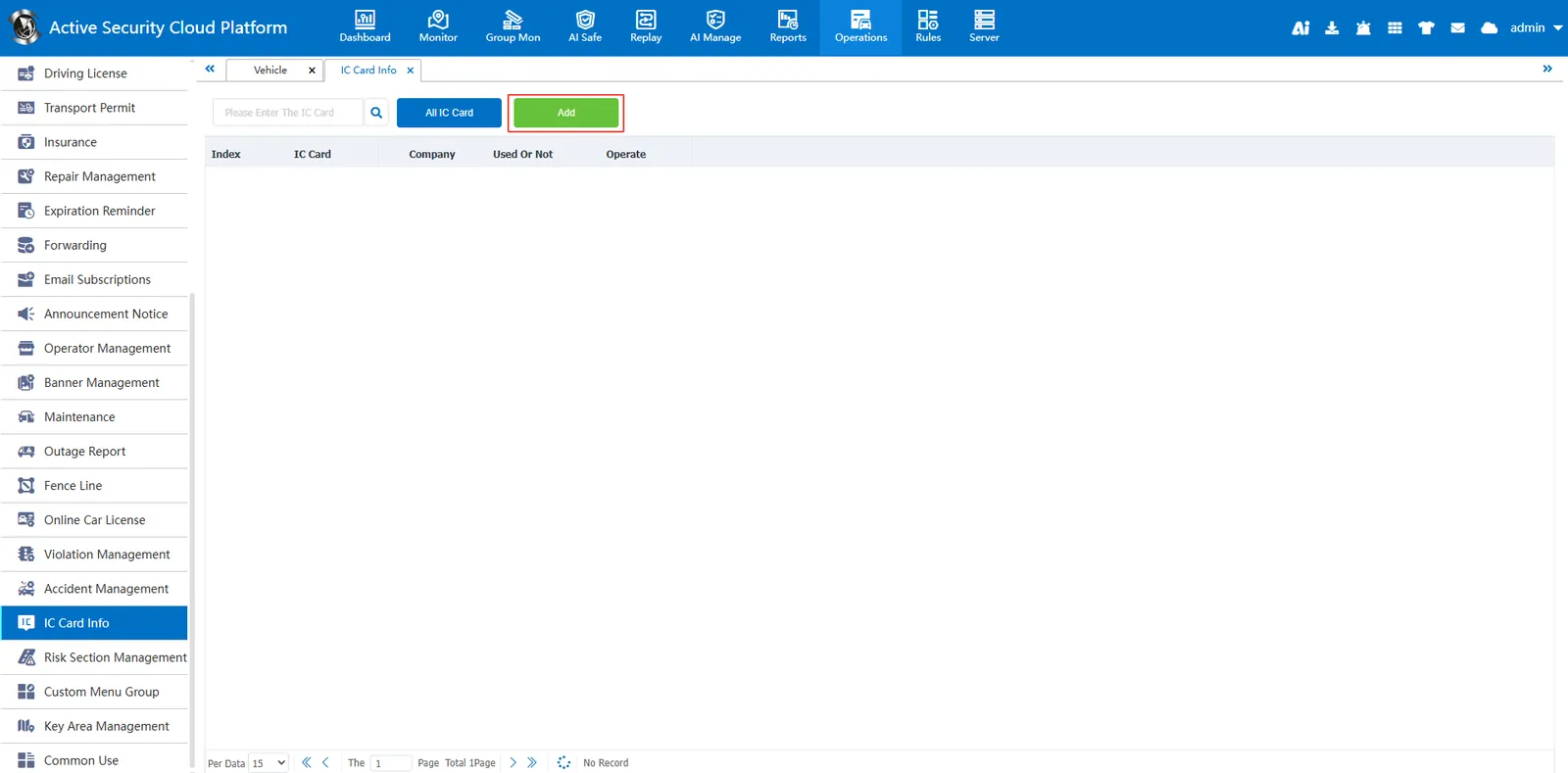
Click the "Add" button, the system will pop up the window to add IC card information.
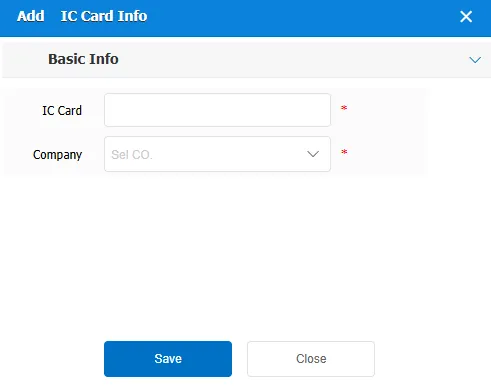
Fill in the following information as required:
IC Card Number: Enter the unique identification number of the IC card.
Company: Select or enter the name of the company to which the IC card belongs.
After filling in, click the save button, the system will save the new IC card information
2.2 query IC card information
Enter the IC card number in the search bar, click the search button, the system will display the IC card information that matches the input criteria