1. Function description
Insert a driver card into the device. After the device reports the driver information to the platform, the platform automatically enters the driver into the operation management- driver information.
2. operating instructions
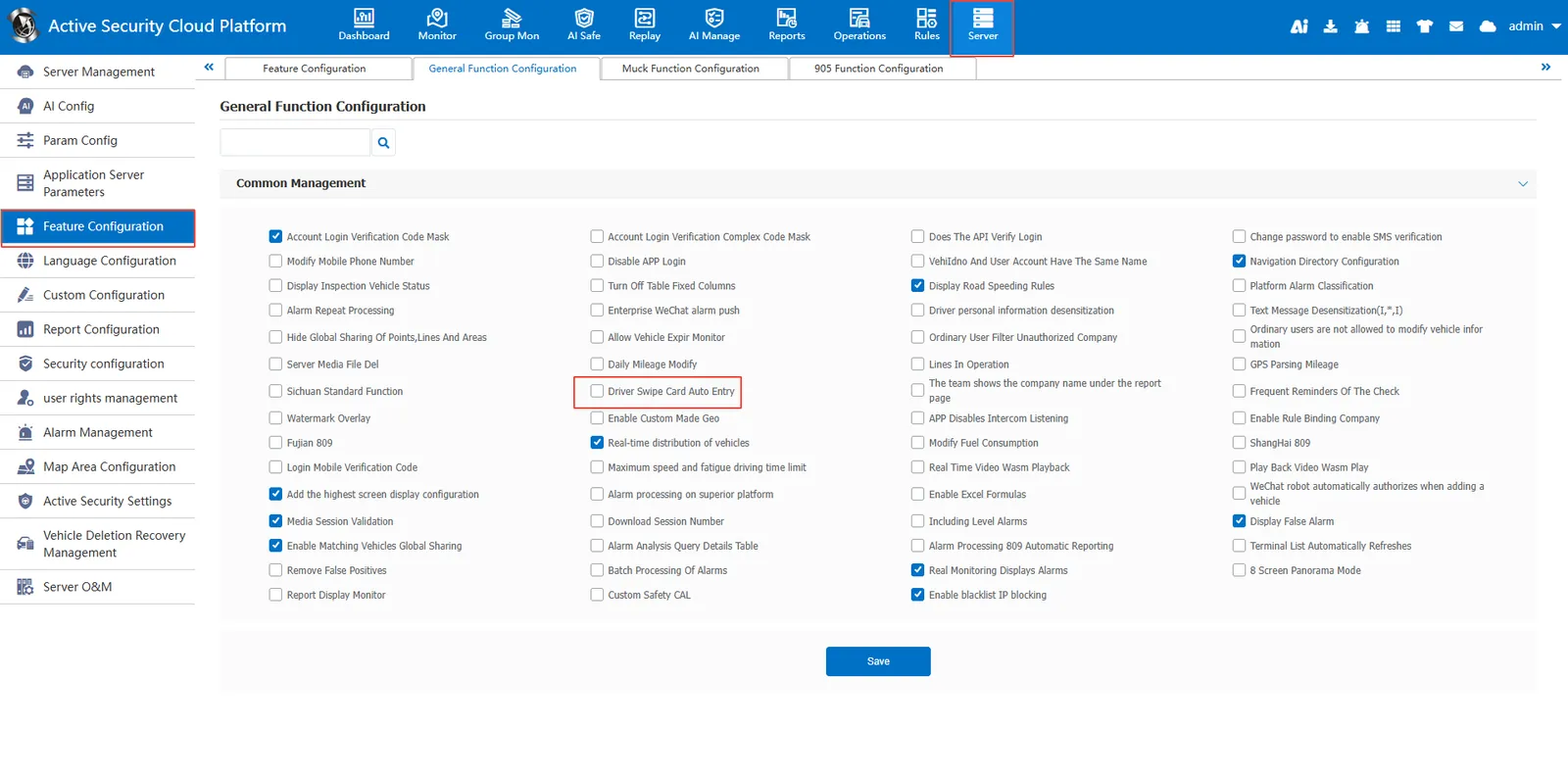
Under Server Management- Function Configuration- General Function Configuration, select "Driver Swiping Card to Start Entry.
After checking, we insert the driver card into the device, the device reports the driver information, and the platform will automatically enter it.