1. Function description
Use excel batch import to modify basic data, including vehicle information and equipment information
2. operating instructions
2.1 batch import and modify vehicle information
Click Batch Import to modify, download the template, check the items to be modified, save the execl file after modification, and import the file.
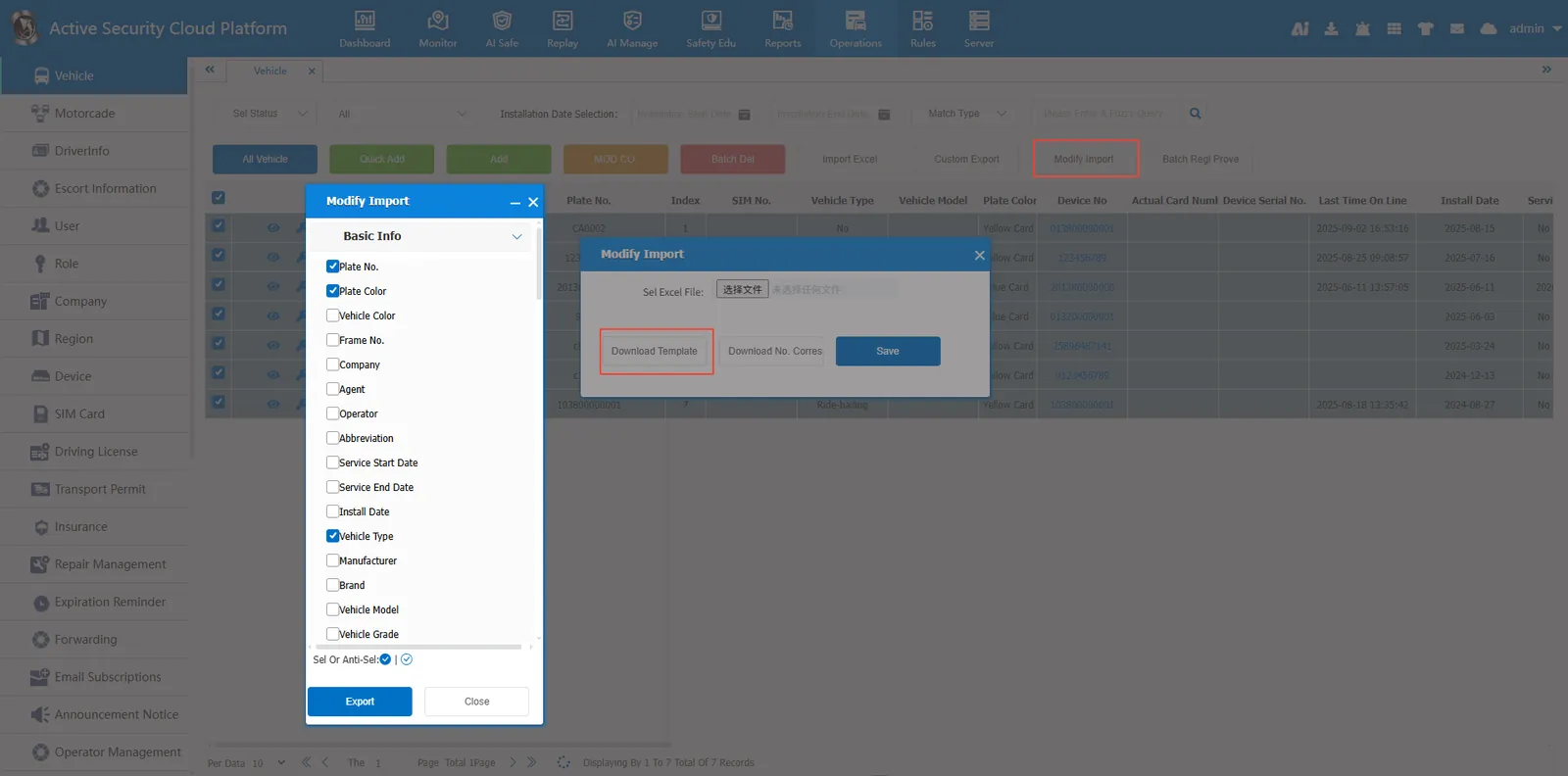
Select the fields to be modified and click Export to open the template file.
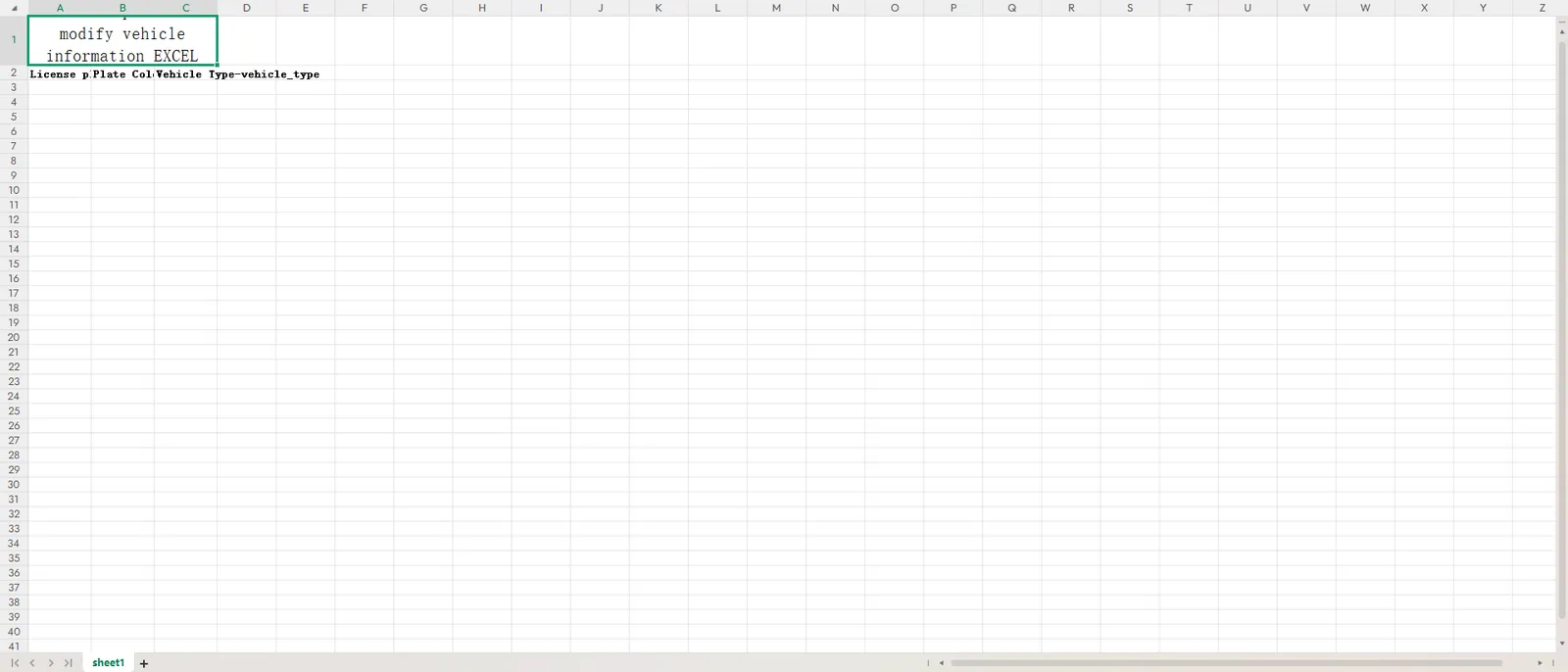
Fill in the license plate number and the contents to be modified.

Select the template file and click Save.
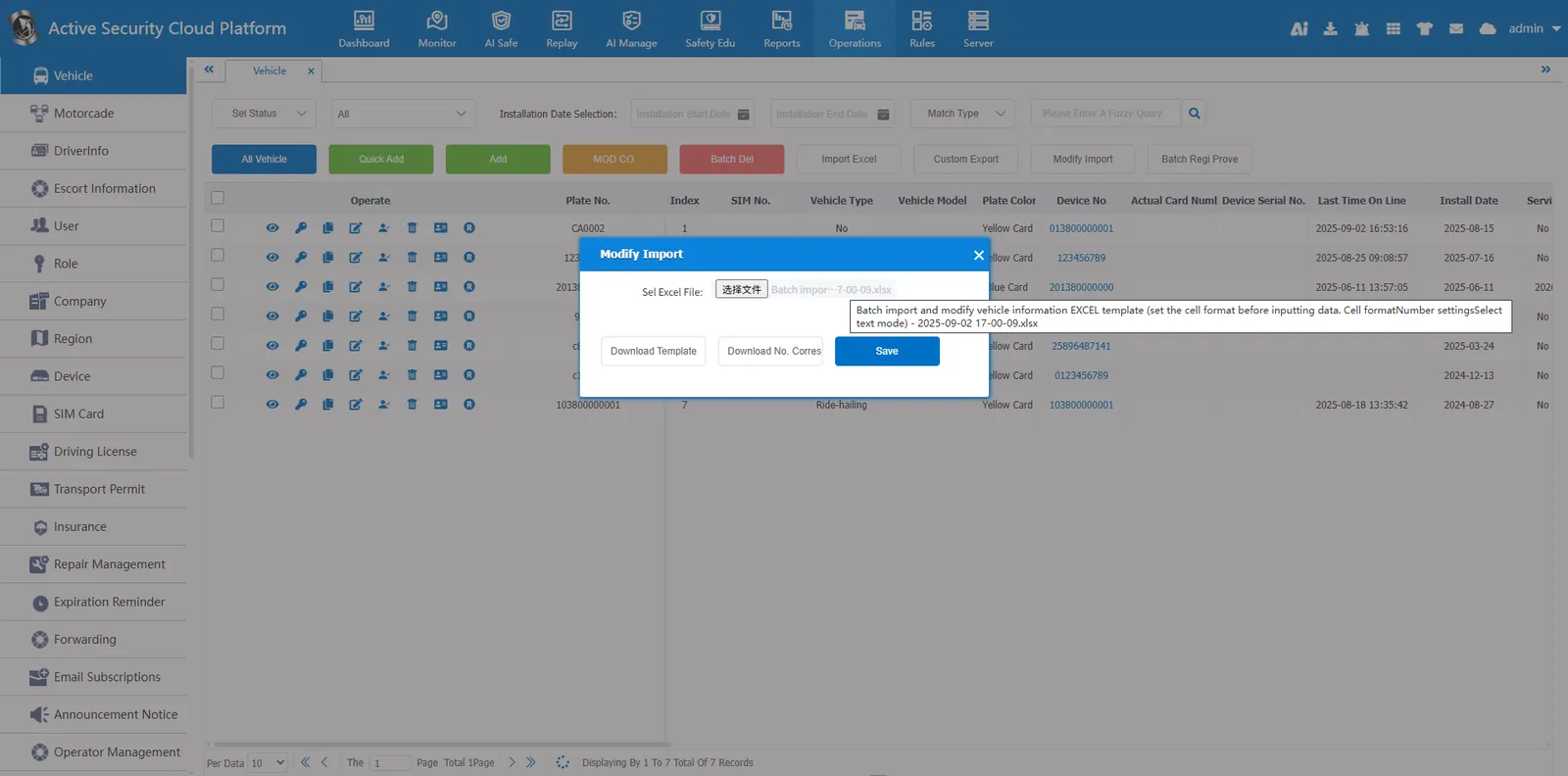
Import succeeded
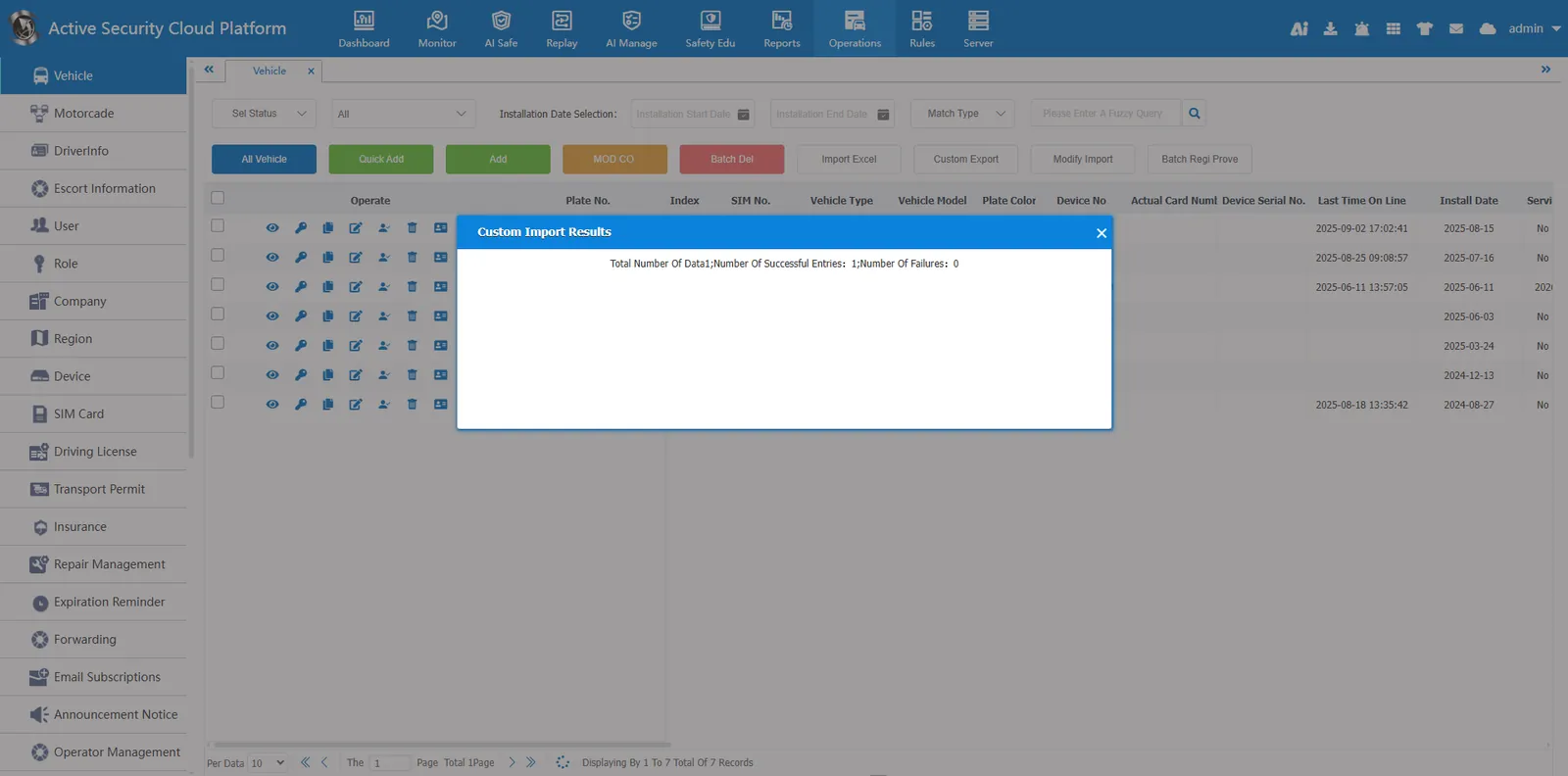
2.2 Batch import and modify device information
Click the Batch Import Modifications button
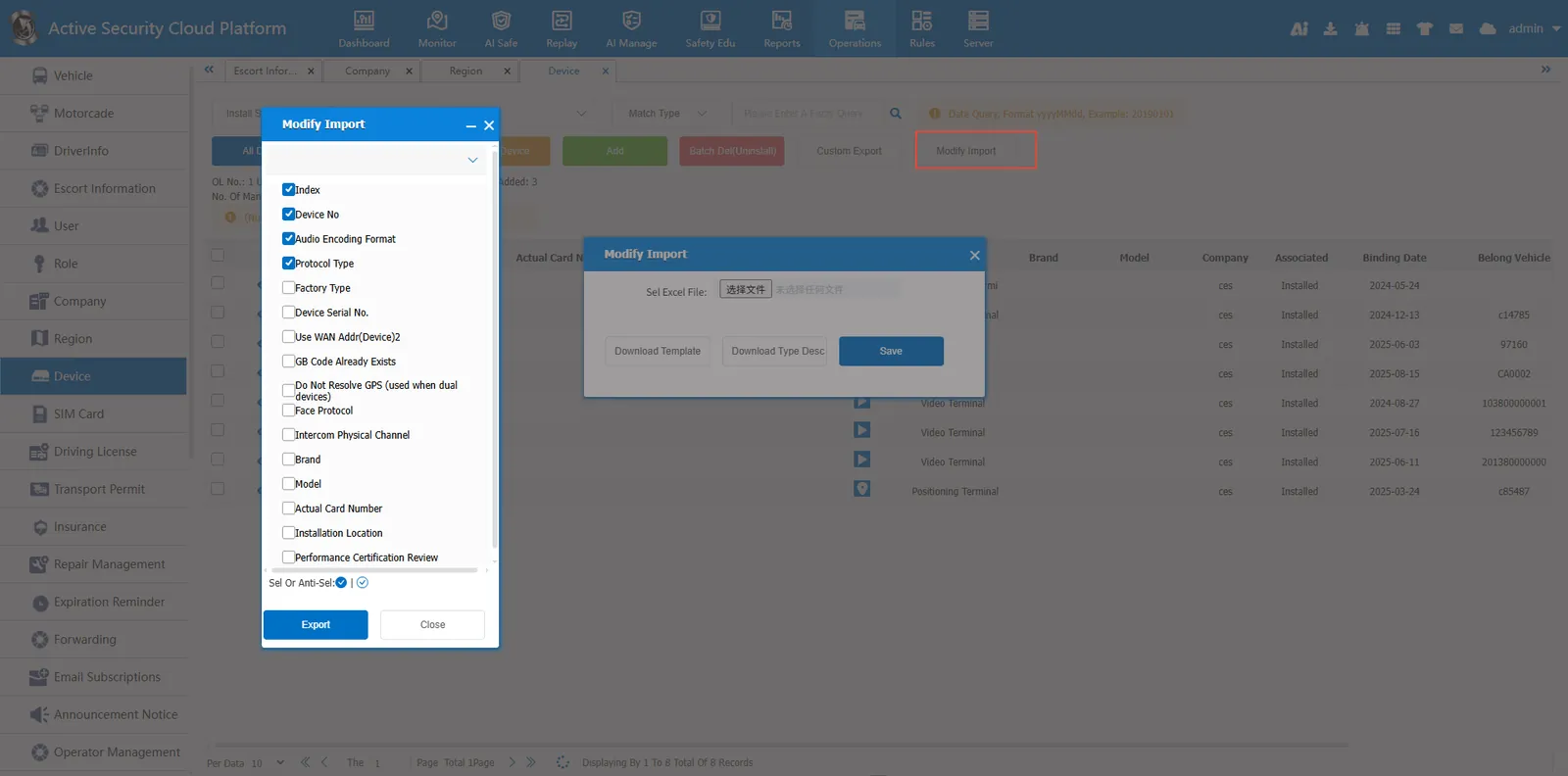
Download the template and open the template file

Set the cell format to text format and fill in the device information to be modified.

Select the template file and click Save
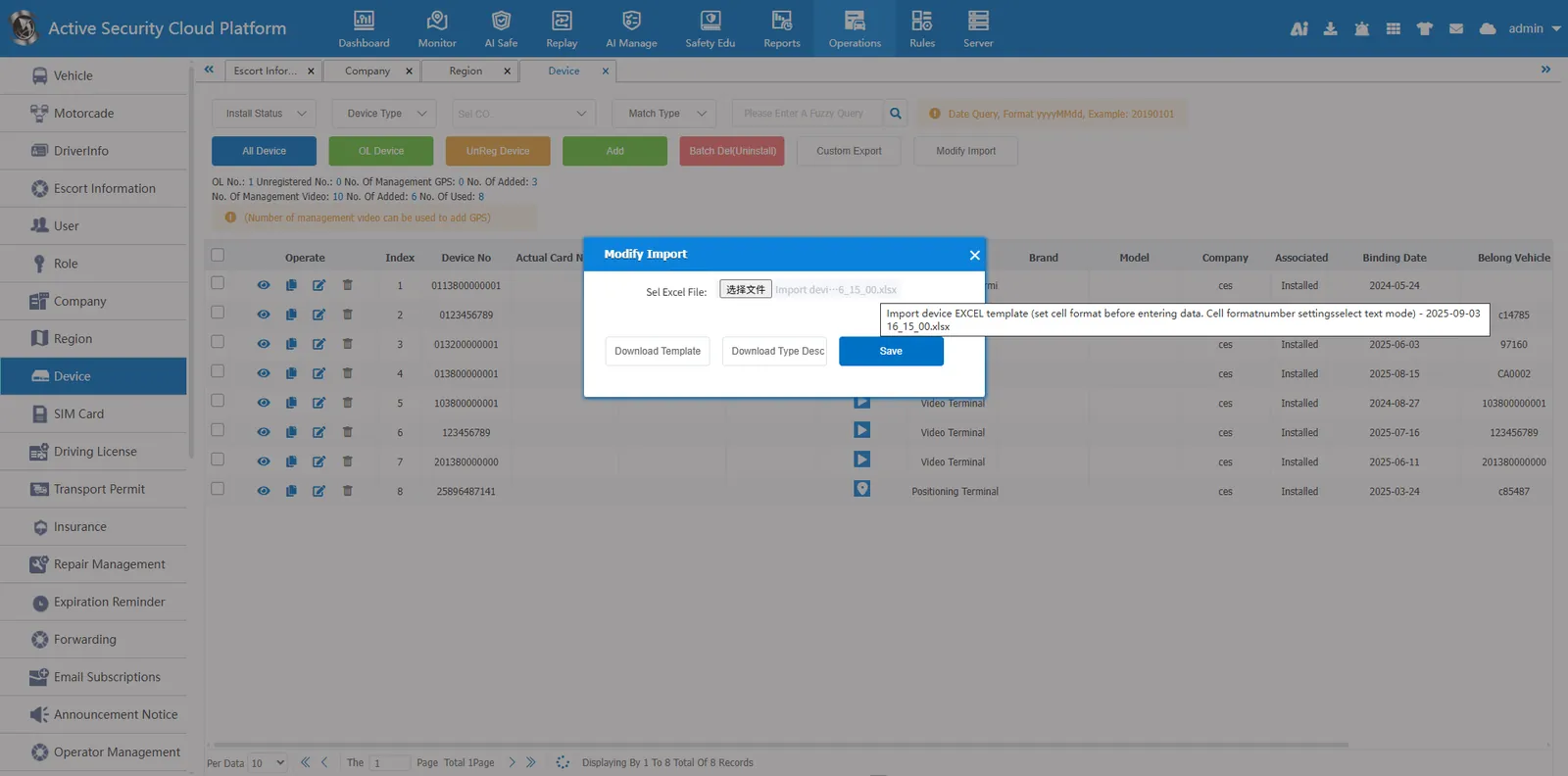
Import and modification succeeded
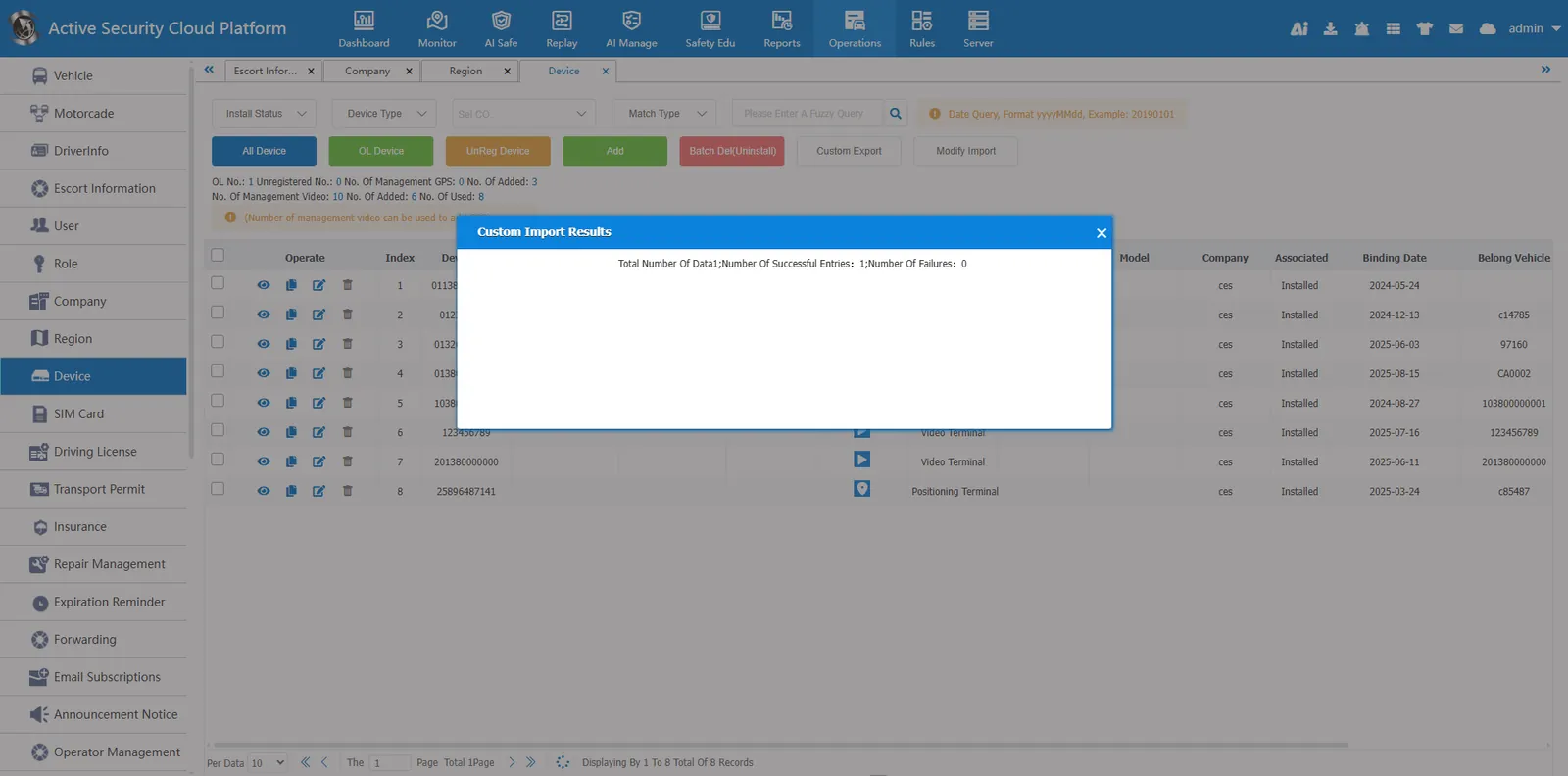
3. Precautions
The cell format should be set to text format, otherwise the import will fail.
