1. Function description
Batch update simple passwords
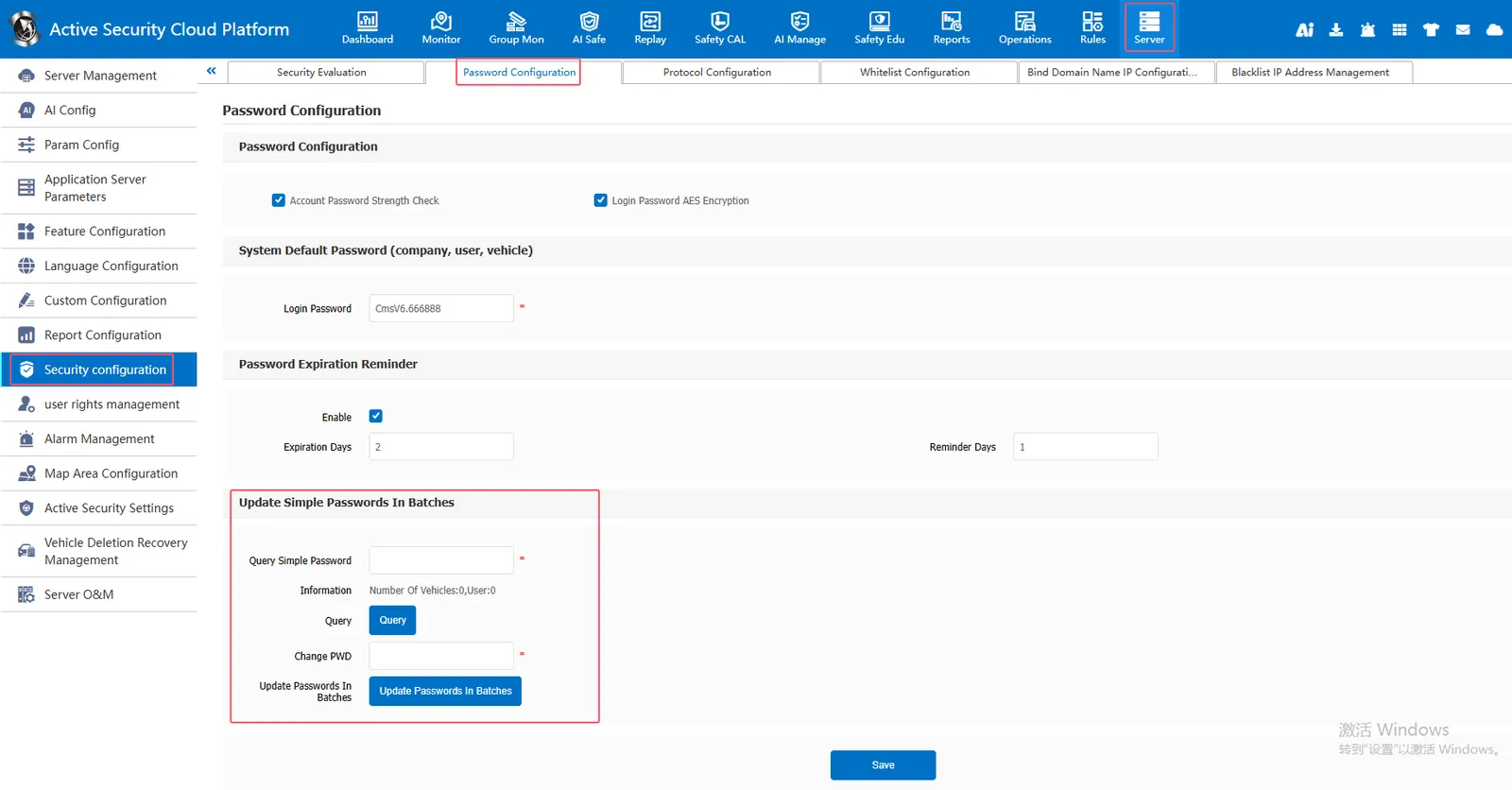
Due to historical reasons, the previously created account has a simple password, which can be modified at one time here.
2, operating instructions
2.1, batch update simple password
[Server] - [Security Configuration] - [Password Configuration] - [Batch Update Simple Password] First query the simple password, return the result, then enter the new password, and finally click Batch Update Password to complete the batch update simple password.
3. Precautions
- To use this function, you need to know the original password in advance;
- It is recommended to enable the complex password policy and set the default complex password to avoid the use of simple passwords for new users.