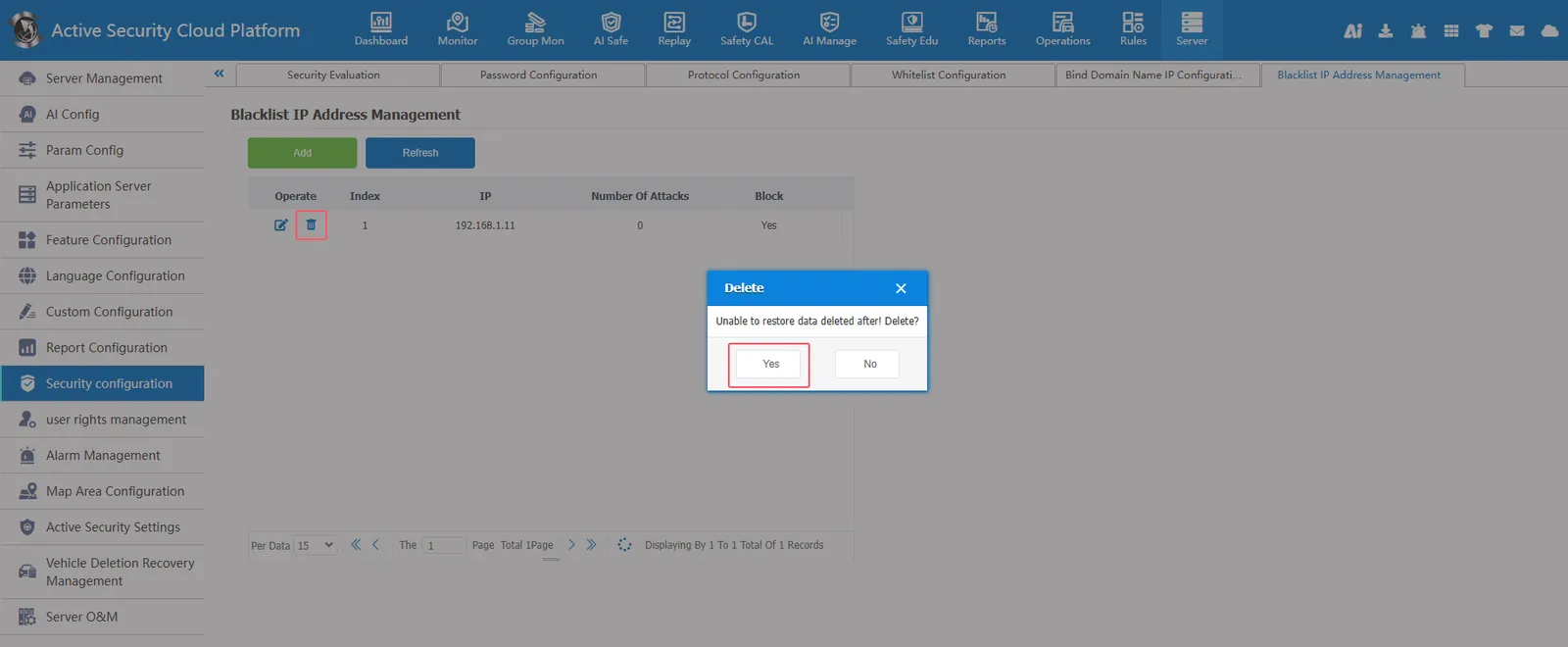
1. Function description
Platform blacklist IP address management
After the blacklist IP is added to the blacklist IP management and blocked, the platform cannot be accessed in the network environment where the blacklist IP is located. When accessing the platform, you will be prompted: you do not have permission to access, please contact the administrator!
2, operating instructions
2.1, manually add blacklist IP
[Server] - [Security Configuration] - [Blacklist IP Management] Click Add, enter IP and check Block, and click Save
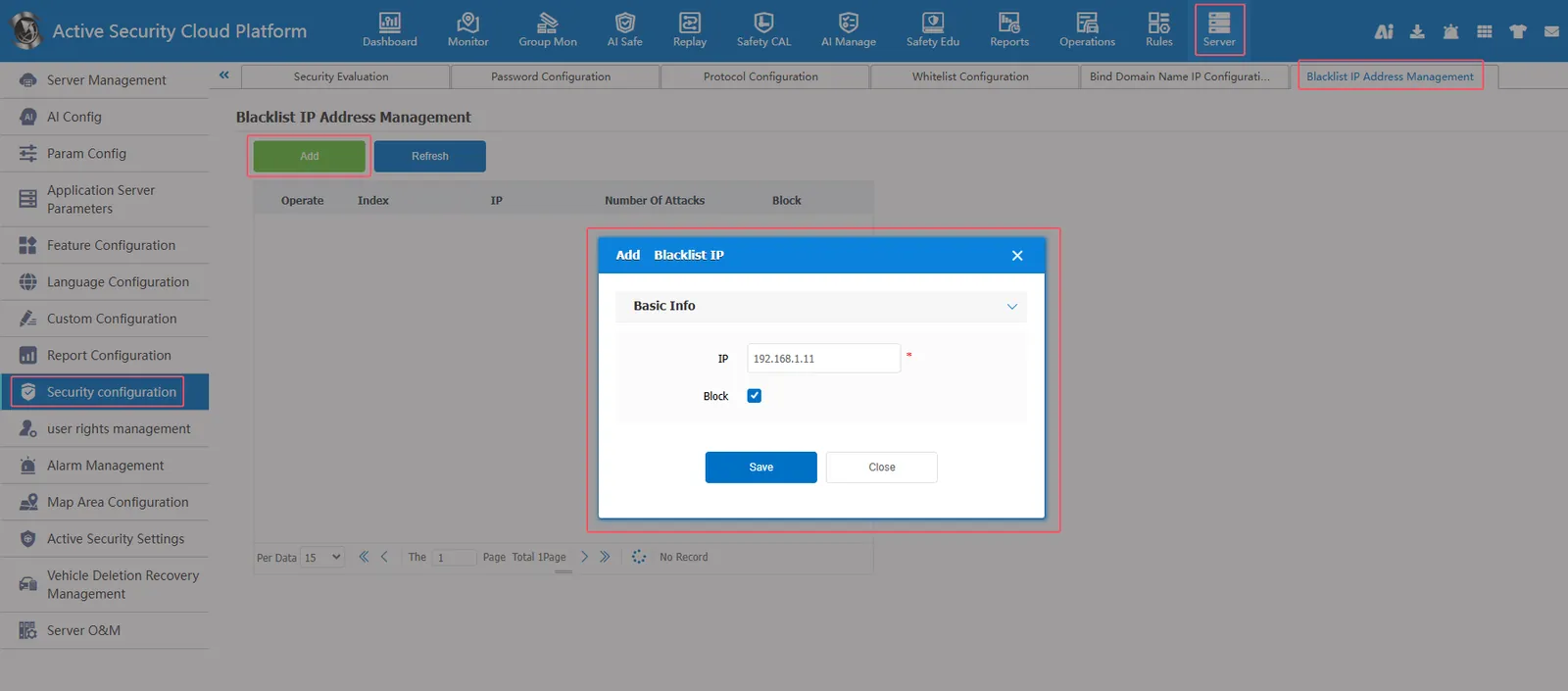
Successfully added the blacklist IP address.
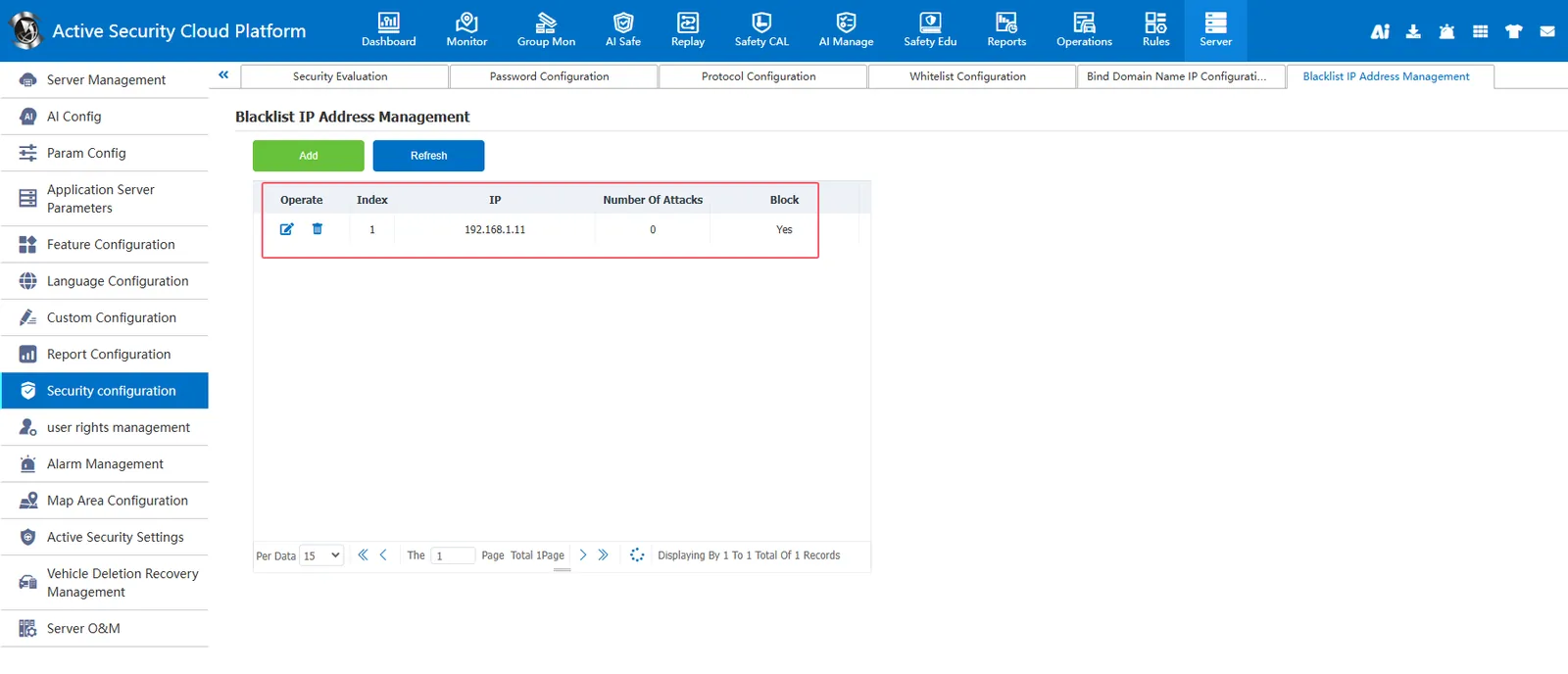
2.2, automatically add blacklist IP
When the platform detects an attack (SQL injection attack, etc.) made by a certain access IP address on the platform, it will record the number of attacks. when the number of attacks is greater than or equal to 20, it will be automatically added to the blacklist IP address and check block
2.3, edit and delete blacklist IP
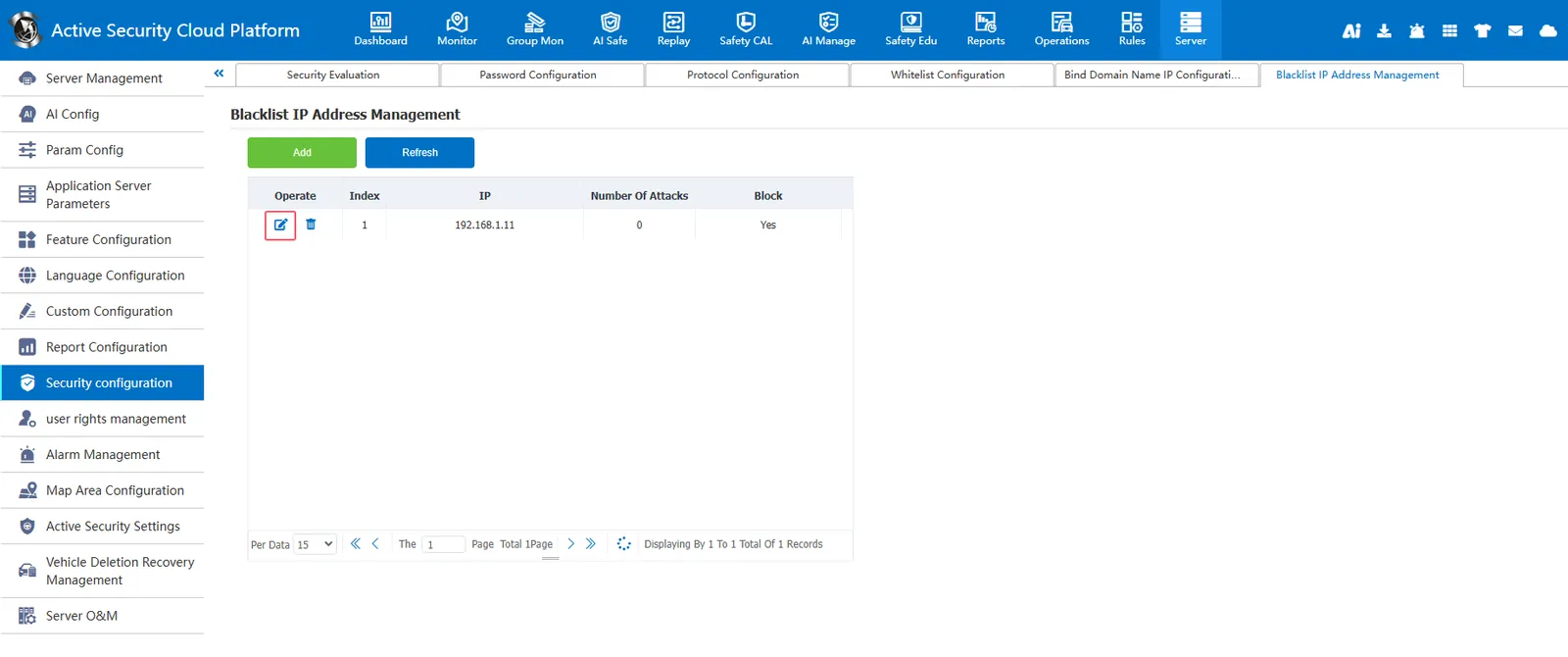
You can edit and modify the blacklist IP address and modify whether to block it.
Can delete blacklist IP