1. Function description
Enable password strength checksum encryption
Complex passwords are used when customers need to create or modify account passwords; the security of account passwords needs to be strengthened.
2, operating instructions
2.1, login password policy
[Server] - [Security Configuration] - [Password Configuration] Check account password strength verification, login password AES encryption
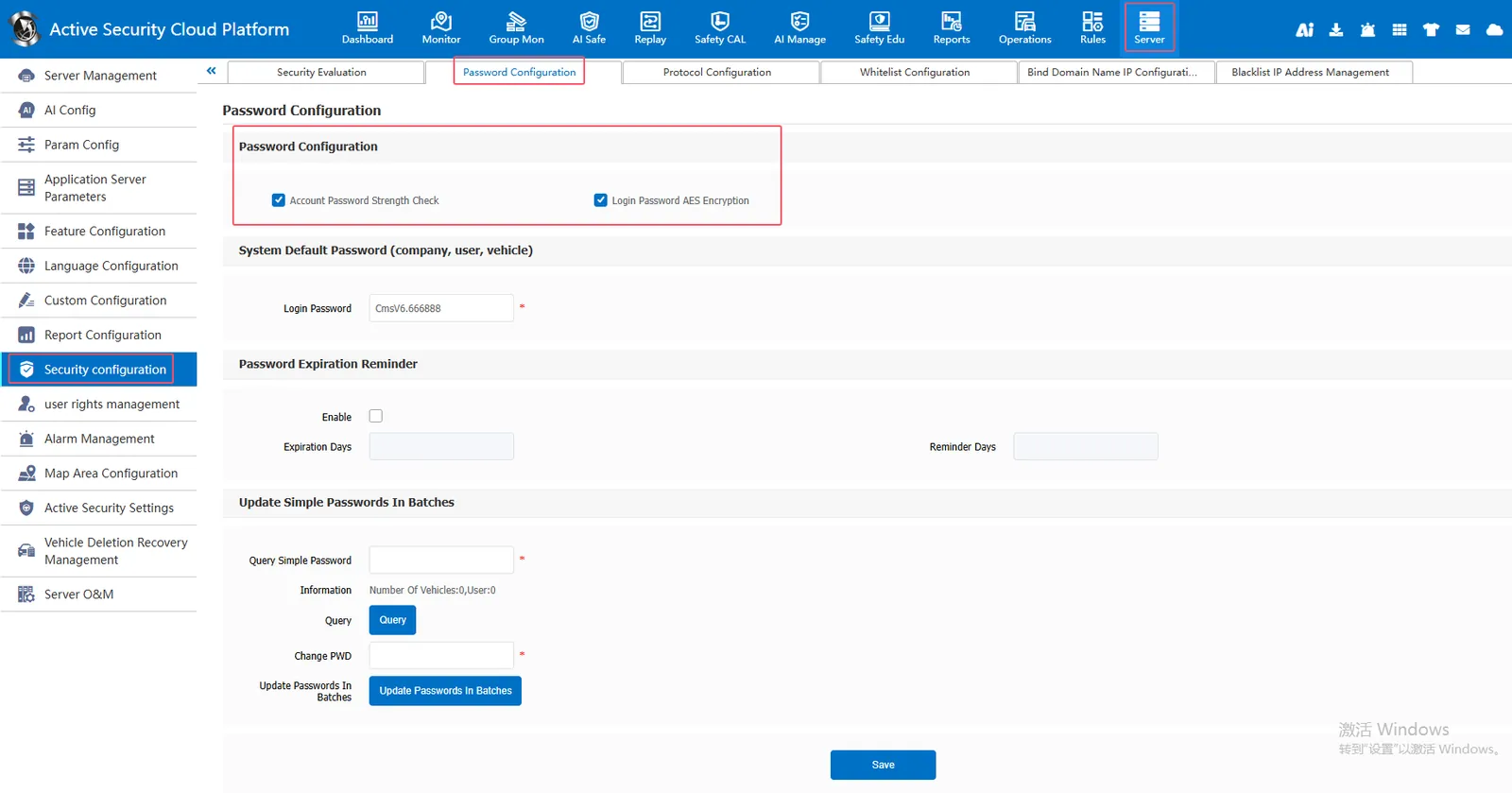
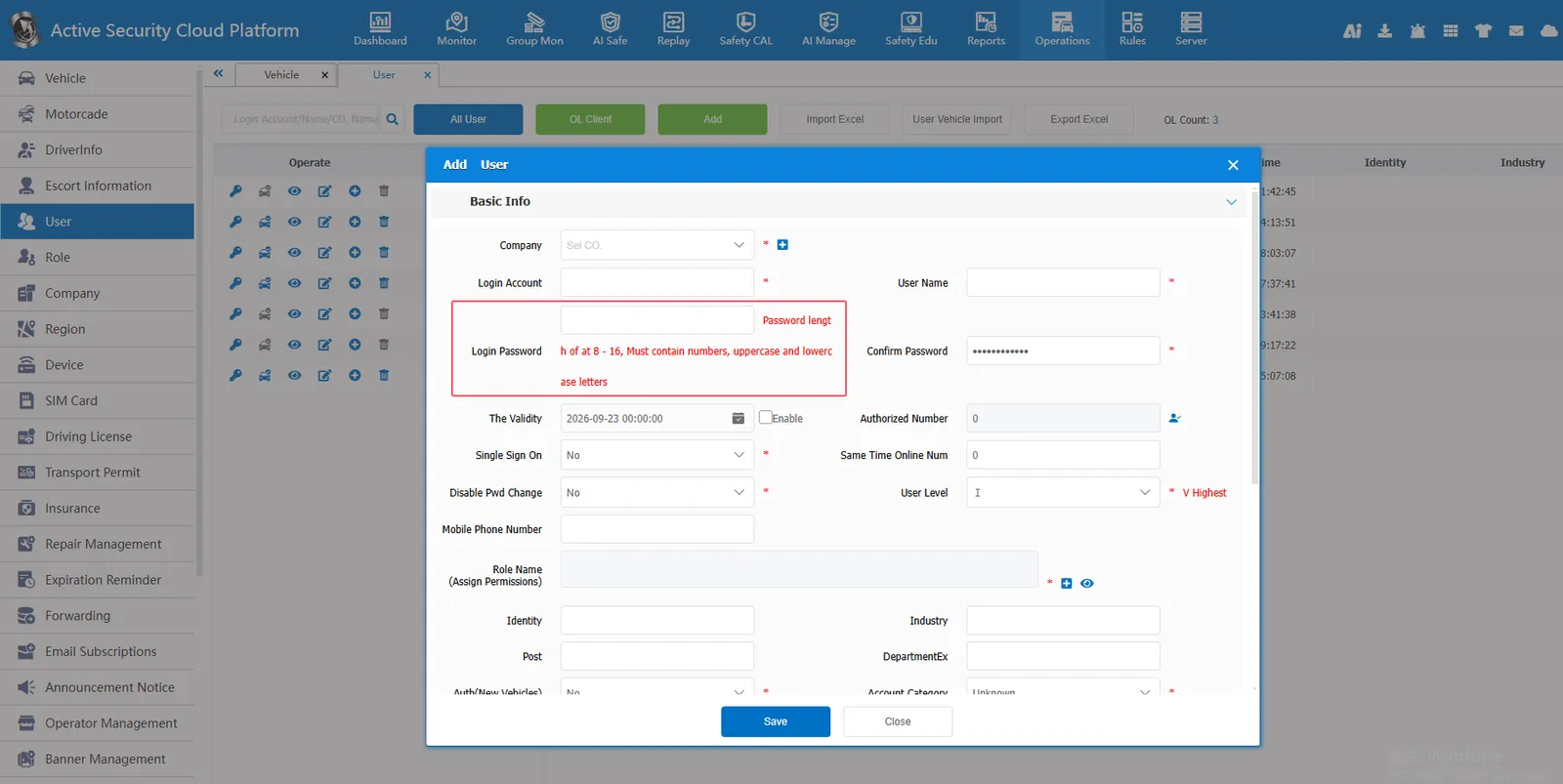
Account password strength verification: When adding account information or modifying a password, the password strength is verified. A complex password is required (the password must be 8- 16 characters in length and must contain numbers, uppercase letters, and lowercase letters).
Login password AES encryption: After checking, the password information of the account is stored in the database in AES256 encryption mode
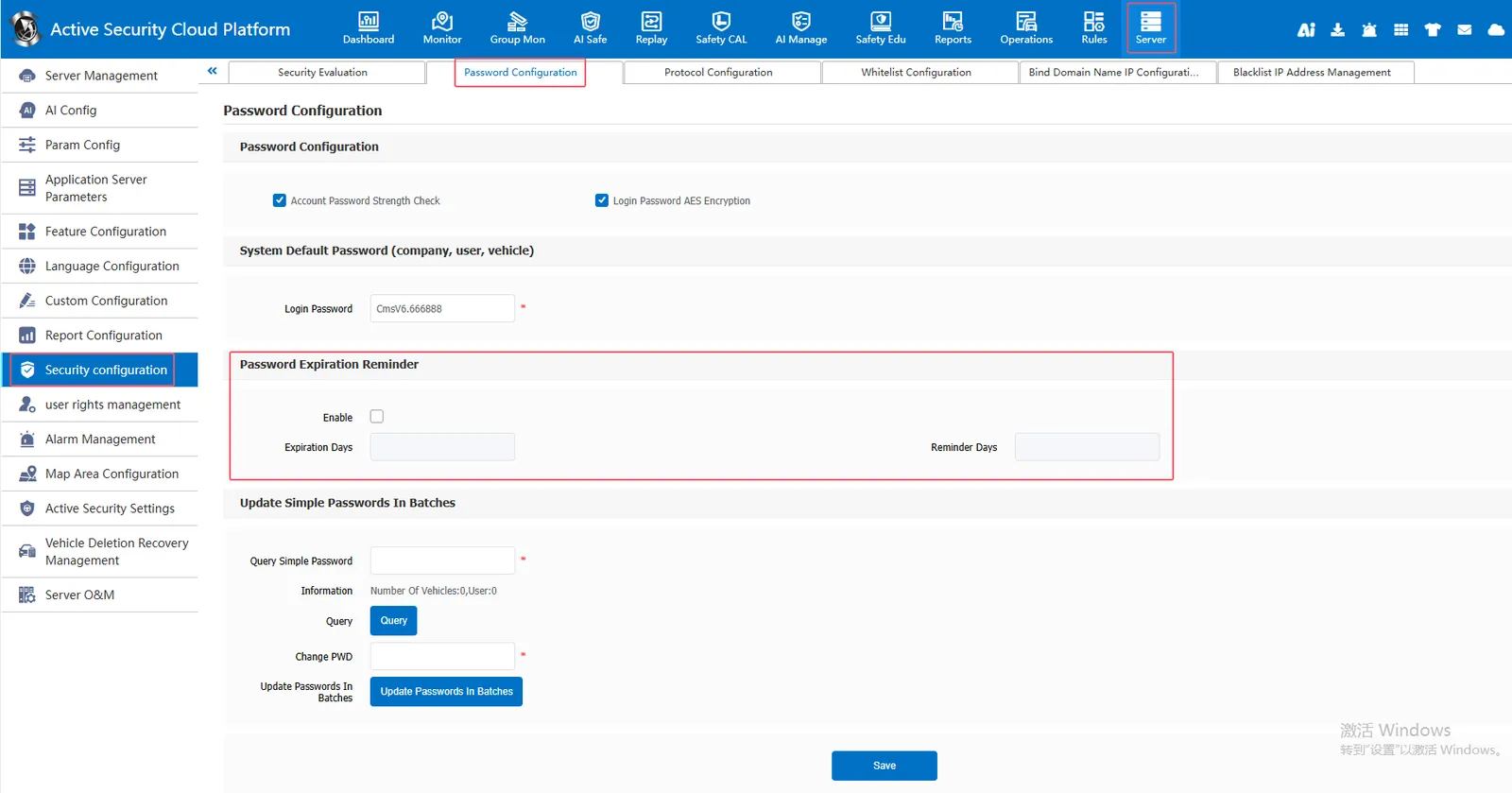
2.2, password expiration reminder
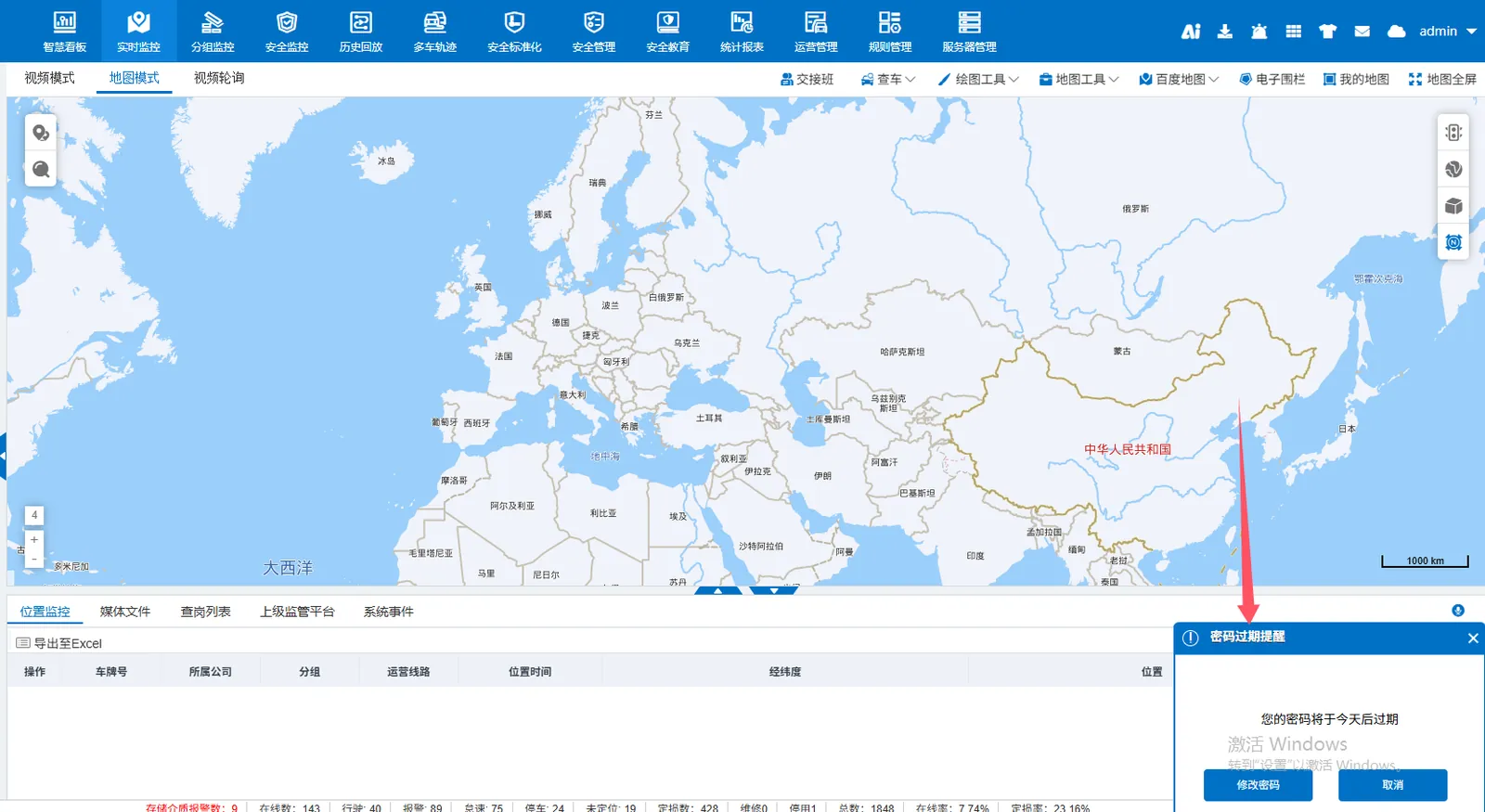
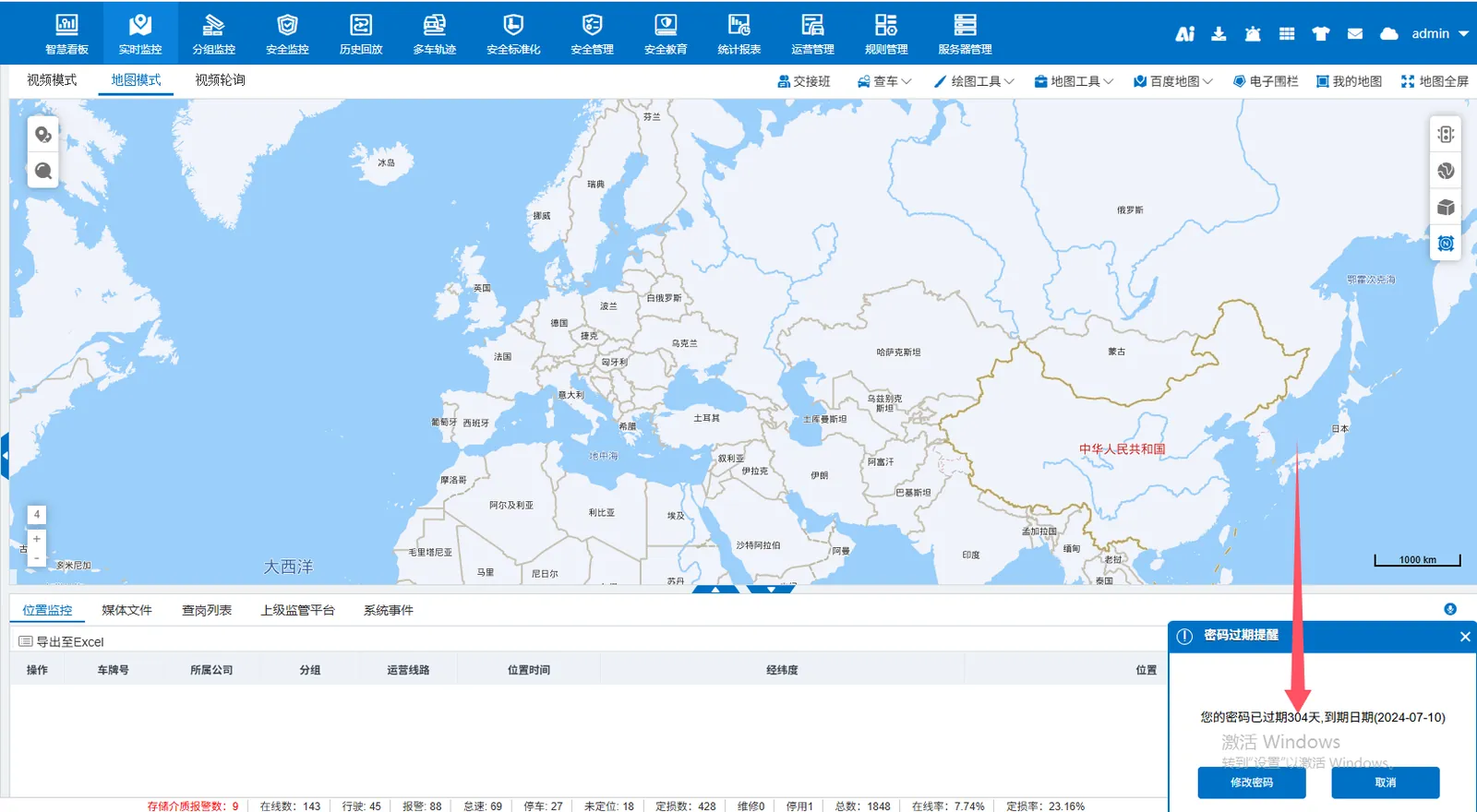
[Server] - [Security Configuration] - [Password Configuration] Password Expiration Reminder Check Enable and Set Expiration Days and Reminder Days; Counting from the day the account password is modified, when the set reminder days are reached, the web page will be reminded that the password is about to expire when logging in to the account.