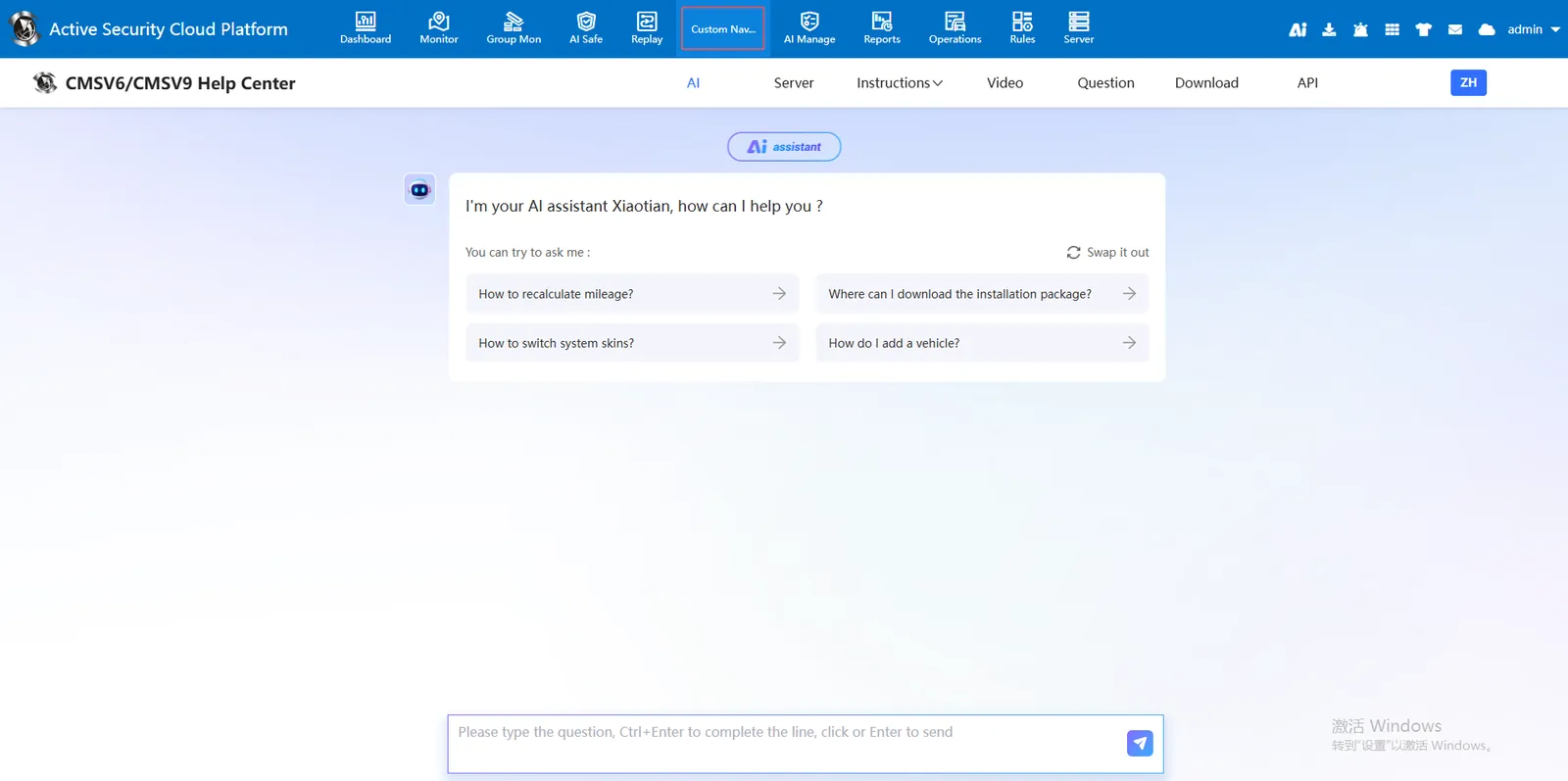
1. Function description
Load third- party pages to the platform
If you need to embed other third- party pages in the Tongtianxing platform window, you can operate in the custom navigation window.
2, operating instructions
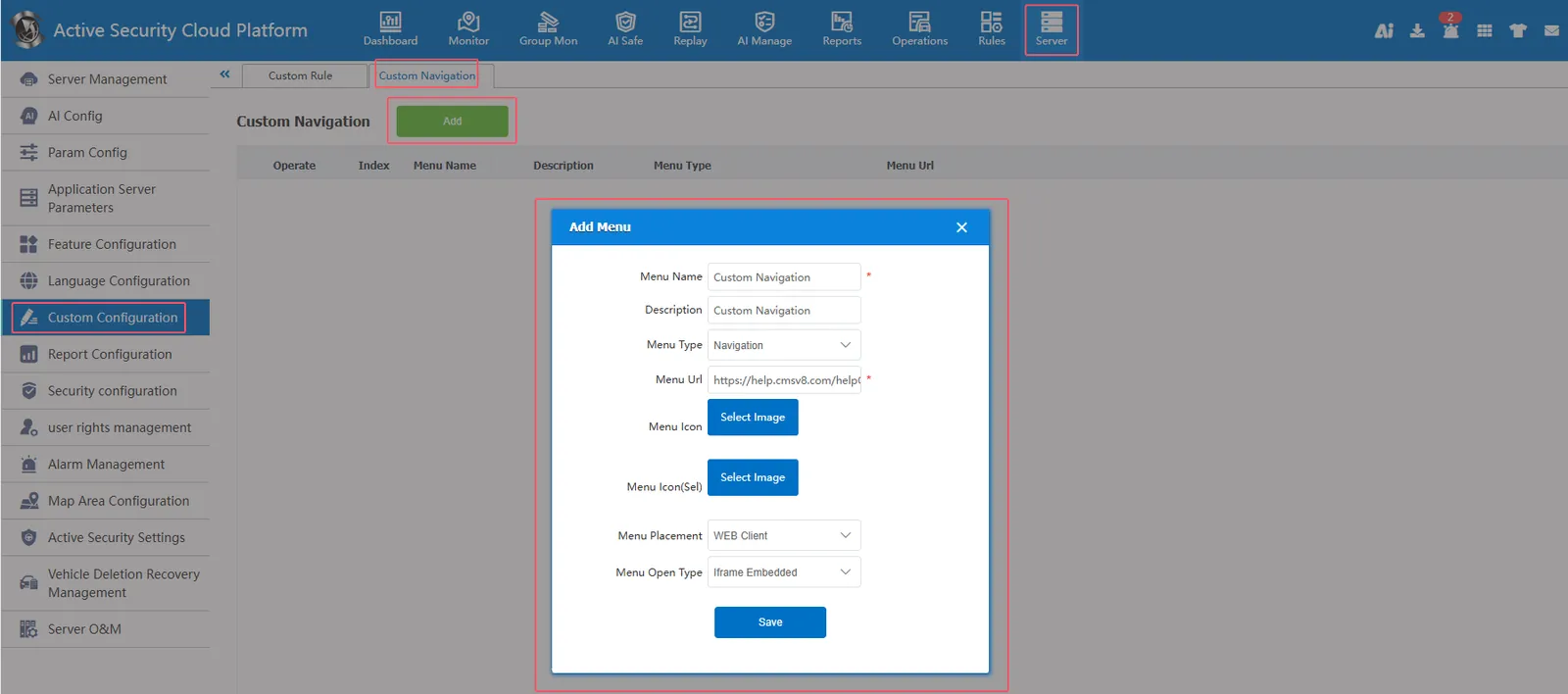
[Server] - [Custom Configuration] - [Custom Navigation] Click Add, fill in the menu name, select the menu type, fill in the menu link, select the menu display location, check whether admin or the main account is hidden, and finally click Save
Custom navigation added completed
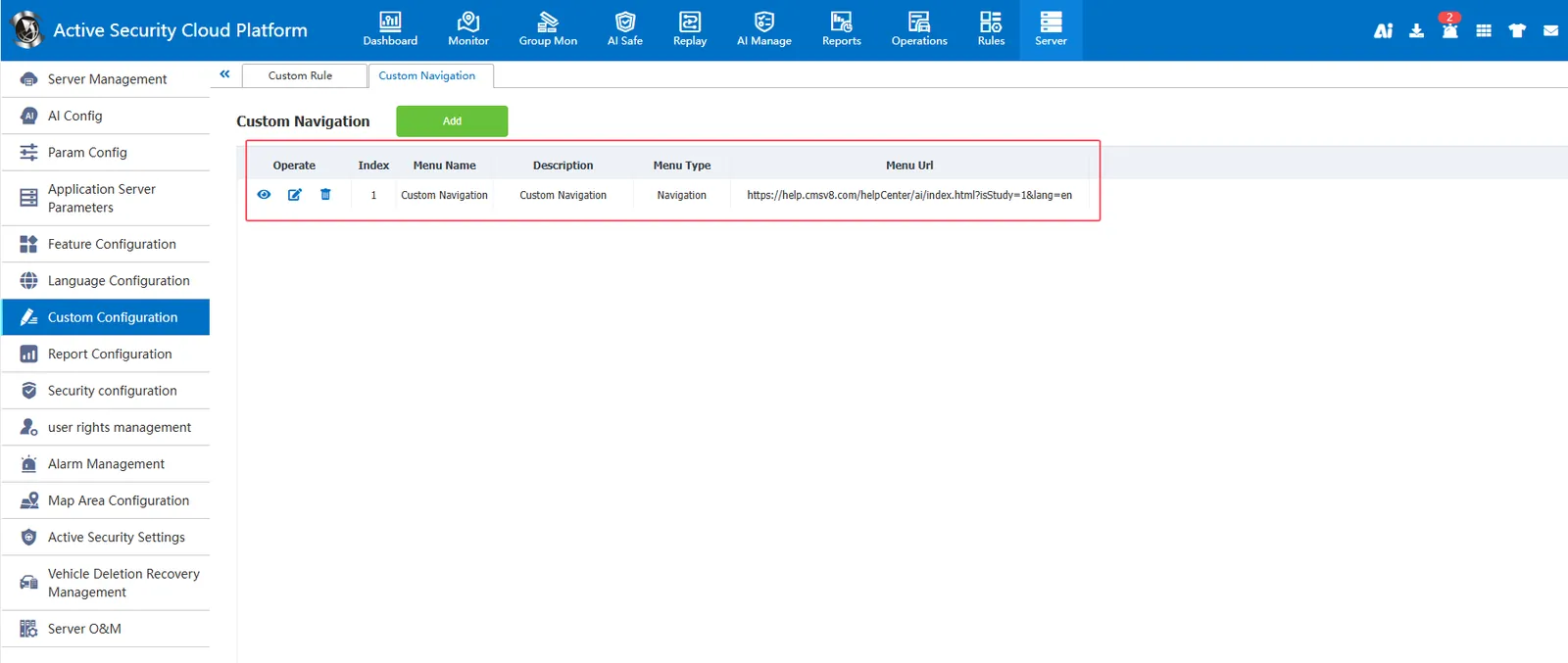
Embed other web pages into the platform in an embedded way.
Menu Name: Embedded Module Name
Menu type: you can select independent navigation and statistical reports
menu links: web page links
Menu display location: pc client, web client and third- party platform can be selected (if web client is selected, menu opening method can be further selected: iframe embedded, pop- up window opened and new page opened)
Whether to hide: the embedded module can be hidden by admin (the embedded module cannot be seen on the admin login platform) and hidden by the main account (the embedded module cannot be seen on the main account login platform).
Effect Show