1. Function description
Change the vehicle icon to distinguish between different vehicle types
2, operating instructions
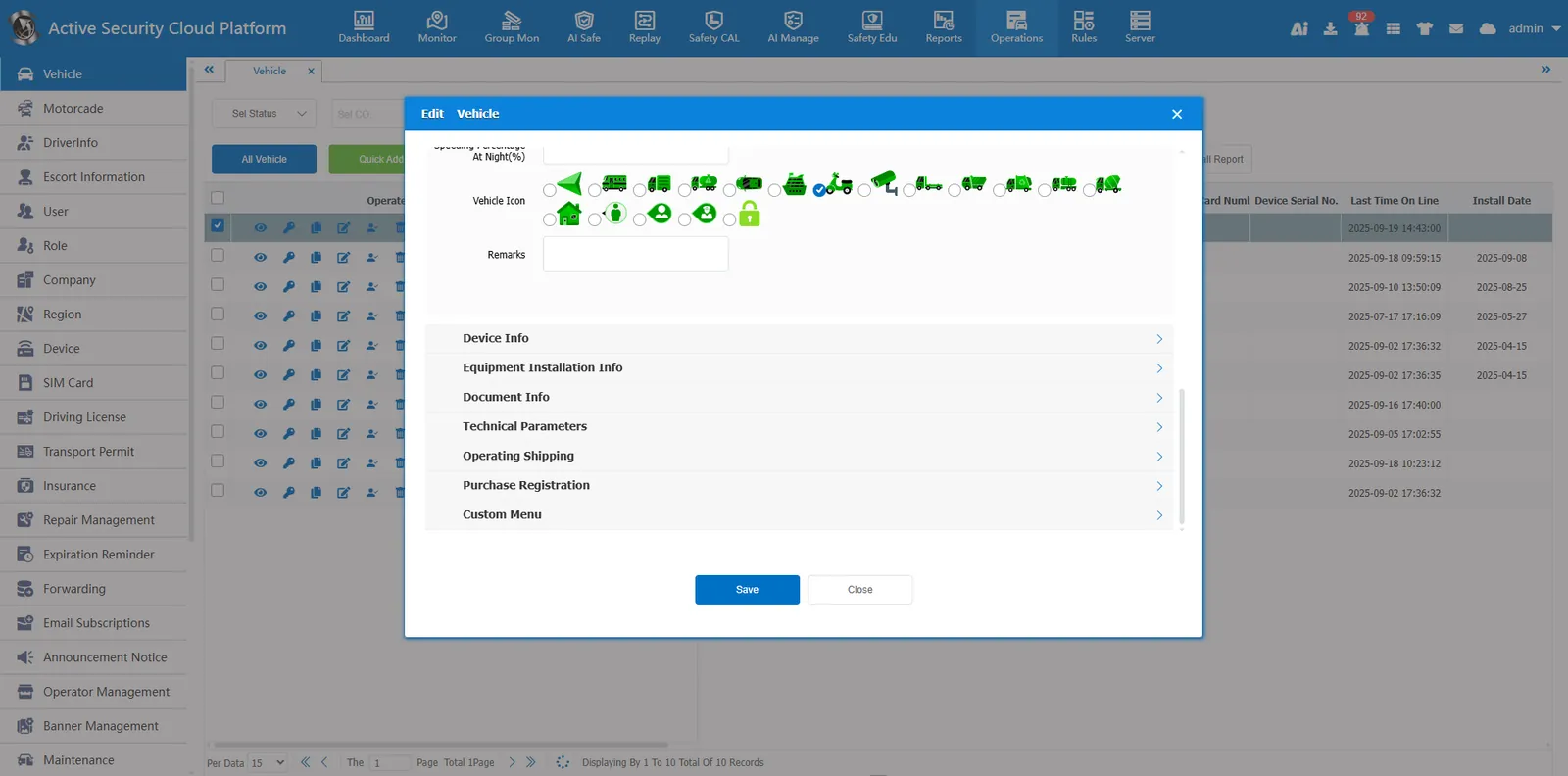
- Click the edit button in [Operation Management]- [Vehicle Information]
 Edit the vehicle information, select the vehicle icon we need to replace in the vehicle icon row, and click Save
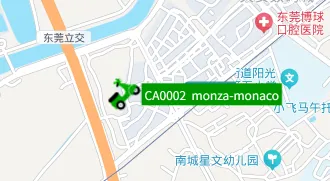
Before replacement
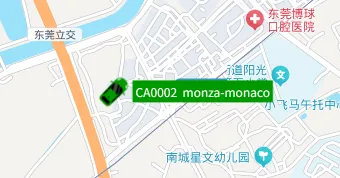
After replacement