1. Function description
Set the platform name and LOGO of a single company to display when logging in to the platform.
2. Preconditions
Create a good company through company information under operation management.
3. operation steps
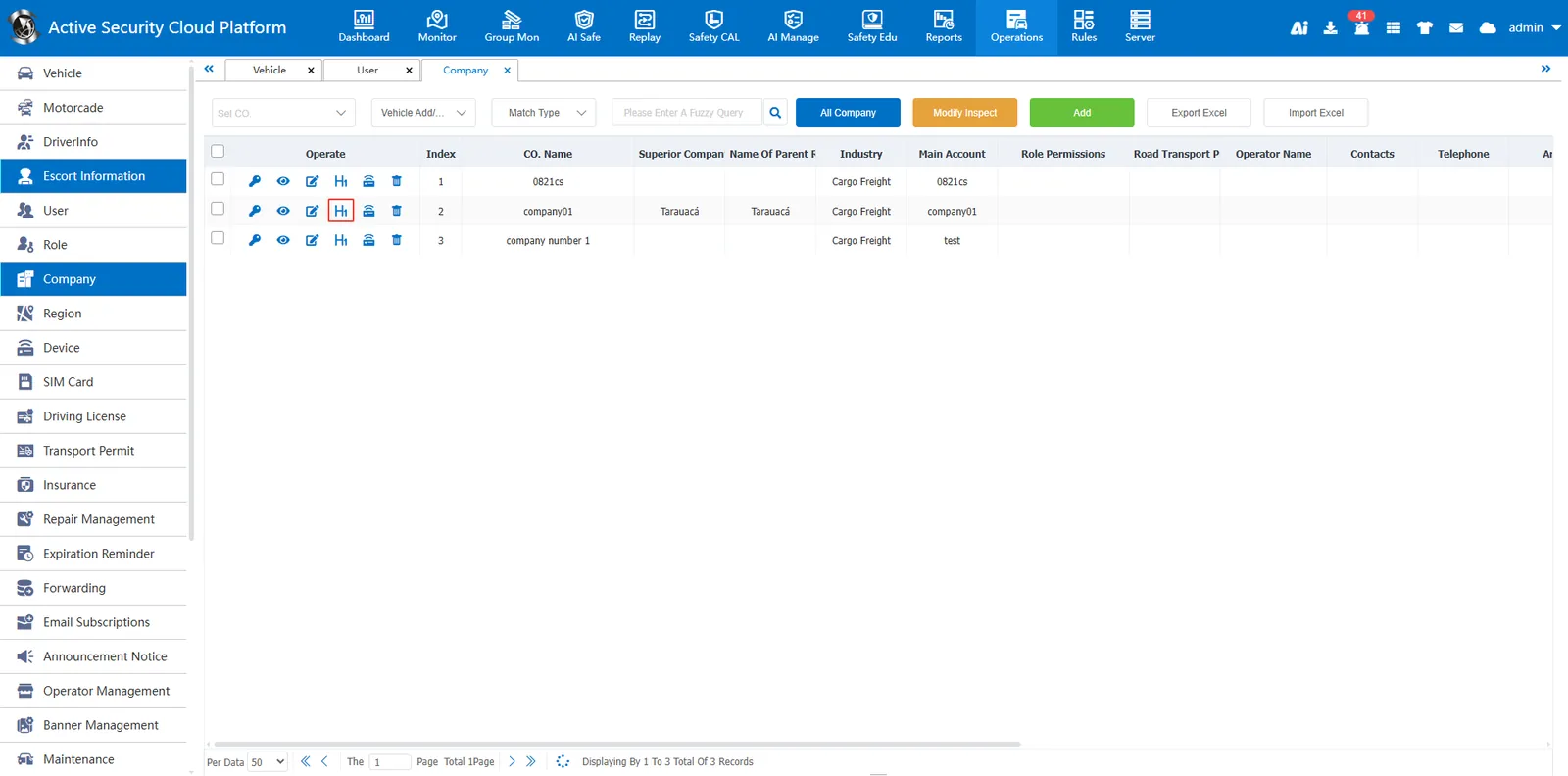
- Click the title LOGO setting under the company that needs to set the platform name and LOGO
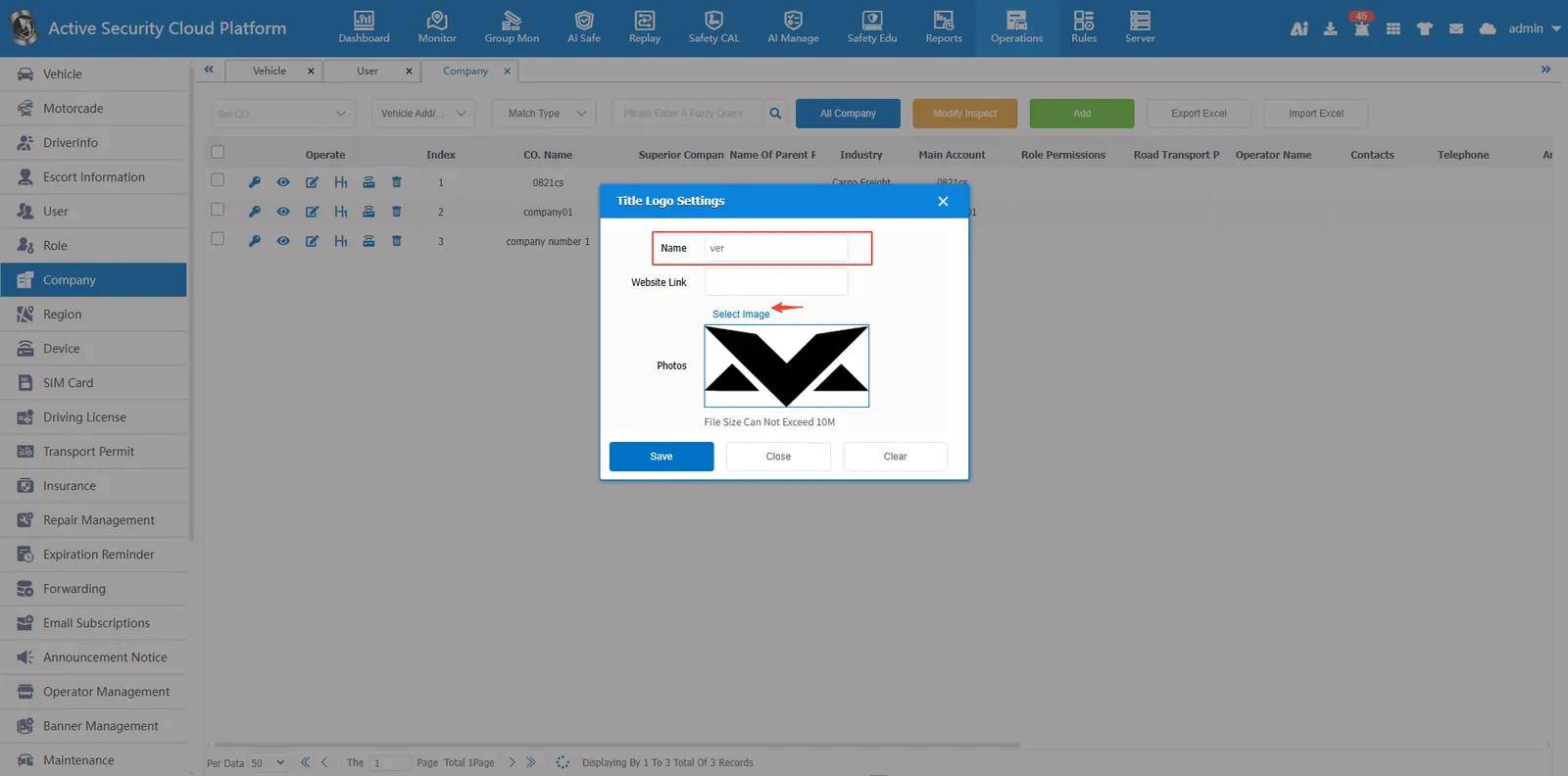
- Enter the platform name and select the LOGO image, click Save
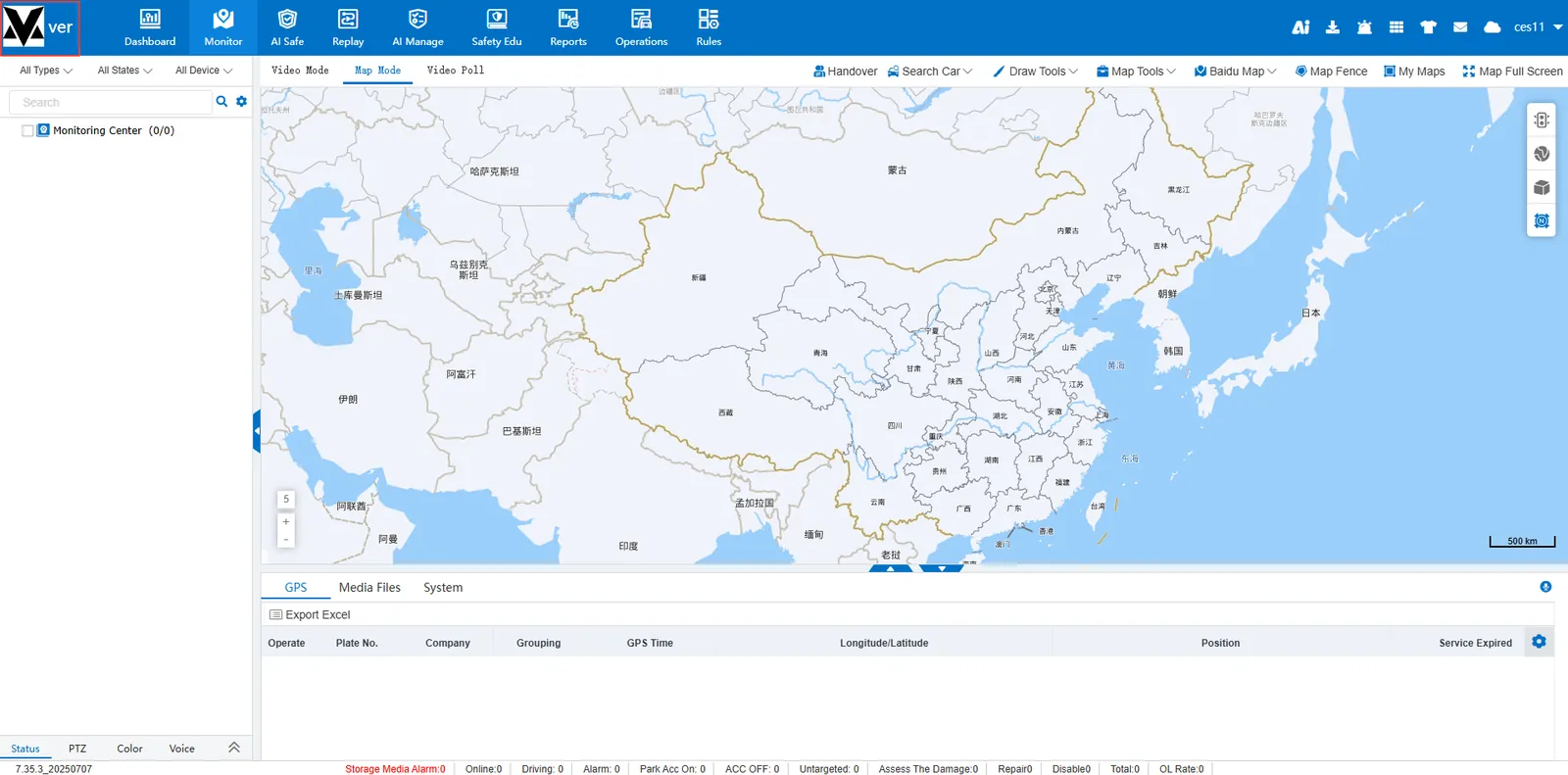
4. the effect of display
Log in to the company's account and the platform name and LOGO will be displayed in the upper left corner.