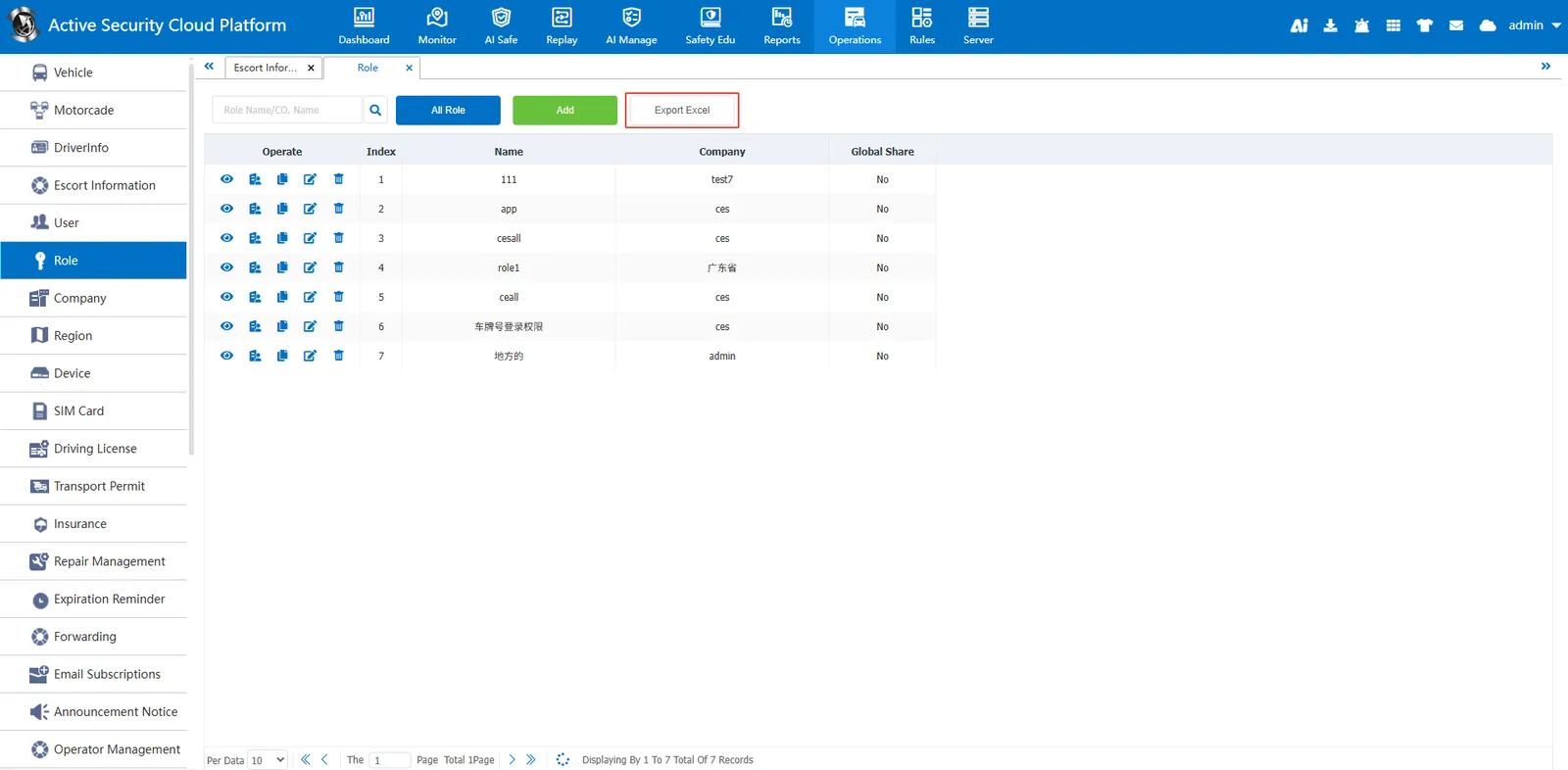
1. Function description
Add roles can be assigned to the sub- account created by the company to restrict the permissions of the sub- account. For example, only the sub- account can view location information and real- time video, but cannot modify vehicle information.
2. operating instructions
2.1 add role
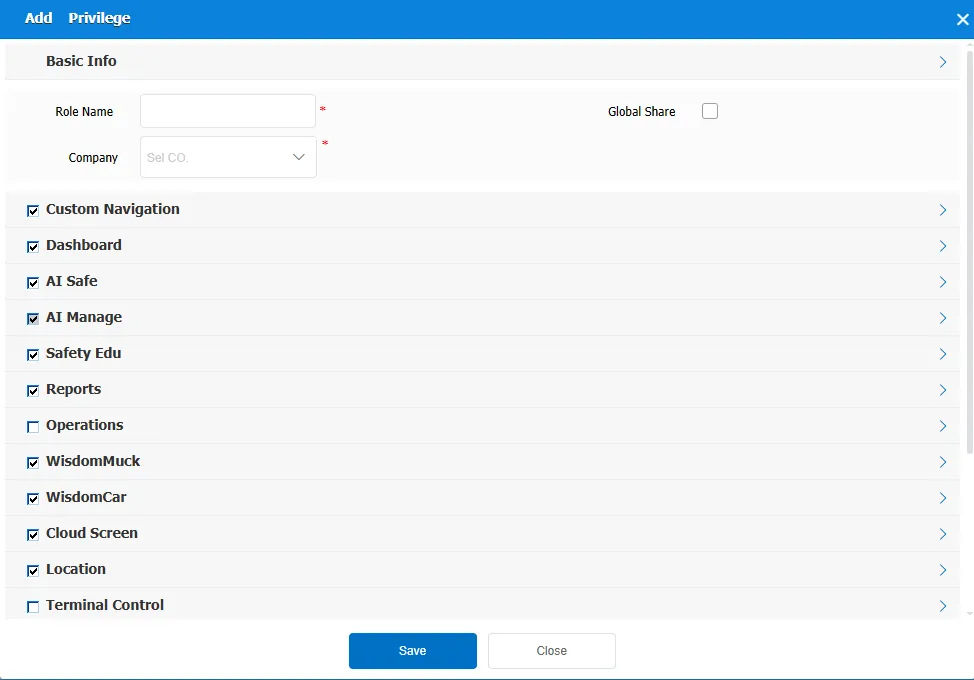
Click the Add button, fill in the role name and company in the Add Permission information, and select the permission to this role. Global sharing is visible to all companies.
2.2 search function
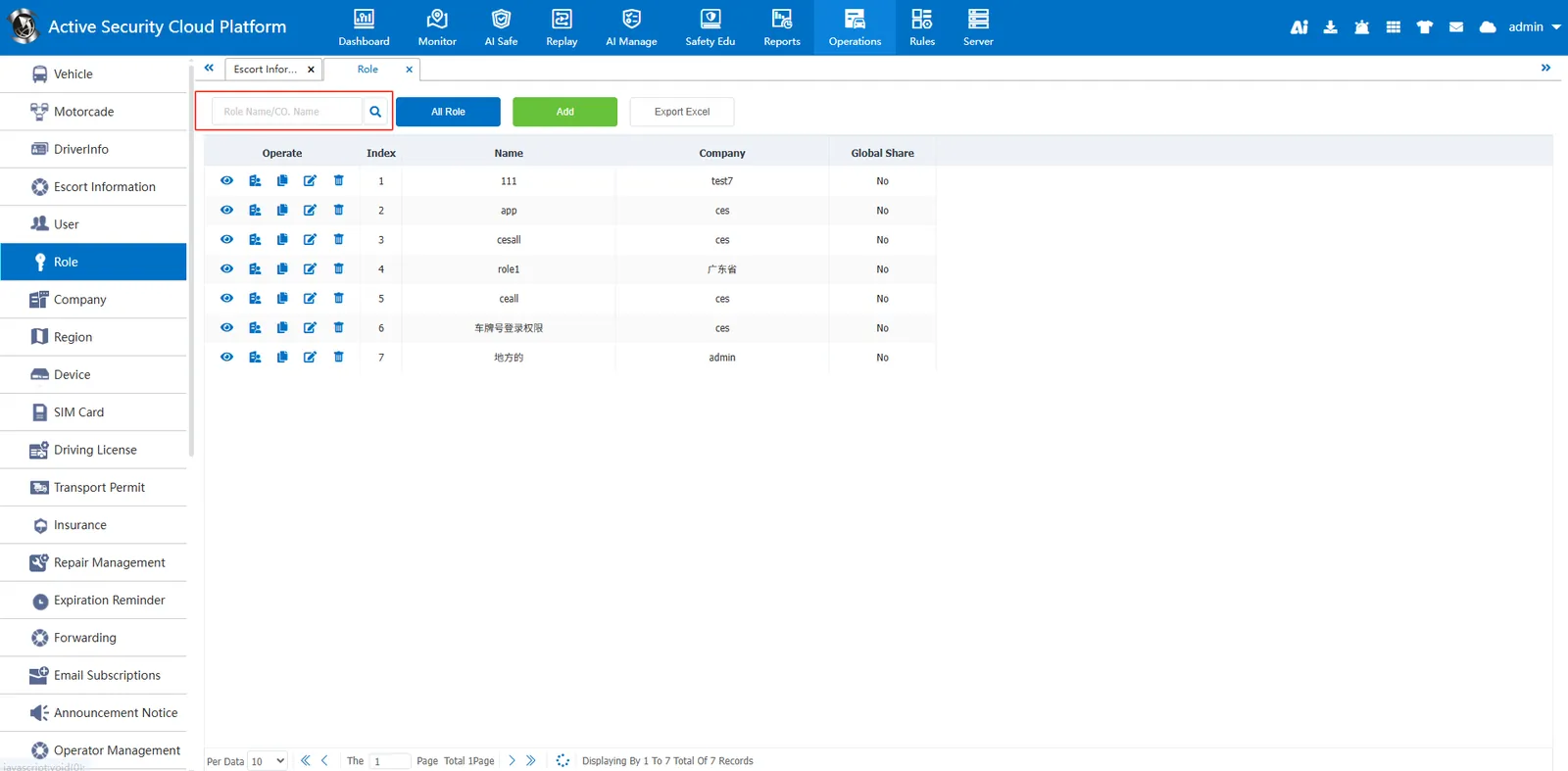
Can search by role name and company name
2.3 Export to Excel
Export role information to an excel file.