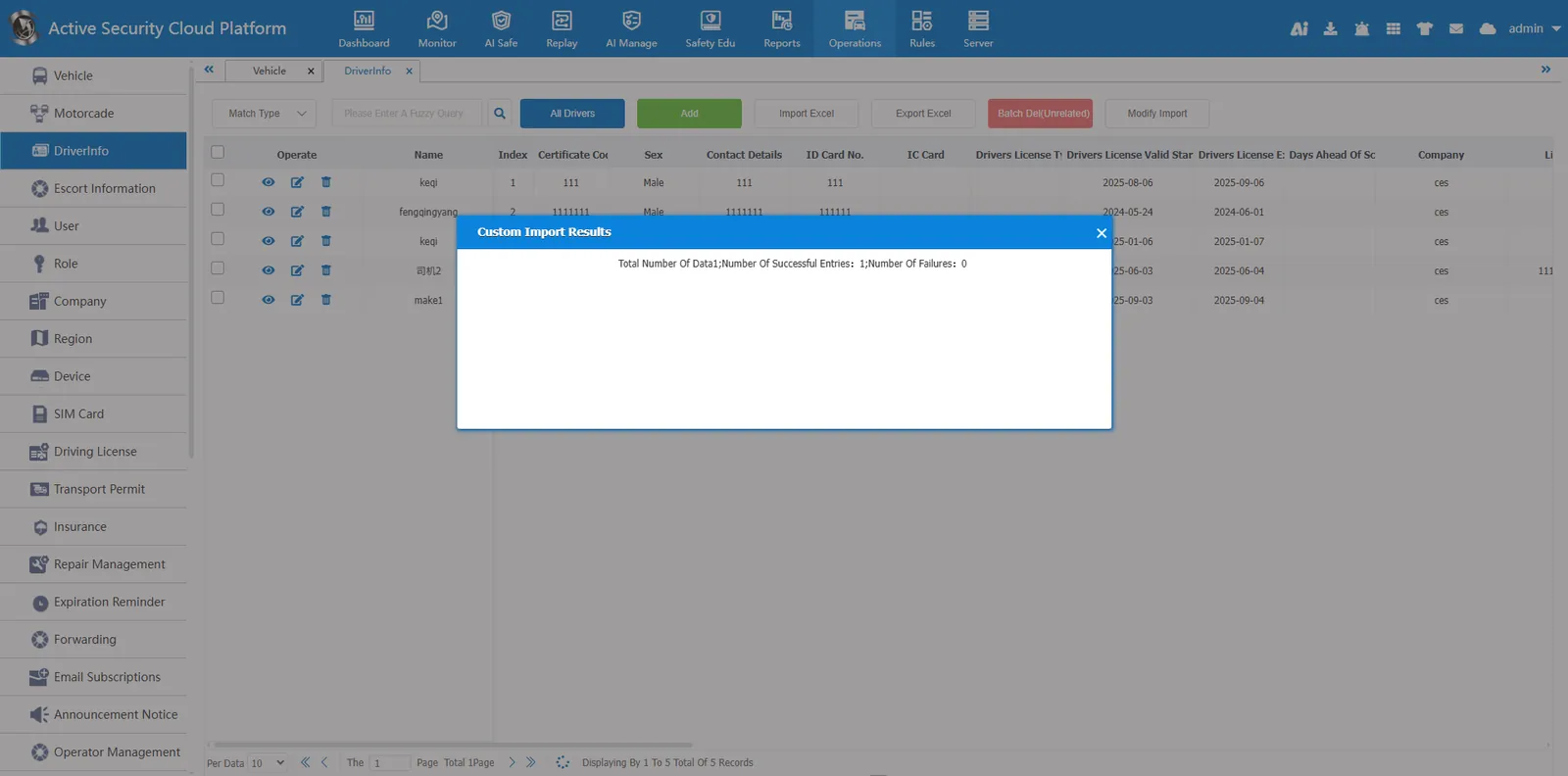
1. Function description
The active security monitoring cloud platform provides an efficient driver information management function to help users better organize and manage driver- related information, record core document information such as driver's license, ID card, and qualification certificate, and support automatic reminder of validity period
2. operating instructions
2.1.1 add button
Click the Add button and enter the driver information to be entered in the Add Driver Information dialog box. The red asterisk is required.
Name: Driver's name, can be repeated
ID number: the driver ID number, unique, cannot be duplicated
Code of Qualification Certificate: Generally, it is the driver ID number, which is unique and cannot be repeated. The device card will match when you check in.
portrait library: driver photos, platform identification rules will be used.
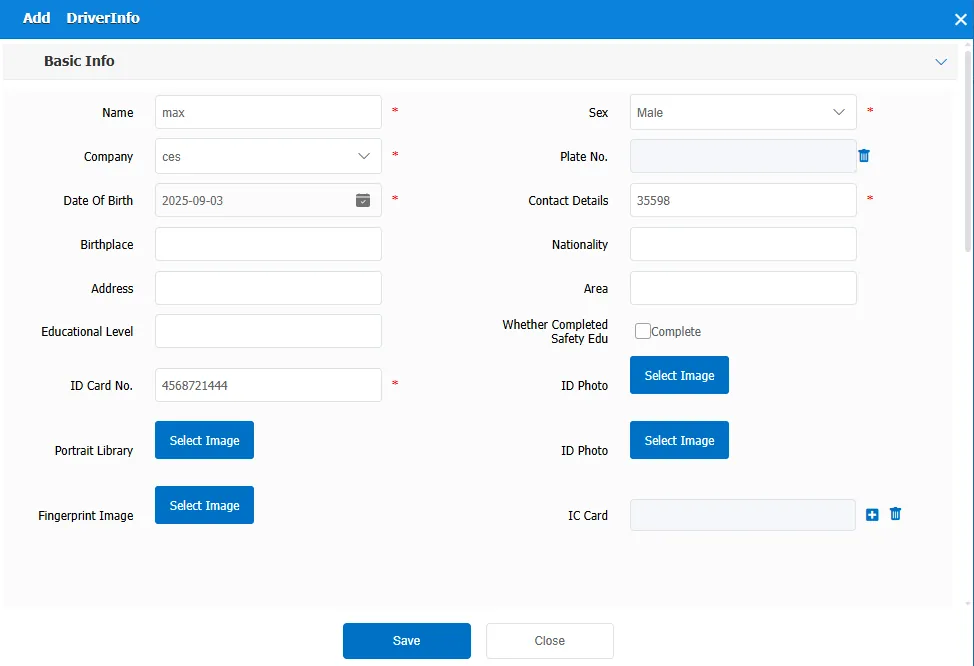
Driver associated vehicle, refer to document:
https://help.cmsv8.com/helpCenter/doc/index.html?isStudy=1&pageType=2&docId=1907&type=1&lang=zh&docType=9
2.1.2 Import from Excel
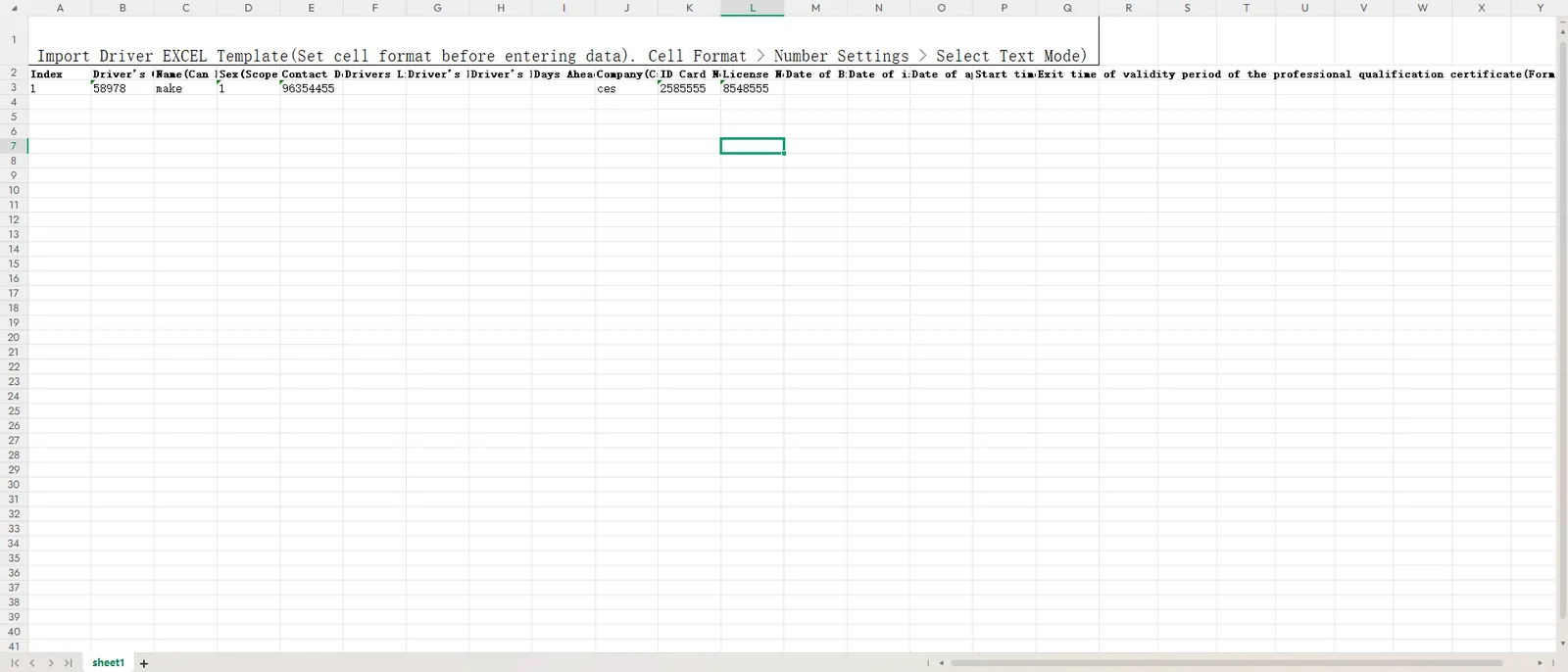
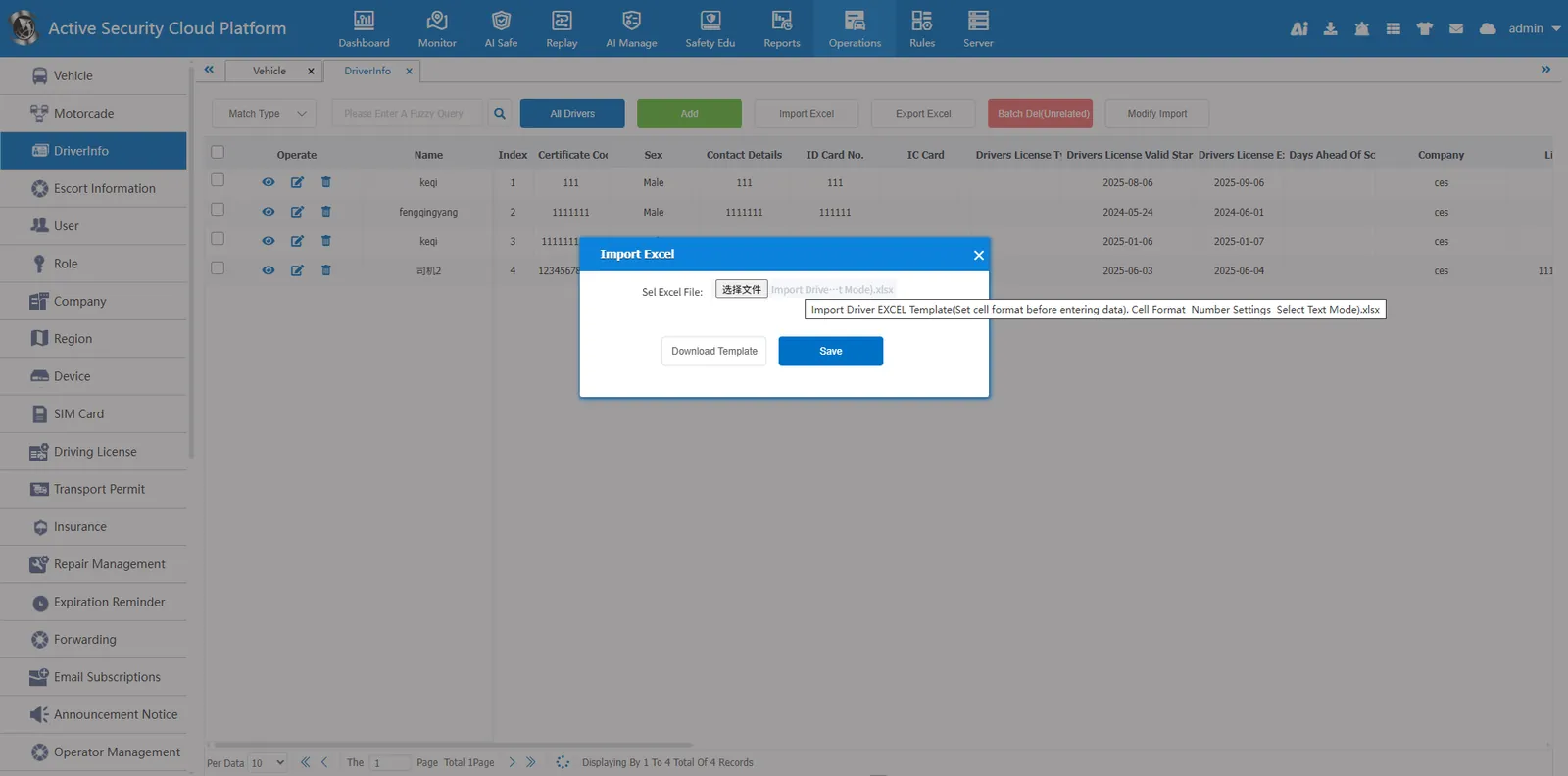
Click Import from Excel, download the template, and fill in the driver information according to the template. The cell format should be text format. Select the excel file to import.
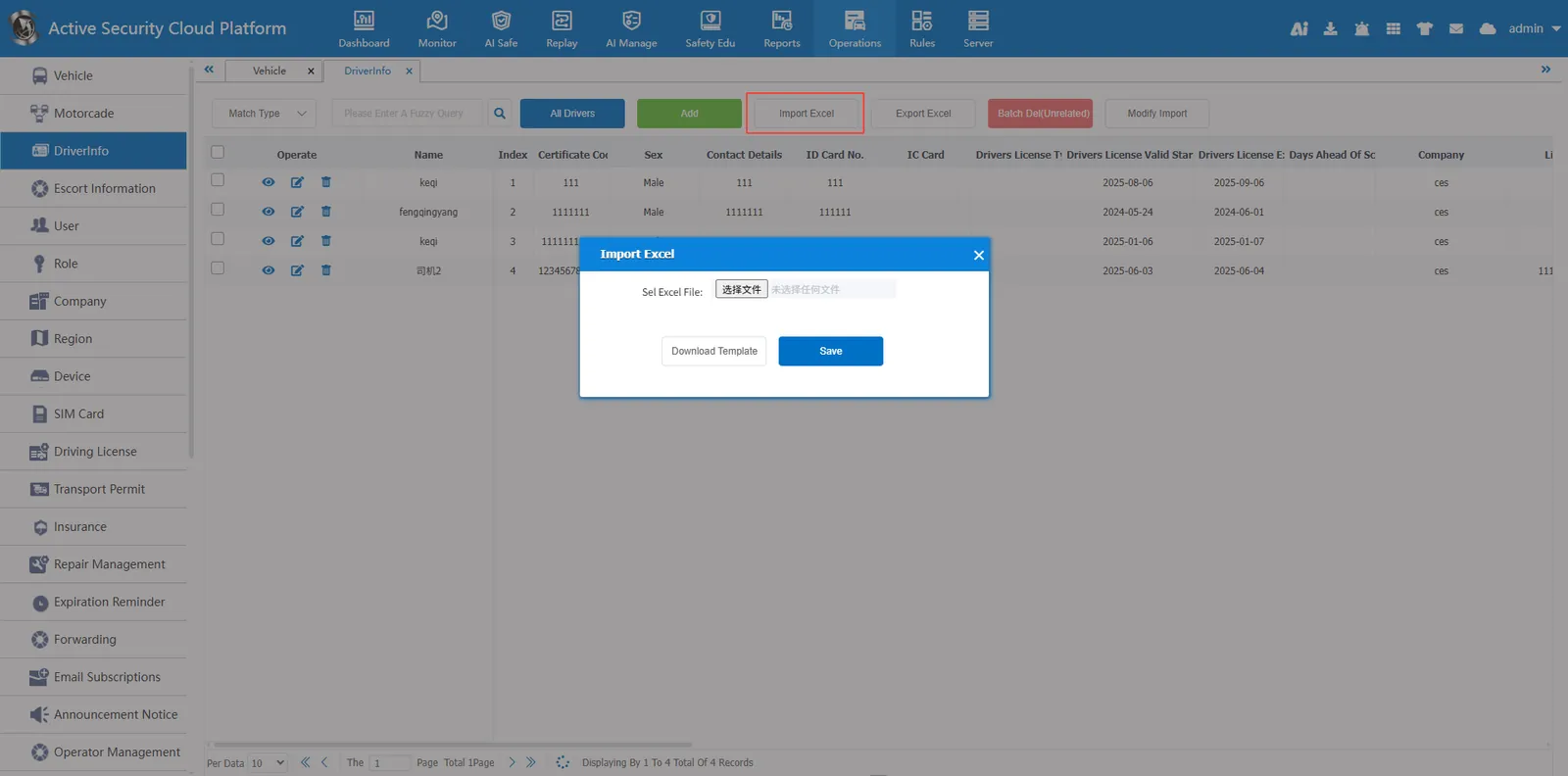
Download the template and open the template file
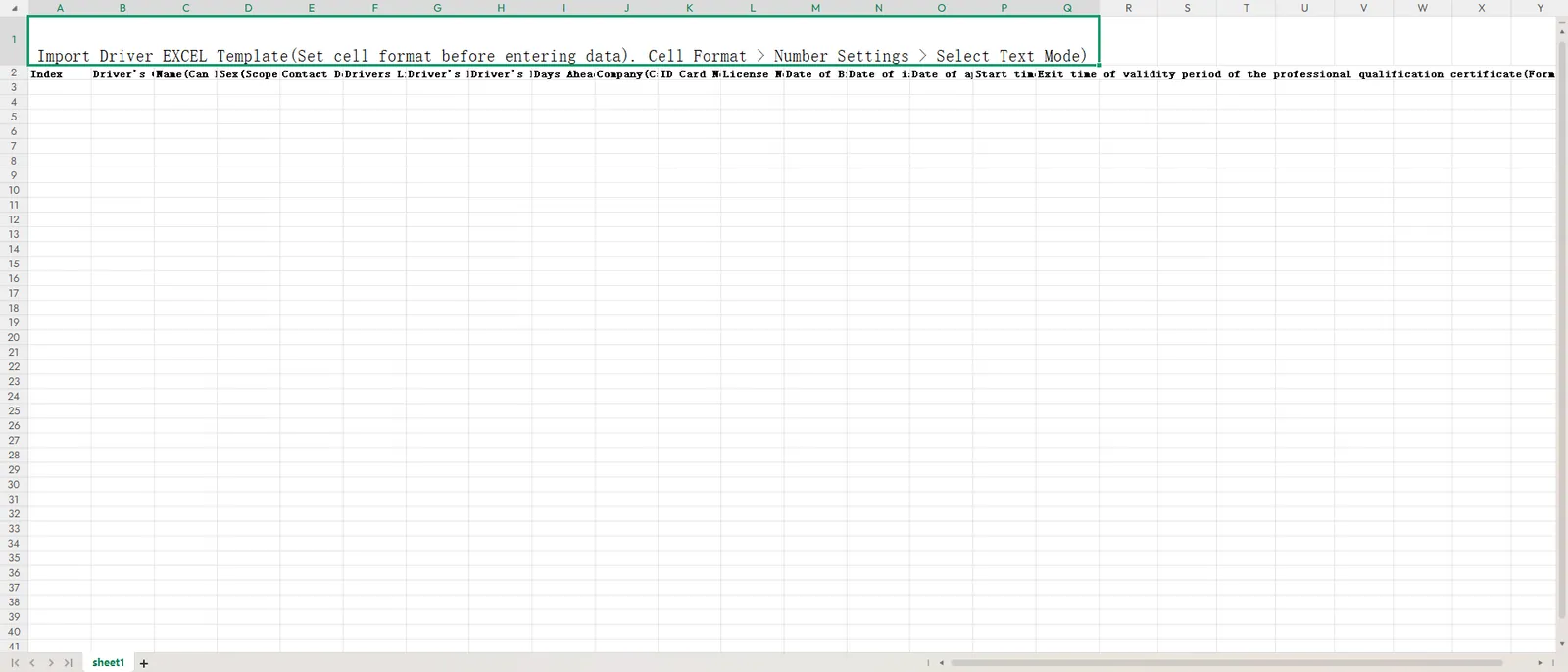
Set the cell format to text format and fill in the driver information.
Select the template file and click Save
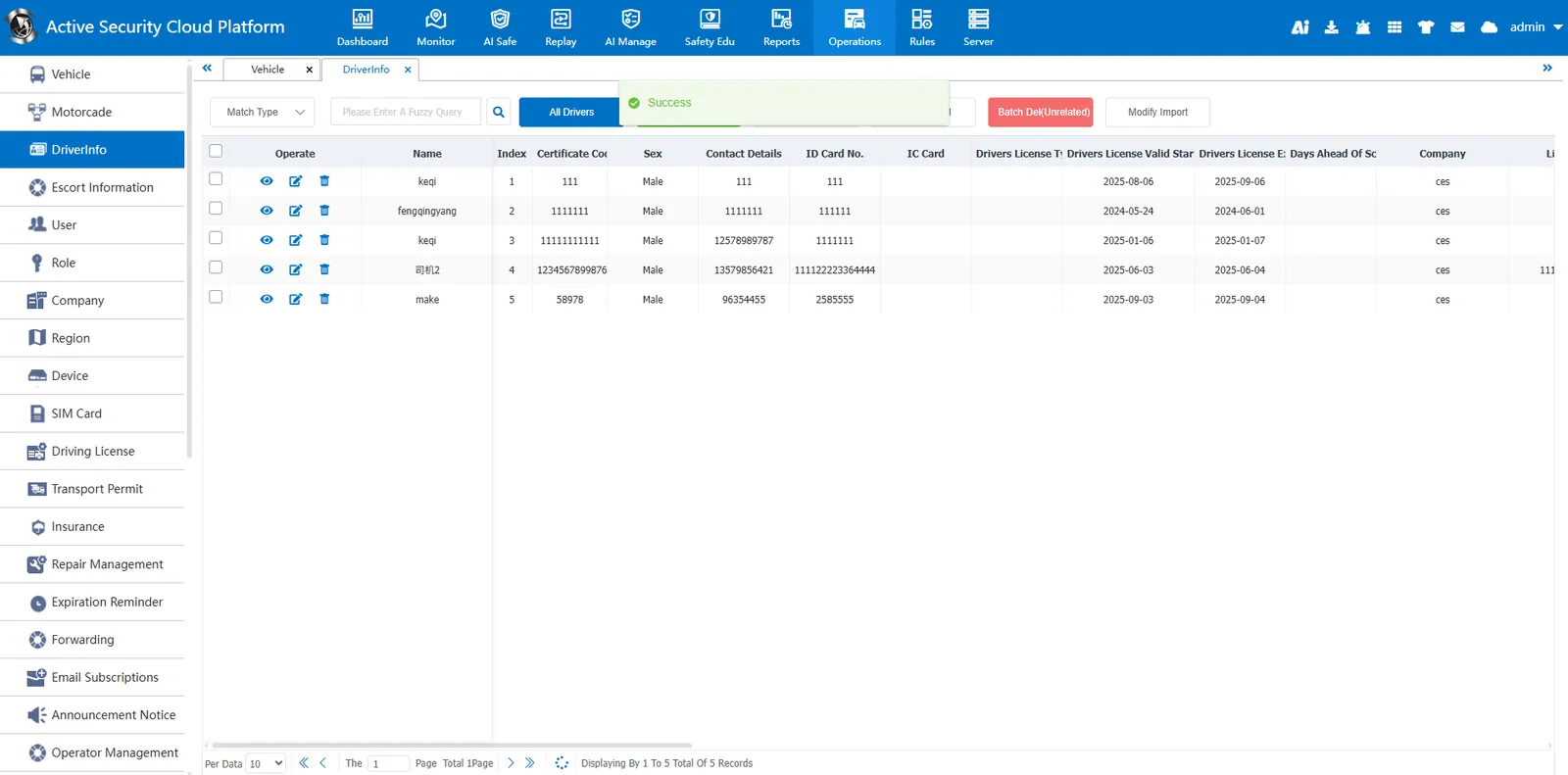
Import succeeded
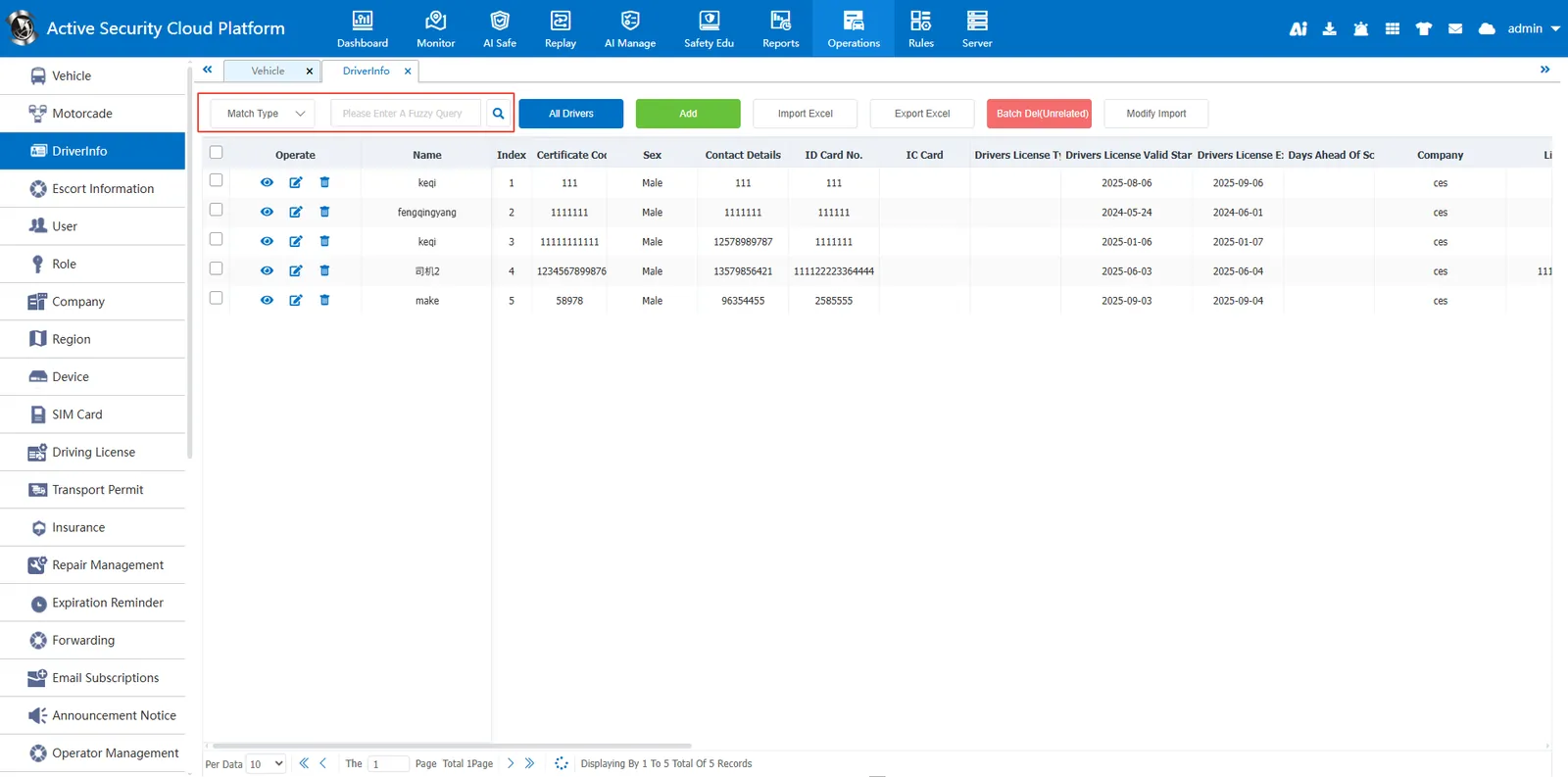
2.2 search function
Fuzzy query can be performed according to driver name, company name, ID card number, license plate number, vehicle type, contact number, qualification certificate code and score.
2.3 Export to Excel
Click Export to Excel
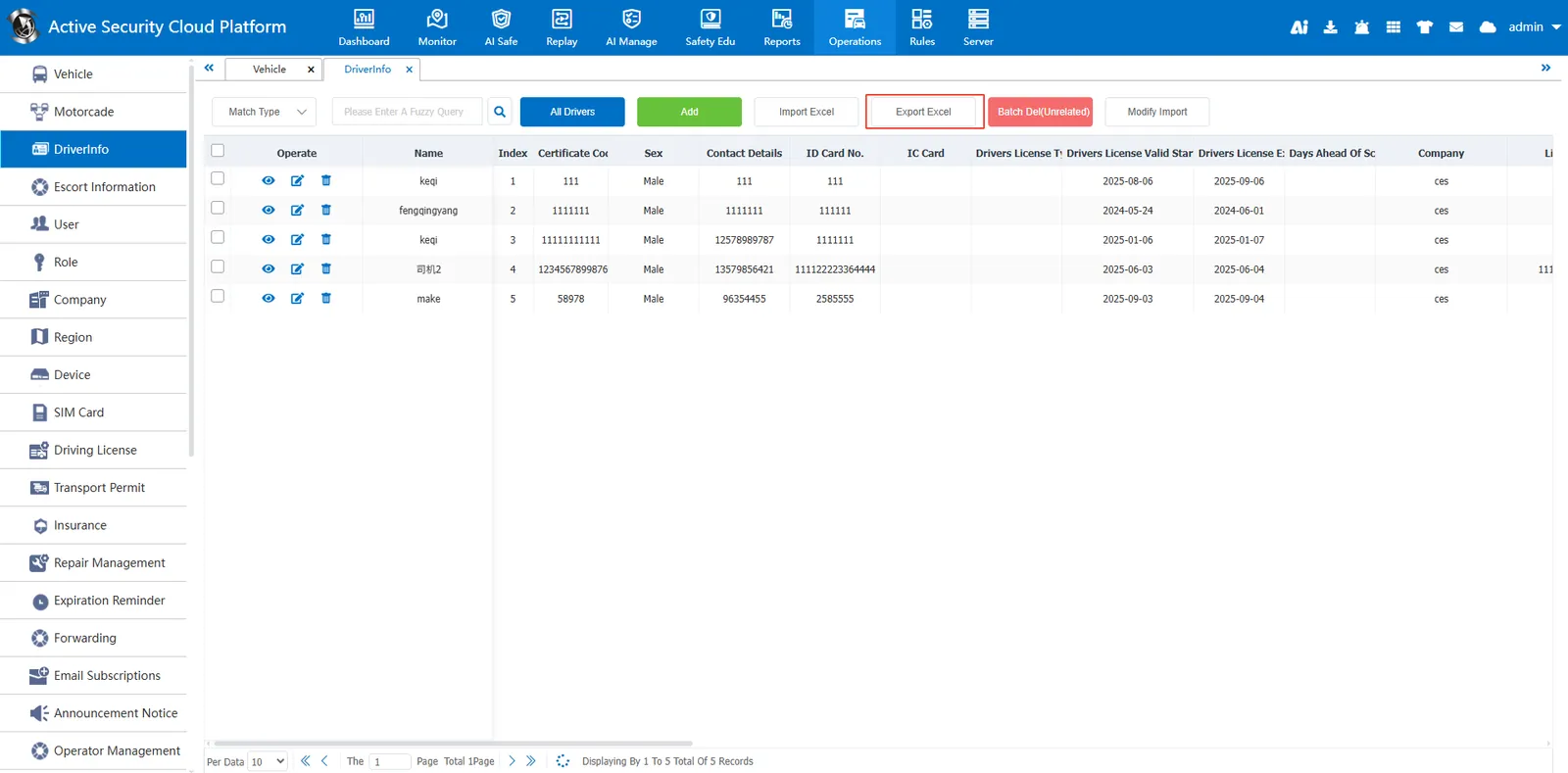
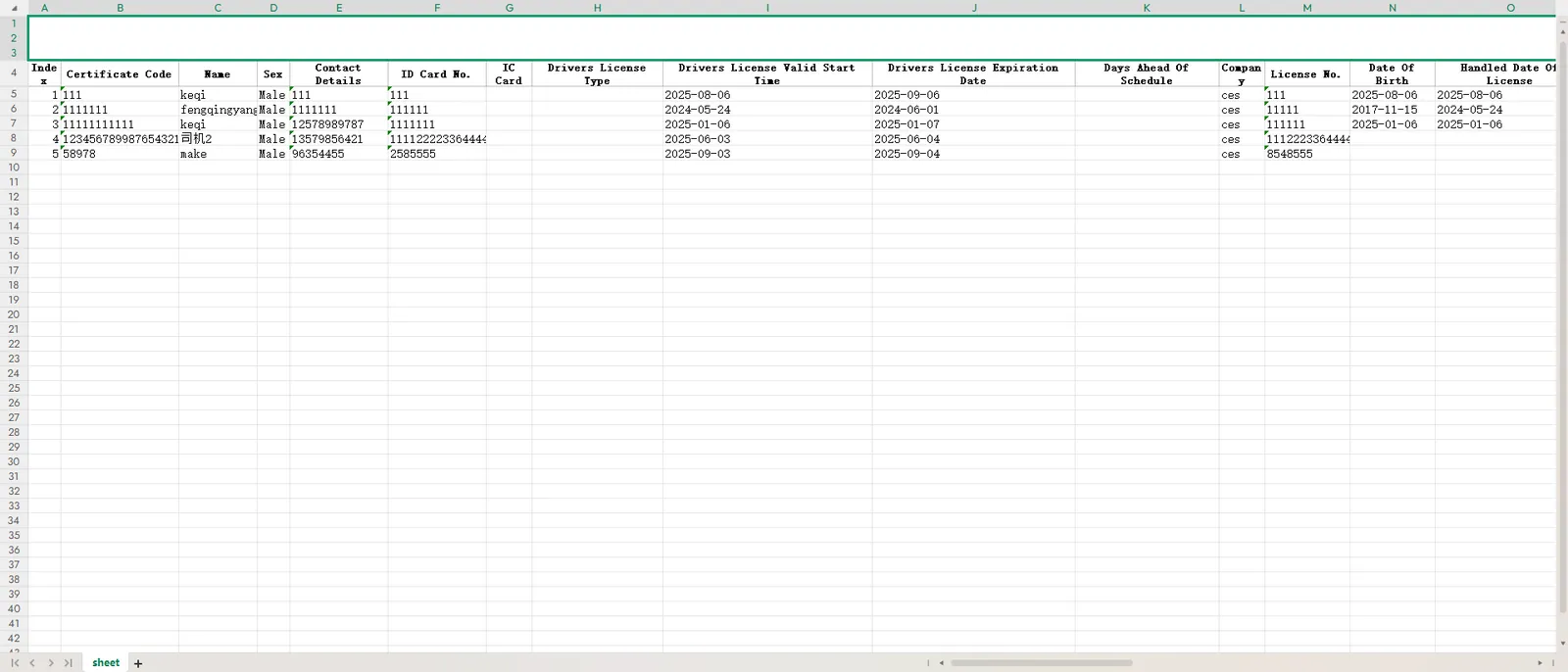
Export the driver information to an excel file and open the file as shown below.
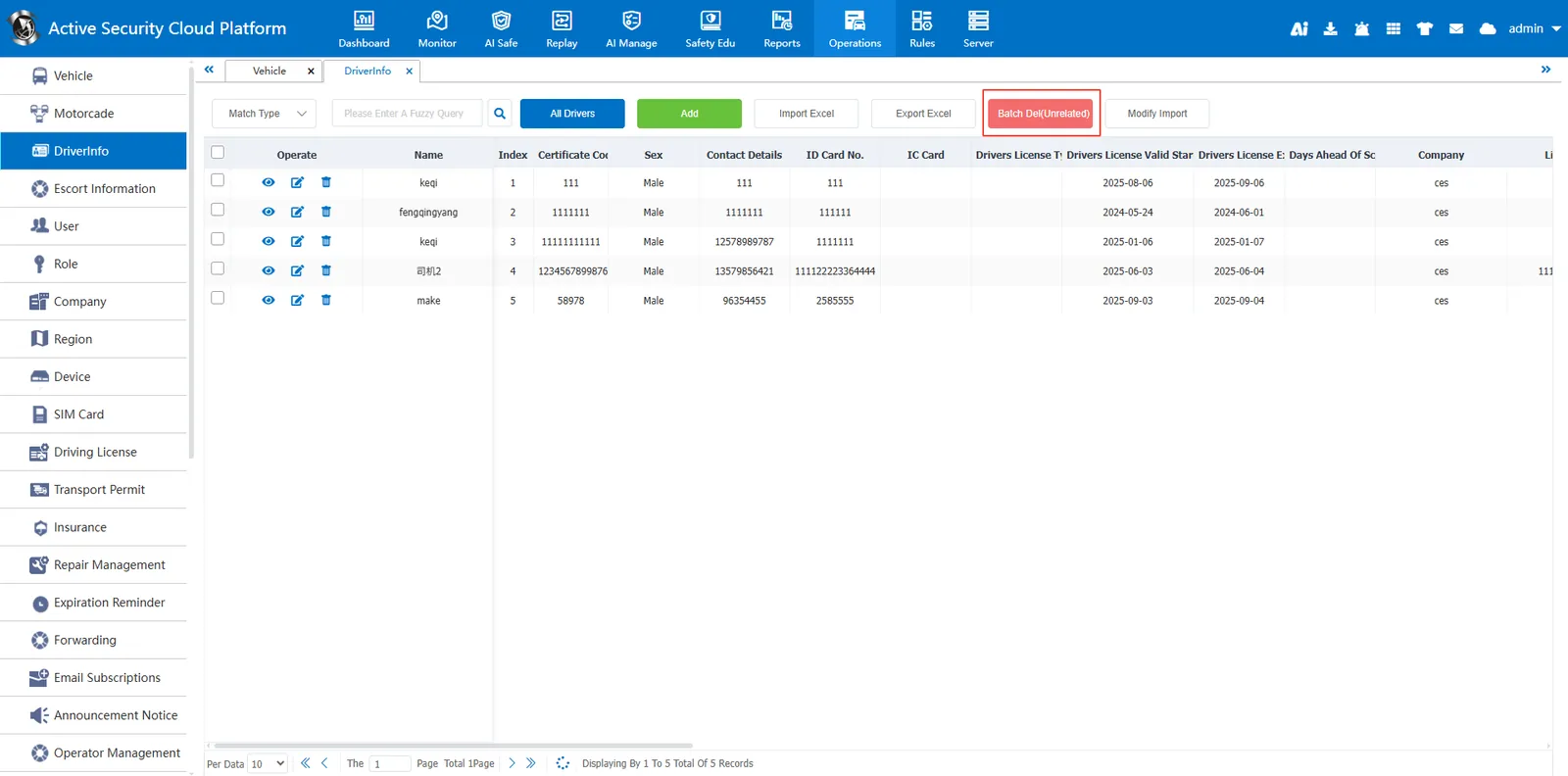
2.4 batch delete (not associated)
Select unassociated drivers (multiple drivers are optional) in the driver information, and click the batch delete (unassociated) button to delete them. The associated vehicle cannot be deleted. You need to cancel the associated vehicle before you can delete it.
2.5 batch import modification
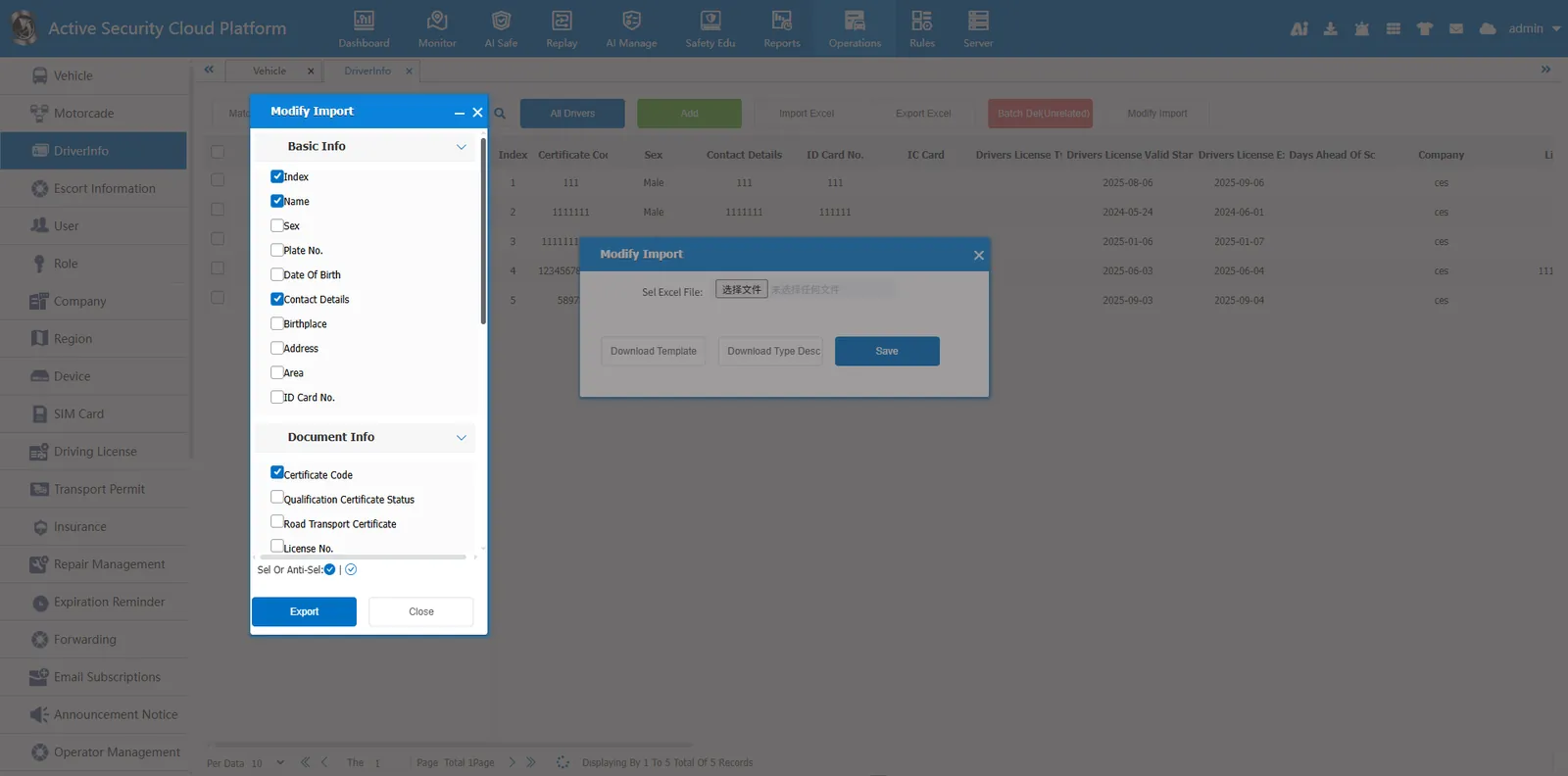
- Download the template and export the selected driver information content to excel. The qualification certificate code is required. The modified content is matched according to the qualification certificate code.
- Modify the driver information in excel, and then use batch import to modify the content.
Click Batch Import to modify
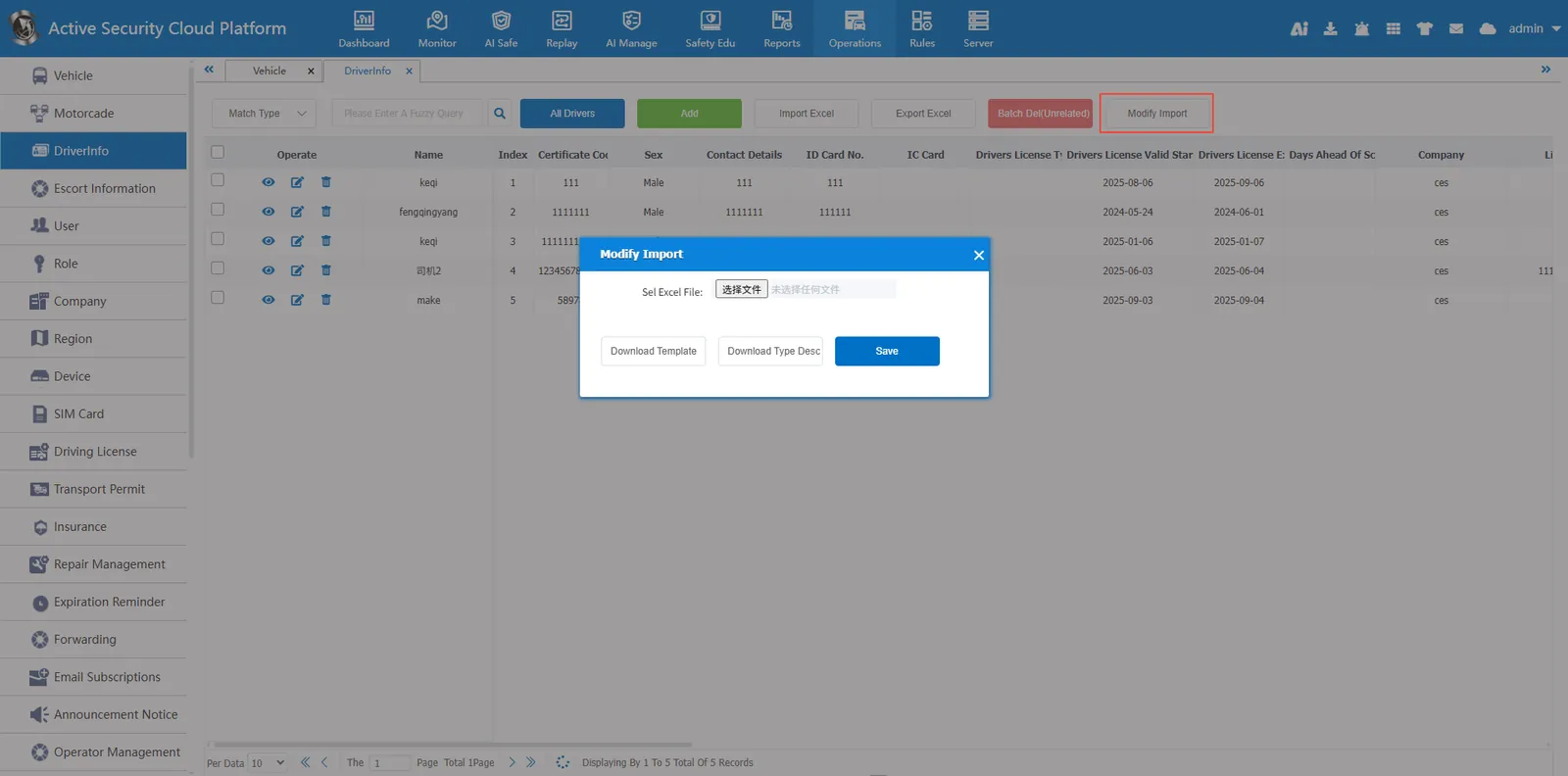
Click Download Template and select the fields to be modified
Open Template File
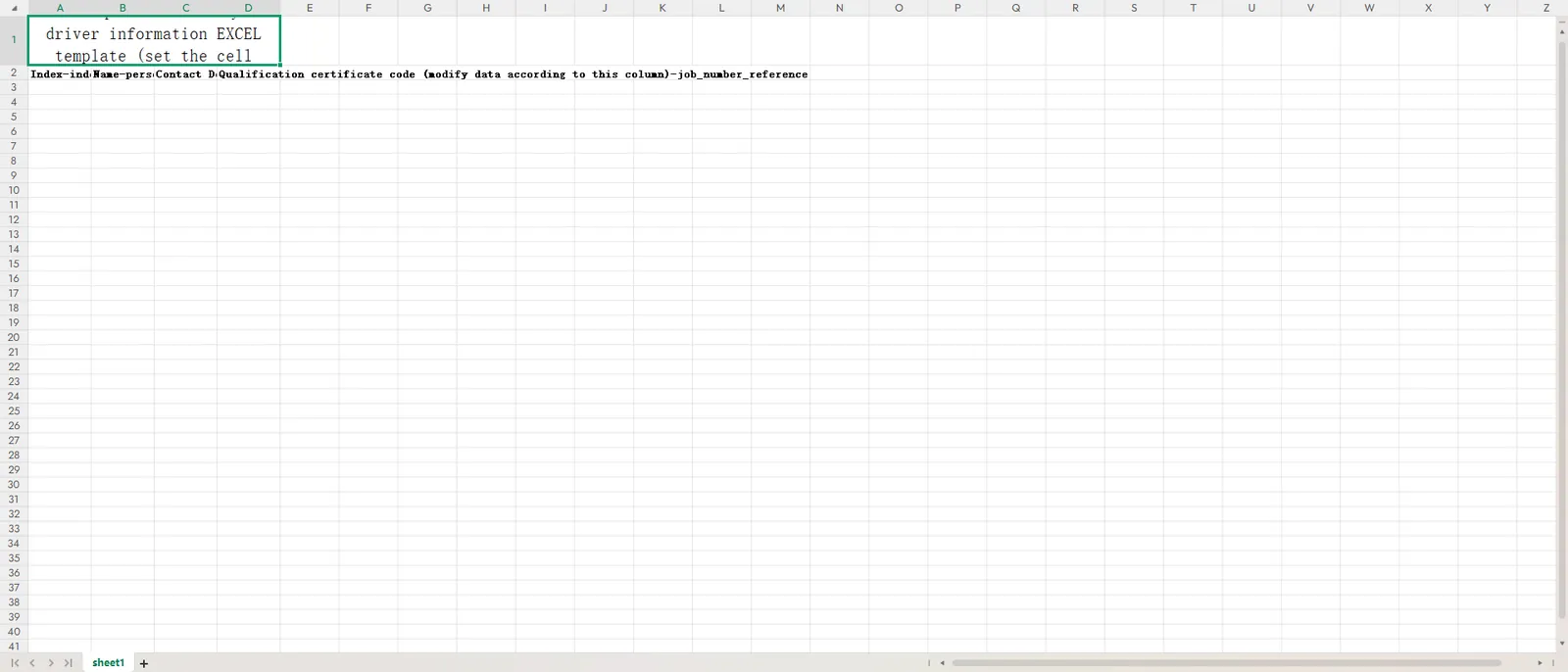
Set the cell format to text format and fill in the modified driver information.

Select the template file, click Save, Import