1. Function description
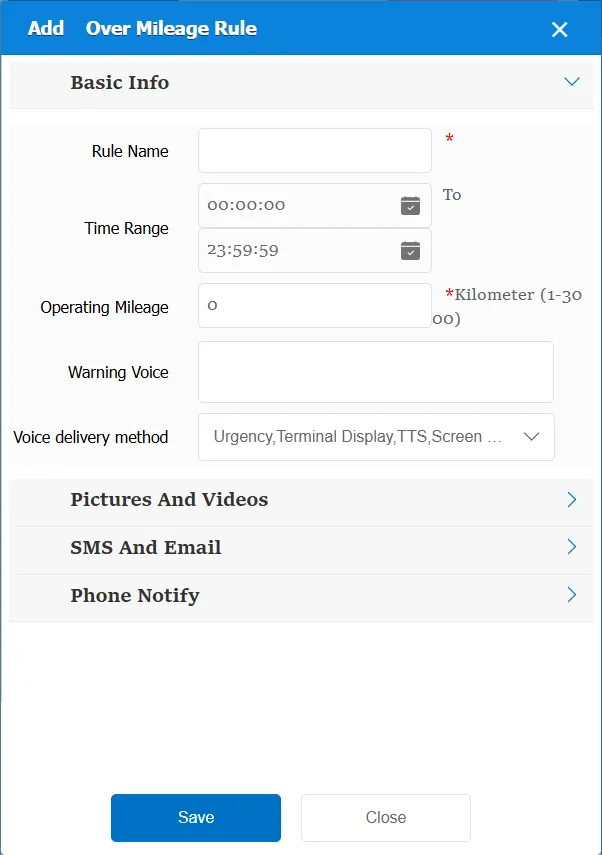
1. From 5: 00 a.m. on the same day to 5: 00 a.m. on the next day, the accumulated operating mileage ≥ 600 kilometers is counted as an alarm behavior;
2. The alarm start point and end point are respectively the first dynamic positioning information data point and the last dynamic positioning information data point during the period from 5: 00 a.m. on the same day to 5: 00 a.m. on the next day;
3. Record and display the time and longitude and latitude of the vehicle alarm start point, the time and longitude and latitude of the vehicle alarm end point, and the cumulative operating mileage of the vehicle.
4. This rule may not be used in other regions in order to match the custom rules of a certain place.
2. operating instructions
2.1 basic information
Rule Name: Customize, customize the name according to the actual situation
Time Range: the time period when the rule takes effect.
Operating mileage: accumulated operating mileage
Alarm Voice: the text message sent to the device when the alarm is triggered.
Match all vehicles:
No: Only valid for vehicles assigned by this rule
Yes: this rule is effective for all vehicles of the company.
Global Share:
No: Only visible to this company
Yes: visible to all companies on the platform
2.2 alarm information display
Vehicle bubble box alarm display:
This alarm is not displayed in the vehicle bubble box
alarm center alarm display:
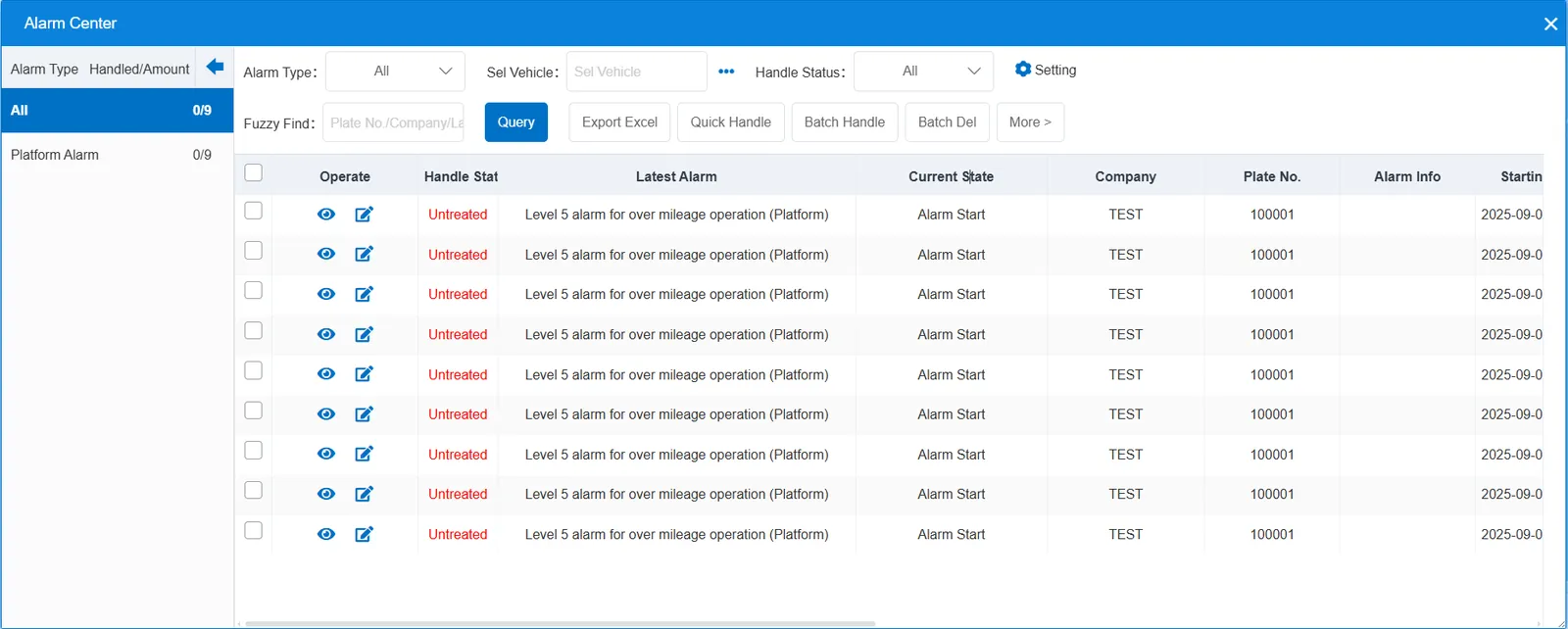
2.3 alarm information query
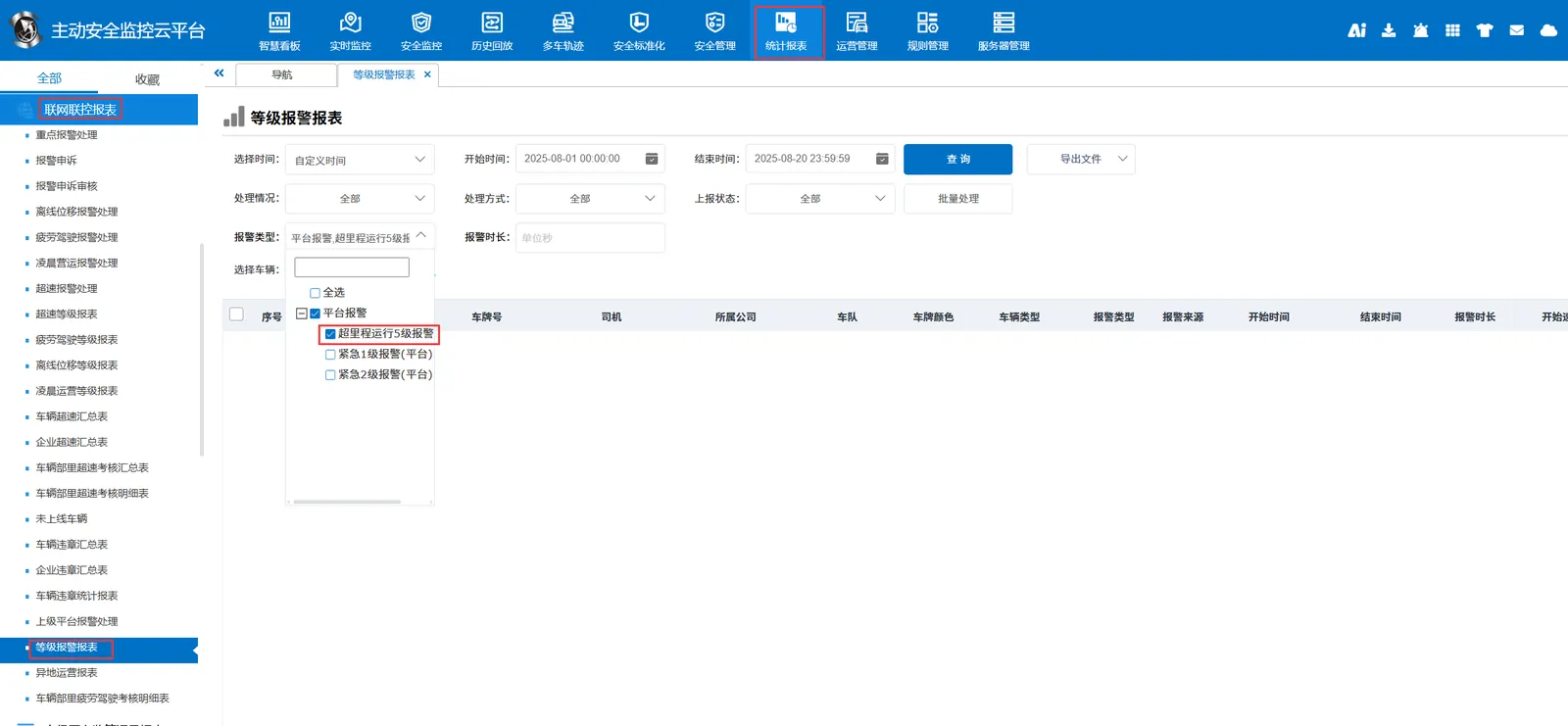
The alarm information is queried in the report of "Statistics Report"- "Network Joint Control Report"- "Level Alarm Report", and the alarm type is "Level 5 Alarm (Platform) Over Mileage Operation"
When querying alarms, you can select "Platform Offline Displacement Alarm Level 1~5" for "alarm type" in the "Reports"- "Alarm Report"- "Key Alarm Query" report