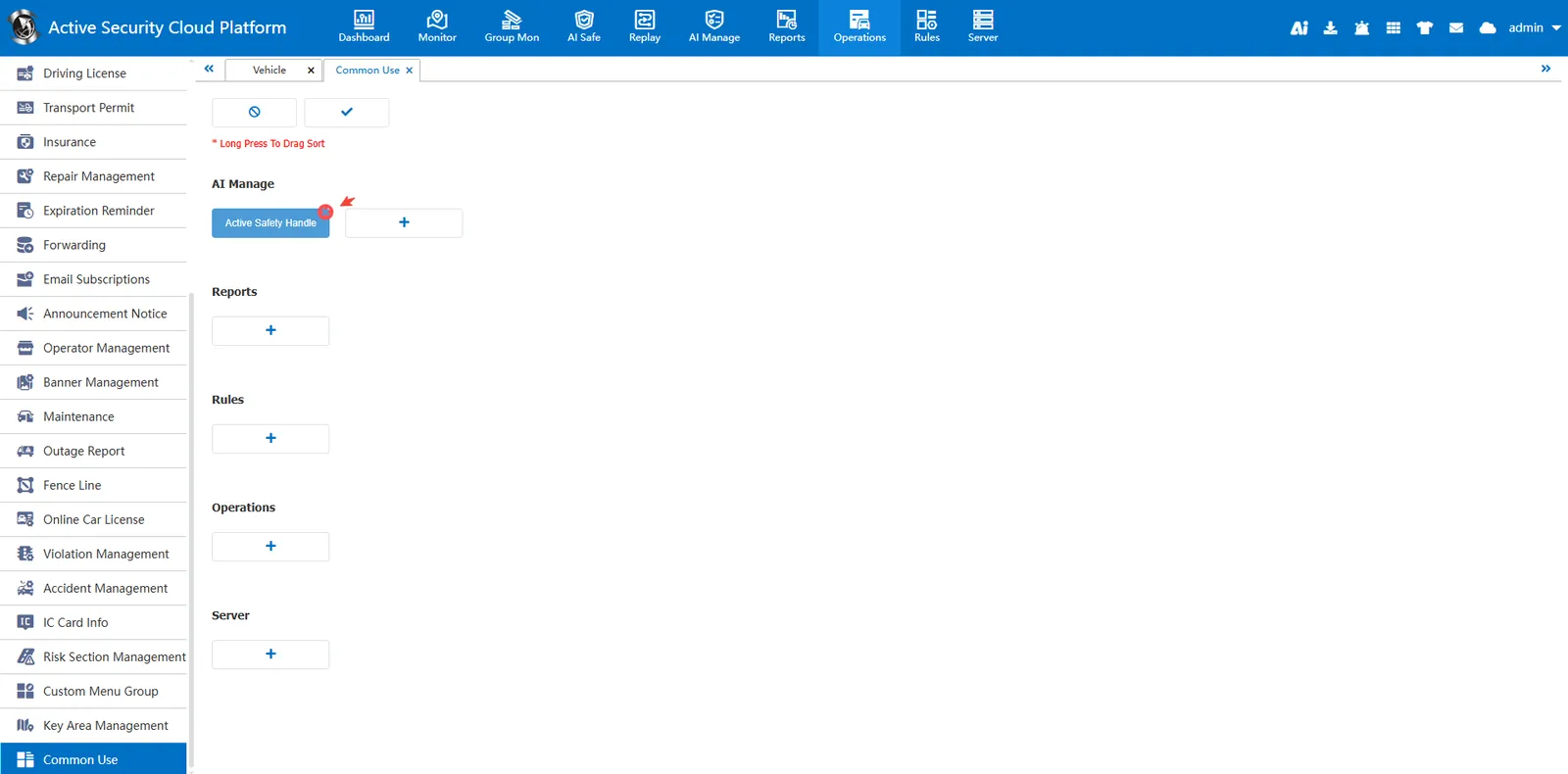
1. Function description
Add common functions under the navigation bar to the current page in the form of buttons. Click to quickly jump to the function change page
2. operating instructions
2.1 add common functions
Click Add button
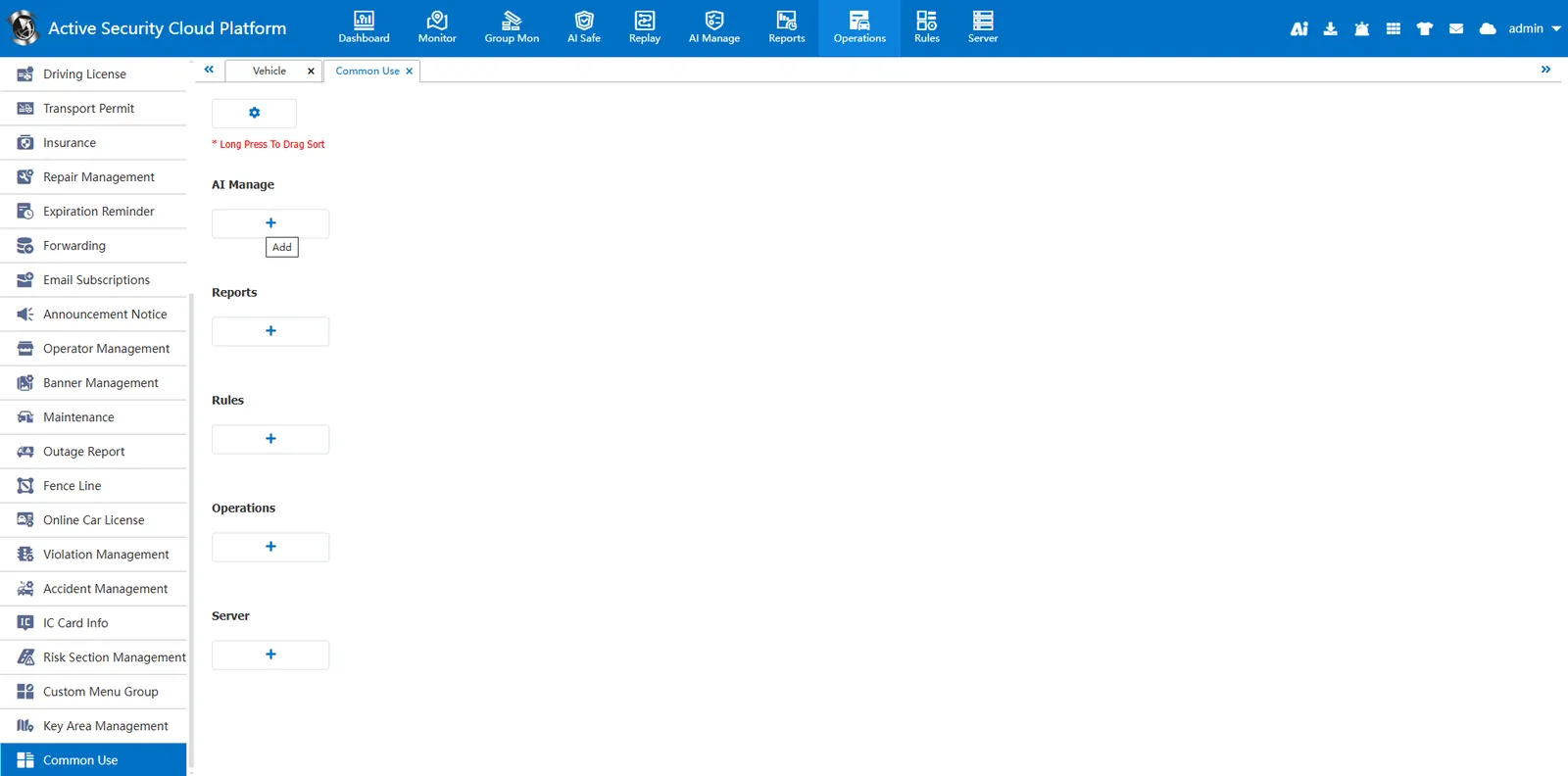
Select common functions in the pop- up Add Common Functions window
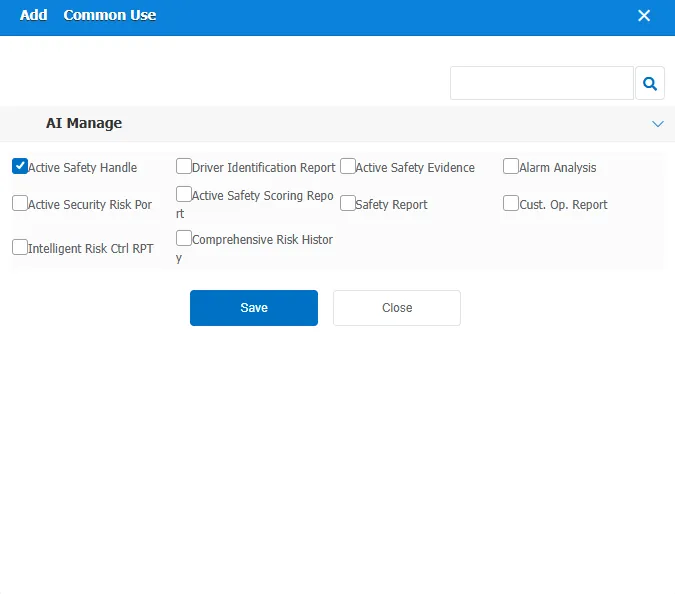
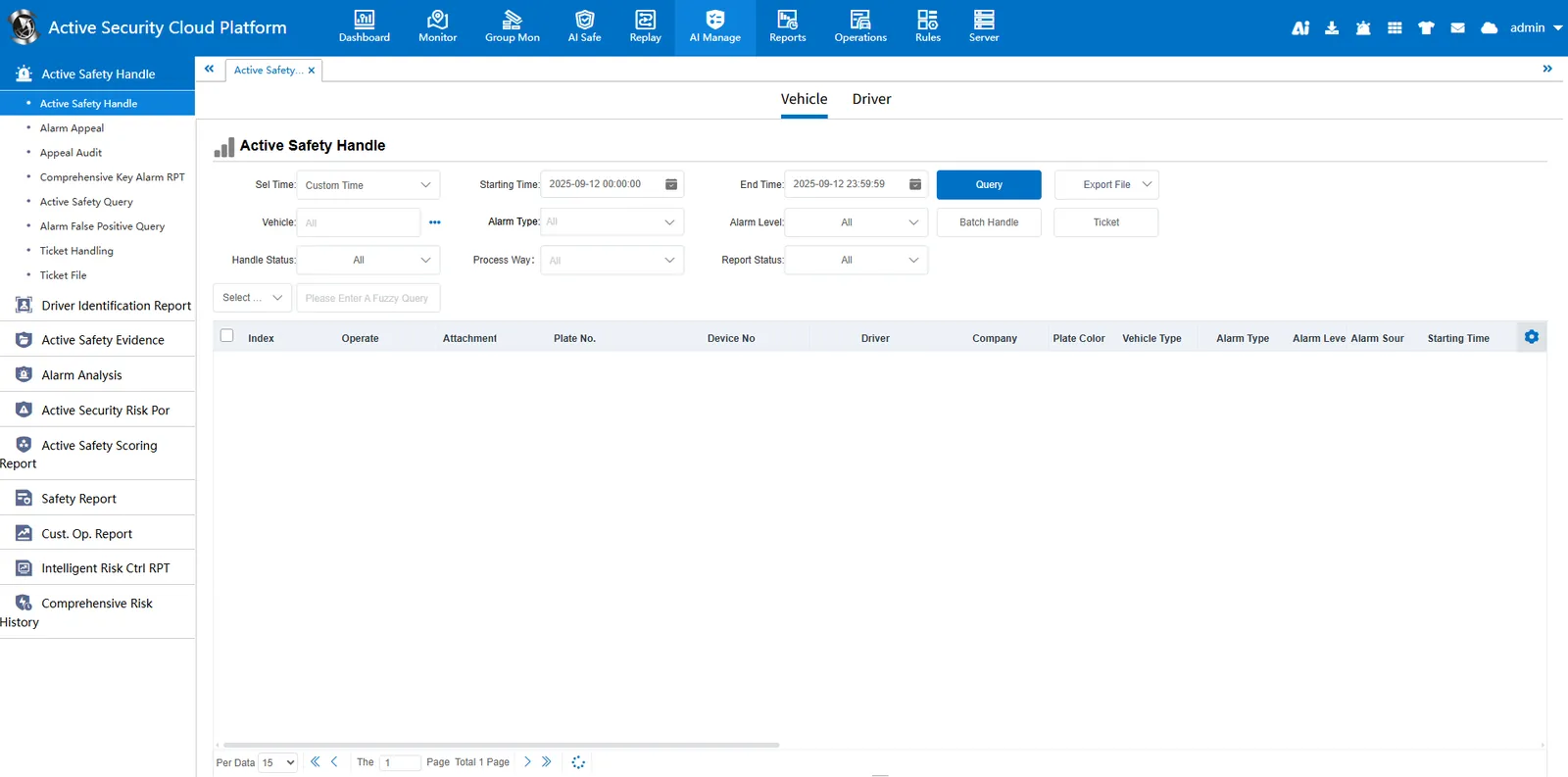
Click the "Active Security Alarm Processing" button
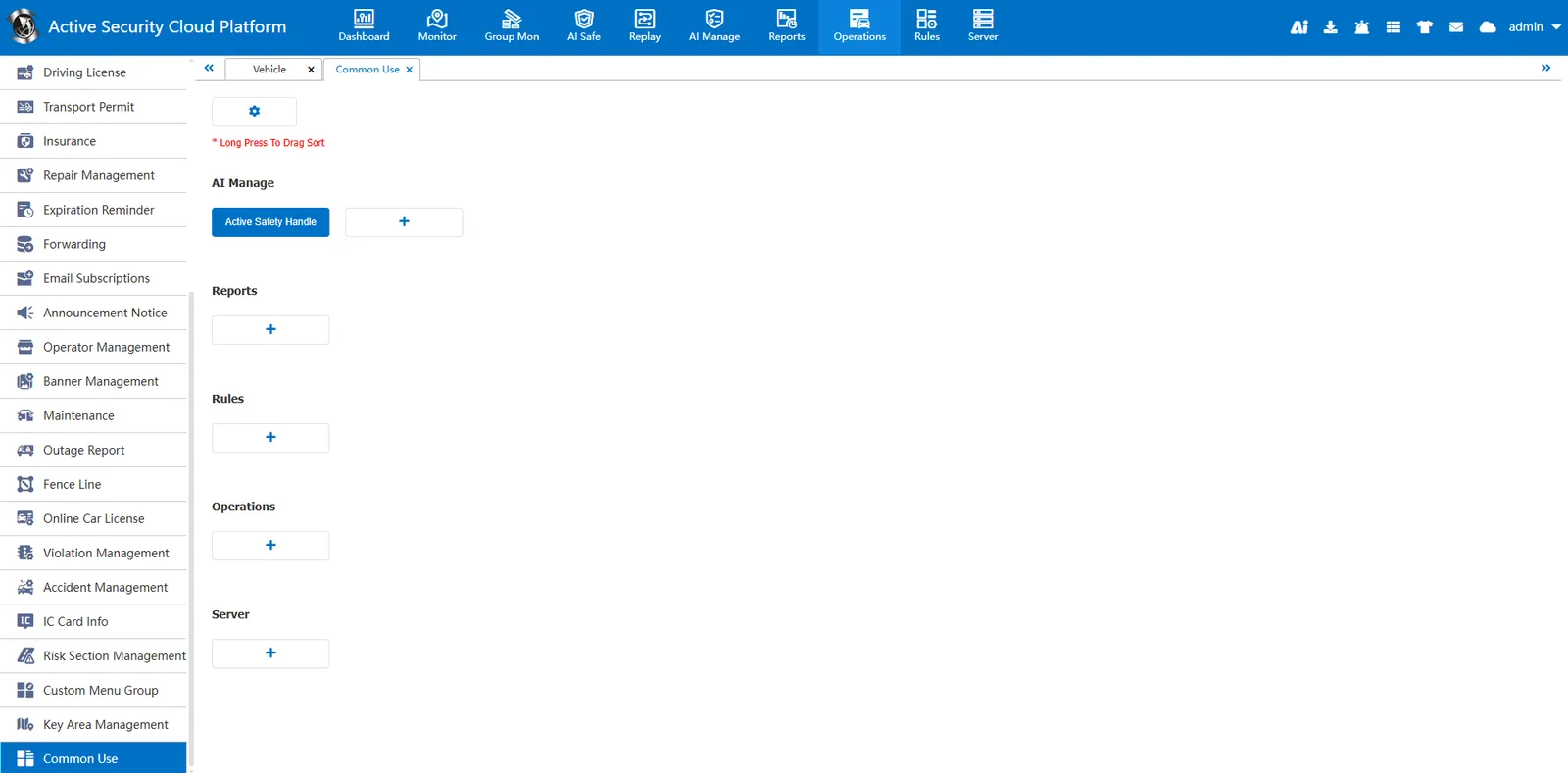
Can quickly jump to change the page
2.2 delete common functions
Click the Settings button to enter edit mode
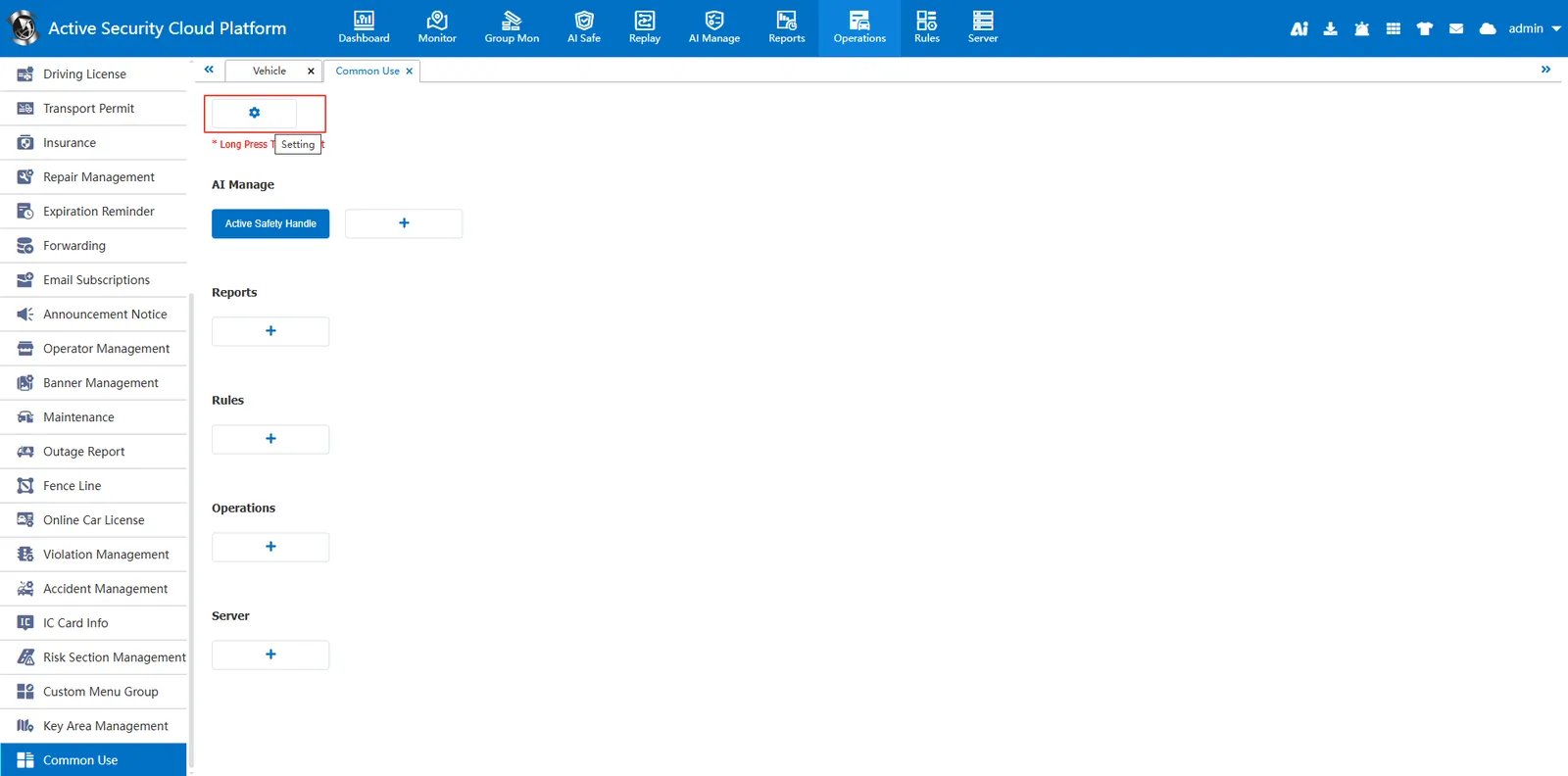
Click on the red cross on the button, delete and click on the above to save.