1. Function description
When the vehicle needs to replace equipment, you can bind the new equipment first, automatically unbind the old equipment, and then delete the old equipment.
2. Preconditions
The device needs to be unbound from the vehicle.
3. Operating Instructions
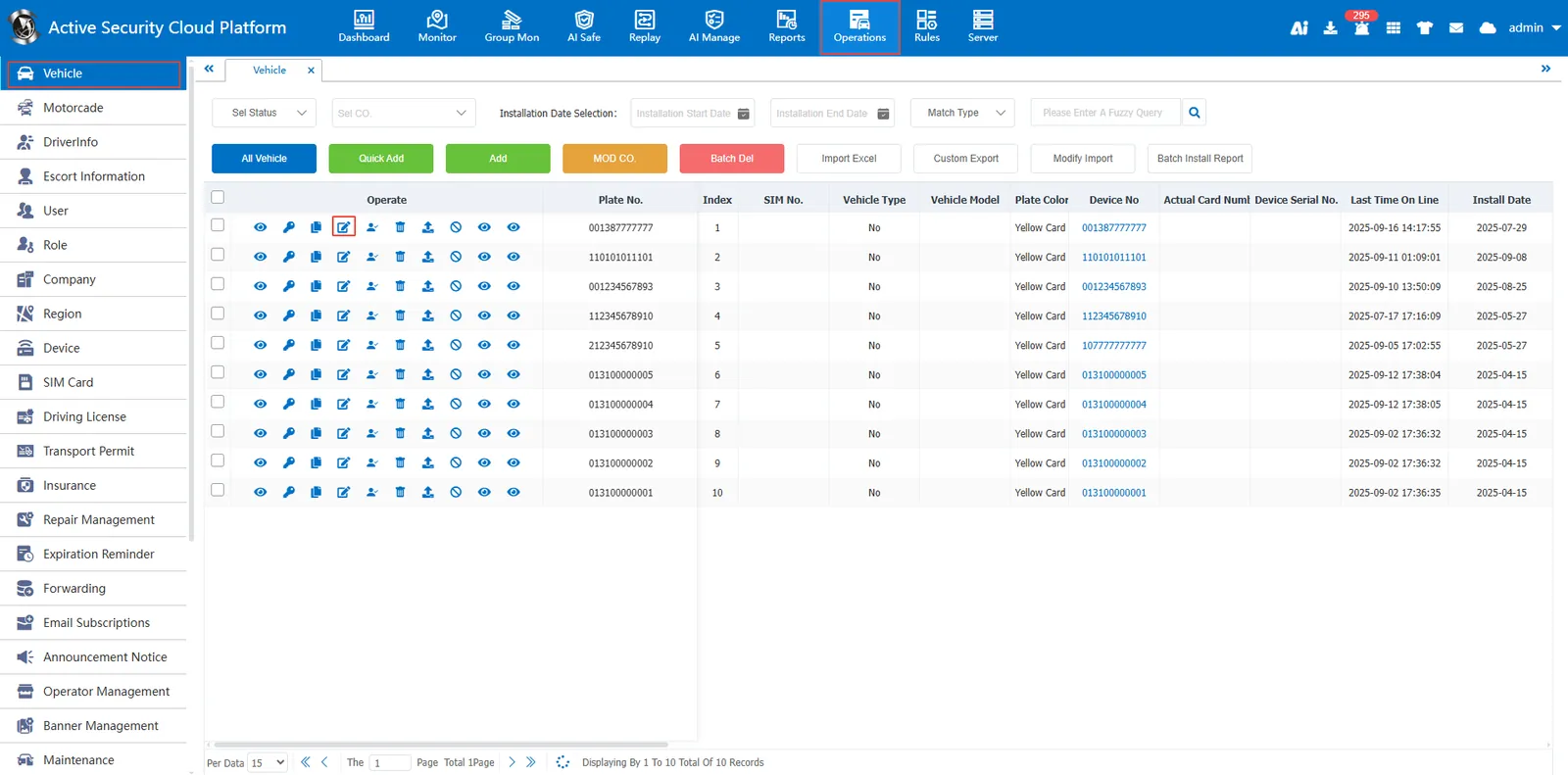
3.1 editing vehicle information
Enter ** [operation management]> [vehicle information] **, point Edit vehicle information
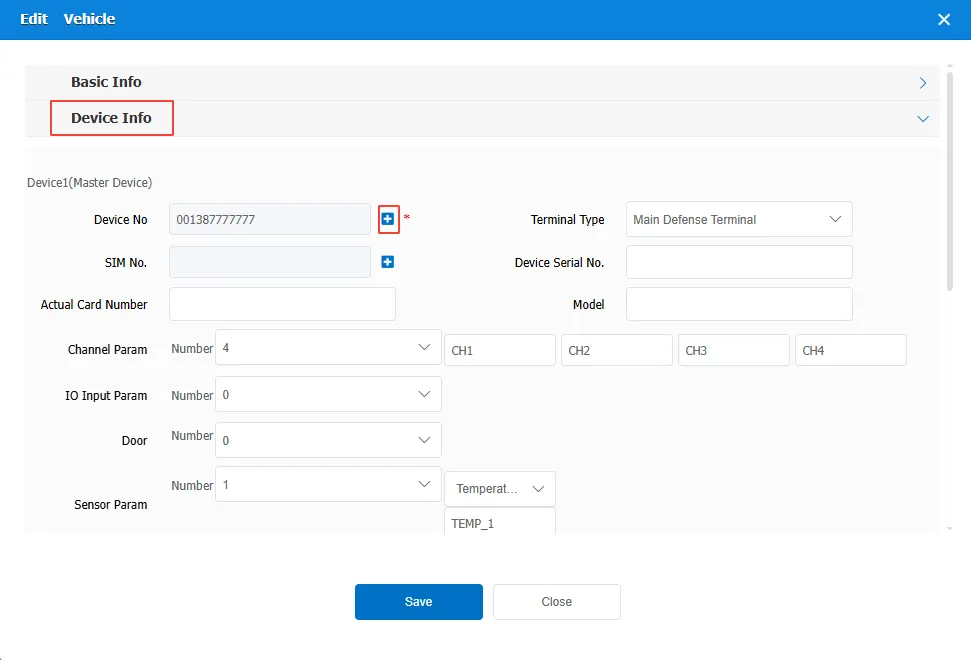
3.2 binding a new device
Open the device information bar Add Menu
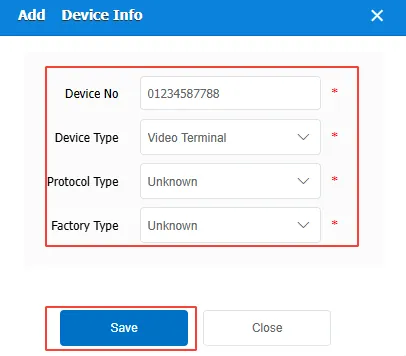
Enter and save the new equipment number, equipment type, agreement type and manufacturer type.
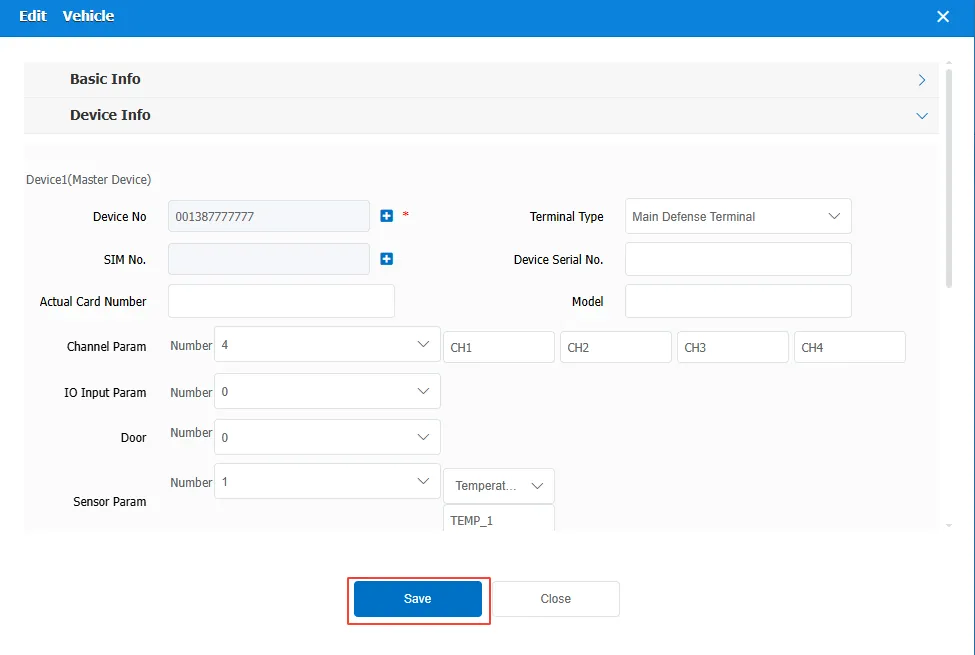
Save vehicle information
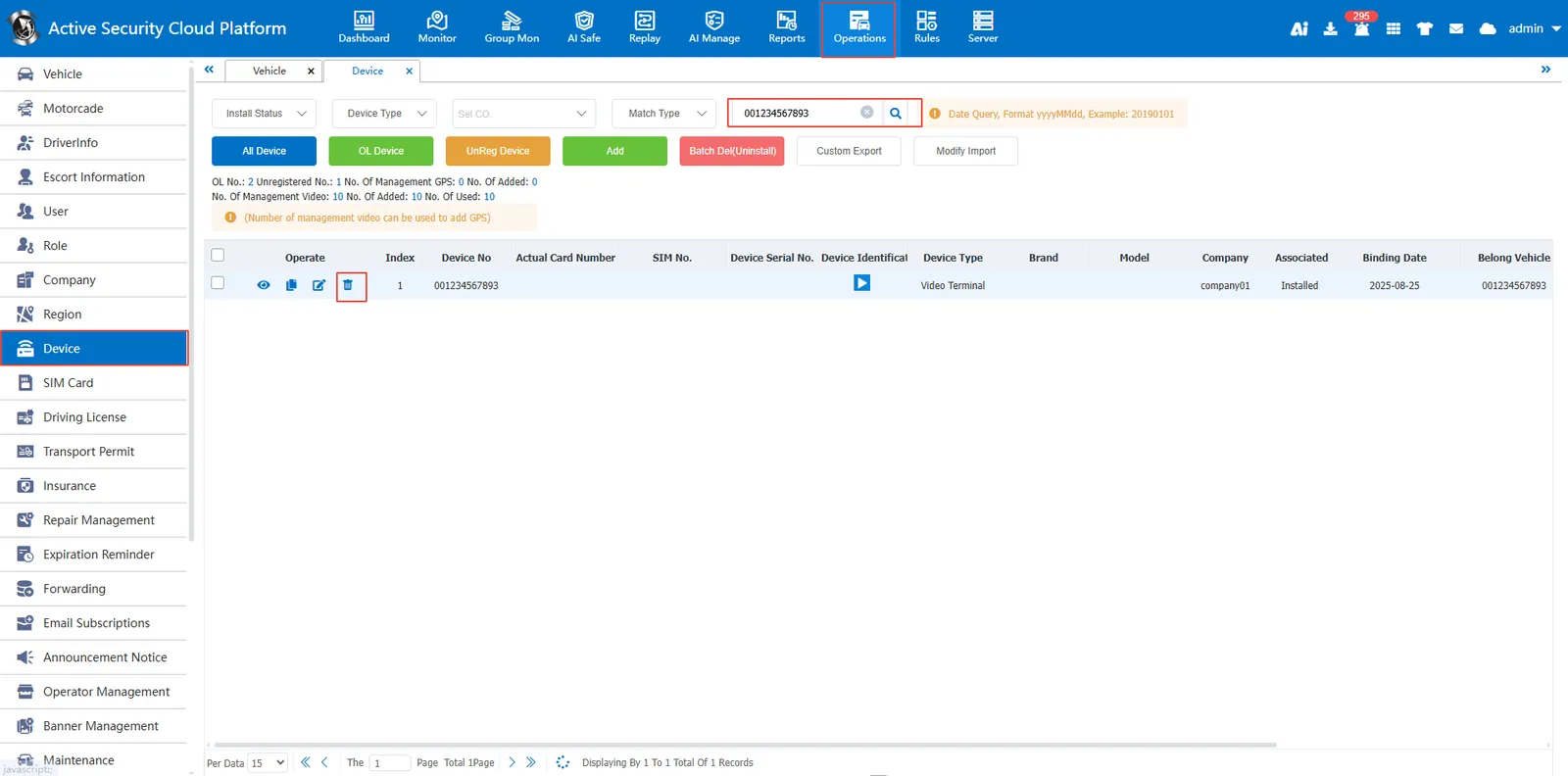
3.3 delete the old device
After the vehicle is bound to the new equipment, the old equipment is automatically unbound, point Delete menu Delete old device
4. Precautions
The unbound and undeleted devices will occupy the authorized number of platform devices.
