1. Function description
Set the vehicle operation area, and the remote operation report queries the number of days that the vehicle is not in the operation area by year. If the number of days exceeds 90, it is remote operation.
2, operating instructions
2.1 Set vehicle operation area
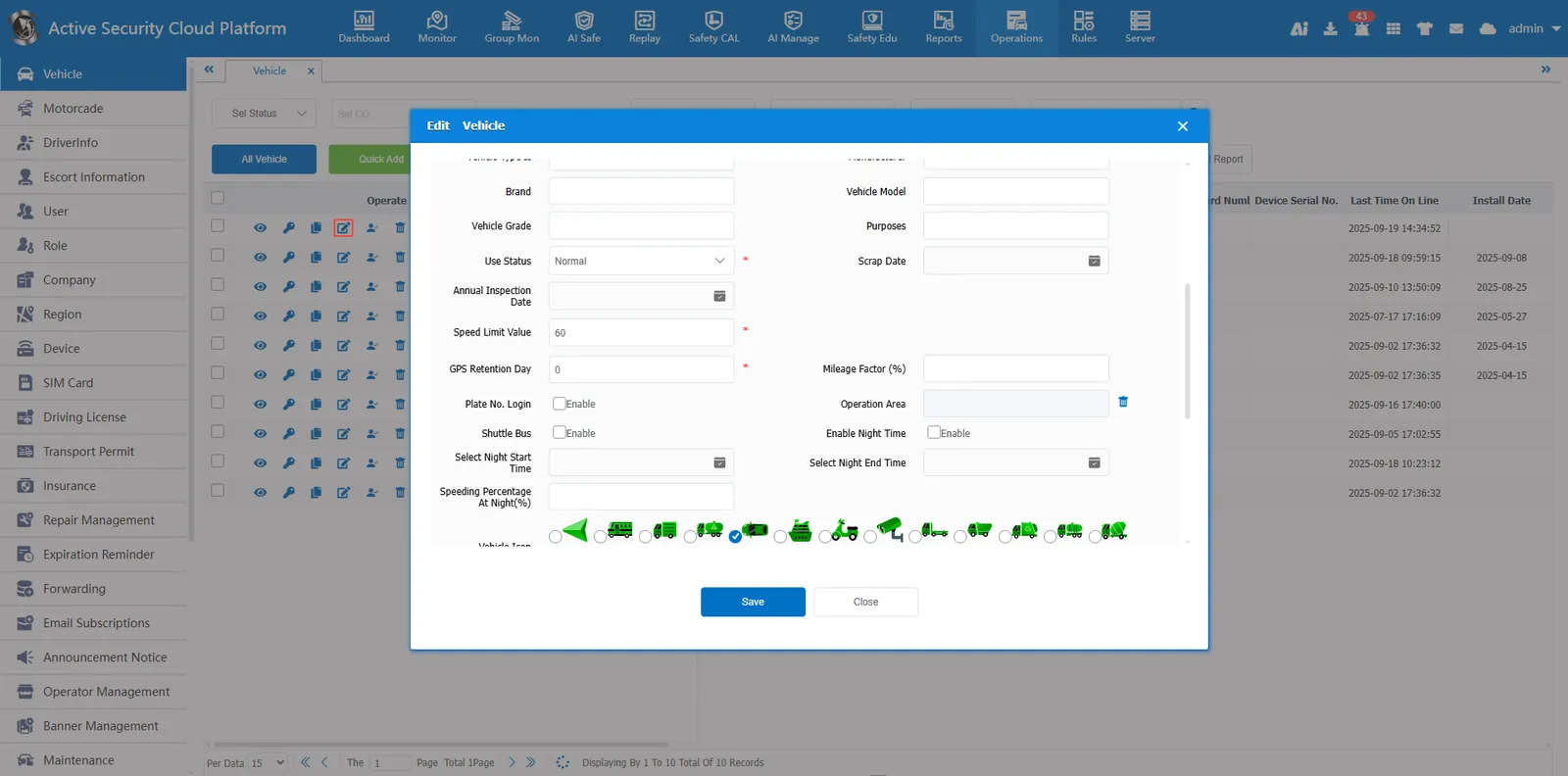
Click the Edit button in [Operation Management]- [Vehicle Information] Edit vehicle information and set vehicle operation area
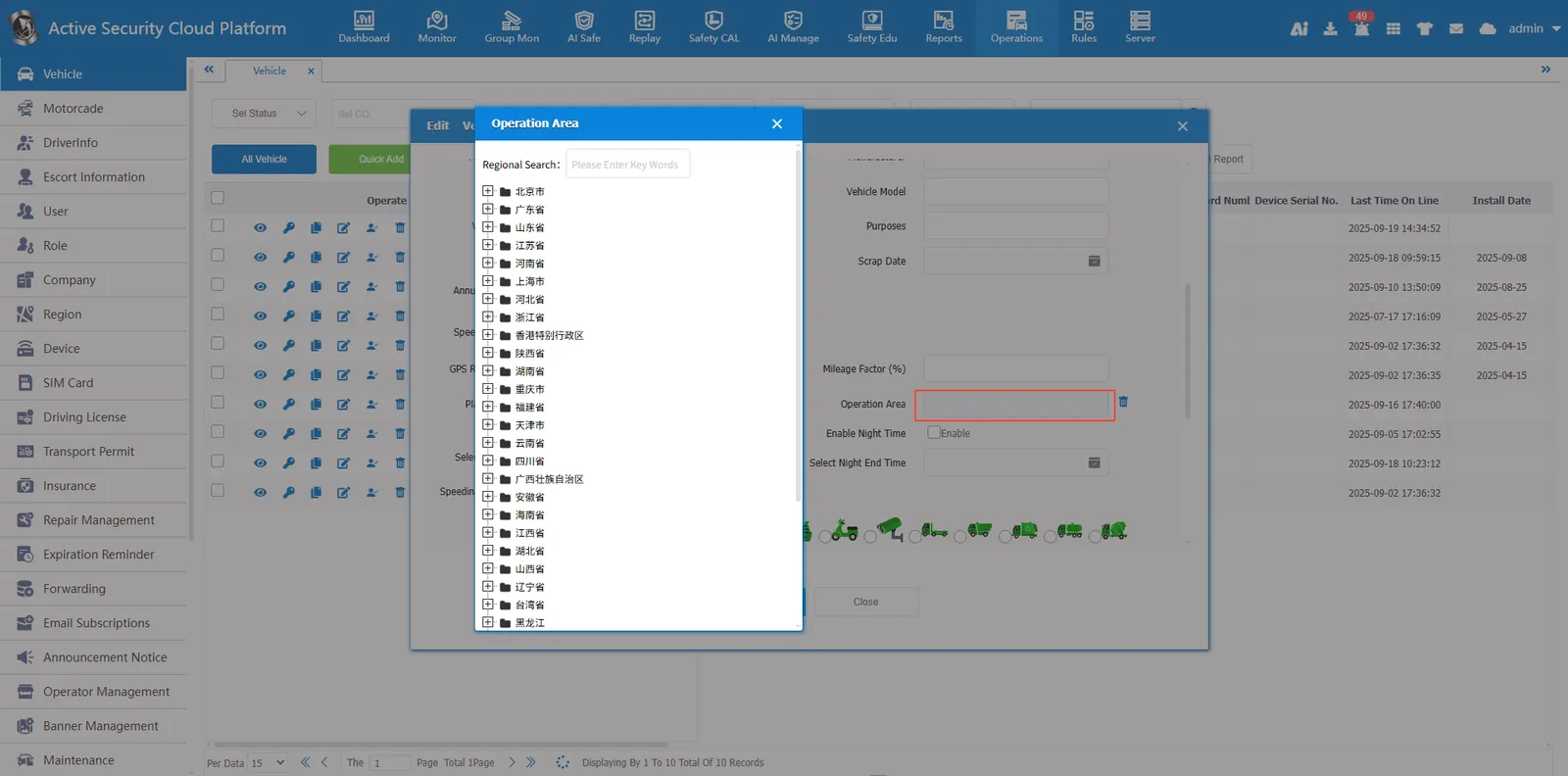
Click the blank space in the operation area selection box, select the operation area, and click Save to set it up.
2.2. Delete the vehicle operation area
Click the delete button after the operation area Can delete operating area
