1. Function description
The online car license management module is a full life cycle management tool created by the platform for online car operators. It focuses on the whole process control of online car certificates from addition, information maintenance to expiration warning, and helps enterprises to operate efficiently and in compliance. It is suitable for online car- hailing operators, fleet managers and other entities to solve the problems of scattered document information, delayed expiration warning, inefficient data statistics, etc., and help improve compliance operation and management efficiency.
2. operating instructions
2.1 add online car- hailing certificate information
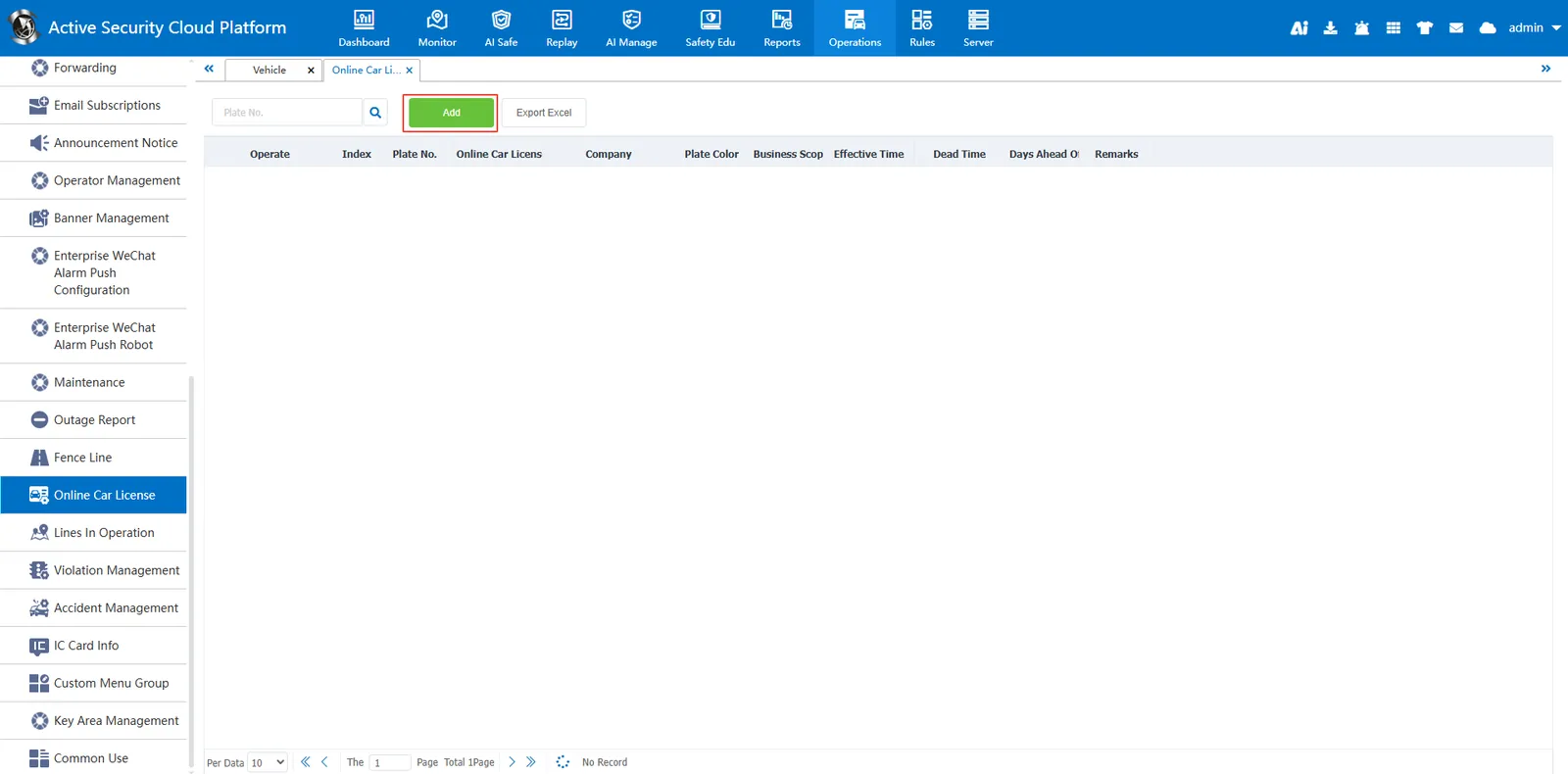
Find the "Add" button on the page and click to pop up the "Add Online Car License" window.
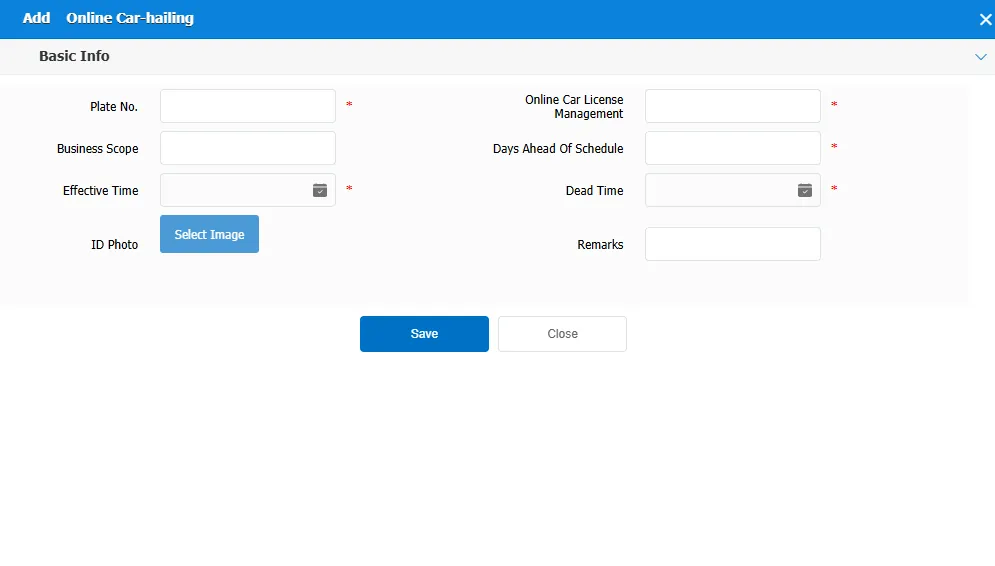
In the "Basic Information" area of the window, fill in the relevant information, including:
License Plate Number: Enter the license plate number of the vehicle.
Online car- hailing certificate: Enter or select the corresponding online car- hailing certificate information.
Business Scope: Describe the business scope of the vehicle.
Effective Date: Enter the effective date of the certificate.
Expiration Time: Enter the expiration date of the certificate.
Reminder Days in Advance: Set the number of days before the certificate expires.
Remarks: Enter other items that need special instructions.
If you need to upload ID photos, please click the "Select Image" button to upload.
After confirming that the information is correct, click the "Save" button to save the newly added online car booking certificate information.
If you abandon the addition, you can click the "Close" button to close the window.
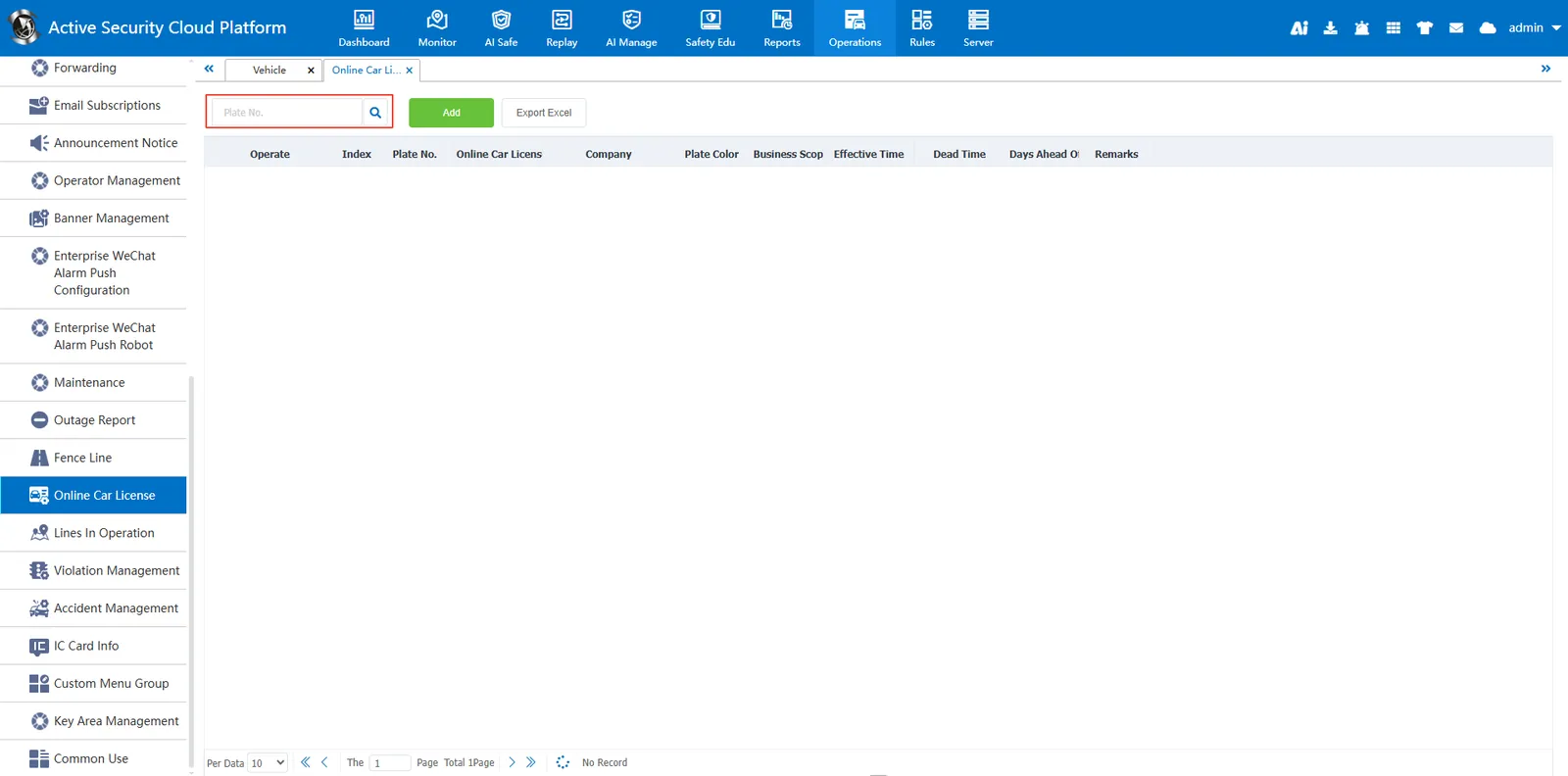
2.2 search function
Enter the license plate number in the search bar, click the search button, the system will search according to the entered license plate number and display the relevant results.
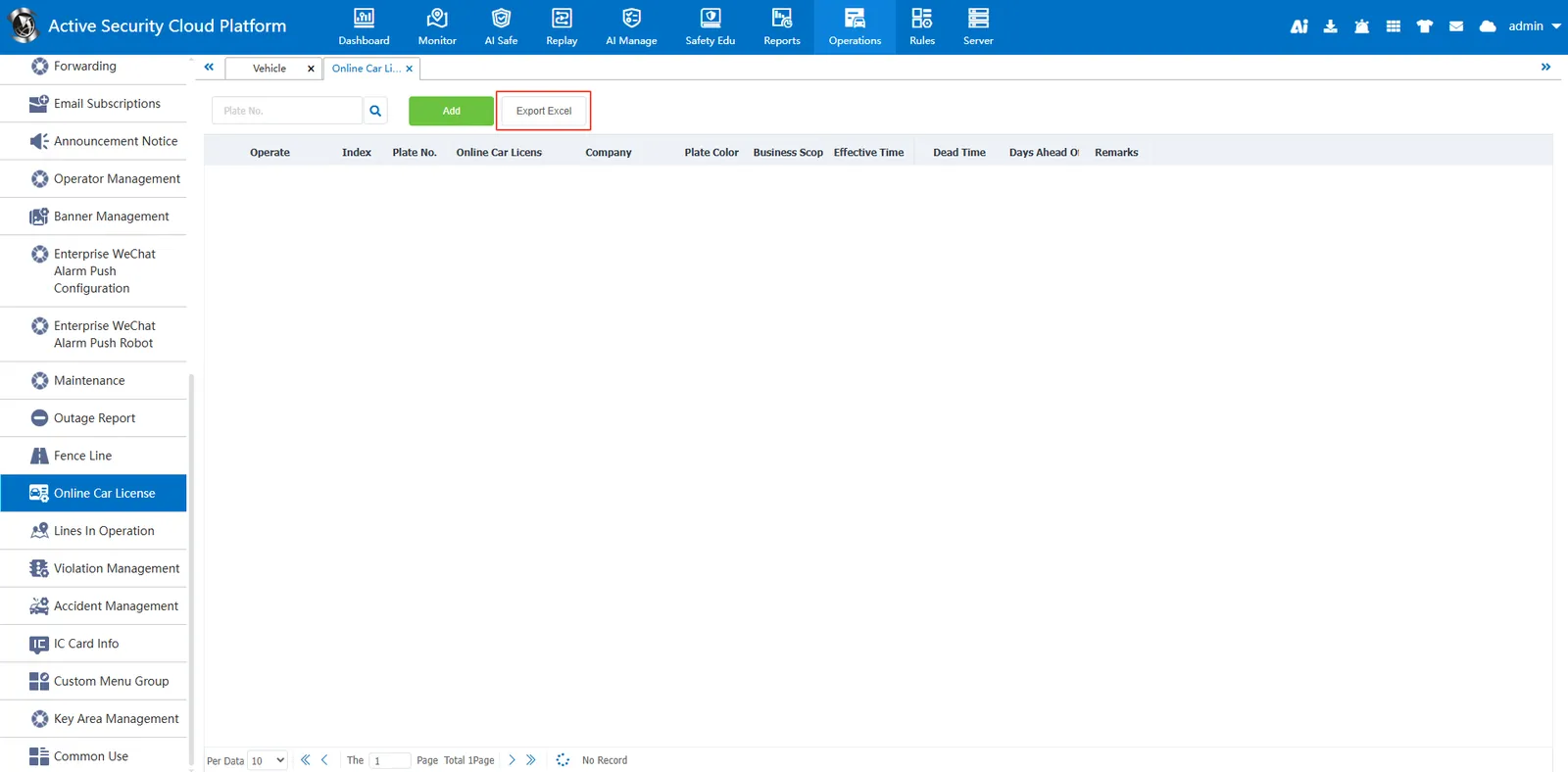
2.3 export Excel file
Click the "Export Excel" button on the page, and the system will export the currently displayed online car appointment certificate information to an Excel file, which is convenient for users to archive or further process offline.