1. Function description
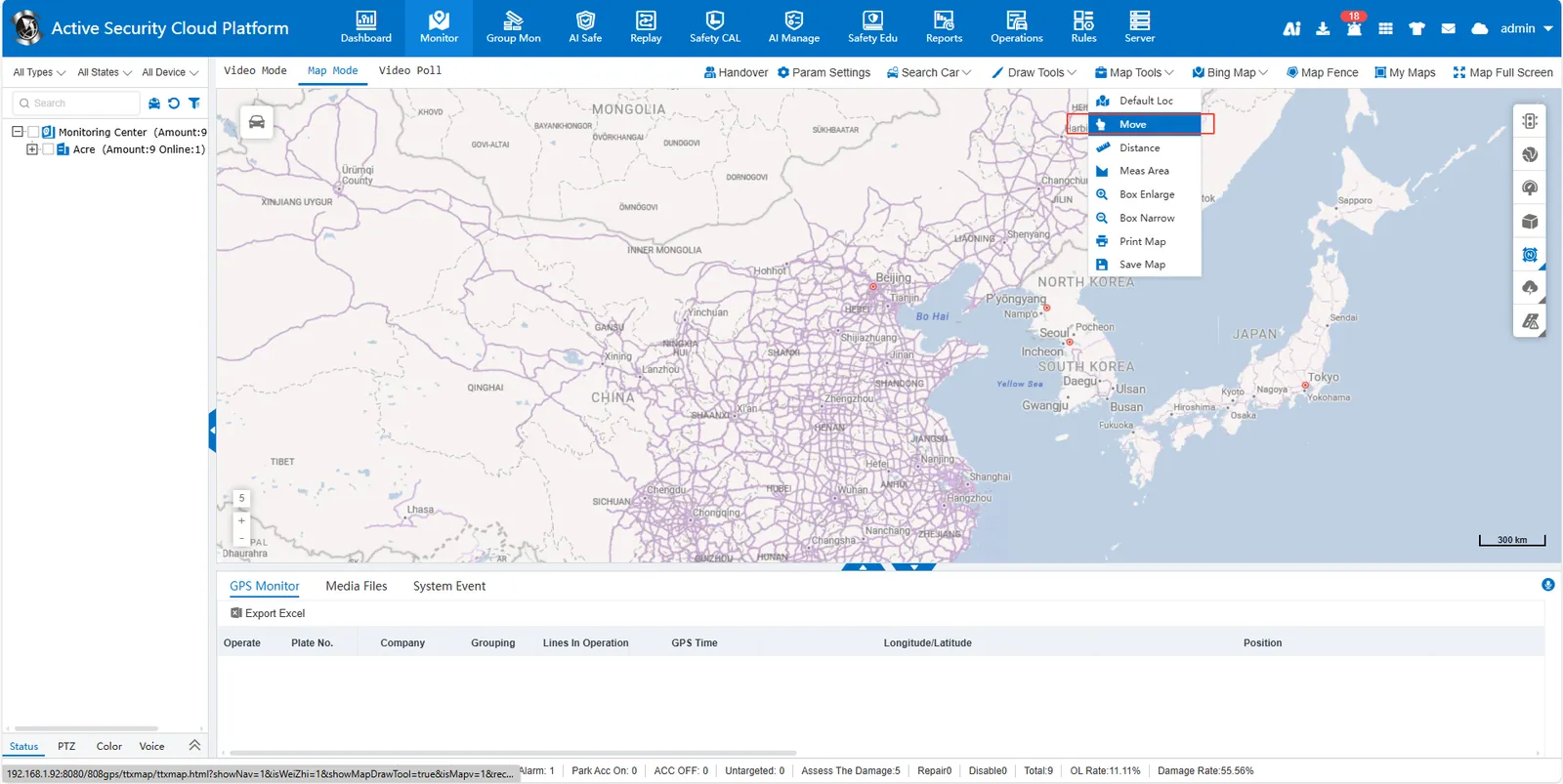
Click [Map Tools]> [Move] at the top of the map to enter the mobile mode. Hold down the left mouse button on the map and drag the mouse to move the perspective to view different geographical locations.
Click [Map Tools]> [Move] at the top of the map to enter the mobile mode. Hold down the left mouse button on the map and drag the mouse to move the perspective to view different geographical locations.
