1 Function description
Zoom In/Out Map
2 operating instructions
2.1 mouse operation
Scroll Wheel Zoom: Scroll the wheel forward to enlarge the view and scroll backward to reduce the view.
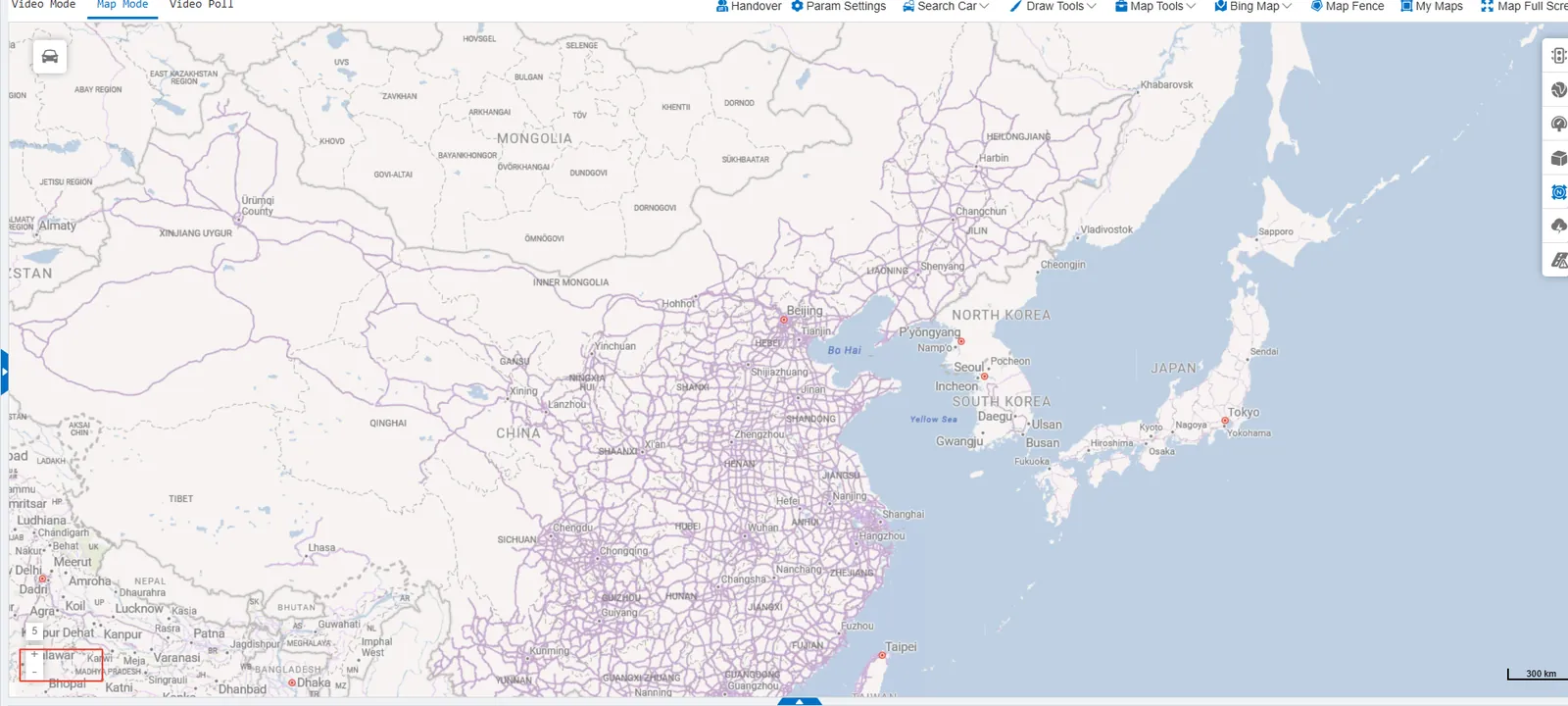
Zoom button: Click "+" "-" on the Map page to adjust the view.
2.2 box selection zoom
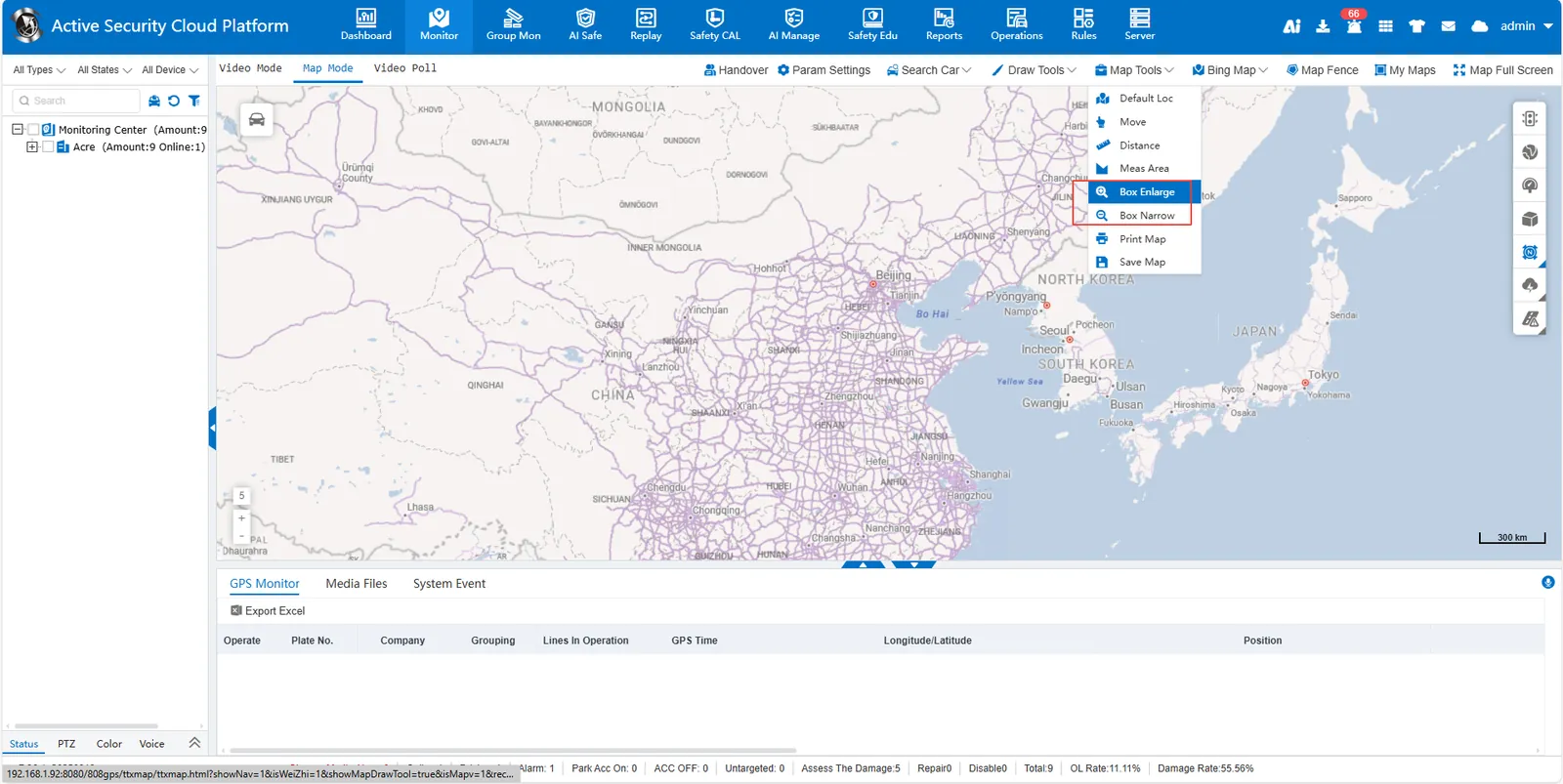
Box Enlarge: Hold down the left mouse button and drag to draw a rectangular box. After the box is released, the area inside the box is automatically enlarged.
Box Narrow: Hold down the left mouse button and drag to draw a rectangular frame. After releasing, the area in the frame will automatically shrink.