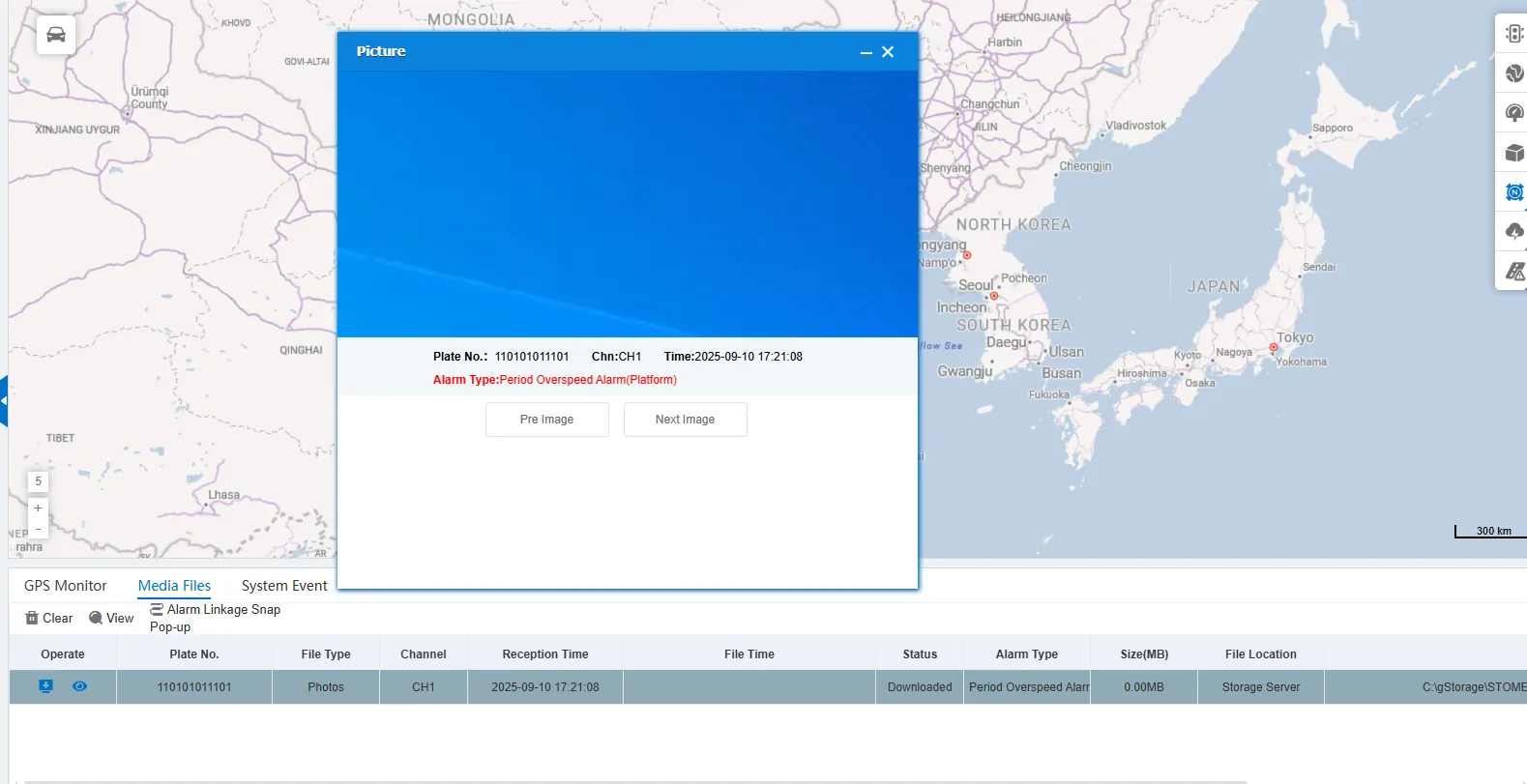
1 Function description
When the system detects that the preset alarm rule is triggered, it will automatically capture the scene screen and pop up a prompt window.
2 operating instructions
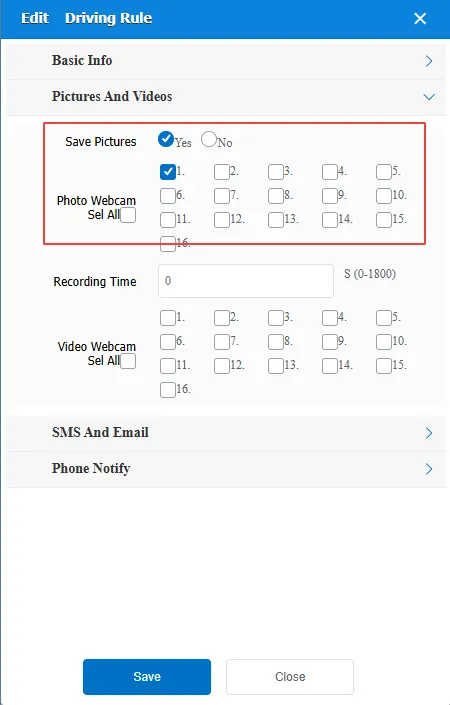
2.1 rule configuration
On the [Rules] page, select an alarm rule for which you want to configure the snapshot function and enable snapshot.
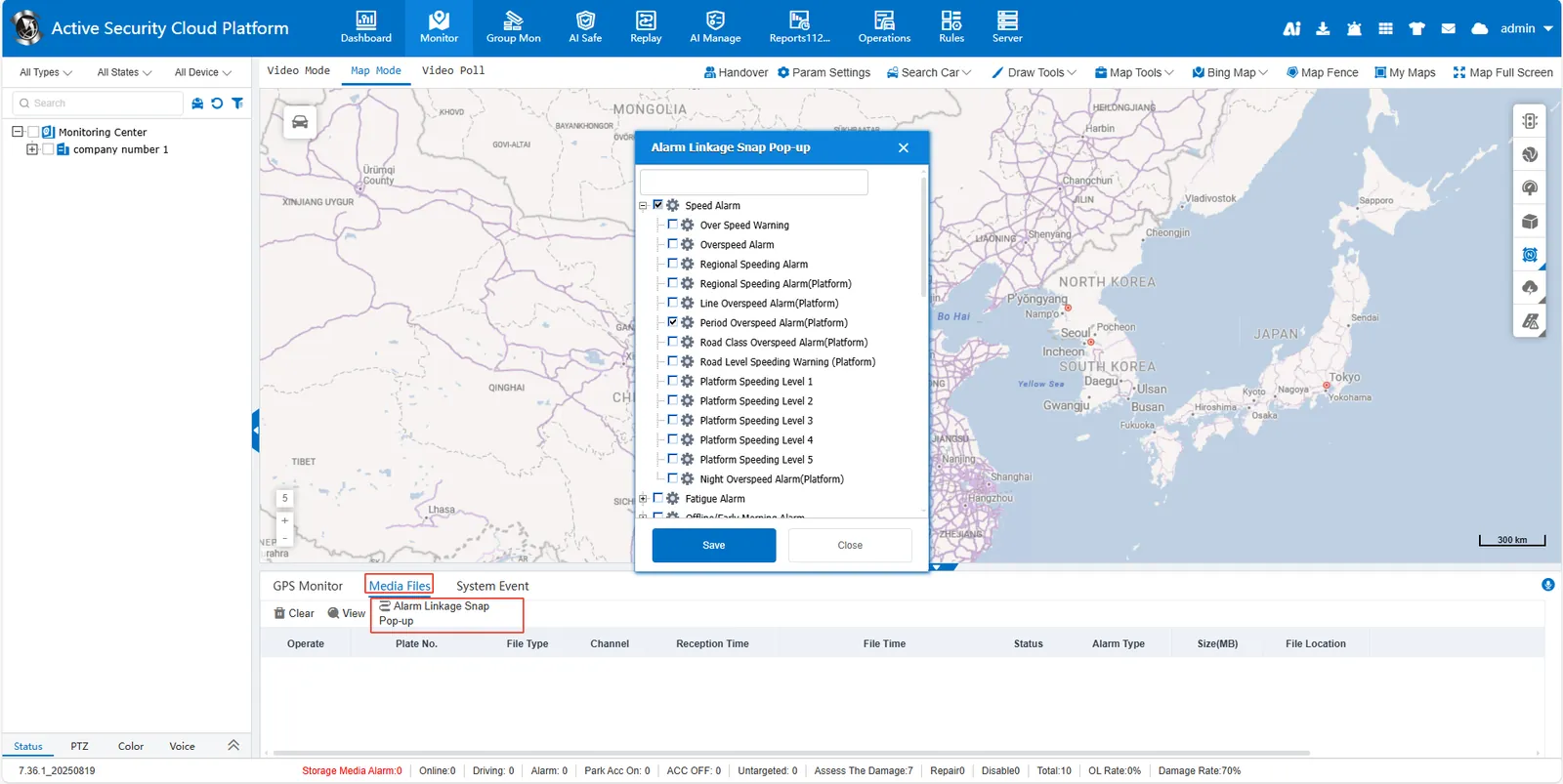
2.2 alarm linkage snap pop- up window
[Monitor]> [Media Files]> [Alarm Linkage Snap Pop-up], and select the alarm type to be associated.
2.3 function trigger
When the configured alarm rule is triggered, the system automatically captures the current monitoring image and displays the captured image window.