1 Function description
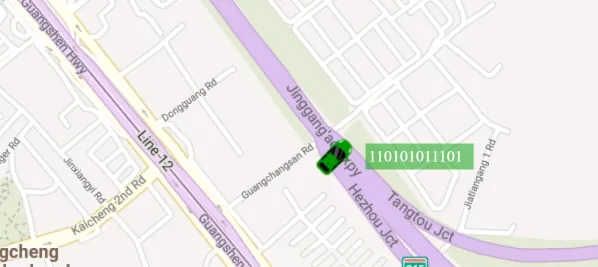
This function is used to customize the terminal display style of the real- time monitoring map page, including:
- Terminal name text size (12px/14px/16px)
- Terminal icon size (24px/32px/40px)
2 operating instructions
On the real- time monitoring page, [Param Settings]> [Map Param], you can set the terminal text size and terminal icon size.
Terminal text size support 12px,14px,16px. Terminal icon size support 24px,32px,40px
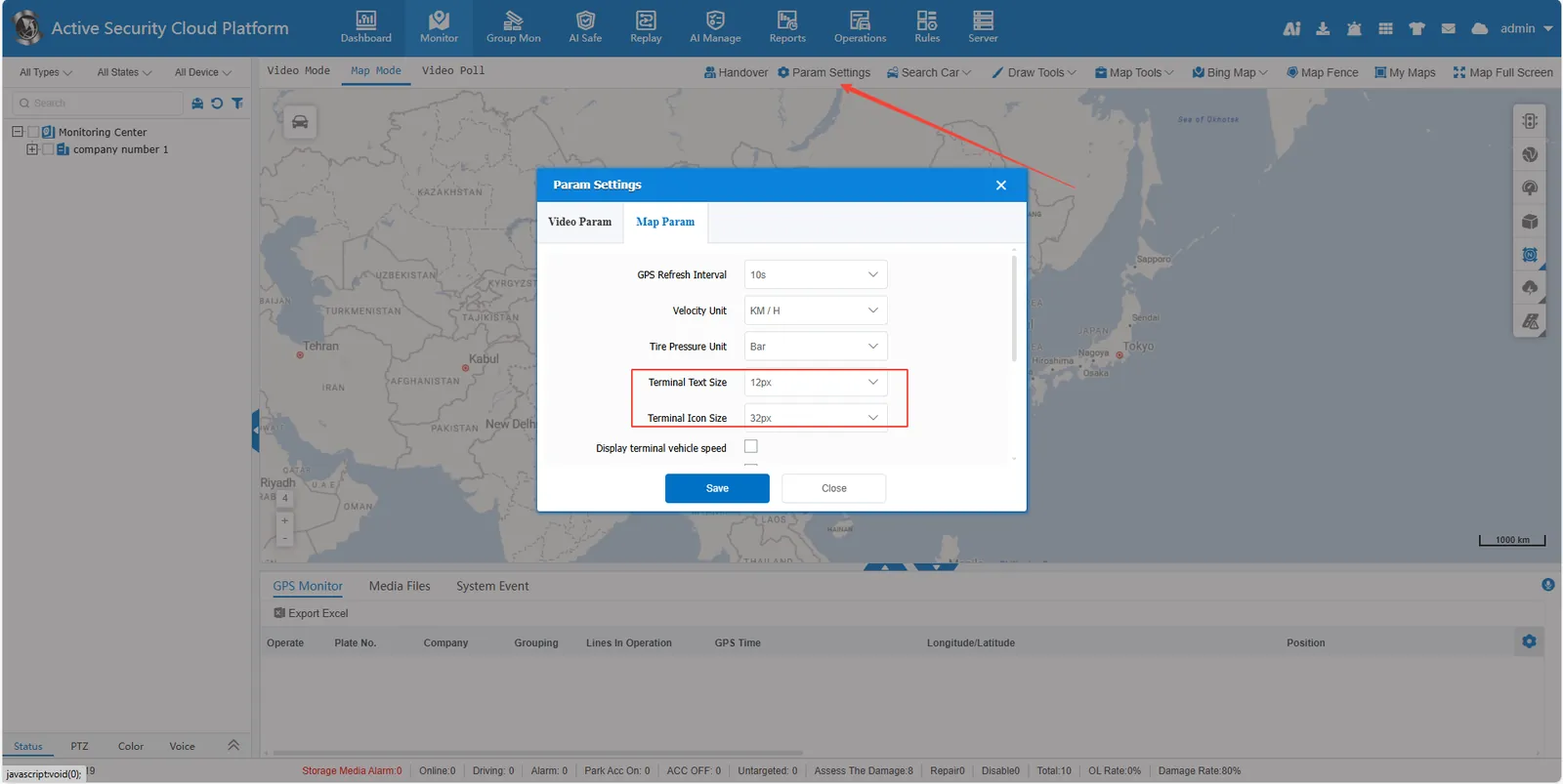
Click [save], refresh the page, the terminal text, icon size will change.