1 Function description
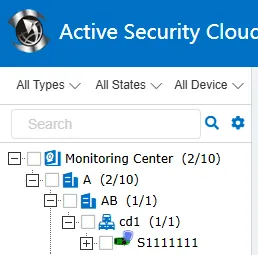
After this function is enabled, the active safety device identification can be displayed on the vehicle icon of the monitoring center, so that the administrator can quickly identify the operating vehicle equipped with the active safety system.
2 operating instructions
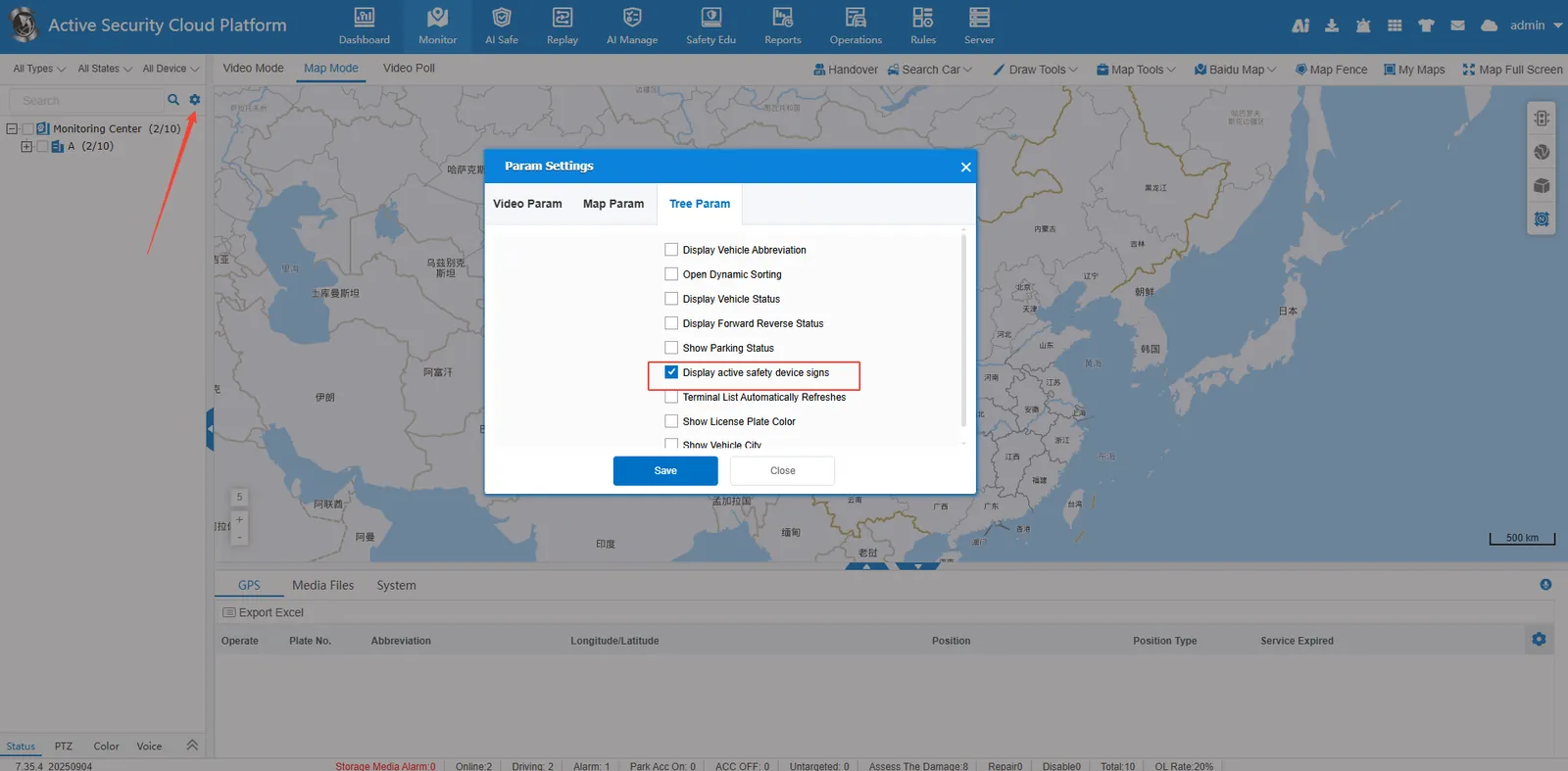
2.1 Enable active safety device identification display
[Parameter Configuration]> [Monitoring Tree Parameters], check to display active safety device logo
The vehicle icon in the monitoring center displays the active safety device logo, with the following effects:
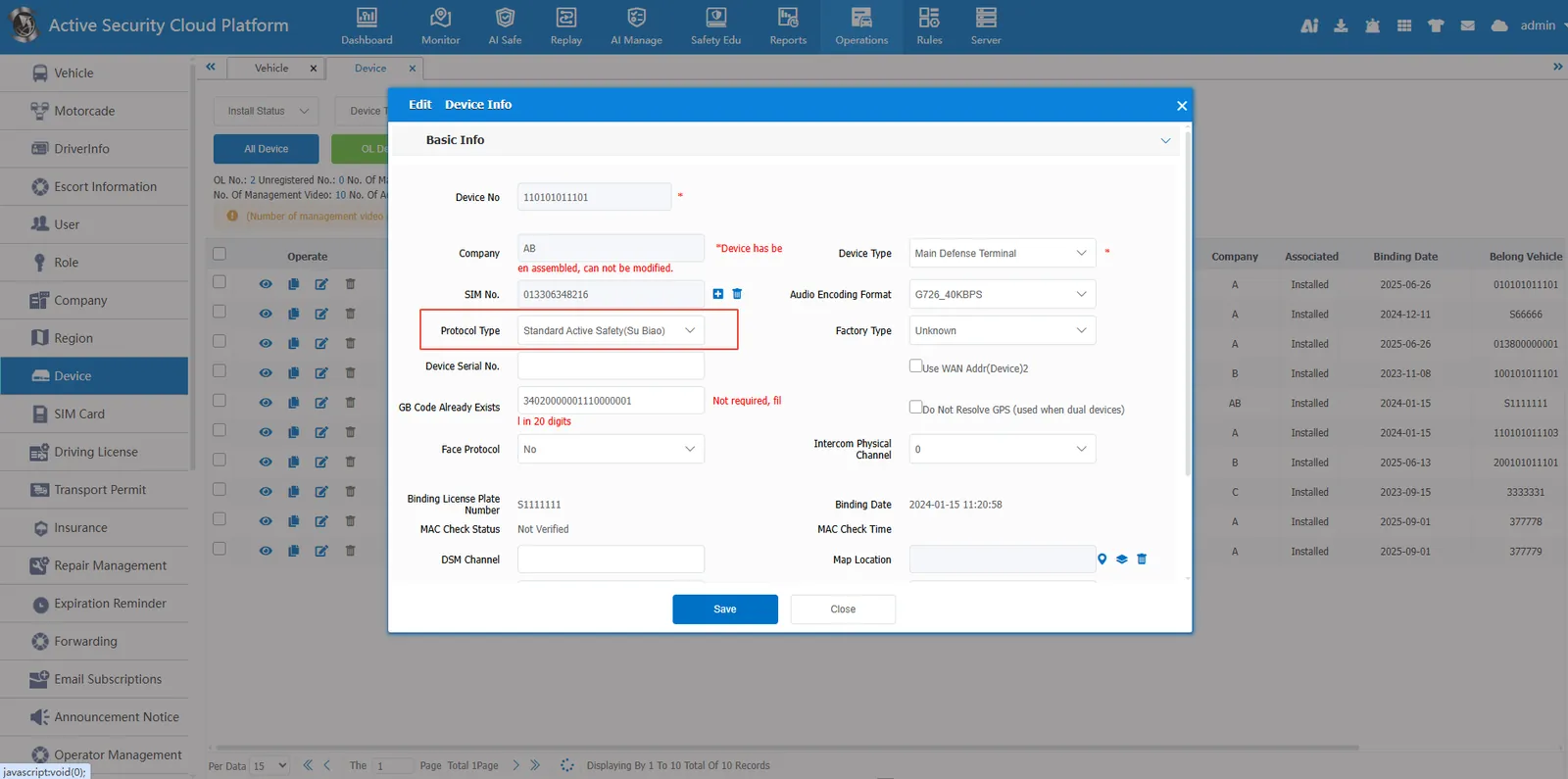
2.2 device protocol configuration (precondition)
Go to [Operation Management]> [Device Management] and make sure that the protocol type of the target vehicle is selected as "Active Safety Protocol". The unconfigured device will not be able to display the flag.