1 Function description
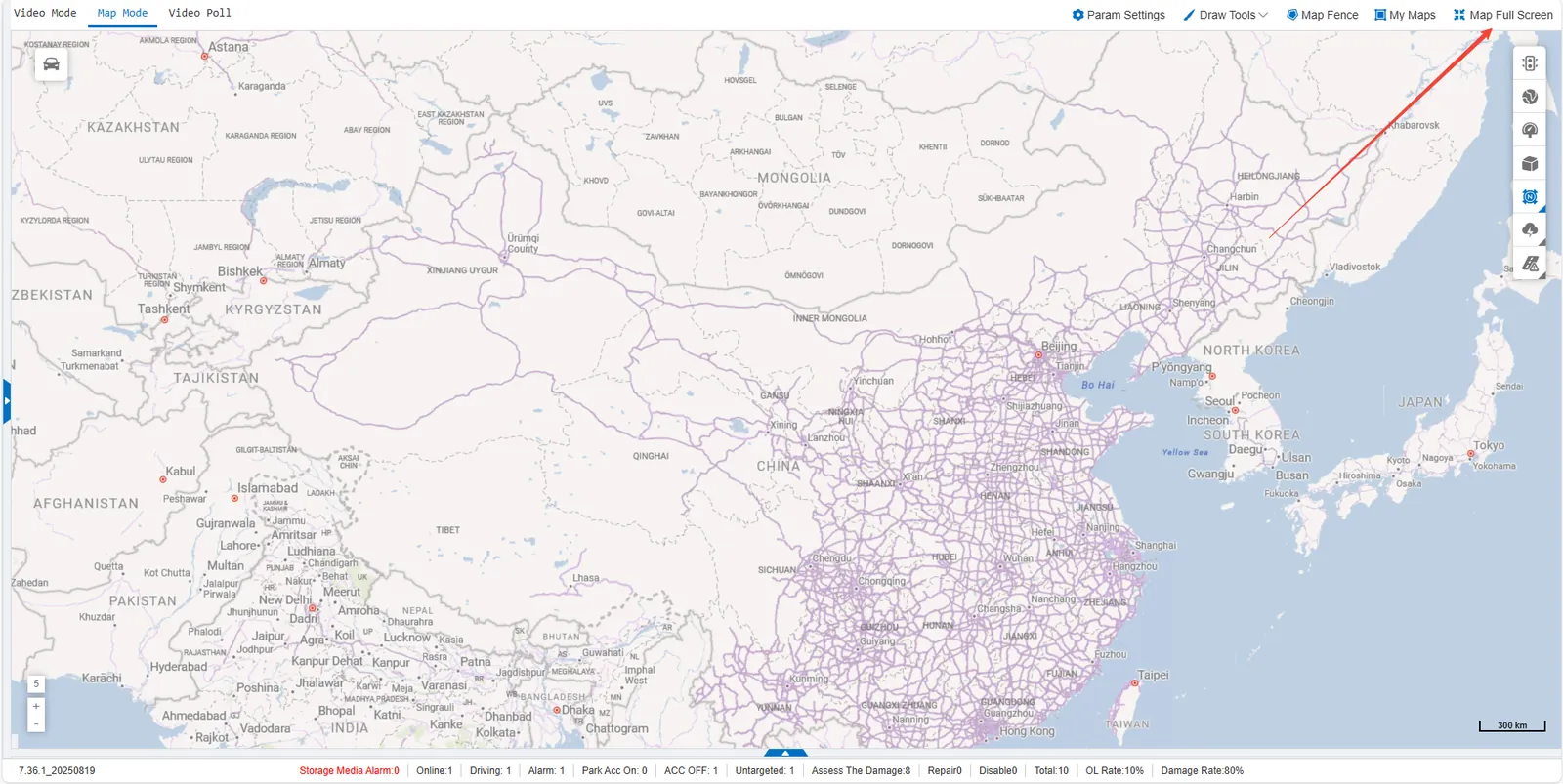
The Map Full Screen feature is designed to provide users with a more immersive and expansive map browsing experience. When the function is enabled, the function menu at the top of the page will be hidden.
2 operating instructions
Click the full screen button in the upper right corner of the map to enter the full screen mode of the map. If you need to exit the full screen mode, you can click the full screen button of the map again.
