1 Function description
The address search function allows users to quickly find the target location and accurately locate the specific location on the map by entering keywords.
2 operating instructions
2.1 enter keywords
Click the search button in the upper left corner of the map and enter the keywords of the target location
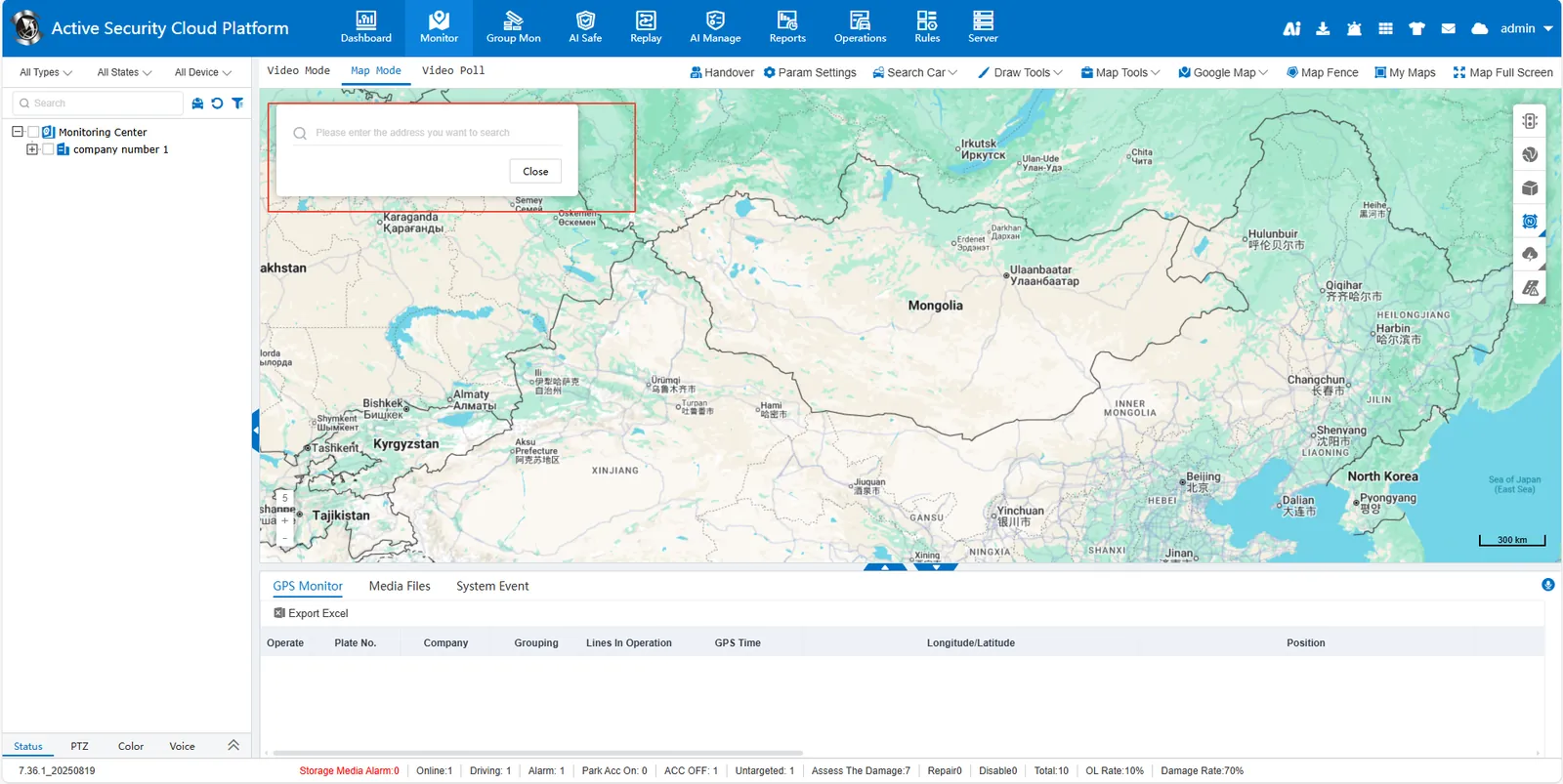
2.2 choose a location
Click the matching place name in the list. The map will automatically center the target location and mark the red positioning icon
