1. Function description
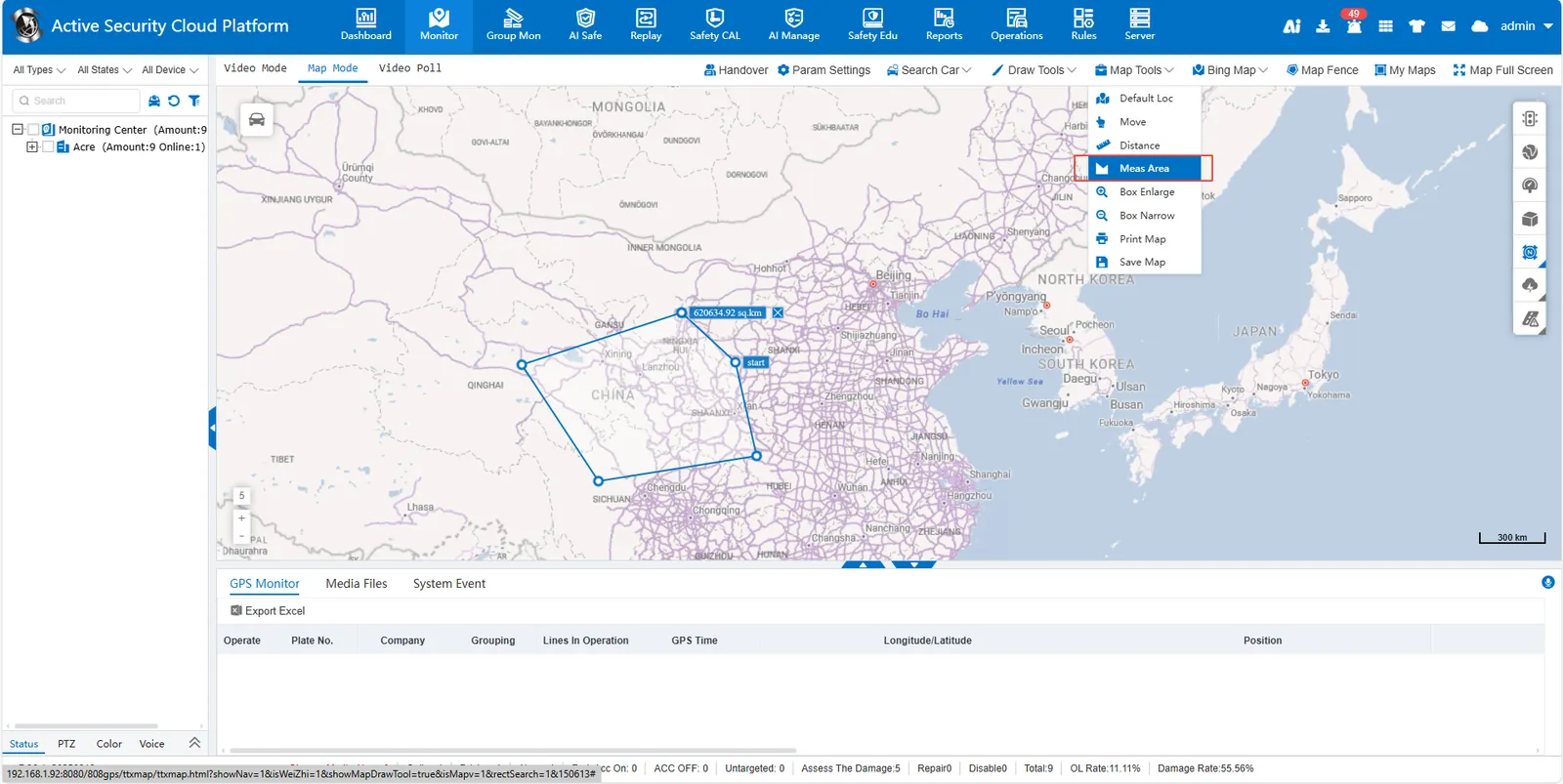
Select the [Meas Area] function and click along the boundary of the area on the map to form a closed polygon. The map tool will automatically calculate and display the area of the polygon.
Select the [Meas Area] function and click along the boundary of the area on the map to form a closed polygon. The map tool will automatically calculate and display the area of the polygon.