1. Function description
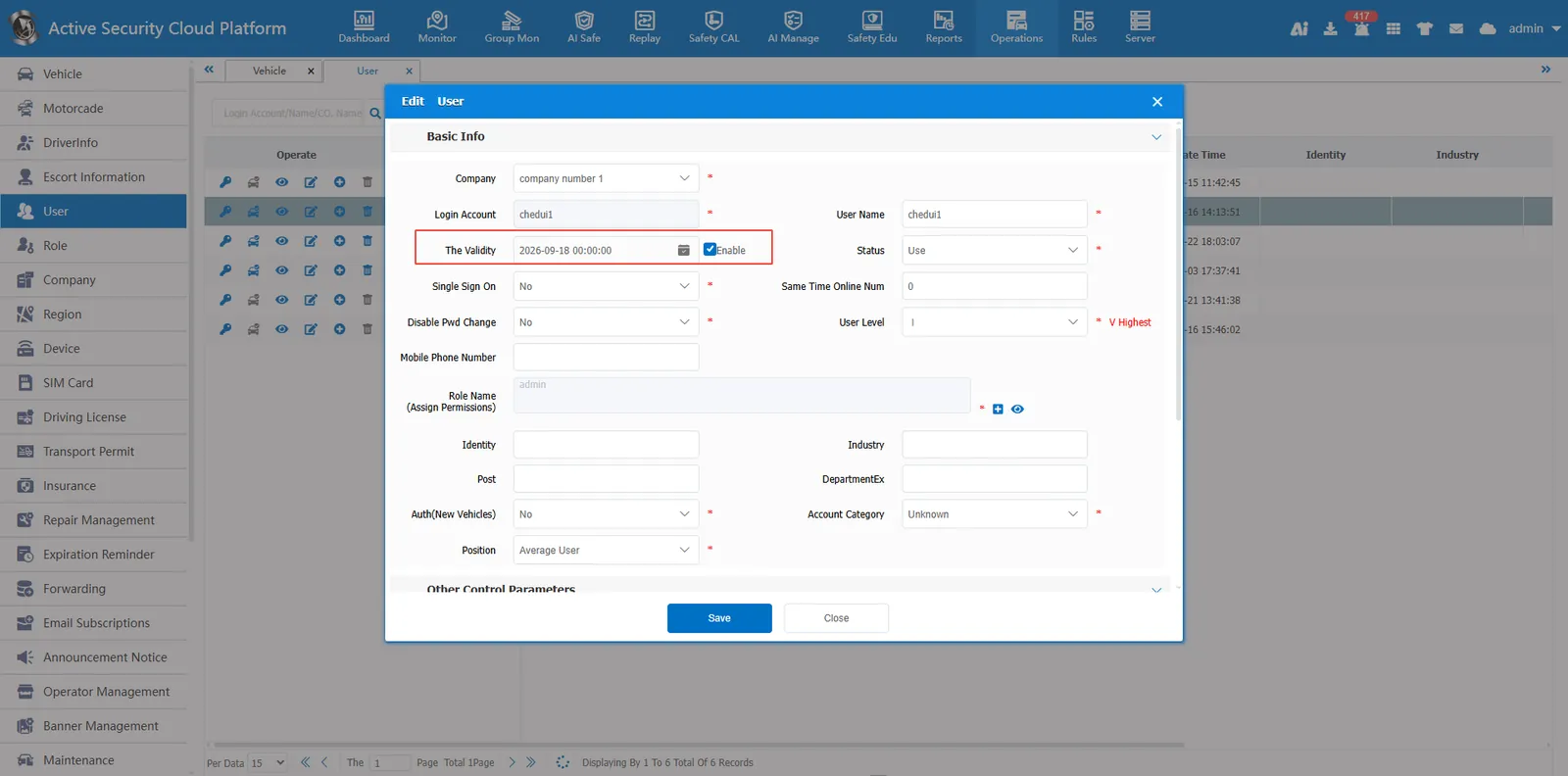
Set the user service expiration. After the user expires, the user cannot log on to the platform. You need to modify the expiration time to use it normally.
2, operating instructions
Edit the user information in the operation management- user information, check the validity period of activation, set the validity period, and set it successfully after saving.