1. Function description
Two devices are added to the vehicle, the video device is used to watch real- time video and video playback, and the positioning device is used to position.
2. operating instructions
- Click the edit button in [Operation Management]- [Vehicle Information]
 to edit vehicle information, click under the equipment information column
 button
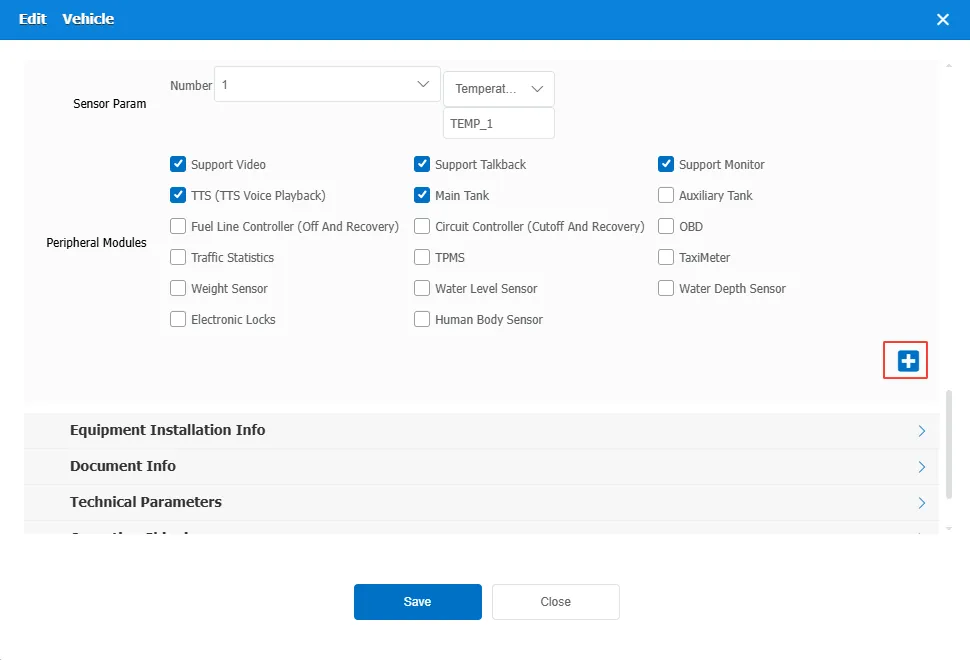
Add a device 2
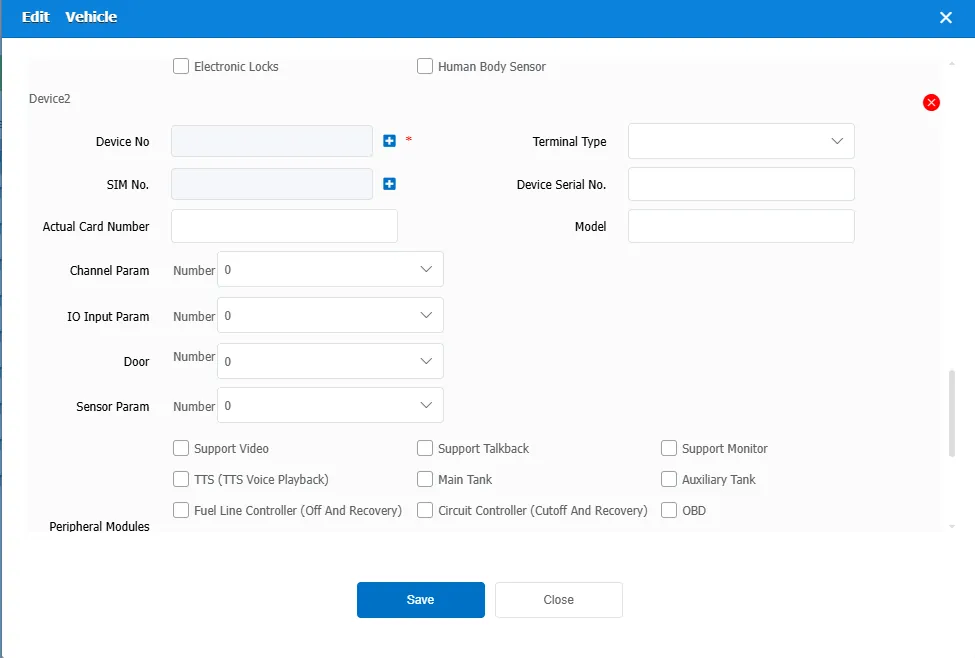
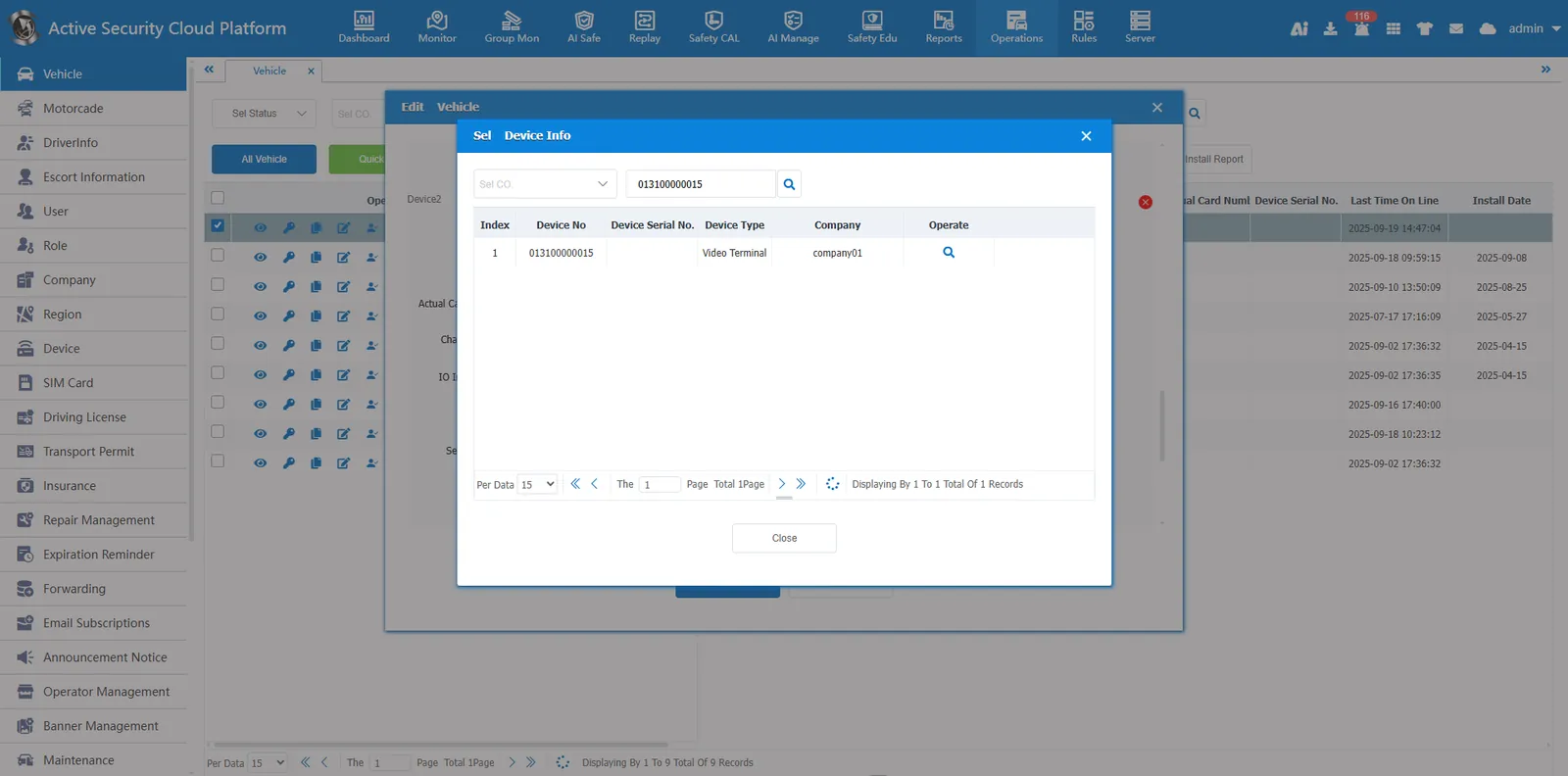
We click on the device number selection box and select a device that has been added.
Or click the Add button behind the device number , add a device.
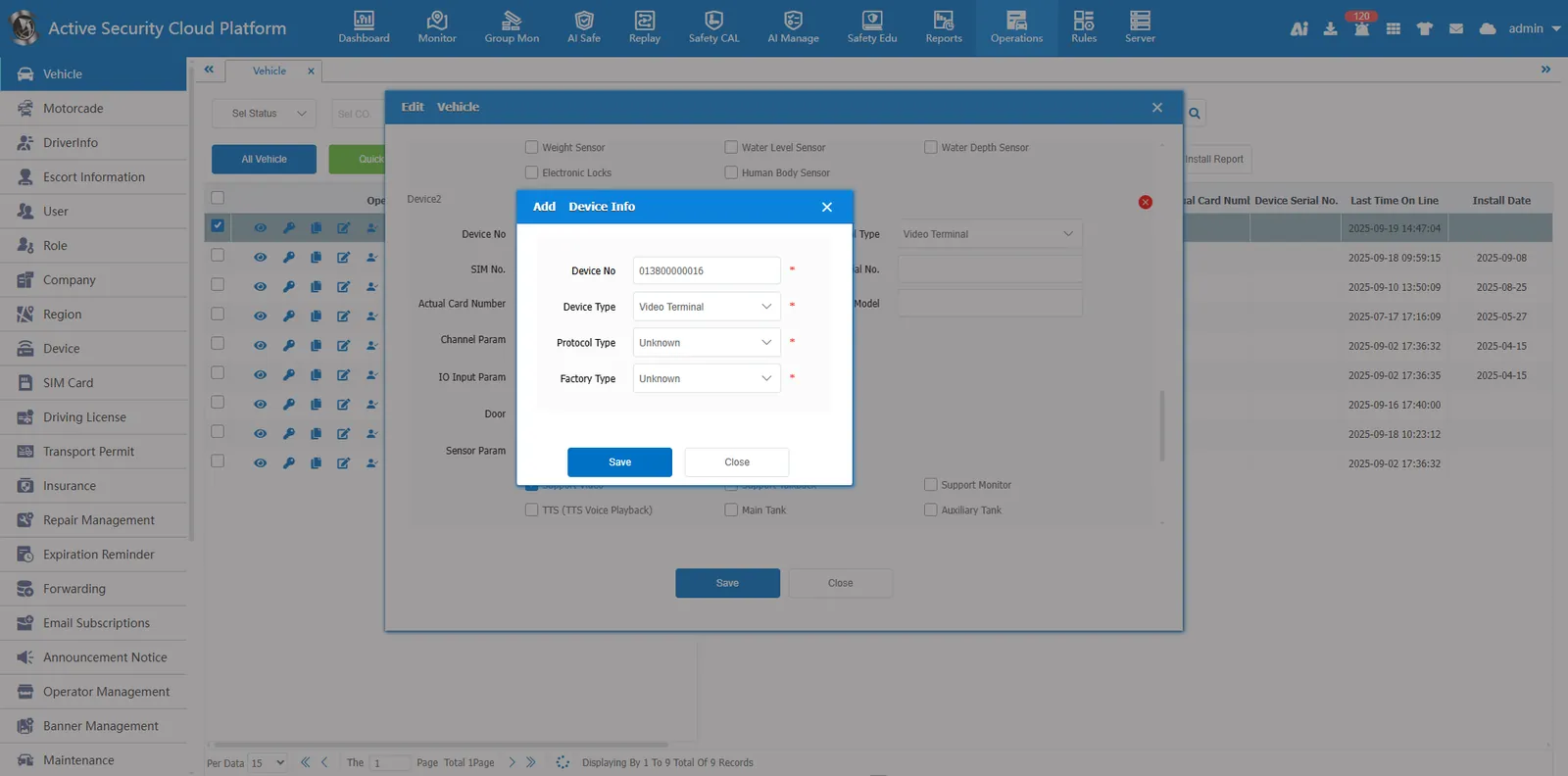
Click Save and the vehicle's dual devices will be added.
3. Precautions
Add dual devices to the vehicle. Two video devices and two positioning devices are not supported. Only one video device and positioning device can be used.
