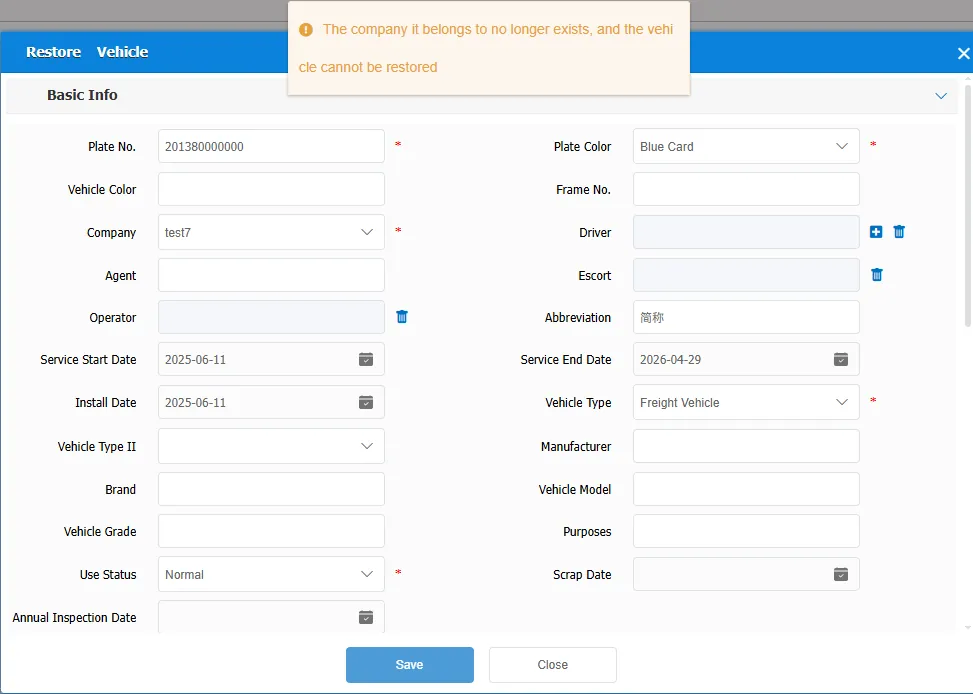
1. Function description
If a vehicle is deleted by mistake or needs to be re- enabled, you can use the function of recovering deleted vehicle information to retrieve the original vehicle information to avoid data loss.
2. operating instructions
2.1 Query deleted vehicle records
Enter [ vehicle deletion and recovery management ], enter the license plate number to be found in the search box, and click icon, return to the deleted record of the vehicle
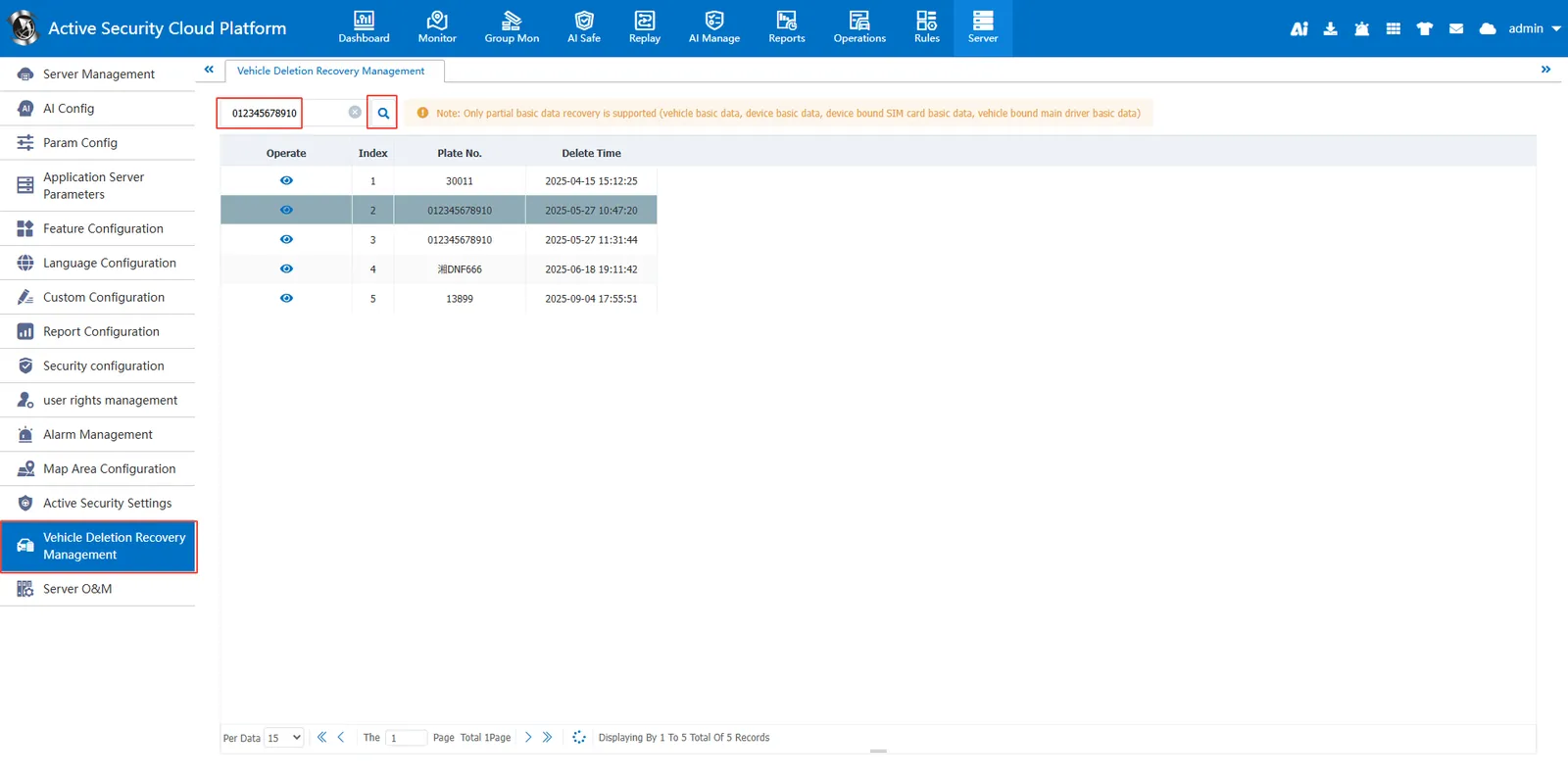
2.2 Confirm the information before the vehicle is deleted
Pass icon can view the vehicle information before deletion
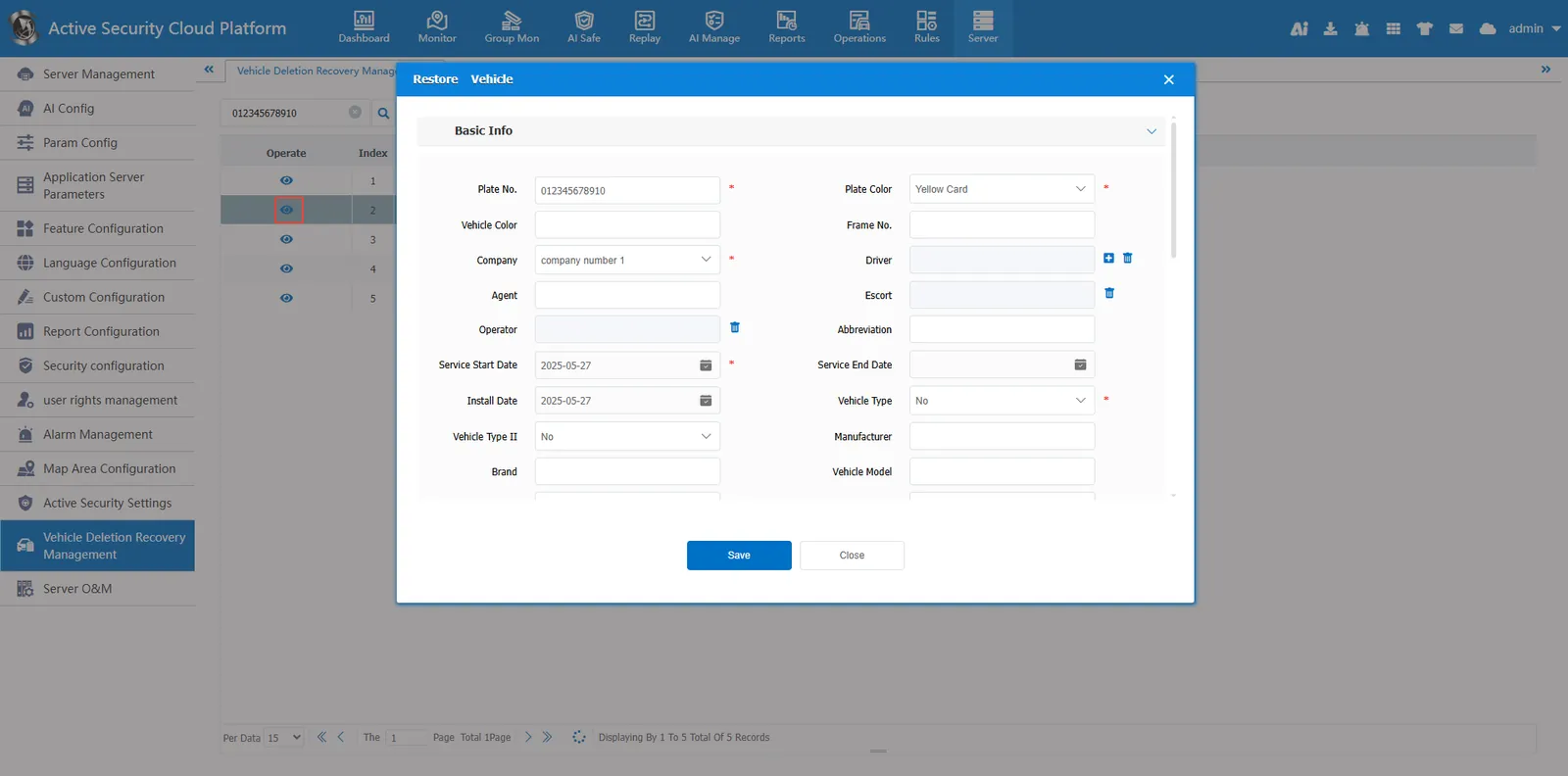
2.3 restore vehicle information
Confirm that the vehicle information is correct, and click [ save ] in the vehicle information in step 2]
Only partial basic data (vehicle basic data, device basic data, device- bound SIM card basic data, vehicle- bound main driver basic data) can be recovered.
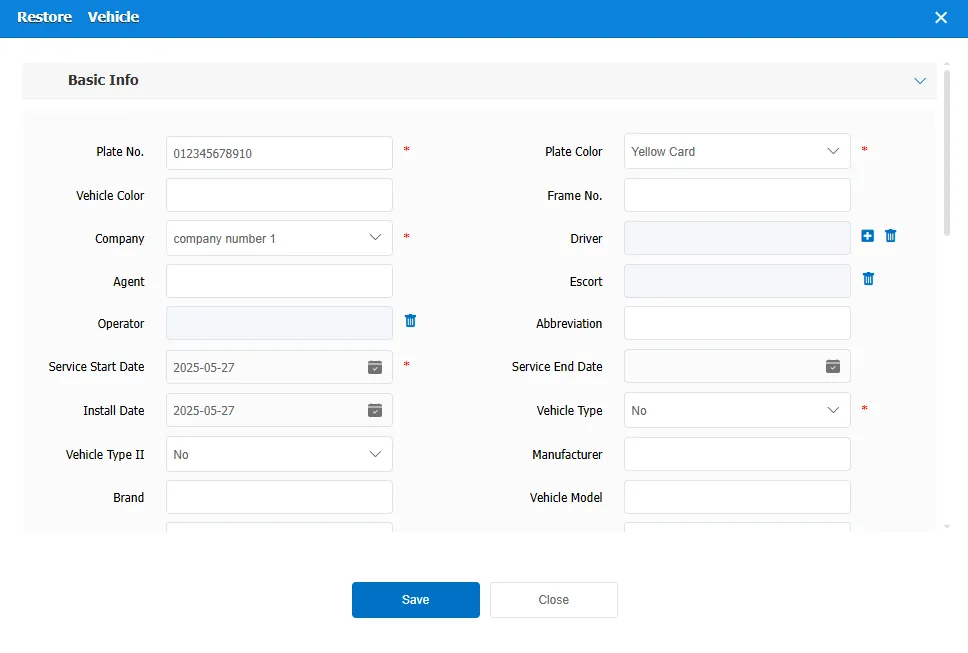
2.4 Confirm that the vehicle has been restored
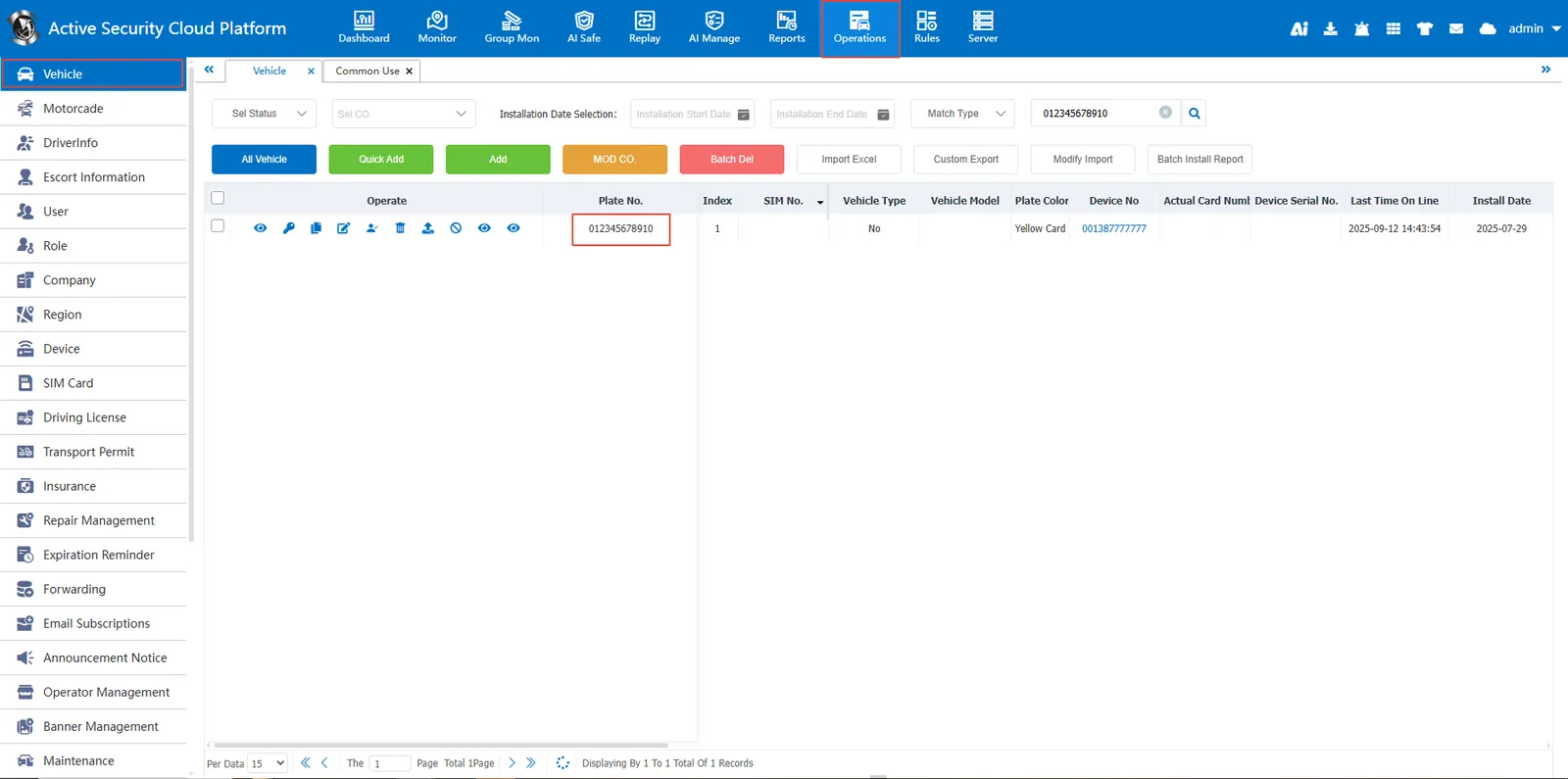
Search for the recovered license plate number in [Operation Management]> [Vehicle Information], and the vehicle information can be found, indicating that the recovery is successful;
3 Precautions
a. Trajectory and alarm inquiries will resume after vehicle information is recovered. If the track and alarm of the vehicle have been automatically cleared in the database, the track and alarm cannot be queried after the vehicle recovers;
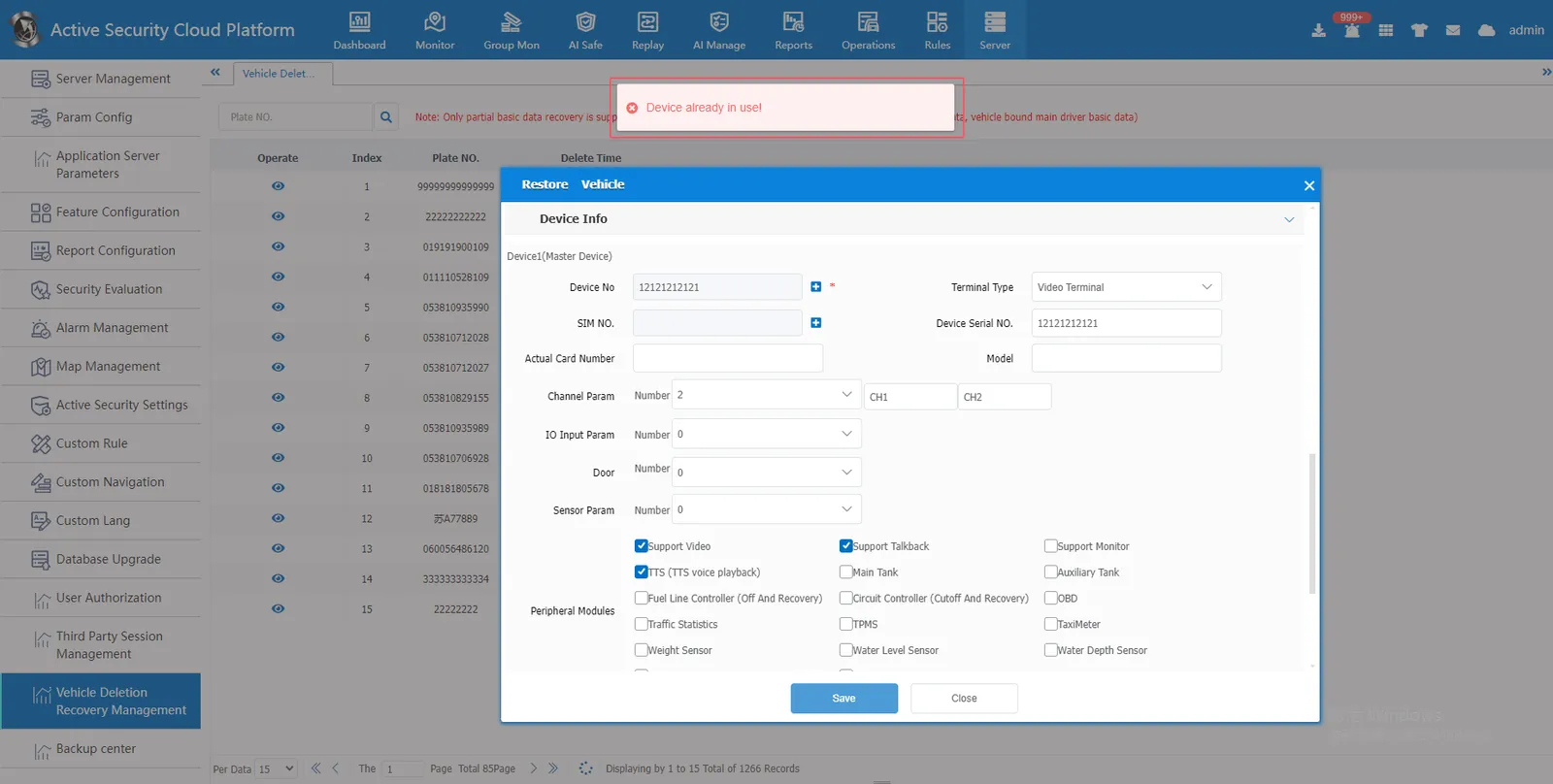
B. If the same license plate number has been manually added, the deleted vehicle information cannot be restored;
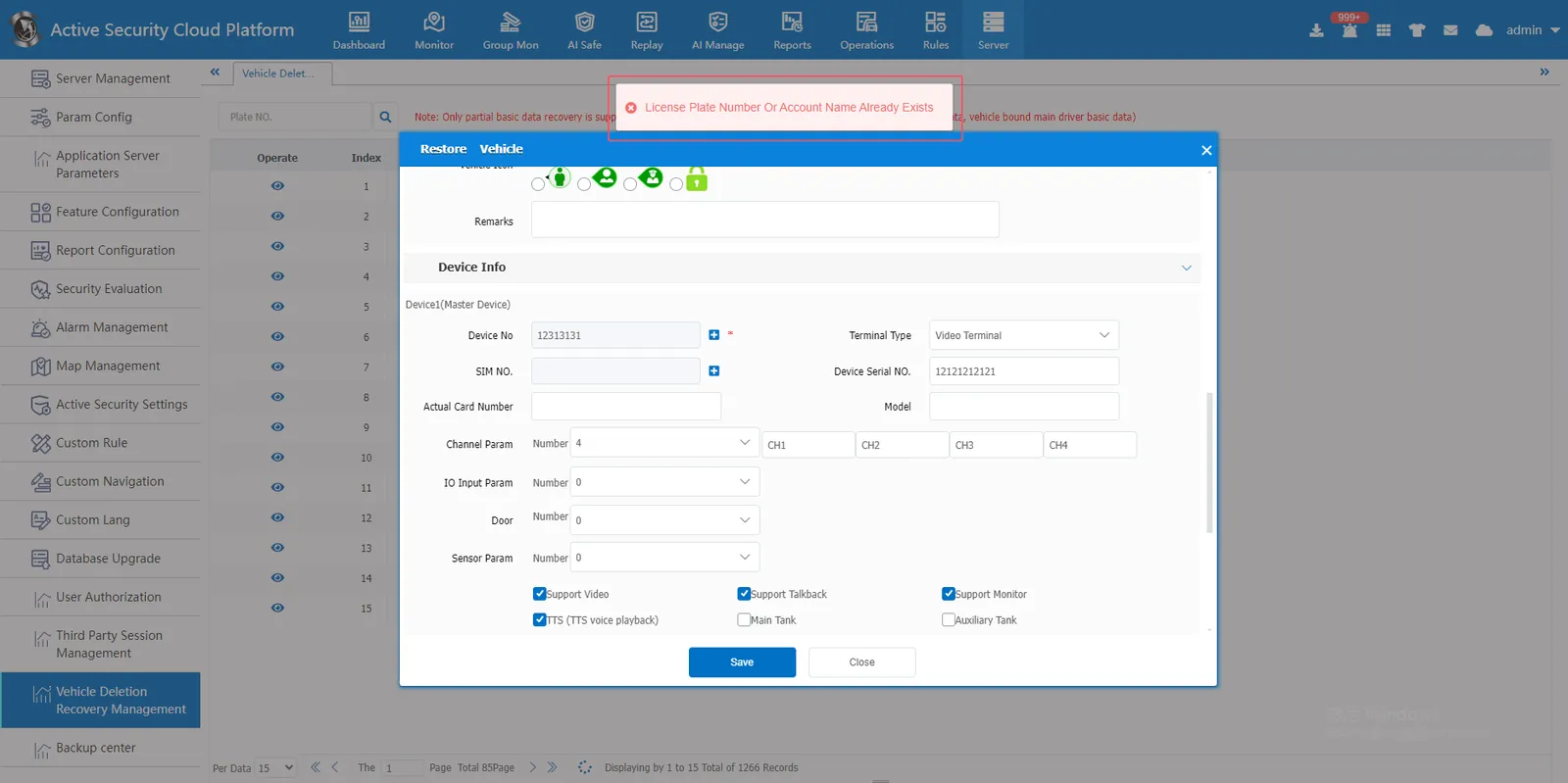
C. the company to which the vehicle belongs before deletion no longer exists, and the vehicle information cannot be restored.